Products graded for smarter buyingNo sponsored placements · Ever
Head-to-head
Dell XPS 13 vs Apple MacBook Air 13-inch (M5) vs Apple MacBook Pro 14-inch (M5 Pro)
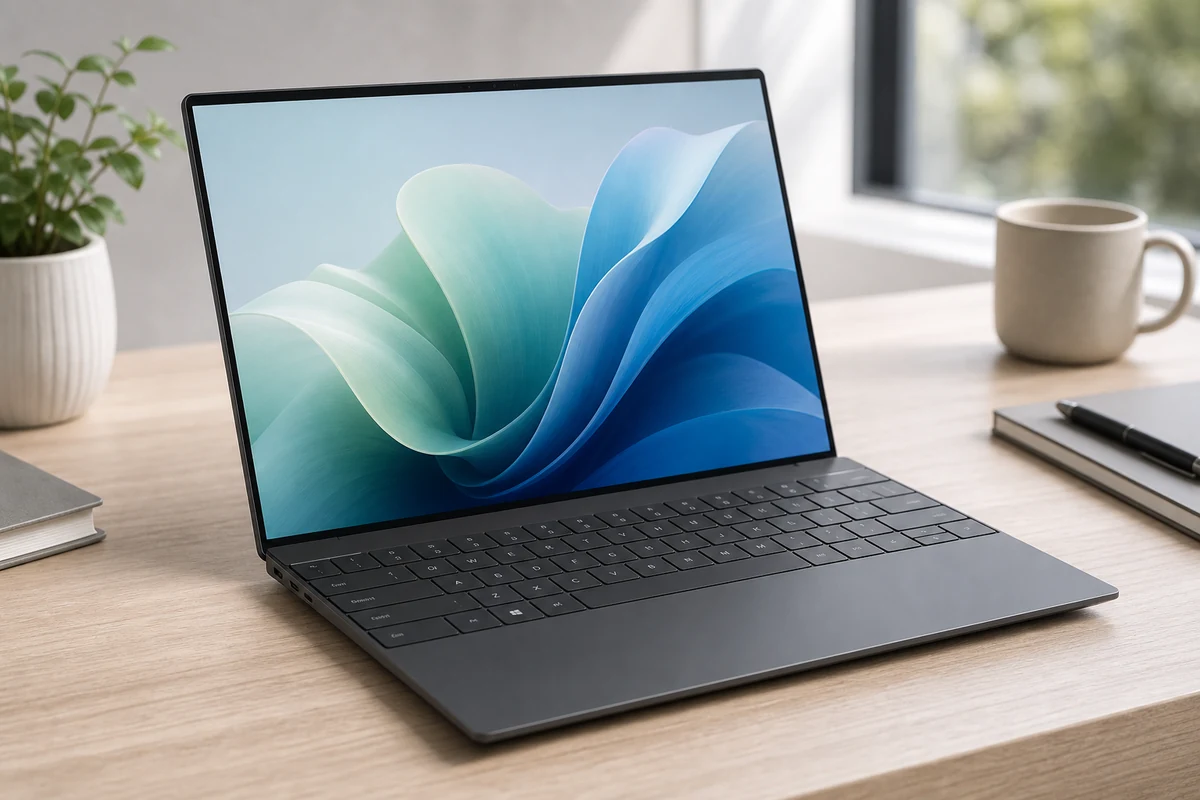
Dell XPS 13
9.0 $1,299
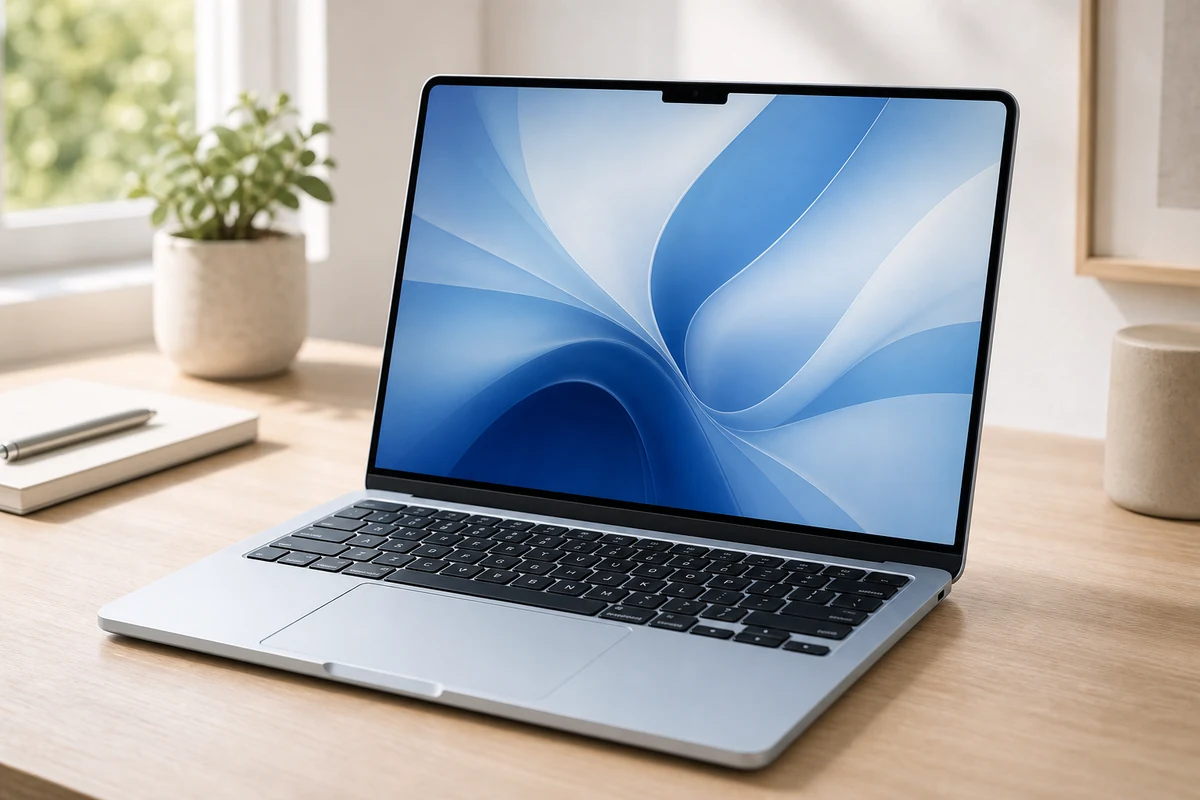
Apple MacBook Air 13-inch (M5)
9.4 $1,099
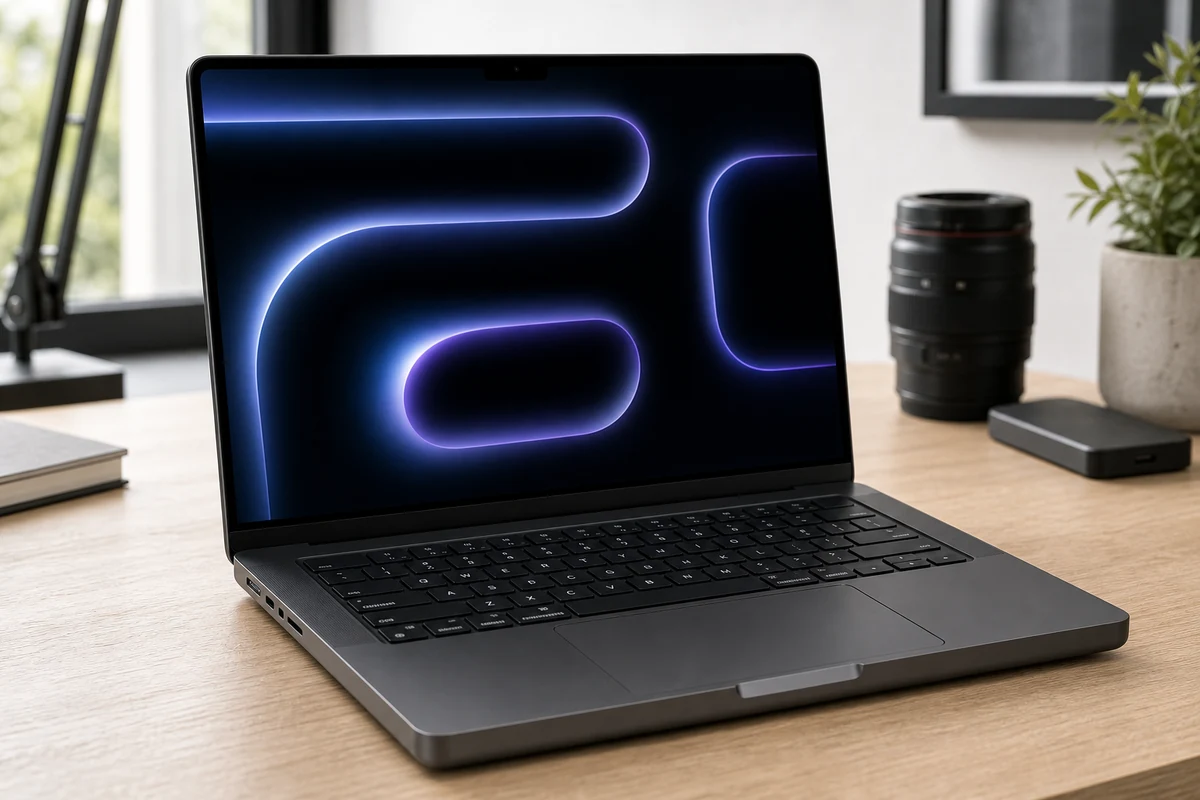
Apple MacBook Pro 14-inch (M5 Pro)
9.3 $2,199
Verdict
Dell XPS 13
A genuinely beautiful Windows ultraportable that finally lasts all day, past 17 hours. The catch is Dell's love-it-or-hate-it design: an invisible touchpad, a capacitive function row, and only two USB-C ports, so pack a dongle. Stunning for travel, an adjustment to live with.
Apple MacBook Air
For most people, stop here. The M5 Air is fast enough for everything short of pro video, runs silent, and lasts all day. The chip is the real upgrade; the design is unchanged and the screen's still 60Hz. It's $100 pricier than before at $1,099, but it's the safe call.
Apple MacBook Pro
Buy this only if you'll use it: long exports, big compiles, 3D renders. The M5 Pro holds full speed where the fanless Air throttles, and the mini-LED 120Hz screen is the best on any laptop. It starts at $2,199 and climbs fast; M4 Pro owners can sit this one out.
Best for
Dell XPS 13
Windows users who want a compact premium laptop for school, office work, travel, and remote work without moving to macOS.
Apple MacBook Air
Most students, founders, remote workers, and everyday buyers who want a light Mac laptop with great battery life and very little maintenance.
Apple MacBook Pro
Creators, developers, editors, and power users who need sustained performance, a better display, more ports, and headroom for demanding work.
Avoid if
Dell XPS 13
You need lots of ports, a business-class keyboard, gaming performance, or the lowest possible price.
Apple MacBook Air
You need Windows-only software, serious gaming, or sustained pro workloads like heavy video editing and local AI experiments.
Apple MacBook Pro
Your work is mostly browser tabs, documents, email, and video calls; a MacBook Air will feel nearly as good for much less.
Score breakdown
value
Dell XPS 1
7.8
Apple MacB
8.7
Apple MacB
8.0
os ecosystem
Dell XPS 1
9.0
Apple MacB
9.0
Apple MacB
9.0
keyboard build
Dell XPS 1
8.0
Apple MacB
9.0
Apple MacB
9.2
display quality
Dell XPS 1
9.0
Apple MacB
8.8
Apple MacB
9.6
performance fit
Dell XPS 1
8.3
Apple MacB
8.5
Apple MacB
9.6
portability battery
Dell XPS 1
8.8
Apple MacB
9.6
Apple MacB
8.6
Specs
cpu
Intel Core Ultra 7 258V (Lunar Lake), Copilot+ PC
—
—
gpu
Intel Arc (integrated)
—
—
ports
2x Thunderbolt 4 only (no USB-A or headphone jack)
—
—
memory
16GB LPDDR5x base (to 32GB)
16GB unified (configurable to 24/32GB)
24GB unified base (to 48GB)
weight
~2.6 lb (1.18 kg)
2.7 lb (1.23 kg)
~3.4 lb (1.6 kg)
battery
17+ hours; all-day
Up to 18 hours; fanless
All-day (72.4 Wh); active cooling sustains performance
display
13.4-inch 120Hz FHD+ (1920x1200); optional 3K tandem OLED
13.6-inch Liquid Retina IPS, 2560x1664, 500 nits, 60Hz
14.2-inch mini-LED Liquid Retina XDR, 3024x1964, 120Hz ProMotion, 1000+ nits
storage
512GB SSD base (to 1TB+)
512GB SSD base, up to 4TB; ~2x faster than M4 Air
1TB SSD base (~2x faster); configurable higher
chip
—
Apple M5 (10-core CPU, 8 or 10-core GPU, 16-core Neural Engine)
Apple M5 Pro (15-18 core CPU, 16-20 core GPU)
price
—
From $1,099 (13-inch)
From $2,199 (14-inch M5 Pro)
connectivity
—
Wi-Fi 7, Bluetooth 6 (N1 chip), 2x Thunderbolt 4, MagSafe 3, 3.5mm
3x Thunderbolt 5, HDMI, SDXC, MagSafe 3, Wi-Fi 7, Bluetooth 6 (N1)
PickGrade may earn a commission from purchases made through links on this page, at no extra cost to you. This never affects our grades. Full disclosure.