Buying guide
The Best Vlogging Cameras for YouTube
YouTube asks a camera to do everything at once: hold focus on your face through a long take, cut to sharp B-roll, sound clean enough that no one clicks away, and not overheat. These are the cameras that handle all four.
 Take the quiz →
YouTube is the most demanding test of a vlogging camera, because it asks the camera to do everything: hold focus on your face through a ten-minute talk, cut to sharp B-roll, sound clean enough that people don't click away, and survive a long take without overheating. These are the cameras that handle all four.
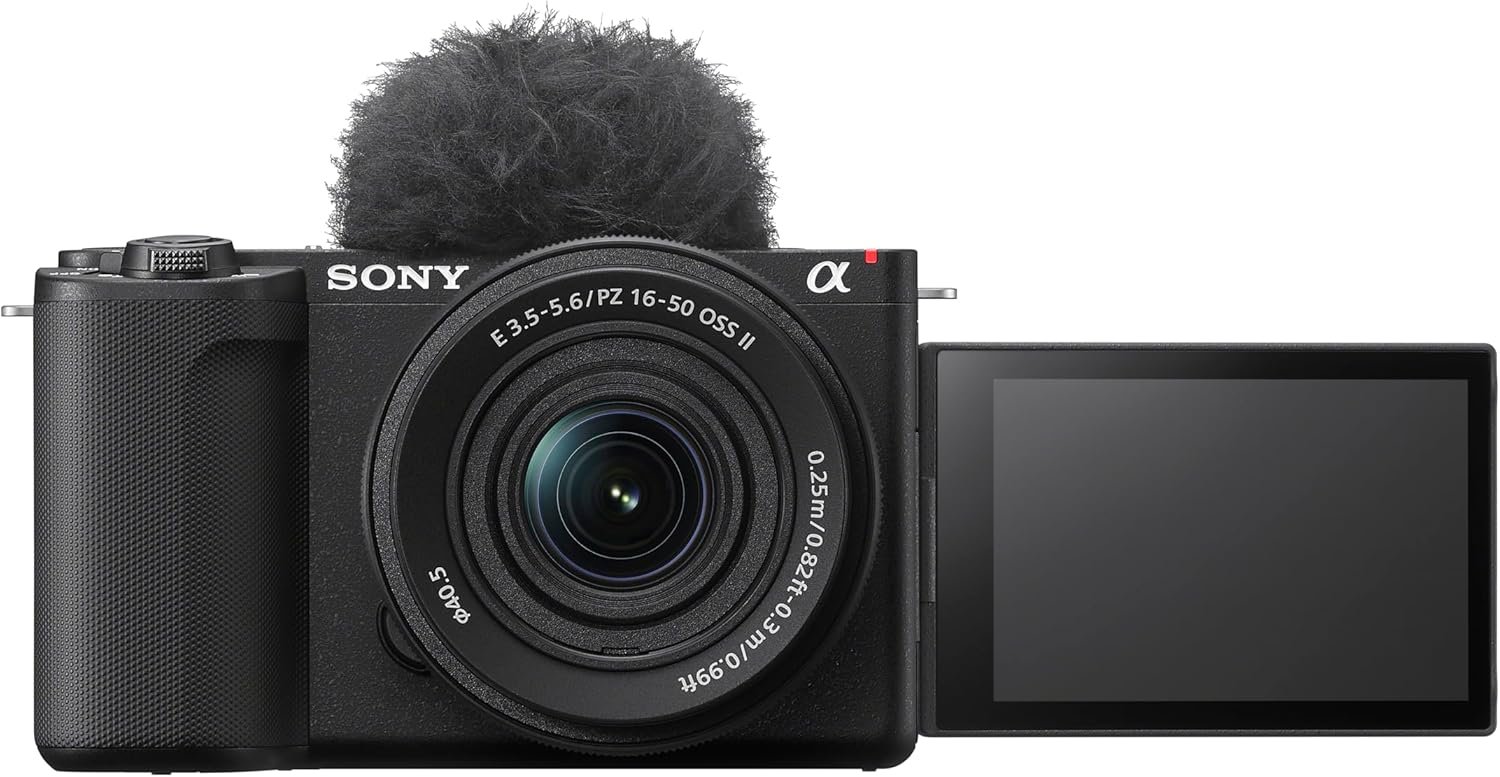
Our top pick: Sony ZV-E10 II
The Sony ZV-E10 II is the safest YouTube choice for most creators. Its eye-tracking autofocus is among the most reliable at any price, it has both a microphone input and a headphone jack, and its interchangeable lens mount means the camera grows with your channel instead of capping it. If you want that same autofocus plus in-body stabilization for handheld segments, the Sony a6700 is the step up — we break down whether that upgrade is worth it in ZV-E10 II vs a6700.
Best value: Canon EOS R50 V
If the Sony's price is a stretch, the Canon EOS R50 V delivers Cinema-EOS color, C-Log3, and clean in-box audio for several hundred dollars less. It's the cheapest interchangeable-lens body we'd put on a YouTube channel. See the full ZV-E10 II vs R50 V breakdown.
What actually matters for YouTube
Prioritize, in order: dependable face and eye autofocus, a microphone input (a $50 lav mic beats any built-in capsule), heat headroom for long takes, and a flip screen so you can frame yourself. Resolution past 4K is close to irrelevant — almost no one watches vlogs above it.
Take the quiz and we'll match you to the right body for your channel and budget.
Frequently asked
Do I need 4K for YouTube?
4K is plenty — most viewers watch at 1080p or lower. Sharp, well-exposed 4K with good autofocus beats higher resolution every time. Spend your budget on focus and audio, not on 6K or 8K you'll only downscale.
Is a webcam good enough for a YouTube channel?
For talking-head uploads at a desk, a good webcam works to start. A dedicated camera pulls clearly ahead once you want background blur, better low light, an external mic, or the freedom to film away from your desk.