Er

Reviewed by

Eran Yorkovsky · Founder, PickGrade

Head-to-head

MacBook Neo vs MacBook Air

The MacBook Neo vs MacBook Air decision is now the cleanest budget-Mac question. The Neo gives students and everyday users a lower-cost way into macOS. The Air costs more, but gives more headroom, a more proven mainstream laptop experience, and a safer long-term fit for heavier multitasking or work use. This comparison helps buyers decide whether the cheaper MacBook is enough or whether the Air is worth the stretch.
Verdict
Apple
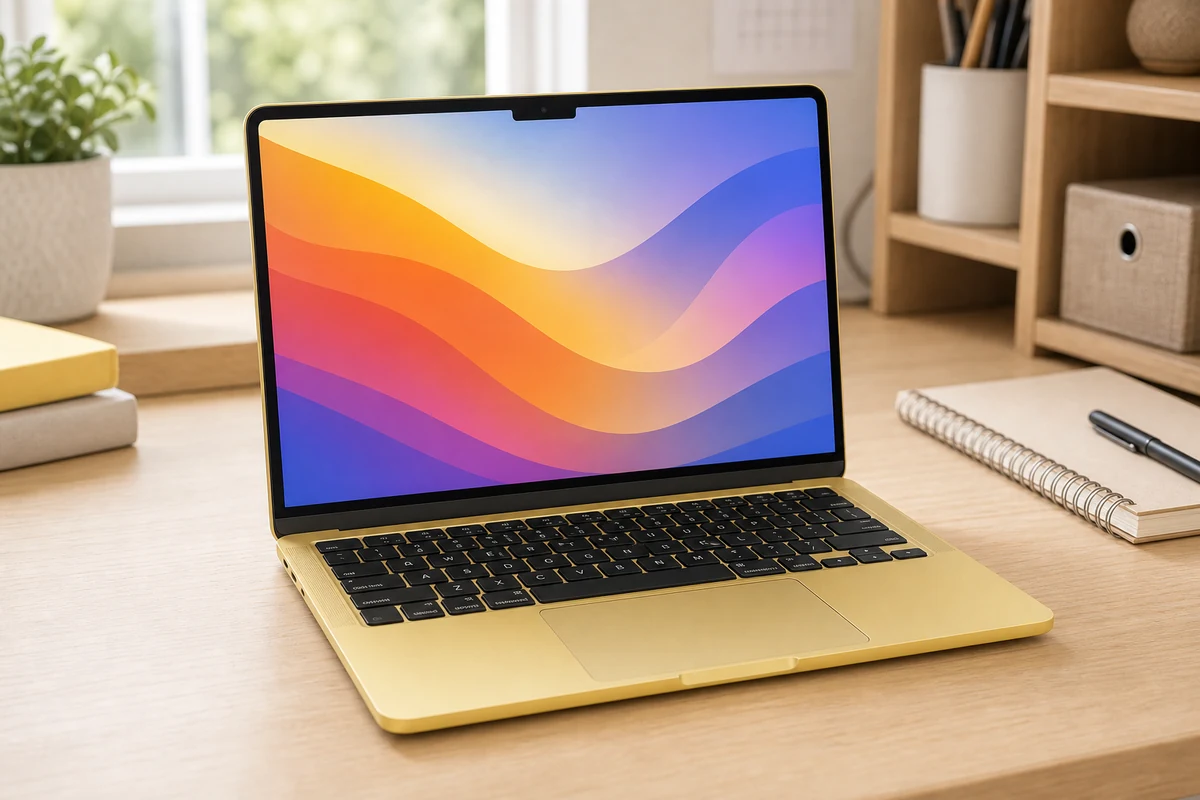
Apple's first real budget laptop in a decade, and a genuine MacBook, now $699 after June's price hike. The A18 Pro handles browsing, docs, and streaming easily. The catch is 8GB of memory you can't upgrade, so heavy multitaskers feel it, but it's still Apple's cheapest Mac.
Apple MacBook Air
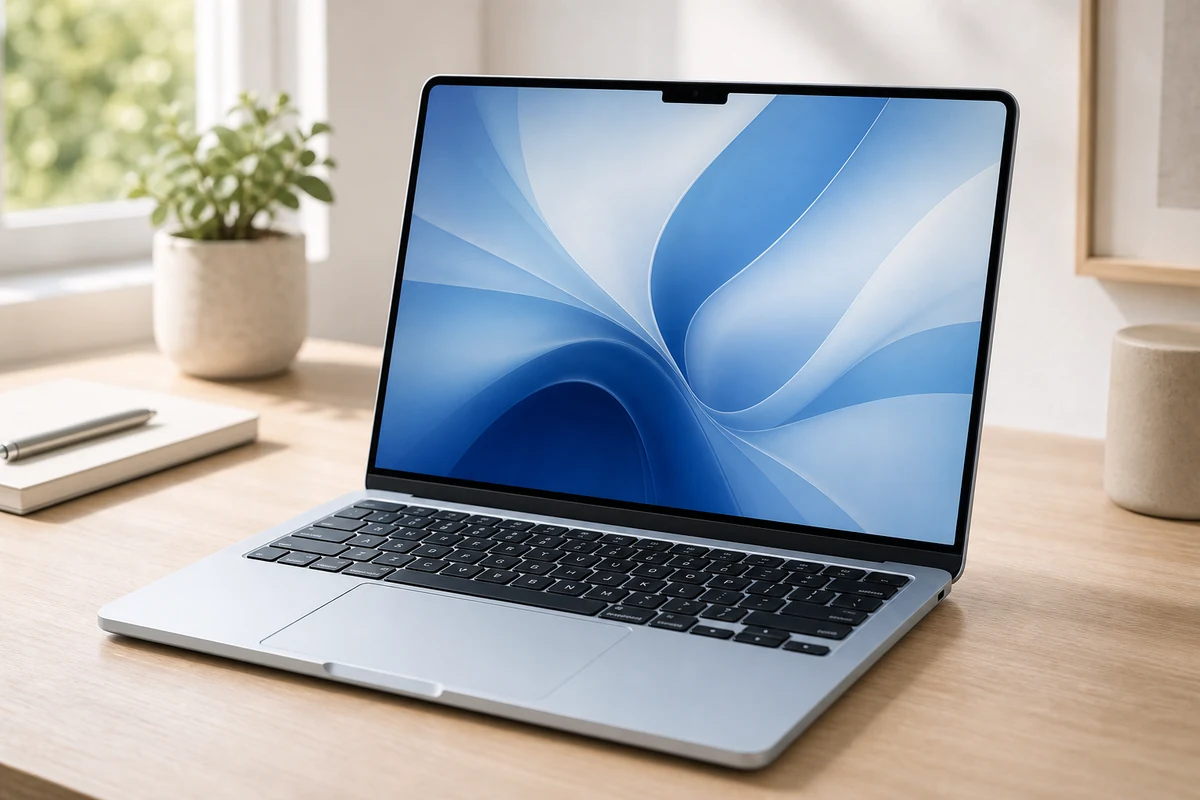
For most people, stop here. The M5 Air is fast enough for everything short of pro video, runs silent, and lasts all day. The chip is the real upgrade; the design is unchanged and the screen's still 60Hz. It's $100 pricier than before at $1,099, but it's the safe call.
Best for
Apple
Students, first-time Mac buyers, and everyday users who want macOS at the lowest practical MacBook price.
Apple MacBook Air
Most students, founders, remote workers, and everyday buyers who want a light Mac laptop with great battery life and very little maintenance.
Avoid if
Apple
you need gaming compatibility, Windows-only apps, heavy creative work, more ports, or MacBook Air-level headroom.
Apple MacBook Air
You need Windows-only software, serious gaming, or sustained pro workloads like heavy video editing and local AI experiments.
Score breakdown
value
Apple
9.2
Apple MacB
8.7
os ecosystem
Apple
9.0
Apple MacB
9.0
keyboard build
Apple
8.5
Apple MacB
9.0
display quality
Apple
8.0
Apple MacB
8.8
performance fit
Apple
7.5
Apple MacB
8.5
portability battery
Apple
9.0
Apple MacB
9.6
Specs
chip
Apple A18 Pro (6-core CPU, 5-core GPU, 16-core Neural Engine)
Apple M5 (10-core CPU, 8 or 10-core GPU, 16-core Neural Engine)
price
From $699 ($599 education); Touch ID on $799/512GB model
From $1,099 (13-inch)
memory
8GB unified (not upgradeable)
16GB unified (configurable to 24/32GB)
weight
2.7 lb (1.23 kg)
2.7 lb (1.23 kg)
battery
Up to 16 hours video; 20W charger
Up to 18 hours; fanless
display
13-inch Liquid Retina IPS, 2408x1506, 500 nits, 60Hz
13.6-inch Liquid Retina IPS, 2560x1664, 500 nits, 60Hz
storage
256GB or 512GB SSD
512GB SSD base, up to 4TB; ~2x faster than M4 Air
connectivity
2x USB-C (one at USB 2 speed), 3.5mm, Wi-Fi 6E, Bluetooth 6
Wi-Fi 7, Bluetooth 6 (N1 chip), 2x Thunderbolt 4, MagSafe 3, 3.5mm

PickGrade may earn a commission from purchases made through links on this page, at no extra cost to you. This never affects our grades. Full disclosure.

PickGrade

The independent grading authority for the things you buy. Research once, decide fast — no sponsored top-10 lists.

Affiliate disclosure — PickGrade participates in affiliate programs, including Amazon Associates and partnerships managed through affiliate networks. We may earn a commission from qualifying purchases at no extra cost to you. This never affects our grades. Full disclosure.

Explore

Contact

Questions, feedback, or partnership inquiries?

admin@pickgrade.com

Company

© 2026 PickGradeNo sponsored placements · Ever

Final verdict

Choose the MacBook Neo if your priority is the lowest practical MacBook price and your work is mostly browser tabs, school portals, documents, email, streaming, and light productivity. Choose the MacBook Air if you can afford the step up and want more performance headroom, stronger long-term value, and a safer all-around laptop for school plus work. The Neo wins on entry price; the Air is still the better default laptop for people who keep a machine for several years.

Was this comparison useful?