Er

Reviewed by

Eran Yorkovsky · Founder, PickGrade

Head-to-head

Apple Studio Display vs Dell U2723QE

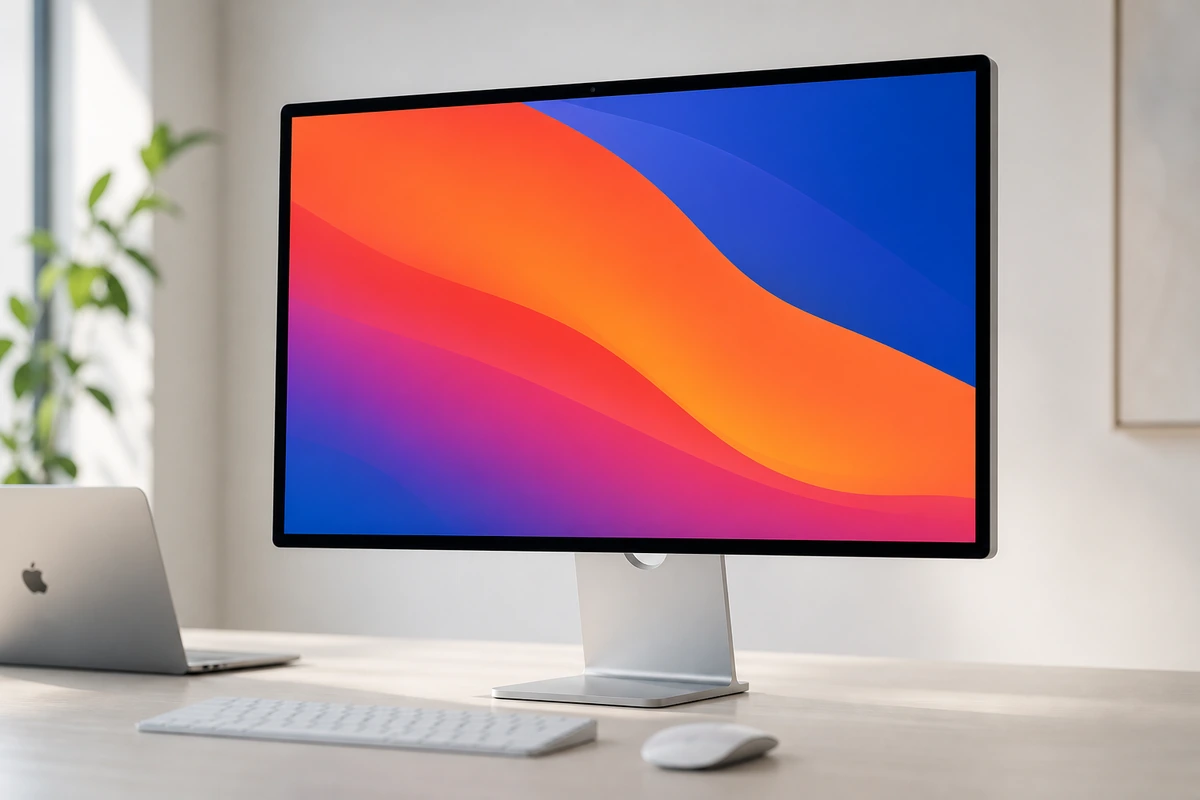
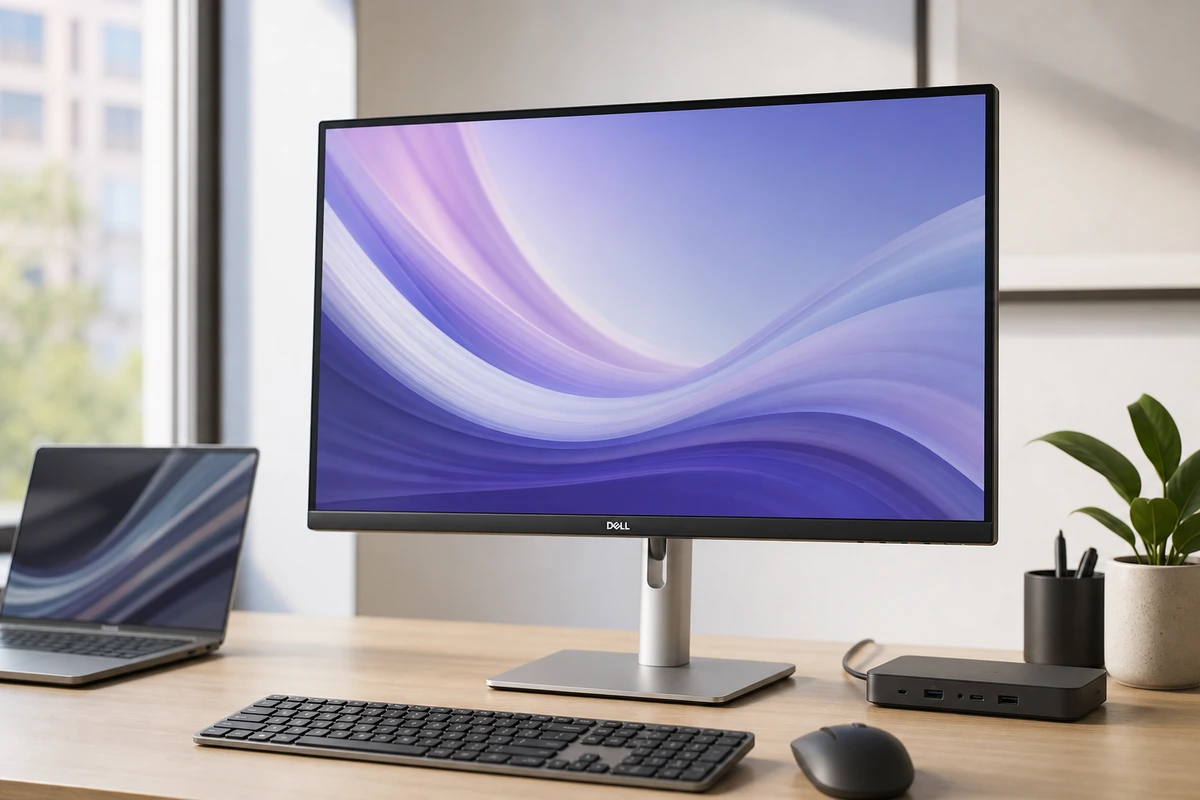
This is the classic Mac-desk fork: Apple's 5K glass at 218 ppi with a camera, mics, and six speakers built in, against Dell's 4K IPS Black hub at 163 ppi that answers with Ethernet, a KVM, a full USB hub, and roughly a third of the price. Both drive a MacBook on one cable — 96W vs 90W is a wash — so the real decision is text sharpness and built-ins versus connectivity and cash.
Verdict
Apple Studio Displ
The premium Mac desk in one clean slab. Its 5K panel renders text more crisply than any 4K screen, and a built-in webcam, six speakers, and 96W charging mean one cable does it all. But it's a 60Hz 2022 panel, no HDR, Mac-only, and $1,599 before the stand.
Dell U2723QE Ultra
More desk hub than monitor, in the best way. The U2723QE is a sharp, color-accurate 27-inch 4K panel, and the real draw is the back: 90W charging, Ethernet, a USB hub, and a KVM on one cable. It's 60Hz with no speakers, but for a clean desk it's the value champ.
Best for
Apple Studio Displ
Apple-silicon Mac owners who value text clarity and want the camera, speakers, charging, and hub integrated into one display.
Dell U2723QE Ultra
MacBook or Windows users who want one cable for display, charging, Ethernet, and desk accessories.
Avoid if
Apple Studio Displ
You want refresh rates above 60Hz, true HDR, Windows-first compatibility, or better value from a display-only monitor.
Dell U2723QE Ultra
You want built-in speakers, refresh rates above 60Hz, or the Retina-like density of a 27-inch 5K panel.
Score breakdown
fit
Apple Stud
9.3
Dell U2723
9.1
ease
Apple Stud
9.4
Dell U2723
9.0
value
Apple Stud
7.8
Dell U2723
9.1
quality
Apple Stud
9.5
Dell U2723
9.0
Specs
chip
Apple A19 (on-display processing)
panel
IPS, 60Hz, 600 nits, P3, True Tone (no HDR)
IPS Black, 2000:1 contrast, 60Hz
ports
2x Thunderbolt 5 (96W upstream + daisy-chain), 2x USB-C 10Gb/s
price
$1,599+
~$649 (often less)
stand
Tilt standard; height/VESA/nano-texture cost extra
size res
27-inch 5K (5120x2880), 218 ppi
27-inch 4K (3840x2160), ~163 ppi
camera audio
12MP Center Stage (Desk View), 3-mic, 6-speaker spatial audio
compatibility
Apple-silicon Macs and iPads only
hub
RJ45 Ethernet, USB-A/C, DP daisy-chain, KVM, PbP
color
100% sRGB / Rec.709, 98% DCI-P3; factory calibrated
usb c
90W Power Delivery
brightness
~400 nits, VESA DisplayHDR 400
ergonomics
Height/tilt/swivel/pivot; VESA 100x100

PickGrade may earn a commission from purchases made through links on this page, at no extra cost to you. This never affects our grades. Full disclosure.

PickGrade

The independent grading authority for the things you buy. Research once, decide fast — no sponsored top-10 lists.

Affiliate disclosure — PickGrade participates in affiliate programs, including Amazon Associates and partnerships managed through affiliate networks. We may earn a commission from qualifying purchases at no extra cost to you. This never affects our grades. Full disclosure.

Explore

Contact

Questions, feedback, or partnership inquiries?

admin@pickgrade.com

Company

© 2026 PickGradeNo sponsored placements · Ever

Final verdict

The U2723QE is the rational desk: 163 ppi is sharp enough for most eyes, and the hub — Ethernet, KVM, full USB — does work the Studio Display can't. Pay Apple's premium only if you look at text all day and the jump to 218 ppi is worth more to you than $950 of savings, or the built-in camera and speakers replace hardware you'd buy anyway.

Was this comparison useful?