Products graded for smarter buyingNo sponsored placements · Ever
Head-to-head
Dell U2723QE UltraSharp 27" 4K vs Dell S2725QC 27" 4K 120Hz vs Alienware AW2725DF 27" QD-OLED 360Hz vs ASUS ProArt PA27JCV 27" 5K
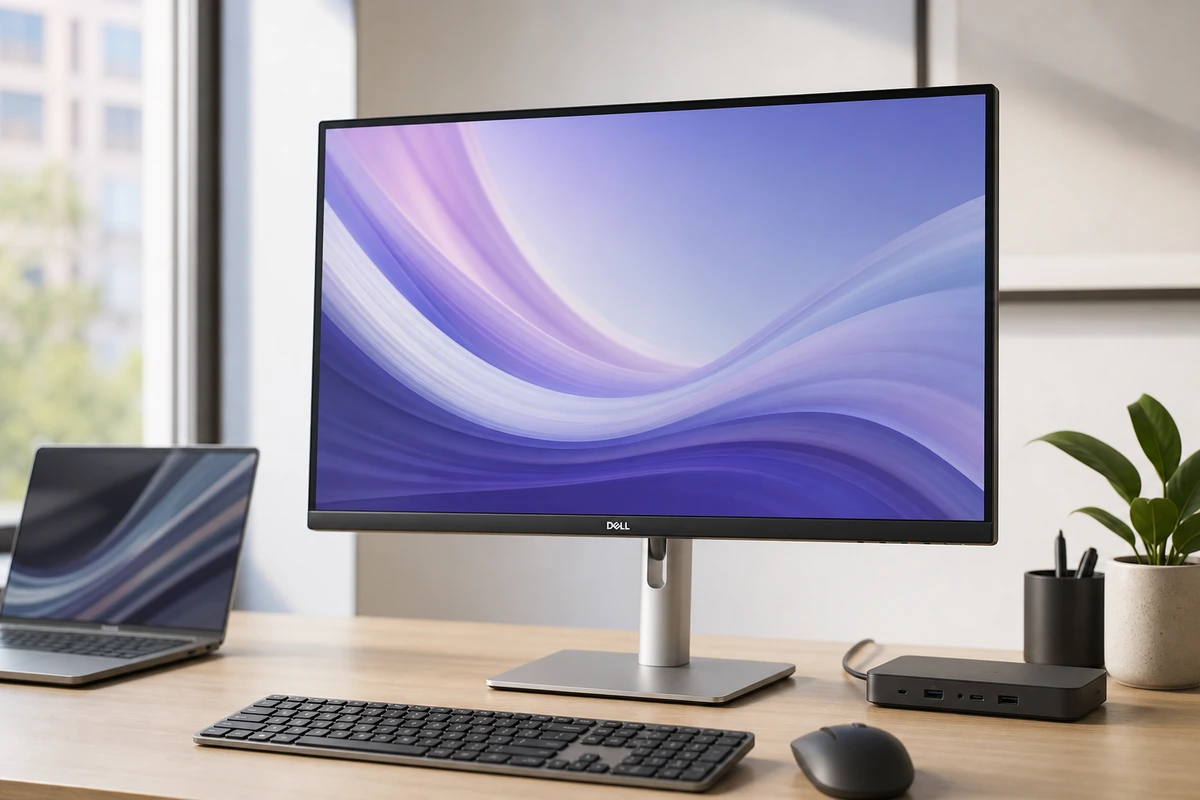
Dell U2723QE UltraSharp 27" 4K
9.1 $649
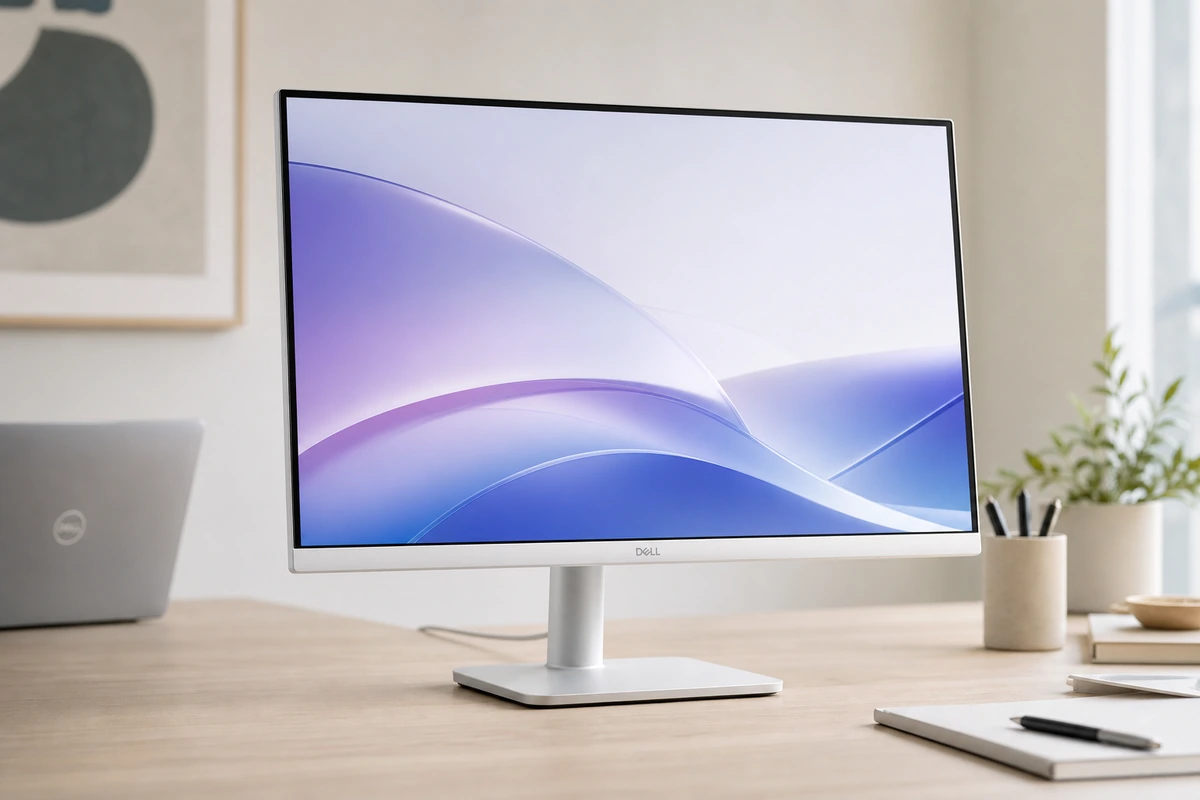
Dell S2725QC 27" 4K 120Hz
8.5 $299.99
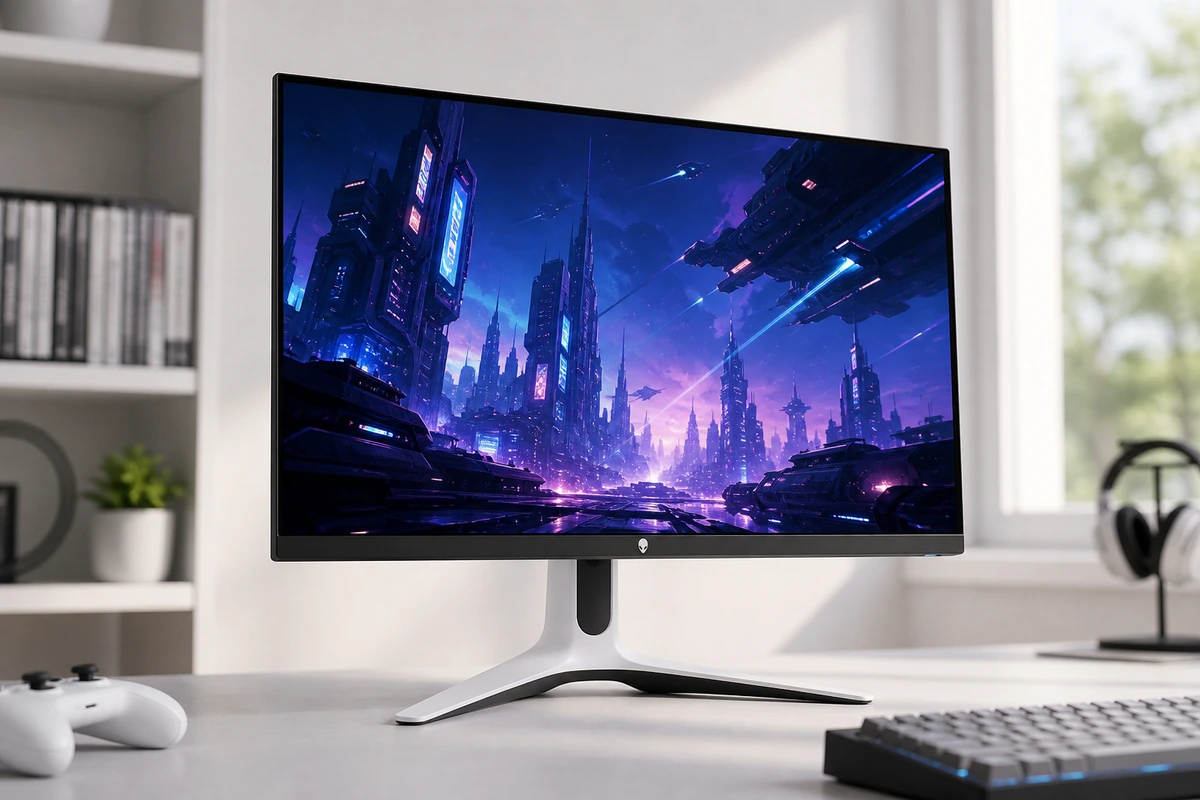
Alienware AW2725DF 27" QD-OLED 360Hz
8.8 $599.99
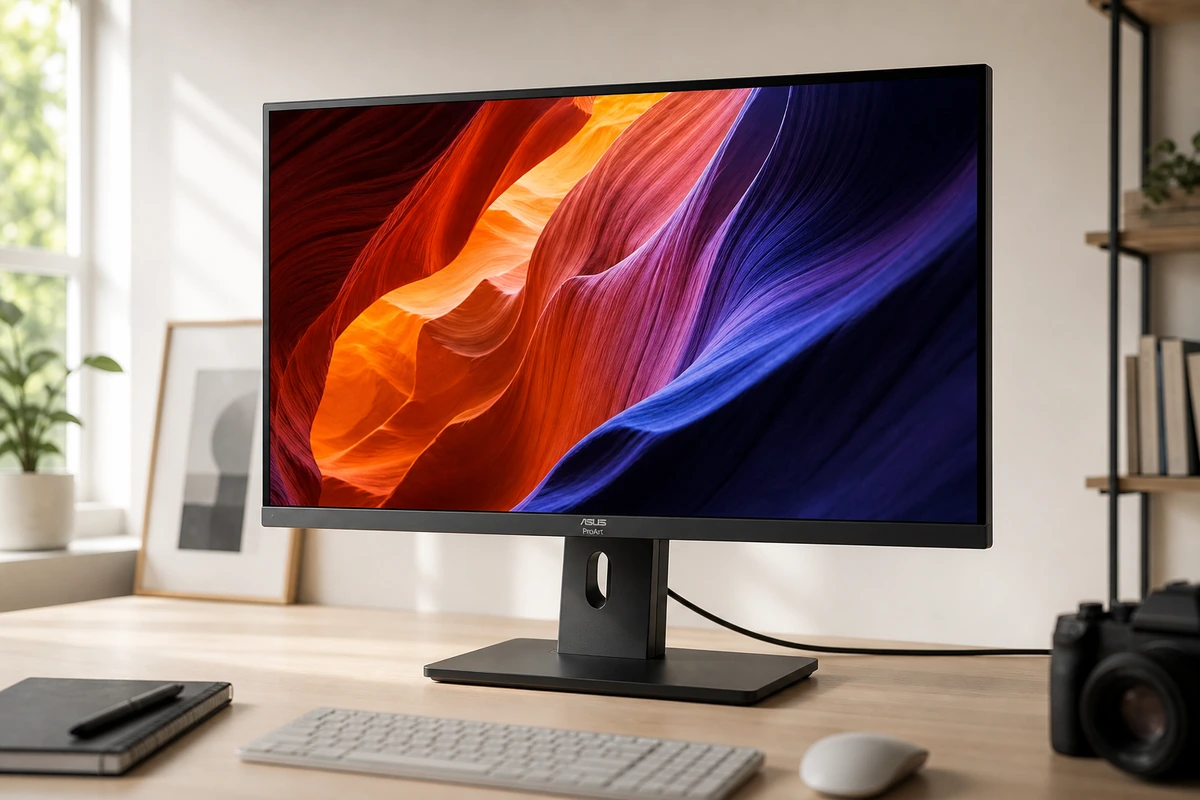
ASUS ProArt PA27JCV 27" 5K
9.0 $799
Verdict
Dell U2723QE Ultra
More desk hub than monitor, in the best way. The U2723QE is a sharp, color-accurate 27-inch 4K panel, and the real draw is the back: 90W charging, Ethernet, a USB hub, and a KVM on one cable. It's 60Hz with no speakers, but for a clean desk it's the value champ.
Dell
Dell's Plus-series 4K nails the essentials that were premium-only three years ago: 163-ppi text, 120Hz scrolling, HDMI 2.1 for consoles, 65W USB-C, and genuinely usable speakers. The honest limits: 65W won't feed a big laptop under load, and HDR is nominal.
Alienware
The first 360Hz QD-OLED still holds up as the gaming pick: 0.03ms pixels, infinite contrast, and colors punchy enough for creative work, with a 3-year warranty that covers burn-in. Skip it as an only monitor — 15W USB-C, no speakers, and 110 ppi make it a poor work dock.
ASUS
The PA27JCV ends the 5K monopoly: the same 218-ppi clarity that made the Studio Display the Mac default, factory-calibrated to ΔE<2, with 96W charging and an Auto KVM, for $799. You give up the camera, speakers, and Thunderbolt; you keep the sharpness and $800.
Best for
Dell U2723QE Ultra
MacBook or Windows users who want one cable for display, charging, Ethernet, and desk accessories.
Dell
home offices and students who want sharp 4K text on a budget, MacBook Air and light-laptop one-cable desks, and console players who want 4K 120Hz on the side
Alienware
competitive and immersive PC gamers who want OLED contrast with esports-grade speed, and dual-monitor desks where a work screen handles the docking
ASUS
Mac users who want Retina-sharp 5K text without the Apple price, photo and video editors who need factory-calibrated color, and one-cable laptop desks that want 96W charging and a KVM
Avoid if
Dell U2723QE Ultra
You want built-in speakers, refresh rates above 60Hz, or the Retina-like density of a 27-inch 5K panel.
Dell
you need 90W+ charging for a big laptop, real HDR, or competitive-gaming motion clarity
Alienware
this will be your only monitor for work, you need USB-C laptop charging or speakers, or you read small text all day and want 4K-class sharpness
ASUS
you want high-refresh scrolling or gaming, need a built-in webcam and speakers, or OLED contrast matters more to you than pixel density
Score breakdown
fit
Dell U2723
9.1
Dell
—
Alienware
—
ASUS
—
ease
Dell U2723
9.0
Dell
—
Alienware
—
ASUS
—
value
Dell U2723
9.1
Dell
10.0
Alienware
8.0
ASUS
9.0
quality
Dell U2723
9.0
Dell
—
Alienware
—
ASUS
—
usbc power
Dell U2723
—
Dell
7.0
Alienware
3.0
ASUS
9.0
connectivity
Dell U2723
—
Dell
6.0
Alienware
6.0
ASUS
8.0
panel quality
Dell U2723
—
Dell
7.0
Alienware
10.0
ASUS
9.0
pixel density
Dell U2723
—
Dell
8.0
Alienware
6.0
ASUS
10.0
refresh motion
Dell U2723
—
Dell
7.0
Alienware
10.0
ASUS
5.0
Specs
hub
RJ45 Ethernet, USB-A/C, DP daisy-chain, KVM, PbP
—
—
—
color
100% sRGB / Rec.709, 98% DCI-P3; factory calibrated
99% sRGB, 1.07 billion colors
99.3% DCI-P3, ΔE<2 factory calibration
99% DCI-P3, 100% sRGB, 95% Adobe RGB, ΔE<2 Calman Verified
panel
IPS Black, 2000:1 contrast, 60Hz
27-inch IPS, 3840 x 2160 (4K), 163 ppi
26.7-inch QD-OLED, 2560 x 1440, 111 ppi
27-inch IPS, 5120 x 2880 (5K), 218 ppi
price
~$649 (often less)
—
—
—
usb c
90W Power Delivery
—
—
—
size res
27-inch 4K (3840x2160), ~163 ppi
—
—
—
brightness
~400 nits, VESA DisplayHDR 400
350 nits
250 nits SDR, 1000 nits HDR peak, VESA DisplayHDR True Black 400
500 nits peak, VESA DisplayHDR 500
ergonomics
Height/tilt/swivel/pivot; VESA 100x100
—
—
—
ports
—
USB-C upstream, 2x HDMI 2.1, USB-A/USB-C downstream hub
2x DisplayPort 1.4, HDMI 2.1, USB hub (15W USB-C)
HDMI 2.1, DisplayPort 1.4, USB-C (DP Alt Mode), USB hub, headphone jack
contrast
—
1500:1
1.5 million:1
3000:1 max
speakers
—
Dual 5W
—
—
warranty
—
1 year Advanced Exchange
3 years, includes OLED burn-in coverage
3 years
usb c power
—
65W Power Delivery (DP Alt Mode)
—
96W Power Delivery
refresh rate
—
120Hz
360Hz (DisplayPort), 144Hz (HDMI)
60Hz
adaptive sync
—
AMD FreeSync Premium
AMD FreeSync Premium Pro, VESA AdaptiveSync
—
response time
—
—
0.03ms gray-to-gray
—
extras
—
—
—
Auto KVM, ambient light + backlight sensors, ergonomic stand (tilt/swivel/pivot/height)
PickGrade may earn a commission from purchases made through links on this page, at no extra cost to you. This never affects our grades. Full disclosure.