Er

Reviewed by

Eran Yorkovsky · Founder, PickGrade

Head-to-head

Bambu Lab P2S vs Prusa CORE One

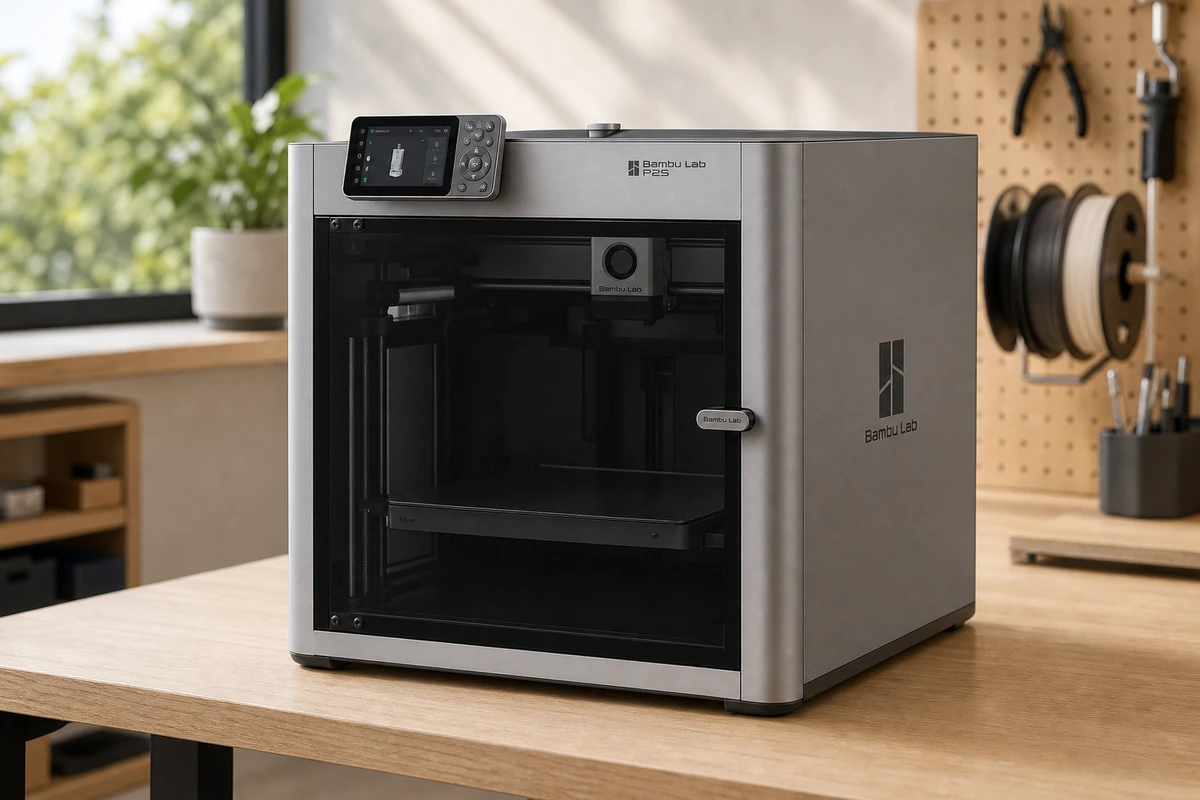
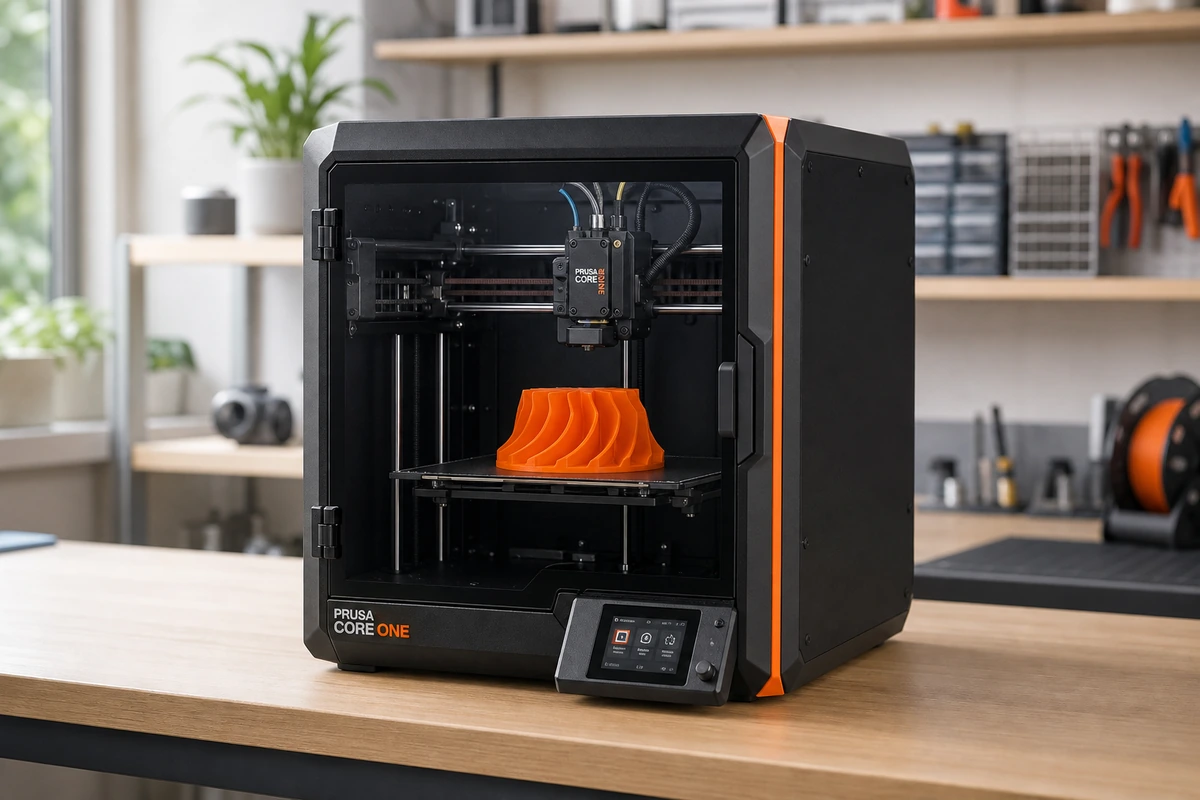
The Bambu Lab P2S and the Prusa CORE One are both enclosed CoreXY printers, but they're built for opposite priorities. The P2S optimizes for speed, convenience, and a polished out-of-box experience — auto-everything, fast prints, and easy multicolor with the AMS 2 Pro. The CORE One optimizes for control: it's fully open-source, runs offline with no cloud dependency, has an actively heated chamber for engineering materials, and is built to be repaired with a screwdriver for years. Here's how they compare on the things that matter, and which one fits the way you want to work.
Verdict
Bambu Lab
The safe default for most people: fast, enclosed, reliable, and priced right. Get the AMS 2 Pro Combo if multicolor is even a maybe.
Prusa
The thinking maker's printer: open-source, endlessly repairable, and built to run for years. You pay a premium and give up some speed, but you own the machine completely.
Best for
Bambu Lab
Most makers and small print farms who want a reliable, fast, enclosed printer that handles engineering plastics and easy multicolor without paying prosumer prices.
Prusa
Makers, educators, and small businesses who want a repairable, open-source, offline printer that handles engineering materials and runs reliably for years.
Avoid if
Bambu Lab
You only print single-color PLA on a budget (the A1 Mini wins on cost), or you need active heated-chamber materials like PA-CF or PPS-CF — step up to the H-series for that.
Prusa
You want the fastest machine, built-in multicolor, or the most build volume per dollar — a Bambu P2S or Elegoo Centauri Carbon delivers more spec for less money.
Score breakdown
speed
Bambu Lab
9.0
Prusa
7.8
value
Bambu Lab
9.2
Prusa
7.5
materials
Bambu Lab
8.8
Prusa
8.8
ease of use
Bambu Lab
9.4
Prusa
8.6
build volume
Bambu Lab
7.5
Prusa
7.0
print quality
Bambu Lab
9.3
Prusa
9.2
Specs
Type
Enclosed CoreXY (FDM)
Chamber
Passive Active-Airflow (no active heating)
Actively managed, up to ~55°C
Extruder
DynaSense servo, ~8.5 kg force
Nextruder, load-cell first layer, tool-free nozzles
Interface
5-inch touchscreen, 1080p camera, USB
Materials
PLA, PETG, TPU, ABS, ASA, composites
PLA, PETG, ABS, ASA, PC, PA, TPU
Max speed
600 mm/s (20,000 mm/s² accel)
Multicolor
Up to 4 colors with AMS 2 Pro (Combo)
Optional MMU3 (up to 5 colors)
Build volume
256 × 256 × 256 mm
250 × 220 × 270 mm
Build
All-steel exoskeleton, fully repairable
Software
PrusaSlicer (open-source), offline-capable

PickGrade may earn a commission from purchases made through links on this page, at no extra cost to you. This never affects our grades. Full disclosure.

PickGrade

The independent grading authority for the things you buy. Research once, decide fast — no sponsored top-10 lists.

Affiliate disclosure — PickGrade participates in affiliate programs, including Amazon Associates and partnerships managed through affiliate networks. We may earn a commission from qualifying purchases at no extra cost to you. This never affects our grades. Full disclosure.

Explore

Contact

Questions, feedback, or partnership inquiries?

admin@pickgrade.com

Company

© 2026 PickGradeNo sponsored placements · Ever

Final verdict

For most people, the P2S is the better buy — it's faster, cheaper, easier, and adds simple multicolor, which makes it the safe default. Choose the Prusa CORE One if you specifically value open-source firmware, offline operation, lifetime repairability, or its active heated chamber for engineering filaments. It costs more and prints slower, but you own the machine completely and it's built to run for years.

Was this comparison useful?