Reviewed by
Eran Yorkovsky · Founder, PickGrade
Head-to-head
Keychron Q1 Max vs Logitech MX Mechanical
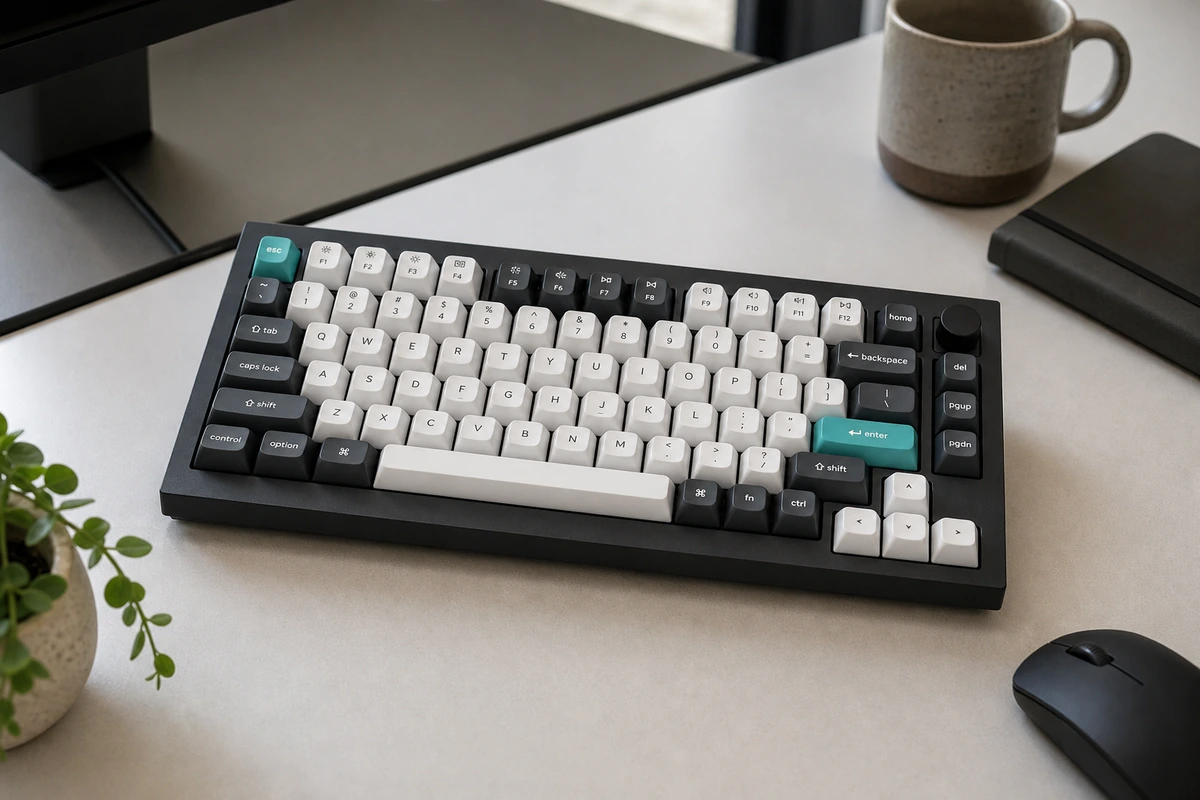
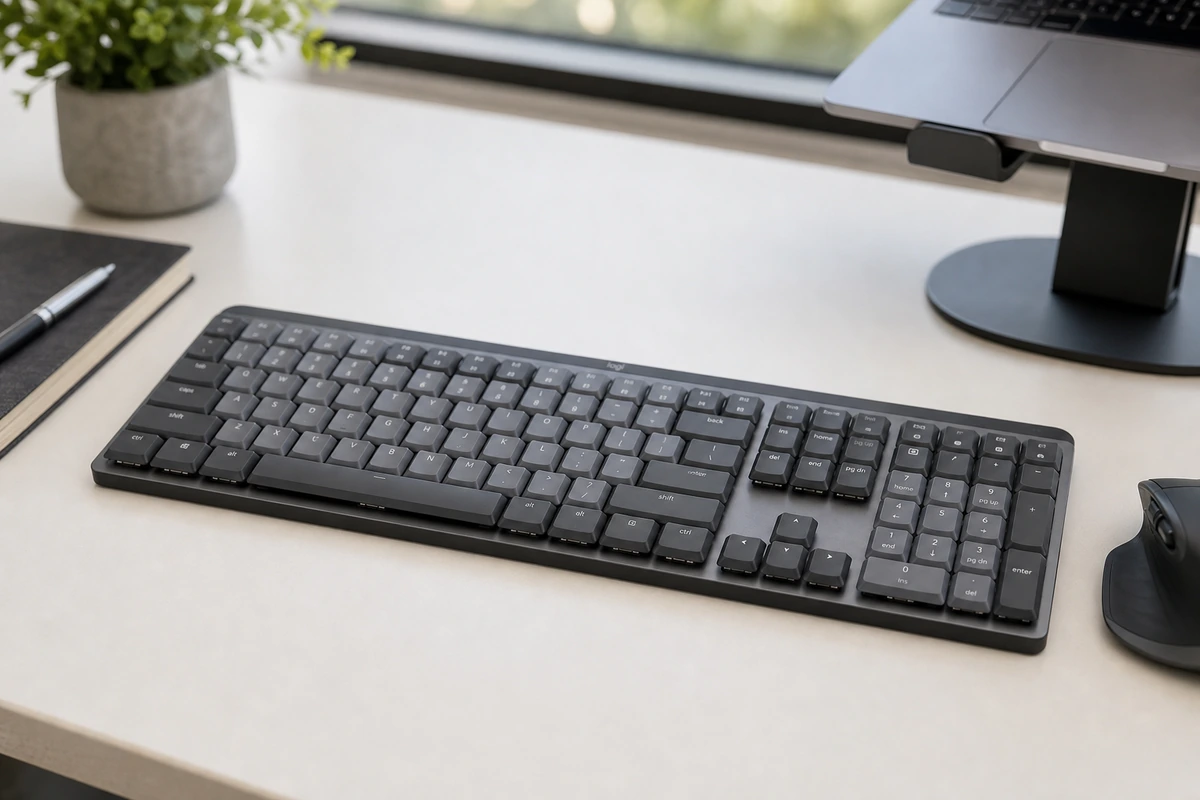
The Keychron Q1 Max and Logitech MX Mechanical both sit on productivity desks, but they're built for opposite kinds of owner. The Q1 Max is a full slab of CNC-machined 6063 aluminum with a double-gasket mount and layers of acoustic foam — heavy, flex-free, and tuned to sound as good as it types. Crucially, every switch is hot-swappable: you can pull and replace any of them with almost any 3-pin or 5-pin MX switch without ever touching a soldering iron, and it runs open-source QMK/VIA firmware you can fully remap (Keychron even publishes the source code). It ships with a switch puller, keycap puller, and spare gaskets — it expects you to tinker. The MX Mechanical takes the opposite path: a slim, low-profile board with fixed, non-swappable switches, configured through Logitech's Options+ software rather than QMK. Its draw is convenience — Easy-Switch across three devices, Logitech Flow to type and copy-paste across multiple computers, and months-long battery life with the backlight off. Here's how to choose.
PickGrade may earn a commission from purchases made through links on this page, at no extra cost to you. This never affects our grades. Full disclosure.
Final verdict
Choose the Keychron Q1 Max if the keyboard itself is part of the fun — you want a premium, customizable typing feel, the freedom to swap switches and keycaps without soldering, and deep QMK remapping. It's the enthusiast's desk centerpiece. Choose the Logitech MX Mechanical if you want a quieter, lower-profile board that just works across a Mac, a PC, and a tablet, charges rarely, and disappears into a clean office setup. The Keychron is the better keyboard to obsess over; the Logitech is the better tool to forget about and get work done.
Was this comparison useful?