Head-to-head
MacBook Air M5 vs MacBook Pro M5 Pro
The honest version of this comparison saves most people $1,100: the 13-inch MacBook Air M5 is fast enough for nearly everyone, and the 14-inch MacBook Pro M5 Pro exists for the work the Air physically can't sustain. The Air is fanless, light, and runs all day — for browsing, writing, code, photo edits, and the occasional video it never breaks a sweat, and it starts around $1,099. The Pro starts near $2,199 and earns the gap in three specific places: sustained performance (no thermal throttling on long exports, big compiles, or local AI), a brighter mini-LED ProMotion display, and more ports — HDMI, SD, and extra Thunderbolt. For short bursts the two feel identical; the difference only shows up when a heavy task runs for ten, twenty, sixty minutes and the fanless Air has to slow down to stay cool. Here's how to tell which camp you're in.
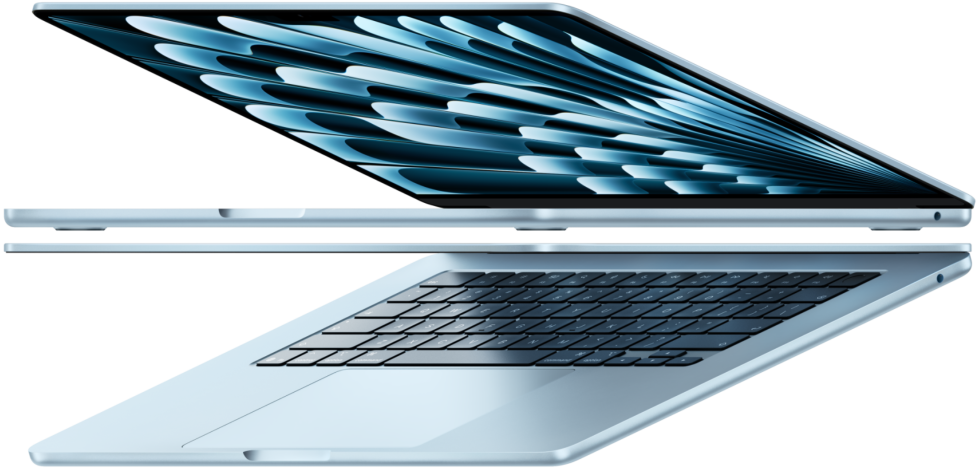 Apple MacBook Air 13-inch (M5) | 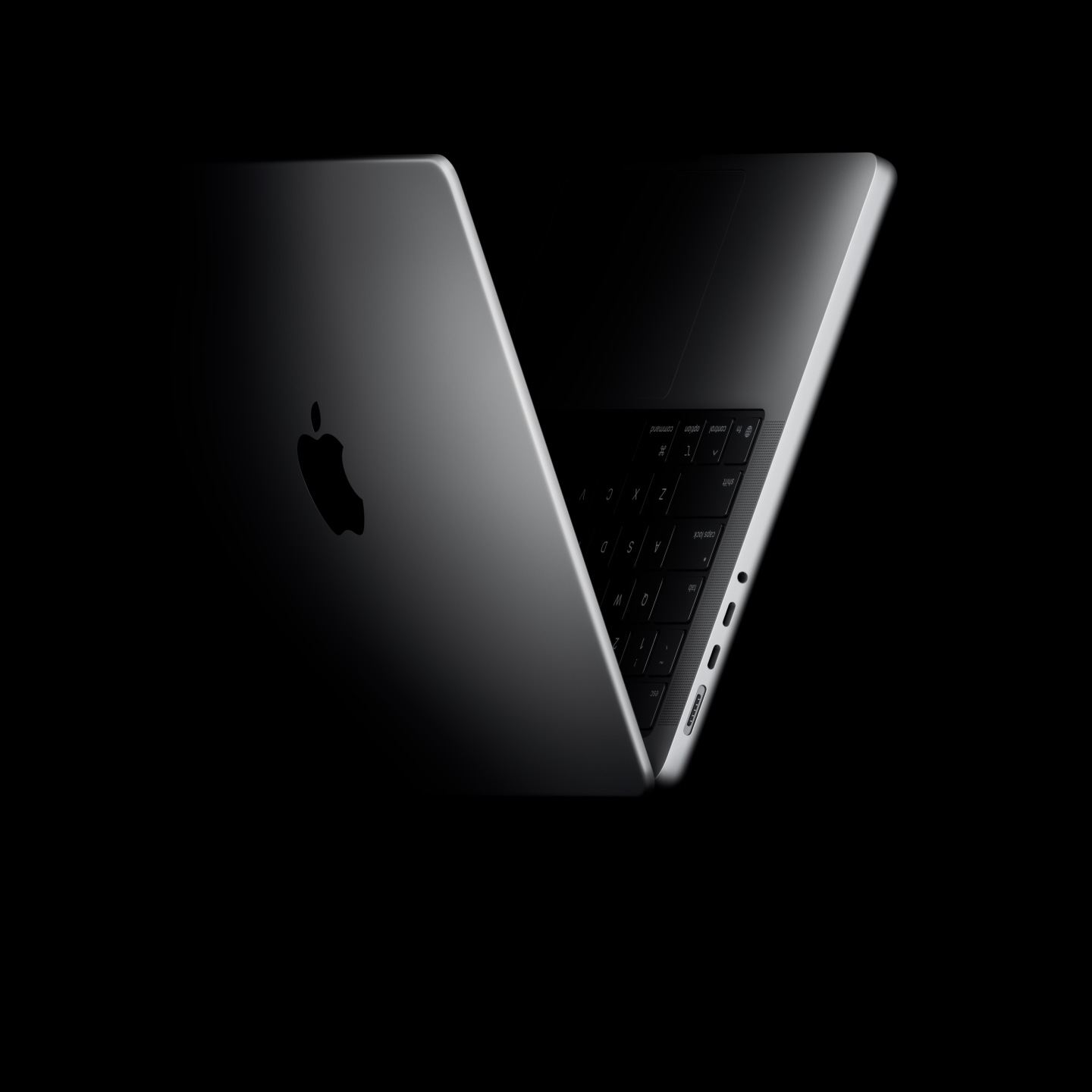 Apple MacBook Pro 14-inch (M5 Pro) | |
|---|---|---|
| Score | 9.4 | 9.3 |
| Price | $1,099 | $2,199 |
| Verdict | For most people, stop here. The M5 Air is fast enough for everything short of pro video, runs silent, and lasts all day. The chip is the real upgrade; the design is unchanged and the screen's still 60Hz. It's $100 pricier than before at $1,099, but it's the safe call. | Buy this only if you'll use it: long exports, big compiles, 3D renders. The M5 Pro holds full speed where the fanless Air throttles, and the mini-LED 120Hz screen is the best on any laptop. It starts at $2,199 and climbs fast; M4 Pro owners can sit this one out. |
| Best for | Most students, founders, remote workers, and everyday buyers who want a light Mac laptop with great battery life and very little maintenance. | Creators, developers, editors, and power users who need sustained performance, a better display, more ports, and headroom for demanding work. |
| Avoid if | You need Windows-only software, serious gaming, or sustained pro workloads like heavy video editing and local AI experiments. | Your work is mostly browser tabs, documents, email, and video calls; a MacBook Air will feel nearly as good for much less. |
| Score breakdown | ||
| fit | 9.5 | 9.2 |
| ease | 9.5 | 8.8 |
| value | 9.0 | 8.4 |
| quality | 9.4 | 9.6 |
| Specs | ||
| chip | Apple M5 (10-core CPU, 8 or 10-core GPU, 16-core Neural Engine) | Apple M5 Pro (15-18 core CPU, 16-20 core GPU) |
| price | From $1,099 (13-inch) | From $2,199 (14-inch M5 Pro) |
| memory | 16GB unified (configurable to 24/32GB) | 24GB unified base (to 48GB) |
| weight | 2.7 lb (1.23 kg) | ~3.4 lb (1.6 kg) |
| battery | Up to 18 hours; fanless | All-day (72.4 Wh); active cooling sustains performance |
| display | 13.6-inch Liquid Retina IPS, 2560x1664, 500 nits, 60Hz | 14.2-inch mini-LED Liquid Retina XDR, 3024x1964, 120Hz ProMotion, 1000+ nits |
| storage | 512GB SSD base, up to 4TB; ~2x faster than M4 Air | 1TB SSD base (~2x faster); configurable higher |
| connectivity | Wi-Fi 7, Bluetooth 6 (N1 chip), 2x Thunderbolt 4, MagSafe 3, 3.5mm | 3x Thunderbolt 5, HDMI, SDXC, MagSafe 3, Wi-Fi 7, Bluetooth 6 (N1) |
| Buy → | Buy → | |
Final verdict
Buy the MacBook Air M5 — most people should, full stop. If your heaviest day is a dozen browser tabs, documents, light photo work, and a video call, the Air is faster than you need, lighter to carry, and roughly half the price. Buy the MacBook Pro M5 Pro only if you regularly run sustained, demanding work — long video exports, large codebases, 3D, or local AI — or you specifically need the brighter display and the extra ports. The test is simple: if your laptop rarely gets hot, the Air is the smarter buy; if you routinely push it hard for long stretches, the Pro pays for itself.
PickGrade may earn a commission from purchases made through links on this page, at no extra cost to you. This never affects our grades. Full disclosure.