Buying guide
Best Standing Desks for Dual Monitors: Size, Capacity, and Stability
Reviewed by
Michal Zucker · Fitness, Movement & Wellbeing Editor
Dual monitors change what a standing desk needs to deliver: more width, more depth, more lift capacity, and a frame that stays planted with extra mass up top. Here is how to size the desk correctly and which picks handle two screens without strain.
 Take the standing desk quiz →
What dual monitors actually demand from a desk
Two monitors change three requirements: weight, depth, and stability.
Weight. Two screens, arms or stands, a laptop, and peripherals add up fast. You want lift capacity with comfortable headroom above your real load — a desk straining near its limit lifts slower and wears harder. The Uplift V2 and FlexiSpot E7 Pro both carry heavy dual-monitor setups with room to spare.
Size. Side-by-side 27-inch monitors want roughly 55 inches of width or more, and 30 inches of depth keeps the screens at a healthy viewing distance. Compact 48-inch desktops force compromises with dual screens.
Stability. Monitor mass amplifies wobble at standing height. Frames with greater column overlap and wider feet stay planted; this is where cheap desks fail first, and why both of PickGrade's top picks emphasize frame stability over gadget features.
The picks
Best overall for dual monitors: Uplift V2. The widest range of desktop sizes, a deeply stable frame, and an accessory ecosystem (monitor arms, wire management) built for multi-screen setups. Read the Uplift V2 review.
Best value for dual monitors: FlexiSpot E7 Pro. Matching dual motors and capacity for less money, with a cable tray and magnetic cable cover included — useful when two monitors double your cable count. Read the FlexiSpot E7 Pro review.
If you want a finished package: the Vari Electric Standing Desk handles a standard dual-monitor load with the easiest setup in the category, at a convenience premium.
Mistakes to avoid
Do not buy by desktop size alone — a wide top on a weak frame wobbles more, not less. Do not skip a monitor arm: two monitors on factory stands eat the desk depth you paid for. And do not ignore cable management; a sit-stand desk moves, so loose cables snag. The deeper comparisons live in Uplift V2 vs FlexiSpot E7 Pro and the full standing desk category guide.
Compare standing desk picks
- Take the Standing Desks quiz
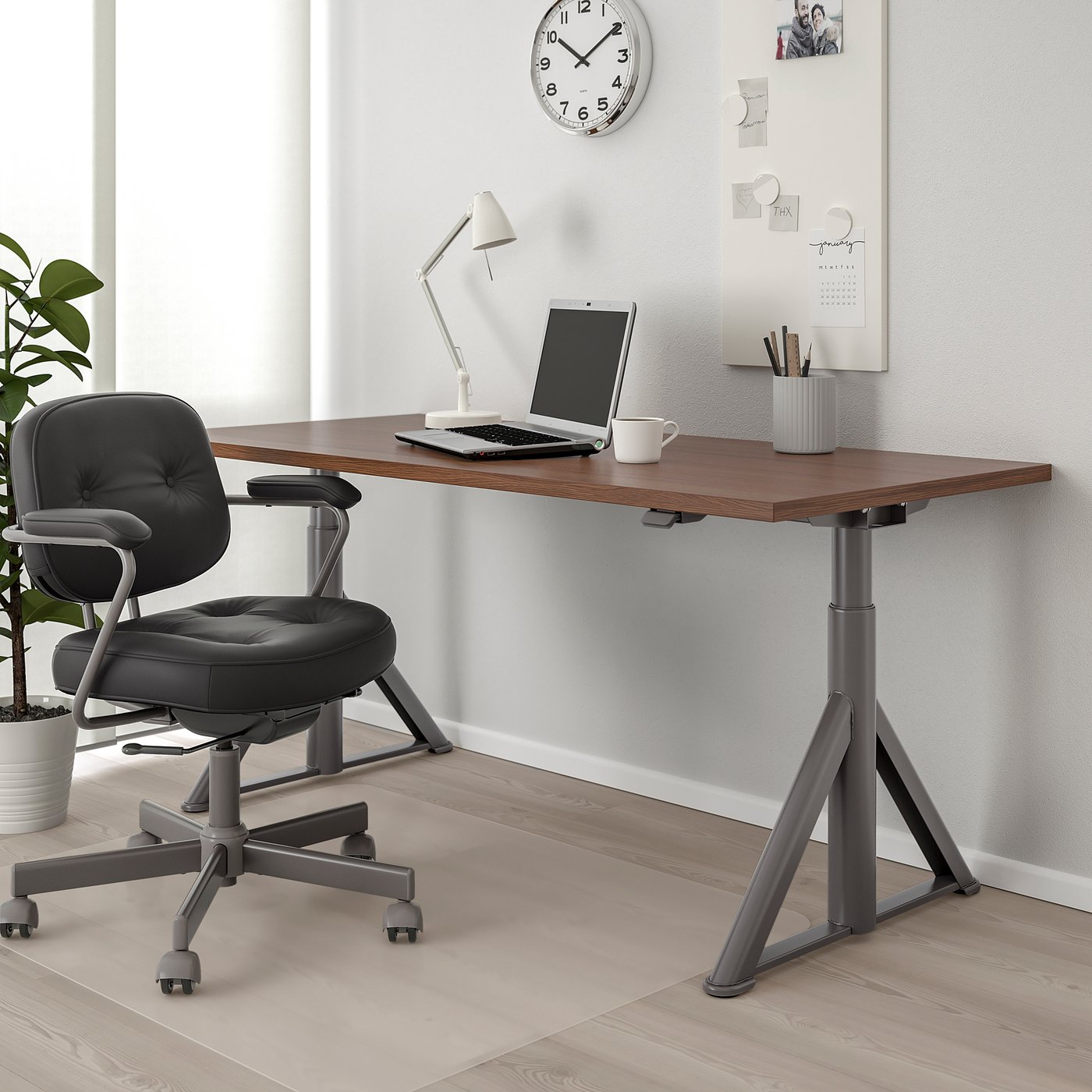
- IKEA Idåsen Desk Review: The Minimal Pick
- Uplift V2 Standing Desk
- FlexiSpot E7 Pro
- Vari Electric Standing Desk
- IKEA Idasen Sit Stand Desk
Still choosing?
Frequently asked
How wide should a standing desk be for dual monitors?
Aim for at least 55 inches of width for two 27-inch monitors side by side, and 30 inches of depth for a comfortable viewing distance. Wider is better if you use monitor arms or keep a laptop on the desk too.
How much lift capacity do I need for two monitors?
Check the frame's lift capacity against your real load — two monitors, arms, a laptop, and peripherals. You want clear headroom above your total weight so the motors lift smoothly and the frame stays stable at standing height.
Do I need monitor arms on a standing desk?
Yes, for most dual-monitor setups. Arms free up desk depth, let you set each screen at the right height, and reduce the wobble that comes from tall factory stands on a moving desk.
Is the Uplift V2 or FlexiSpot E7 Pro better for dual monitors?
Both carry dual monitors well. The Uplift V2 offers more desktop sizes and accessories and a very stable frame; the FlexiSpot E7 Pro matches the core specs for less and includes cable management. Budget-led buyers usually pick FlexiSpot; configuration-led buyers pick Uplift.