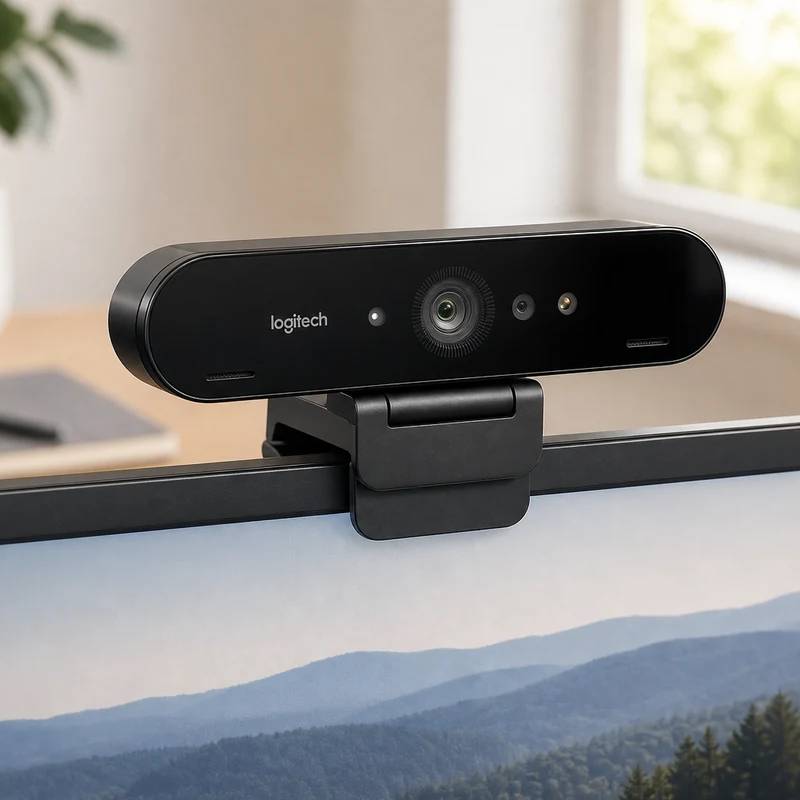
The webcam that put 4K on desks back in 2017 — still genuinely sharp in daylight, and still the only one here with Windows Hello face login.
Logitech Brio 4K
Logitech
Reviewed by
Eran Yorkovsky · Founder, PickGrade
Buy it for the face-unlock and the bright-room sharpness, not for evening calls — the aging sensor gets grainy the moment the lights drop.
The Brio 4K is the webcam that made 4K normal, and years later it's quietly become the smart value buy in Logitech's own lineup. You still get real 4K30 capture, a selectable 65/78/90° field of view, 5x zoom, and HDR that holds highlights when a window creeps into frame. The one thing it does that even the pricier MX Brio doesn't: an infrared sensor for Windows Hello, so you can log into your PC with your face. The catch is its age. The sensor is smaller and older than current flagships, so it's hungry for light — give it a lamp or a bright window in front of you and it looks crisp and professional; leave it to a dim evening room and the image turns noisy and the auto white balance drifts warm. As a daylight work-and-calls camera with a face-login bonus, it's hard to beat at this price.
$169.99
$199
Save 15%PickGrade may earn a commission from purchases made through links on this page, at no extra cost to you. This never affects our grades. Full disclosure.
Last reviewed Jun 18, 2026
What we like
- ✓Genuinely sharp 4K30 in good light, with selectable 65/78/90° framing
- ✓Windows Hello IR face login — unique in this lineup
- ✓HDR keeps your face exposed even with a bright window behind you
- ✓Aluminum build, detachable cable, and a 1/4-inch tripod thread
Trade-offs
- −Older, smaller sensor gets noisy and grainy in dim or evening light
- −Auto white balance can drift to a yellow cast
- −Privacy shutter is a separate clip-on accessory, not built in
- −Onboard mics are merely okay; fiddly tripod screw
Best for
a bright home office where you want true 4K and Windows Hello face login without paying current-flagship prices
Avoid if
your room is dim or lit mostly after dark — the older sensor turns noisy and grainy fast
The three lenses
How we grade →- 7.0/10
Value & Longevity · Eran Yorkovsky
Score breakdown
- image quality7.5/10
- autofocus framing7.5/10
- software controls7.5/10
- value7.0/10
- low light6.0/10
- microphone6.0/10
Specs
- hdr
- true
- zoom
- 5x digital
- mount
- Monitor clip + 1/4-in tripod thread
- sensor
- Smaller/older sensor — needs good light
- weight
- 63 g
- released
- 2017
- autofocus
- true
- connection
- USB-C to USB-A (USB 3.0 for 4K)
- microphone
- Dual omnidirectional, noise-canceling
- resolution
- 4K UHD 30fps (3840×2160 / 4096×2160)
- cable length
- 85 in / 2.2 m
- field of view
- 65° / 78° / 90° selectable
- windows hello
- Yes (IR sensor for face login)
- lower res modes
- 1080p60, 720p90
- privacy shutter
- External clip-on accessory
How we know
High confidenceLast checkedIndependent reviews consistently land in the same place: the Brio 4K is sharp and capable in good lighting but shows its age in the dark. Reviewers praise the 4K detail, the flexible field-of-view options, and the HDR handling of backlight, and single out Windows Hello as a real convenience the newer MX Brio dropped. The recurring criticism is low-light noise — the sensor is smaller and older than current flagships (Logitech's own MX Brio uses pixels roughly 70% larger), so image quality falls off quickly without a lamp or window in front of you, and the automatic white balance can skew warm. Mic quality is rated as adequate rather than good. The consensus is that it remains an excellent daylight webcam and a strong value now that it sits below the flagship tier, provided you can light your face.
Compare Logitech Brio 4K with the top alternates side-by-side.
Compare picks →Related picks
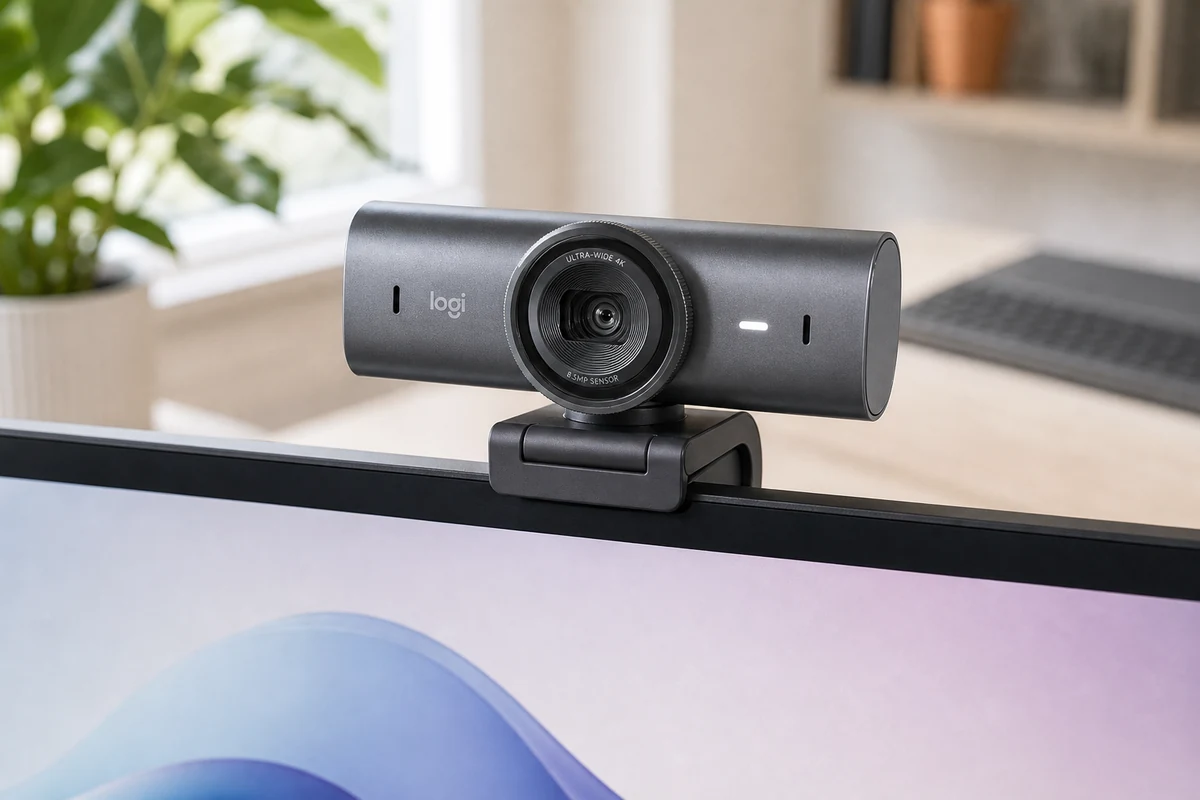
Logitech took everything it learned from the original Brio, made the sensor 70% bigger, and built the most polished all-around 4K webcam you can buy.
Logitech MX Brio
$199.99
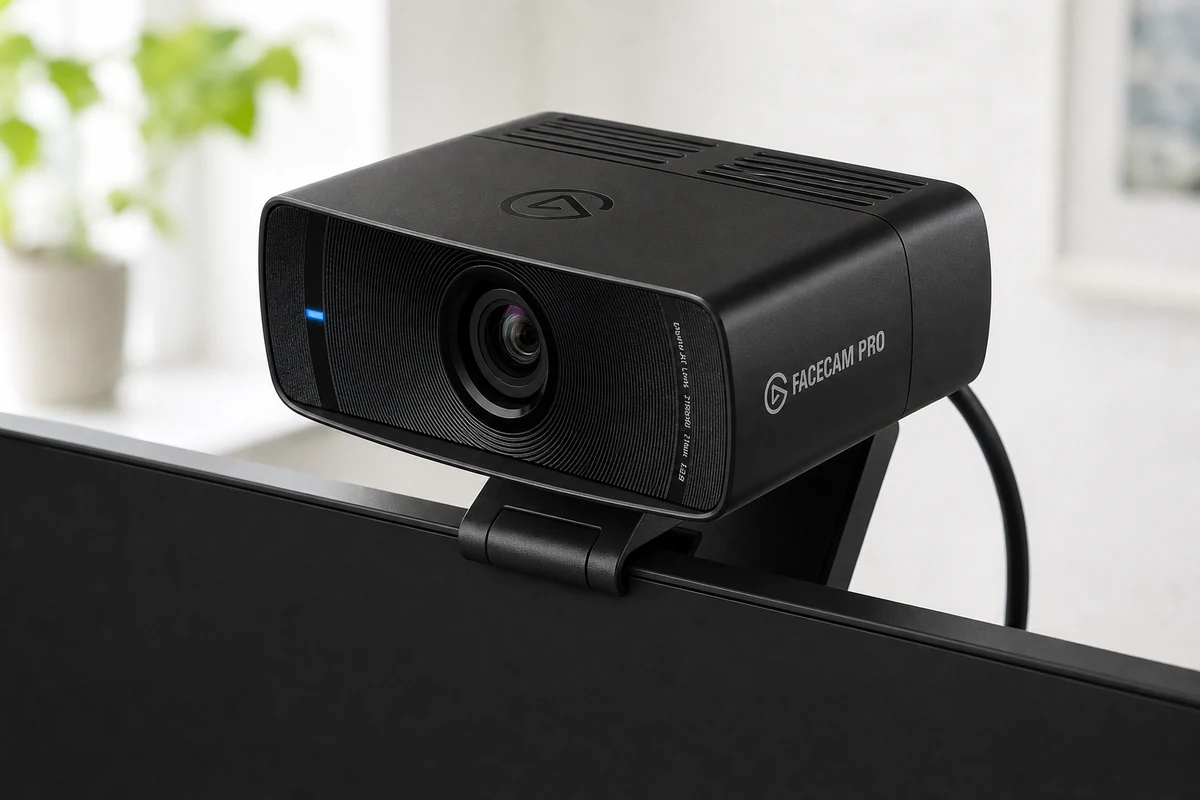
The only webcam that shoots true 4K at 60fps — built for streamers who treat the camera like a cinema lens, not a checkbox on a spec sheet.
Elgato Facecam Pro
$299.99
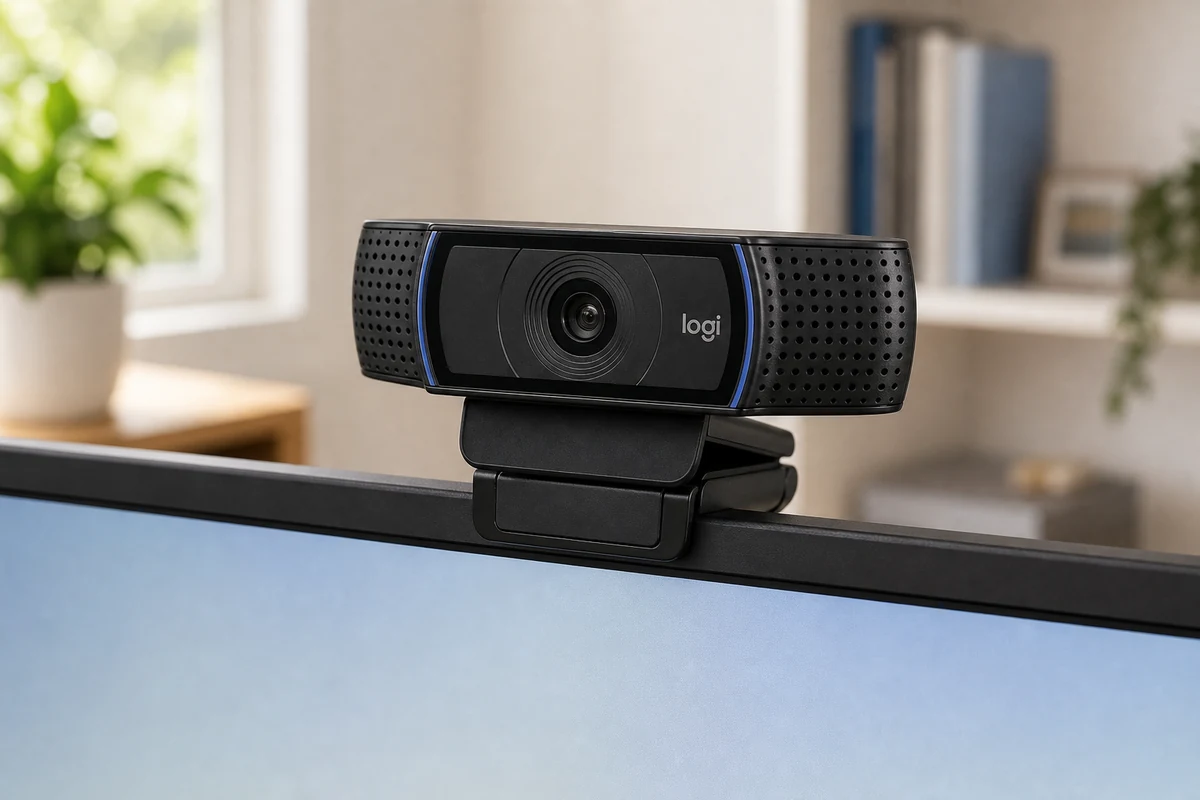
The webcam that's been on more desks than any other — a 1080p workhorse that just plugs in and works on any computer, no shutter and no frills.
Logitech C920x
$69.99
Other expert reviews
Video reviews
YouTube — Logitech Brio 4K hands-on review
From real owners
Human reviews that sharpen our AI grade
No owner reviews yet. Be the first to share what you think.
Own this? Write a review
Related guides
All webcam guides →Jun 24, 2026
1080p vs 4K Webcams: Do You Actually Need 4K?
4K is the number that sells webcams and the most misunderstood spec in the category. Since most calling apps cap at 1080p, here's exactly when 4K is worth it — and when a good 1080p camera wins.
Jun 24, 2026
Insta360 Link 2 Review: The Webcam With a Camera Operator Built In
Most webcams fake subject tracking with a digital crop. The Insta360 Link 2 uses a real motorized gimbal to physically follow you — and pairs it with the deepest software toolkit of any webcam.
Jun 24, 2026
Razer Kiyo Pro Ultra Review: The Webcam That Sees in the Dark
The Razer Kiyo Pro Ultra has the largest sensor ever put in a webcam, which makes it the low-light image king — with real optical background blur. The trade-off is slow autofocus and a $300 price.
Head-to-head matchups
All webcams matchups →VS · 2 products
Logitech MX Brio vs Insta360 Link 2
Logitech MX Brio vs Insta360 Link 2: two $200 4K webcams. The Brio is the polished, shuttered all-rounder; the Link 2's motorized gimbal physically follows you.
VS · 2 products
Logitech MX Brio vs C920x: Is the 4K Upgrade Worth $130 More?
Logitech MX Brio vs C920x: is the 4K flagship worth more than triple the price of the classic 1080p workhorse? We compare image, low light, software, and value.
VS · 2 products
Razer Kiyo Pro Ultra vs Elgato Facecam Pro: Two Ways to Win at 4K
Razer Kiyo Pro Ultra vs Elgato Facecam Pro: the biggest-sensor low-light king against the true-4K60 detail champion. Lighting decides this $300 webcam showdown.
Was this review useful?