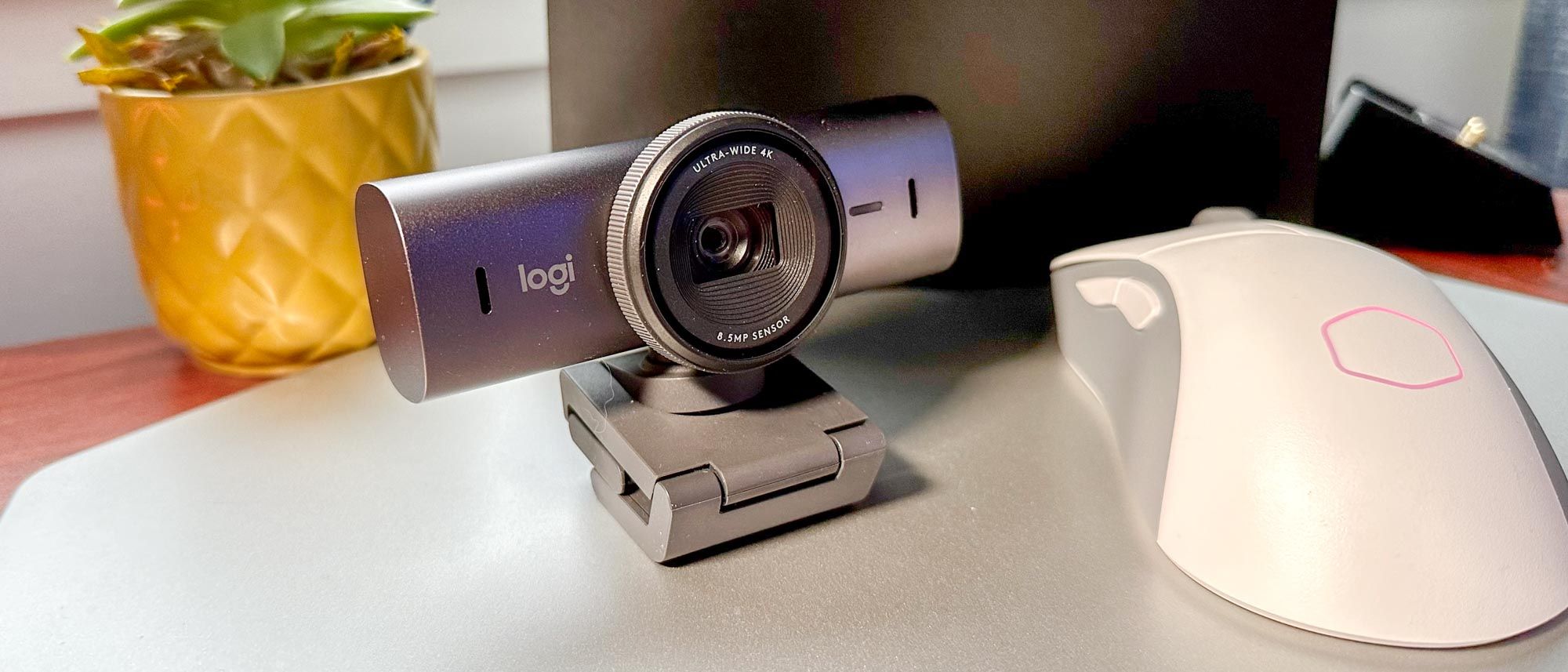
Logitech took everything it learned from the original Brio, made the sensor 70% bigger, and built the most polished all-around 4K webcam you can buy.
Logitech MX Brio
Logitech
The default premium pick for serious work-from-home — clean 4K, the best software in the category, and a clever overhead Show Mode. Just don't expect AI subject tracking.
The MX Brio is Logitech's flagship webcam, and it earns the title by being excellent at nearly everything rather than spectacular at one thing. The 8.5MP Sony STARVIS sensor has pixels about 70% larger than the original Brio's, so it's noticeably cleaner — sharp 4K30 in good light and far more composed than its predecessor when the room dims. RightLight 5 HDR keeps your face properly exposed against a bright window, the auto exposure and white balance are reliable, and the dual beamforming mics with AI noise reduction are genuinely usable for calls. Two touches set it apart: a built-in physical privacy shutter, and Show Mode, which flips the view to capture whatever's on your desk — sketches, documents, hardware — without a second camera. What it deliberately leaves out is Windows Hello (the older Brio 4K still has it) and any motorized subject tracking, so if you pace while you present, the Insta360 Link 2 is the better fit. For a stationary, professional setup where polish and software matter most, this is the one to beat.
$199.99
PickGrade may earn a commission from purchases made through links on this page, at no extra cost to you. This never affects our grades. Full disclosure.
Last reviewed Jun 18, 2026
What we like
- ✓Cleaner image than the original Brio — sensor pixels ~70% larger
- ✓Best-in-class software with reliable auto exposure and white balance
- ✓Built-in physical privacy shutter and a genuinely useful overhead Show Mode
- ✓Usable dual beamforming mics with AI noise reduction
Trade-offs
- −No Windows Hello (the older Brio 4K still has it)
- −No motorized AI subject tracking
- −Pricey if your apps are capped at 1080p anyway
- −Possible LED flicker banding in some lighting
Best for
professionals who want the most refined all-around 4K webcam, top-tier software, and a document/overhead Show Mode
Avoid if
you specifically need Windows Hello face login or motorized AI subject tracking
Score breakdown
- image quality8.5/10
- software controls8.5/10
- autofocus framing8.0/10
- value7.5/10
- low light7.5/10
- microphone7.0/10
Specs
- hdr
- Yes (RightLight 5)
- build
- Aluminum, 137 g
- focus
- Autofocus
- mount
- Magnetic mount + monitor clip
- sensor
- 8.5 MP Sony STARVIS (~70% larger pixels vs Brio 4K)
- show mode
- Yes — overhead/document view
- connection
- USB-C 3.0
- microphone
- Dual beamforming with AI noise reduction
- resolution
- 4K 30fps
- auto adjust
- Auto exposure, white balance, color
- field of view
- 90° / 78° / 65° selectable
- windows hello
- No
- lower res modes
- 1080p60, 720p90
- privacy shutter
- Built-in physical shutter
How we know
High confidenceLast checkedReviewers consistently frame the MX Brio as the best all-rounder among premium webcams rather than a category-redefining leap. The headline upgrade over the original Brio is the larger Sony STARVIS sensor — pixels roughly 70% bigger — which delivers cleaner footage in mixed and lower light and sharper, more natural 4K in good light. Praise centers on Logitech's mature software: dependable auto exposure and white balance, RightLight 5 HDR that handles backlight well, a built-in privacy shutter, and Show Mode for overhead/document capture without a second camera. The dual beamforming mics with AI noise reduction are rated good enough to use. The notable omissions, flagged across reviews, are Windows Hello (present on the cheaper Brio 4K) and any motorized AI tracking, plus the usual caveat that 4K is wasted on conferencing apps that cap at 1080p, and some testers note potential LED flicker banding. Overall verdict: the safe premium default for a stationary professional setup.
Compare Logitech MX Brio with the top alternates side-by-side.
Compare picks →Related picks
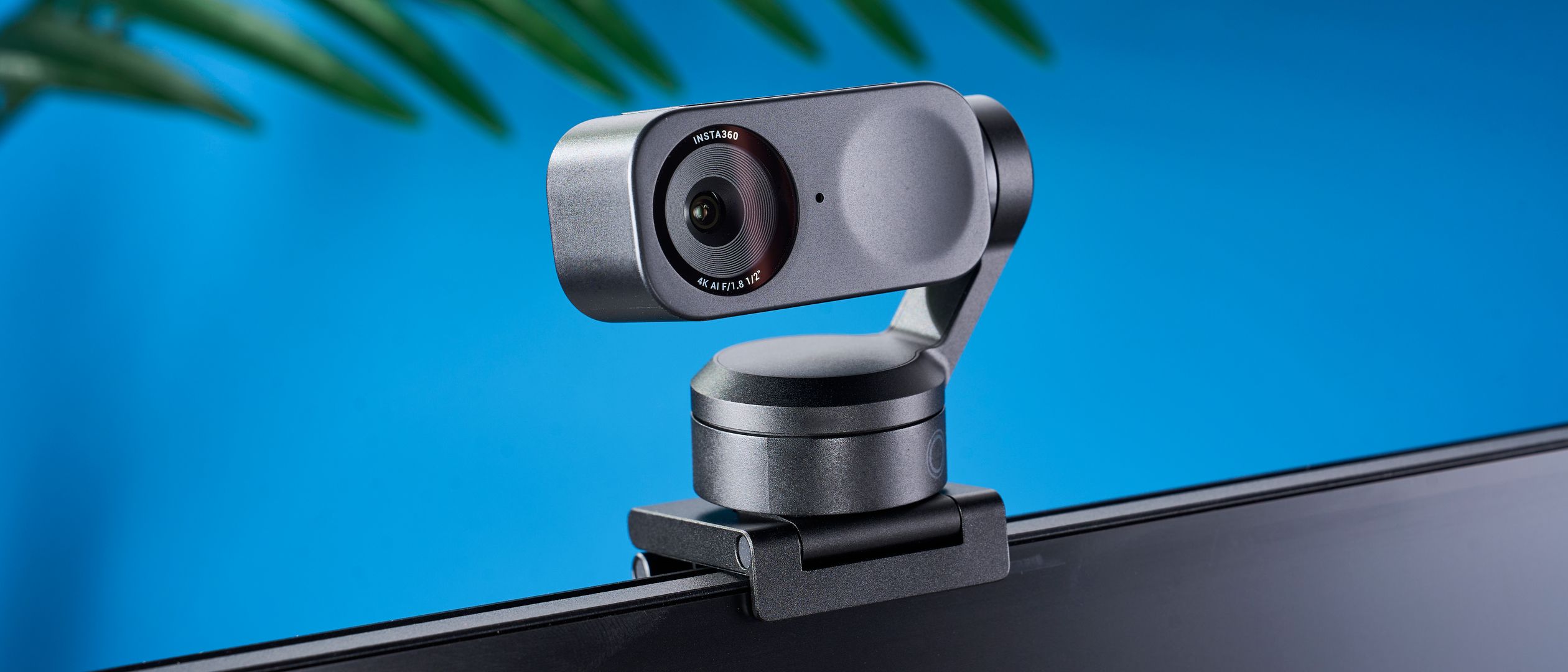
A 2-axis motorized gimbal that physically pans and tilts to follow you around the room — the closest a webcam gets to having its own camera operator.
Insta360 Link 2
$199.99
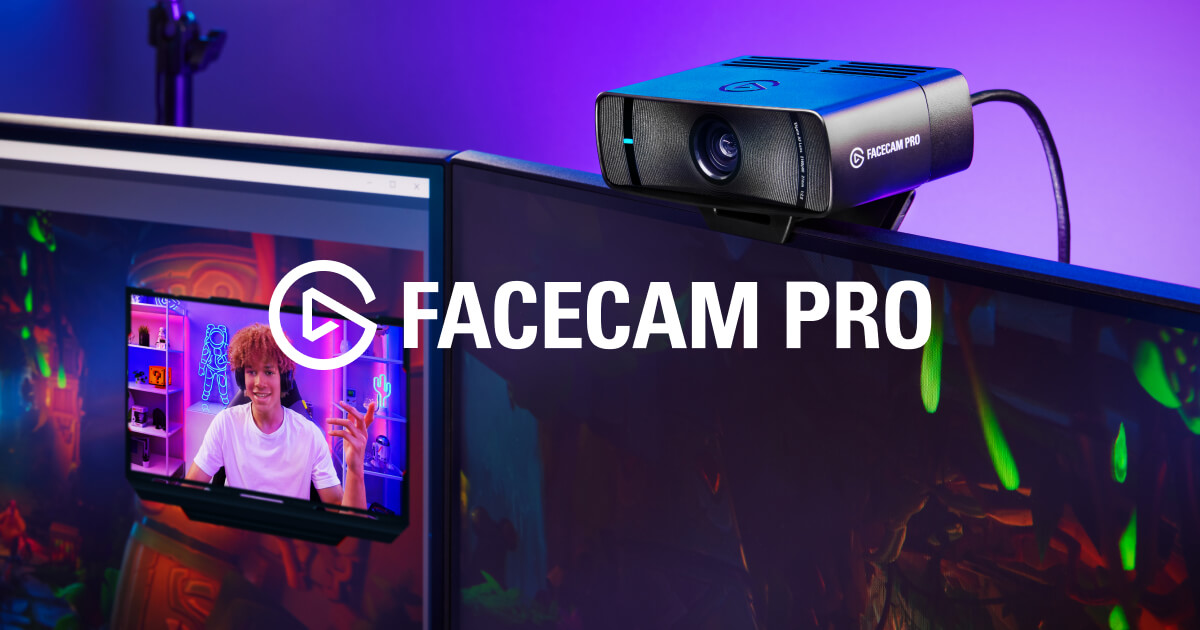
The only webcam that shoots true 4K at 60fps — built for streamers who treat the camera like a cinema lens, not a checkbox on a spec sheet.
Elgato Facecam Pro
$299.99
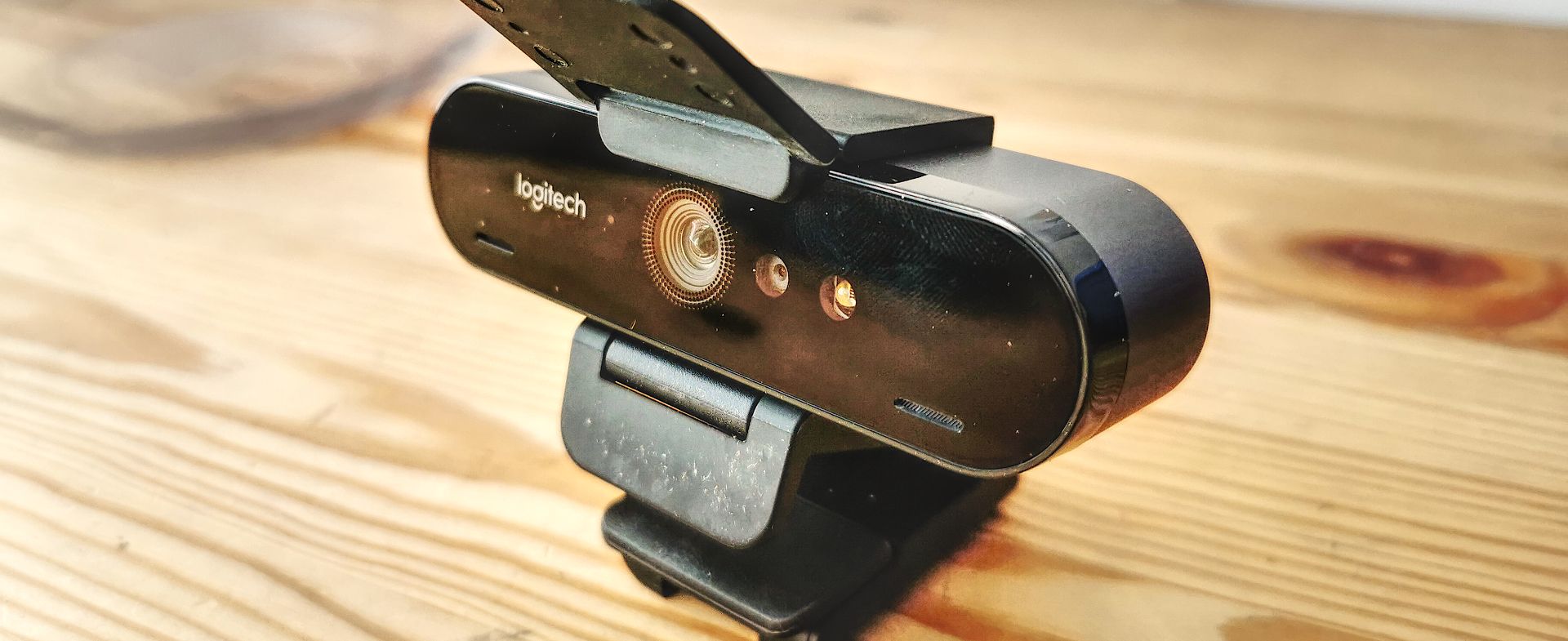
The webcam that put 4K on desks back in 2017 — still genuinely sharp in daylight, and still the only one here with Windows Hello face login.
Logitech Brio 4K
$179
Other expert reviews
Video reviews
YouTube — Logitech MX Brio review
Related guides
All webcams reads →Jun 24, 2026
Logitech MX Brio vs Insta360 Link 2: Which $200 Webcam Is for You?
Two ~$200 premium webcams, two philosophies: the Logitech MX Brio's polish and software versus the Insta360 Link 2's motorized gimbal that physically follows you. Here's how to choose.
Jun 24, 2026
1080p vs 4K Webcams: Do You Actually Need 4K?
4K is the number that sells webcams and the most misunderstood spec in the category. Since most calling apps cap at 1080p, here's exactly when 4K is worth it — and when a good 1080p camera wins.
Jun 24, 2026
Insta360 Link 2 Review: The Webcam With a Camera Operator Built In
Most webcams fake subject tracking with a digital crop. The Insta360 Link 2 uses a real motorized gimbal to physically follow you — and pairs it with the deepest software toolkit of any webcam.
Was this review useful?