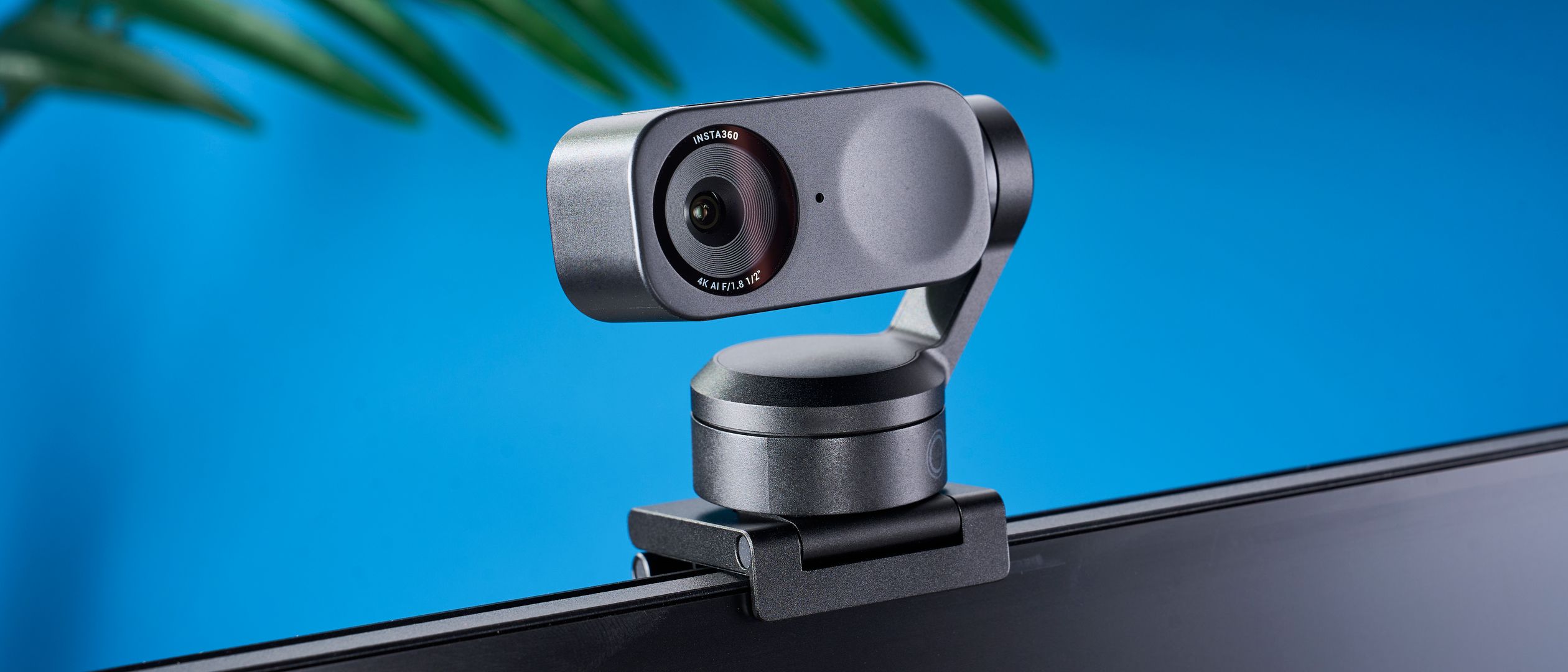
A 2-axis motorized gimbal that physically pans and tilts to follow you around the room — the closest a webcam gets to having its own camera operator.
Insta360 Link 2
Insta360
The pick for anyone who presents, teaches, or moves — real AI tracking that pans and tilts to keep you centered, wrapped in the deepest software toolkit here.
Most webcams that claim to "track" you are really just cropping into a wide frame and panning digitally. The Link 2 is the rare one that actually moves: a 2-axis motorized gimbal physically tilts and rotates to keep you centered, whether you're pacing in front of a whiteboard or leaning out of frame to grab something. You can set it to follow one person or a group, and choose head, upper-body, or full-body framing. Behind that sits the deepest software toolkit in the category — Link Controller adds virtual backgrounds, bokeh, a whiteboard mode and more — along with AI noise-cancelling mics with three modes, a 9:16 portrait option, and Zoom certification. The 1/2-inch f/1.8 sensor looks great in good light, though it gives ground to the big-sensor Razer after dark. The rough edges are real but minor: gesture controls are hit-or-miss, a few AI effects want a capable GPU, and "privacy" means the lens tilts down rather than a hard shutter. If you present, teach, or simply don't sit still, nothing else here keeps you framed like this.
$199.99
PickGrade may earn a commission from purchases made through links on this page, at no extra cost to you. This never affects our grades. Full disclosure.
Last reviewed Jun 18, 2026
What we like
- ✓Real 2-axis motorized gimbal that physically tracks and reframes you
- ✓Flexible AI tracking: single or group, head/upper/full body
- ✓Deepest software suite here — virtual backgrounds, bokeh, whiteboard mode
- ✓Strong 4K image, AI noise-cancel mics, and a 9:16 portrait mode
Trade-offs
- −Gesture controls are finicky and inconsistent
- −Some AI features need an NVIDIA or Apple-Silicon GPU
- −Auto-privacy tilts the lens down rather than using a physical shutter
- −Low-light image trails the big-sensor Razer
Best for
presenters, teachers, and anyone who moves around and wants the camera to physically pan and tilt to follow them
Avoid if
you sit still for every call and would rather not pay for motorized tracking you won't use
Score breakdown
- autofocus framing9.5/10
- software controls9.0/10
- value8.0/10
- image quality8.0/10
- microphone7.5/10
- low light7.0/10
Specs
- hdr
- true
- lens
- f/1.8, 26 mm
- zoom
- 4x
- mount
- Magnetic + tripod
- gimbal
- 2-axis motorized with AI tracking
- sensor
- 1/2-in, f/1.8
- weight
- 102 g (3.6 oz)
- privacy
- Auto-privacy tilts lens down (no shutter)
- gestures
- Yes (finicky)
- software
- Link Controller (virtual bg, bokeh, whiteboard)
- tracking
- Single/group, head/upper/full body
- autofocus
- Yes (10 cm – ∞)
- connection
- USB-C
- microphone
- AI noise-cancel, 3 modes
- resolution
- 4K 30fps
- certification
- Zoom certified
- field of view
- 79.5°
- portrait mode
- Yes (9:16)
- lower res modes
- 1080p60
How we know
High confidenceLast checkedReviews single out the Link 2's defining feature as its genuine 2-axis motorized gimbal: unlike the digital crop-and-pan most rivals use, this webcam physically tilts and rotates to track you, with selectable single or group tracking and head, upper-body, or full-body framing. Testers describe the AI tracking as smooth and the standout reason to buy it, alongside an unusually deep software suite — Link Controller adds virtual backgrounds, bokeh, a whiteboard mode, and more — plus AI noise-cancelling mics with three modes, a portrait 9:16 option, and Zoom certification. Image quality from the 1/2-inch f/1.8 sensor is rated very good in good light, if a step behind the large-sensor Razer after dark. The criticisms are specific: gesture controls are inconsistent, some AI processing requires a capable GPU, and privacy is handled by tilting the lens down rather than a physical shutter. The consensus is the best webcam for presenters and anyone who moves while on camera.
Compare Insta360 Link 2 with the top alternates side-by-side.
Compare picks →Related picks
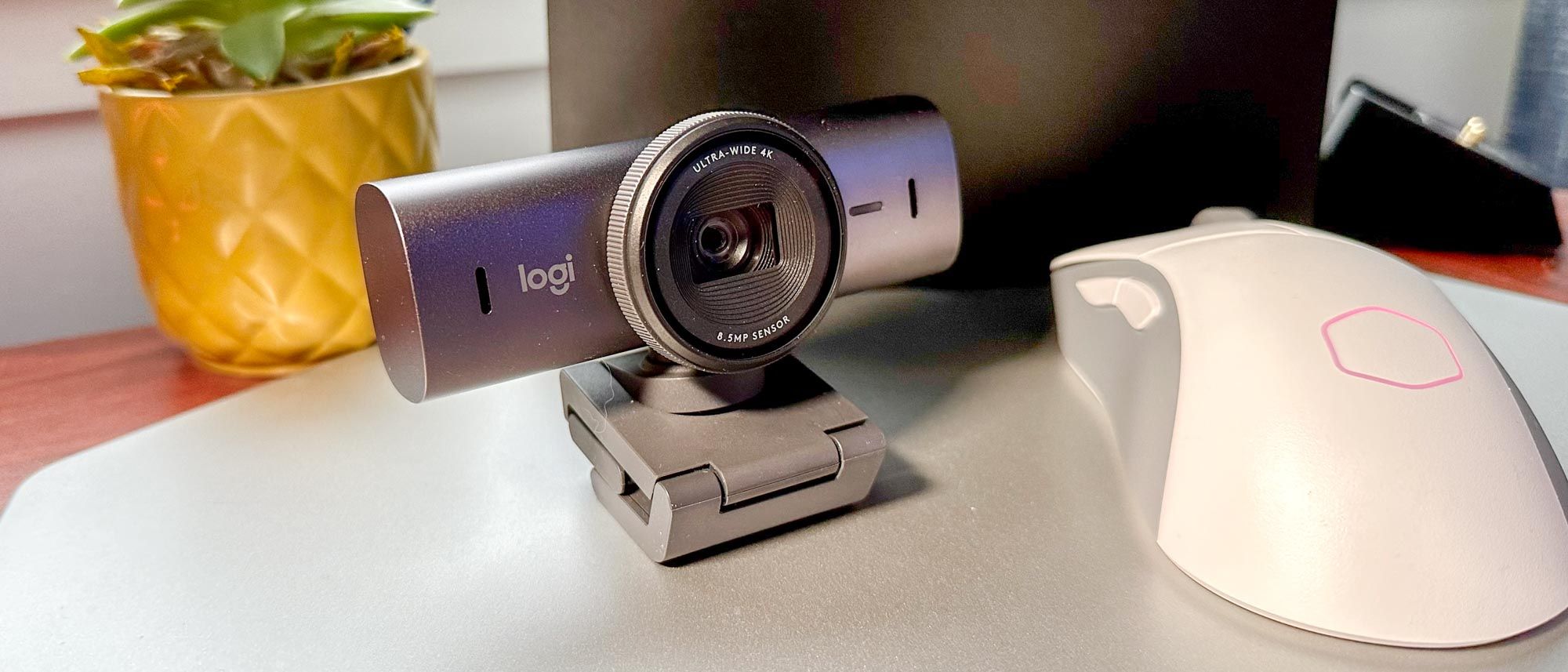
Logitech took everything it learned from the original Brio, made the sensor 70% bigger, and built the most polished all-around 4K webcam you can buy.
Logitech MX Brio
$199.99
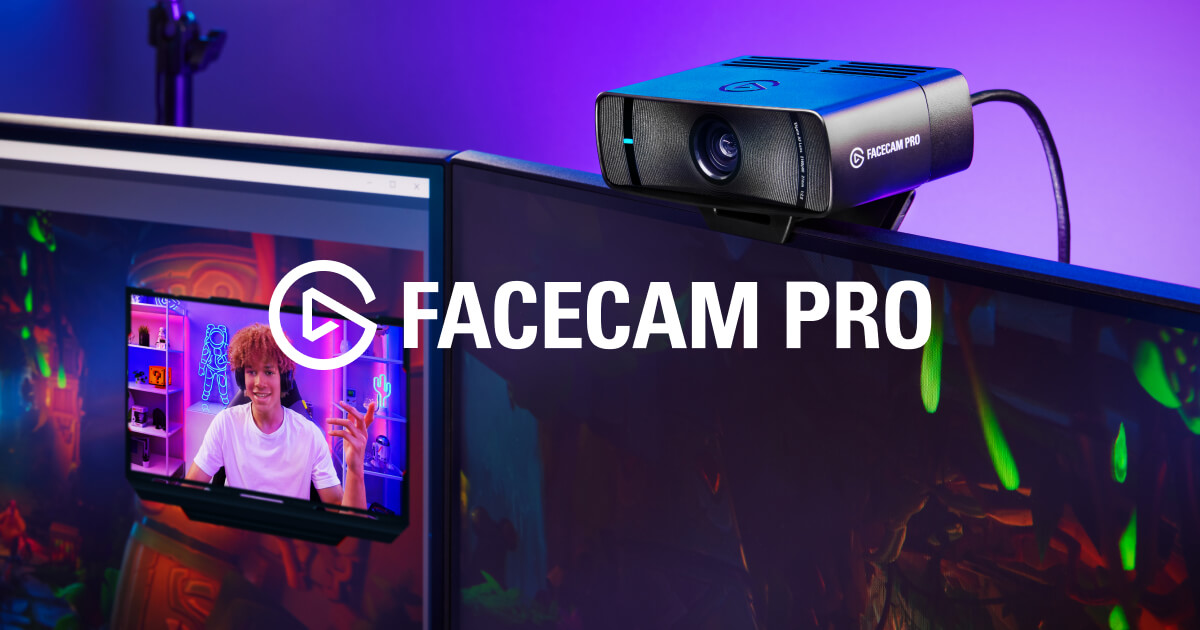
The only webcam that shoots true 4K at 60fps — built for streamers who treat the camera like a cinema lens, not a checkbox on a spec sheet.
Elgato Facecam Pro
$299.99
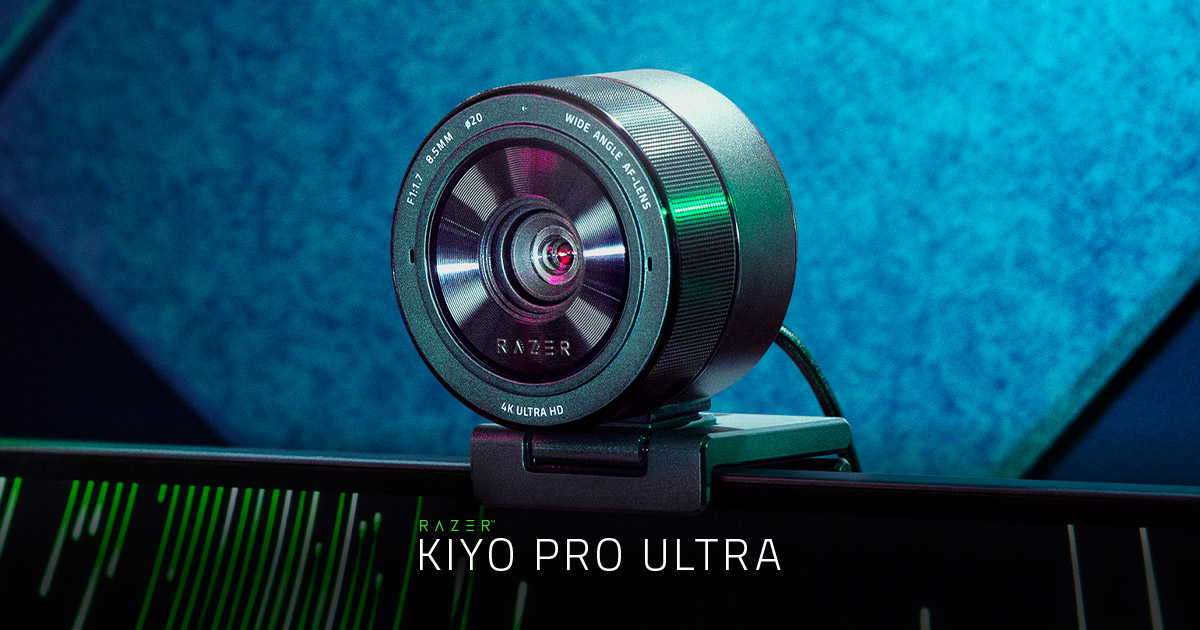
The biggest sensor ever put in a webcam — it pulls in light a phone-sized camera can't, which is exactly why your dim room is where it wins.
Razer Kiyo Pro Ultra
$299.99
Other expert reviews
Video reviews
YouTube — Insta360 Link 2 review
Related guides
All webcams reads →Jun 24, 2026
Logitech MX Brio vs Insta360 Link 2: Which $200 Webcam Is for You?
Two ~$200 premium webcams, two philosophies: the Logitech MX Brio's polish and software versus the Insta360 Link 2's motorized gimbal that physically follows you. Here's how to choose.
Jun 24, 2026
1080p vs 4K Webcams: Do You Actually Need 4K?
4K is the number that sells webcams and the most misunderstood spec in the category. Since most calling apps cap at 1080p, here's exactly when 4K is worth it — and when a good 1080p camera wins.
Jun 24, 2026
Insta360 Link 2 Review: The Webcam With a Camera Operator Built In
Most webcams fake subject tracking with a digital crop. The Insta360 Link 2 uses a real motorized gimbal to physically follow you — and pairs it with the deepest software toolkit of any webcam.
Was this review useful?