Written by
Eran Yorkovsky · Founder, PickGrade with Dr. Yocheved Yorkovsky, Michal Zucker
Head-to-head
MacBook Air M5 vs Dell XPS 13: Count the Ports After You Plug In the Charger
This is the ultraportable decision most people actually face: the MacBook Air (M5) at $1,099 or the Dell XPS 13 at $1,299. Start by throwing out the specs that usually decide a laptop, because here they're a wash.
PickGrade may earn a commission from purchases made through links on this page, at no extra cost to you. This never affects our grades. Full disclosure.
The Air is 2.7 pounds and runs up to 18 hours, fanless and silent. The XPS is a hair lighter at 2.6 pounds and clears 17. Both are beautifully built premium ultraportables. On weight, battery, and build, these are twins, and any review that spends its time there is wasting yours.
My take: the decision comes down to the OS you need, one screen option, and a design gamble Dell took that you will either love or resent every single day.
Count the ports after you plug in the charger
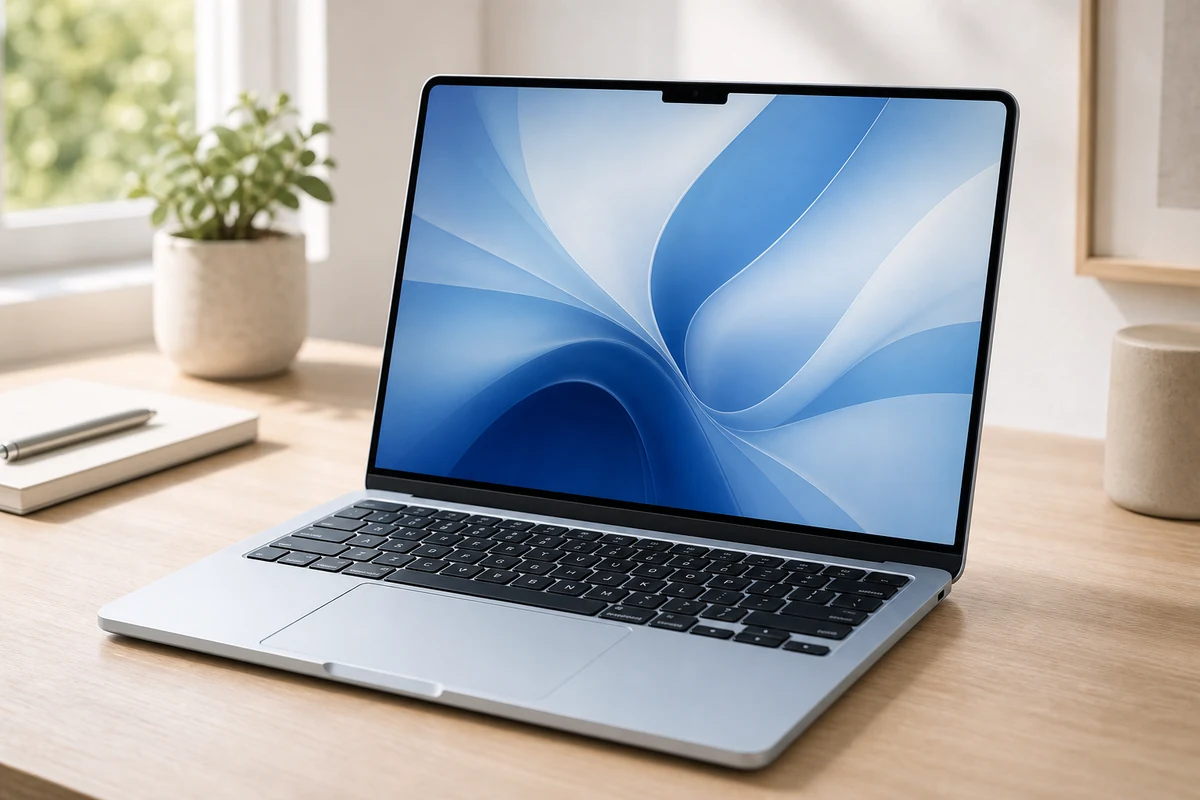
Here's the practical difference nobody puts in a comparison table. Both laptops have exactly two Thunderbolt 4 ports. But the MacBook Air also has MagSafe for charging and a 3.5mm headphone jack. The XPS 13 has two Thunderbolt 4 ports and nothing else: no USB-A, no headphone jack.
Do the arithmetic on a normal working day. On the Air, you charge over MagSafe and still have both Thunderbolt ports free, plus a jack for wired headphones. On the XPS, the charger eats one of your two ports, leaving you with one, and if you want wired headphones for a call, that's a dongle. This is the kind of thing that doesn't show up in a spec comparison and then irritates you a thousand times over three years.
The XPS design gamble
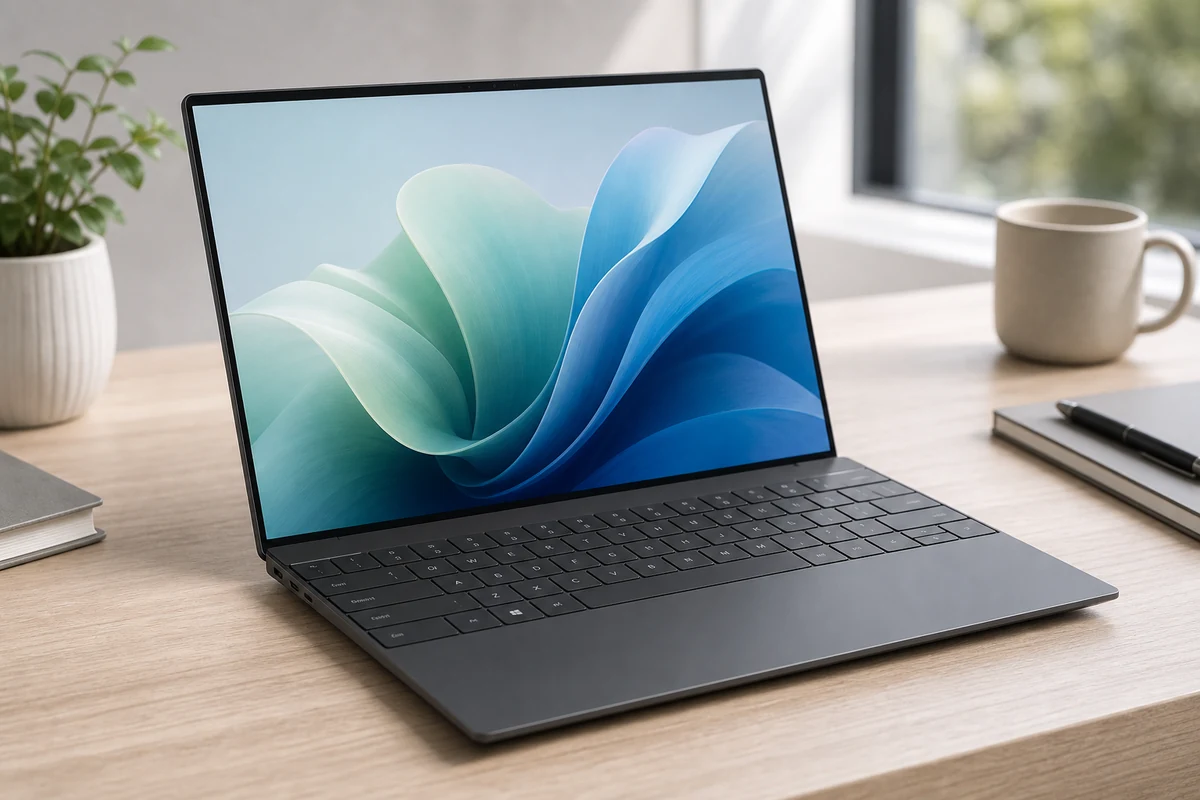
Dell made three bold choices on the XPS 13: an edgeless haptic touchpad with no visible boundary, a capacitive touch function row instead of physical Fn keys, and the port situation above. People are genuinely split. Some find it the most beautiful laptop you can buy. Others never stop hunting for the Escape key.
If you write code or live in a terminal, take the function row seriously before you commit, and read our programming laptop guide first. A capacitive Escape key is a small thing that becomes a big thing when you press it four hundred times a day. The Air takes keyboard-and-build on our scorecard, and that's why.
Where the XPS clearly wins
The screen. Its optional 3K tandem OLED is the one place the XPS decisively beats the Air, and it isn't close. The Air's 13.6-inch Liquid Retina is a very good 500-nit IPS panel, but it's still 60Hz with no ProMotion. The XPS runs 120Hz, and with the OLED upgrade you get the deeper blacks and contrast that Apple reserves for the Pro line. If you watch a lot of video or you just want the nicest display in this size class, that's the XPS, and it takes display quality on our scorecard.
Windows. If your job needs Windows-only software, this is the entire conversation and nothing else matters. Our scorecard nominally hands the XPS the OS criterion, but honestly the two score dead level (9.0 each), because "better OS" isn't a thing. Only "the OS that runs your software" is.
Two things to know before you buy
The Air's price went up. The old $999 tier is gone; it now starts at $1,099. It's still the value winner here, and it still takes performance-for-the-money and portability-and-battery, but it isn't the bargain it once was.
There's more than one XPS 13. The Intel Lunar Lake configuration here trails the Snapdragon X Elite variant on multi-core performance. If you're buying an XPS for sustained multi-core work, check which chip is in the box.
The panel: two lenses I don't own
The value math and the ports are my lane. What this does to your body over a workday, and what it costs the planet, aren't.
Michal Zucker, Design & Fit lens: "An invisible touchpad and a capacitive function row sound like styling questions, and they're not, they're ergonomics. Physical keys give you feedback without looking, and a touch strip forces your eyes down to confirm what your fingers just did. Over a workday that's a real cost in attention and neck position. Try the XPS keyboard before you commit to it, because this is the one thing here you cannot get used to on a spec sheet."
Dr. Yocheved Yorkovsky, Health & Environment lens: "The fanless design on the Air is worth more than people give it credit for. A machine with no fan makes no noise at all, and low-level fan noise for eight hours is a fatigue source you stop consciously hearing but keep paying for. And the greener laptop is simply the one you keep for six years rather than the one with the nicer sustainability badge, so buy the one that will still feel fast in year five."
How we picked
No lab, no theater. Here's the process, so you can weigh it.
- Judged on daily use, including the ports you actually have left after the charger goes in.
- Specs verified against manufacturer documentation: chip, display options, ports, weight, and battery.
- Expert-review consensus and owner complaints synthesized, especially on the XPS's polarizing input design.
- Graded on PickGrade's three lenses: Value & Longevity, Design & Fit, and Health & Environment.
- We don't fake hands-on testing. PickGrade doesn't run its own lab and never pretends to.
Last updated: July 2026.
Still choosing?
Final verdict
Buy the MacBook Air (M5), $1,099, unless you have a specific reason not to. It's the better value, it wins battery and portability, the keyboard and build are the safer daily companions, MagSafe means the charger doesn't cost you a port, and it runs silent because it has no fan at all. For most students, founders, and remote workers, this is simply the right laptop and you can stop reading.
Buy the Dell XPS 13, $1,299, for one of two honest reasons. Either you need Windows, in which case the decision was never really open. Or you want that 3K tandem OLED, which is the best display in this comparison by a clear margin and the one thing the Air genuinely cannot match. Go in with your eyes open about the rest: it's $200 more, the invisible touchpad and capacitive function row take real adjustment, and with only two Thunderbolt ports and no headphone jack, you're going to own a dongle. Pick the Air for value and simplicity. Pick the XPS for Windows and that screen.
Frequently asked
Is the MacBook Air M5 or the Dell XPS 13 better value?
The MacBook Air, at $1,099 against the XPS's $1,299. It takes value, portability-and-battery, performance-for-the-money, and keyboard-and-build on our scorecard, and it throws in MagSafe charging and a headphone jack that the XPS doesn't have. The XPS earns its premium only if you need Windows or specifically want the 3K OLED screen.
How many ports does the Dell XPS 13 have?
Two Thunderbolt 4 ports, and nothing else. No USB-A, no headphone jack. Because the charger occupies one of them, you're left with a single usable port during normal work, so plan on carrying a dongle. The MacBook Air has two Thunderbolt 4 ports plus separate MagSafe charging and a 3.5mm jack, so charging doesn't cost you a port.
Is the Dell XPS 13's capacitive function row a problem?
It depends entirely on what you do. For general work, most people adapt. If you write code, live in a terminal, or use Escape and the function keys constantly, take it seriously: there's no physical feedback, so your eyes go down to confirm each press. Try it in person before committing, because it's the one thing here you can't evaluate from a spec sheet.
Which has the better screen?
The Dell XPS 13, clearly, if you take the optional 3K tandem OLED. It runs at 120Hz with the deeper blacks and contrast Apple reserves for its Pro line. The MacBook Air's 13.6-inch Liquid Retina is a very good 500-nit IPS panel, but it's still 60Hz with no ProMotion. The display is the XPS's strongest argument.
Should I buy the XPS 13 with Intel or Snapdragon?
Check which chip is in the box before you buy. The Intel Core Ultra 7 (Lunar Lake) configuration trails the Snapdragon X Elite variant on multi-core performance. If you're buying an XPS for sustained multi-core work, that difference matters; for everyday browsing, documents, and calls, either is fine.
Is the MacBook Air M5 worth upgrading to?
The chip is the real upgrade; the design is unchanged and the screen is still 60Hz. If you're coming from an M1 or M2 Air, it's a meaningful jump in speed. If you already have an M4, it isn't urgent. Note the base price rose to $1,099, so the old $999 tier is gone.
Was this comparison useful?