← All guides

The buyer's guide

Laptops

Er

Reviewed by

Eran Yorkovsky · Founder, PickGrade

Almost every laptop is good now — so the real question isn't which is best, it's which is right for you. We match the machine to what you run.

The hard part of buying a laptop now is that almost all of them are good — so the question isn't which is best, it's which is right for you. Four things decide it: what you actually run (browsing and docs ask far less than video editing or gaming), whether your software pulls you toward macOS or Windows, how much you carry it, and how much you'll spend — prices here run nearly ten to one, from a ~$399 Chromebook to a $3,700 gaming machine.

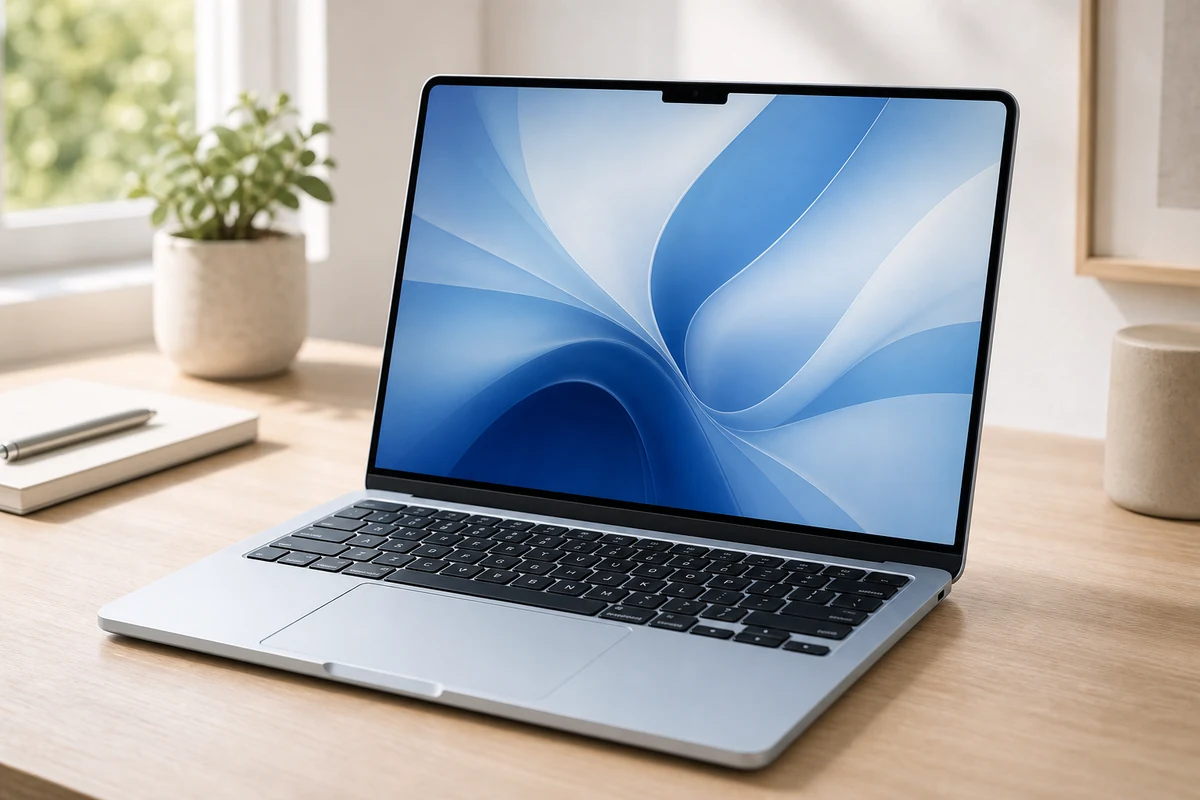
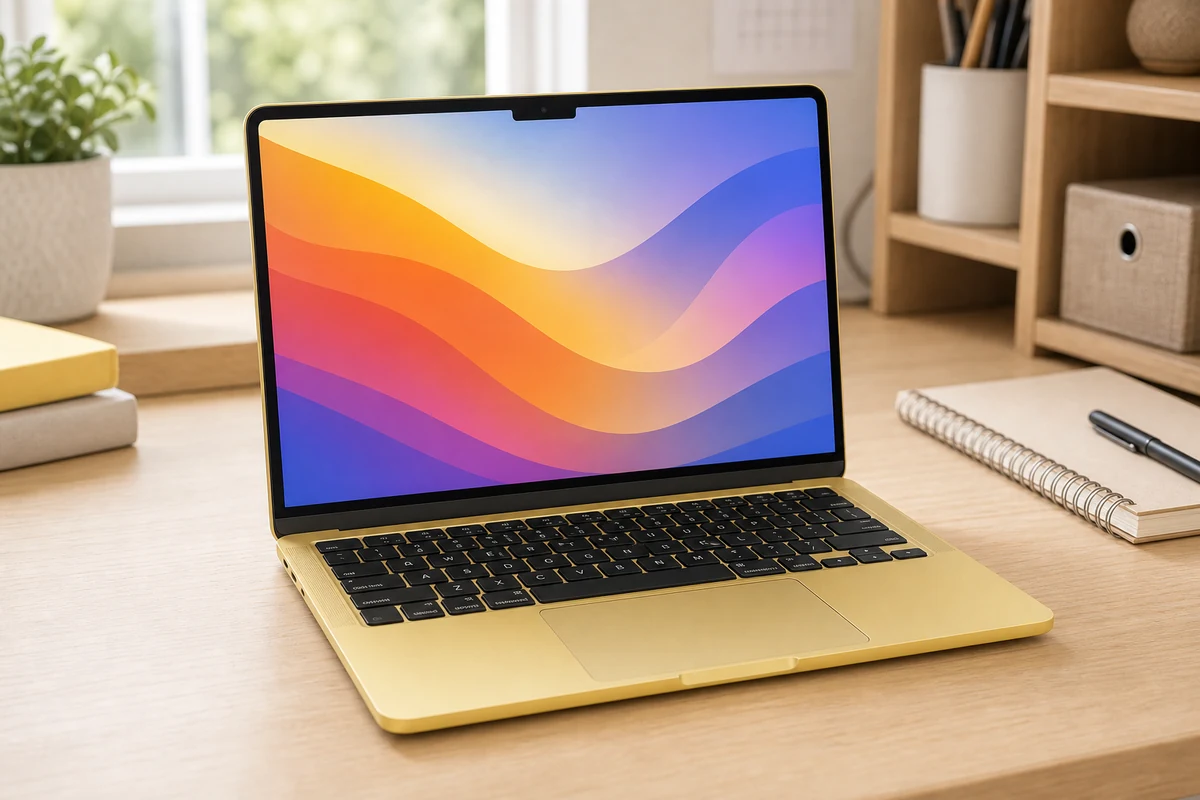
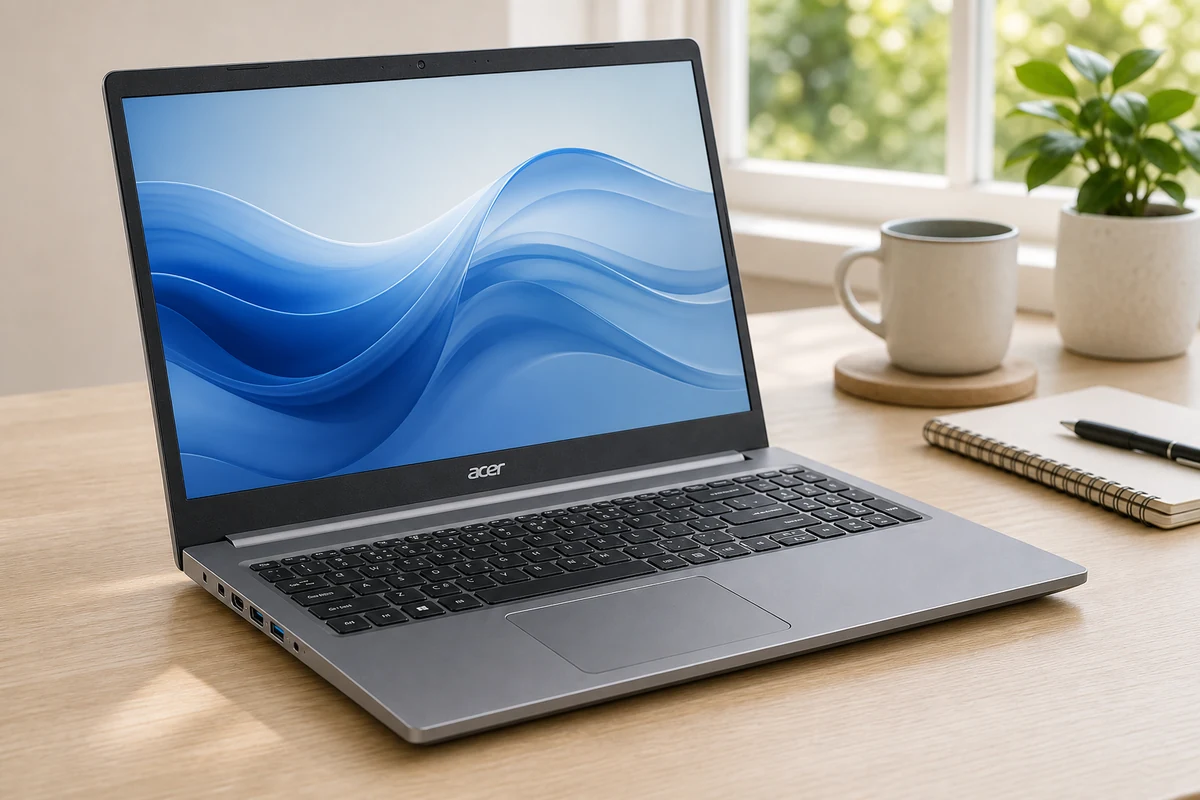
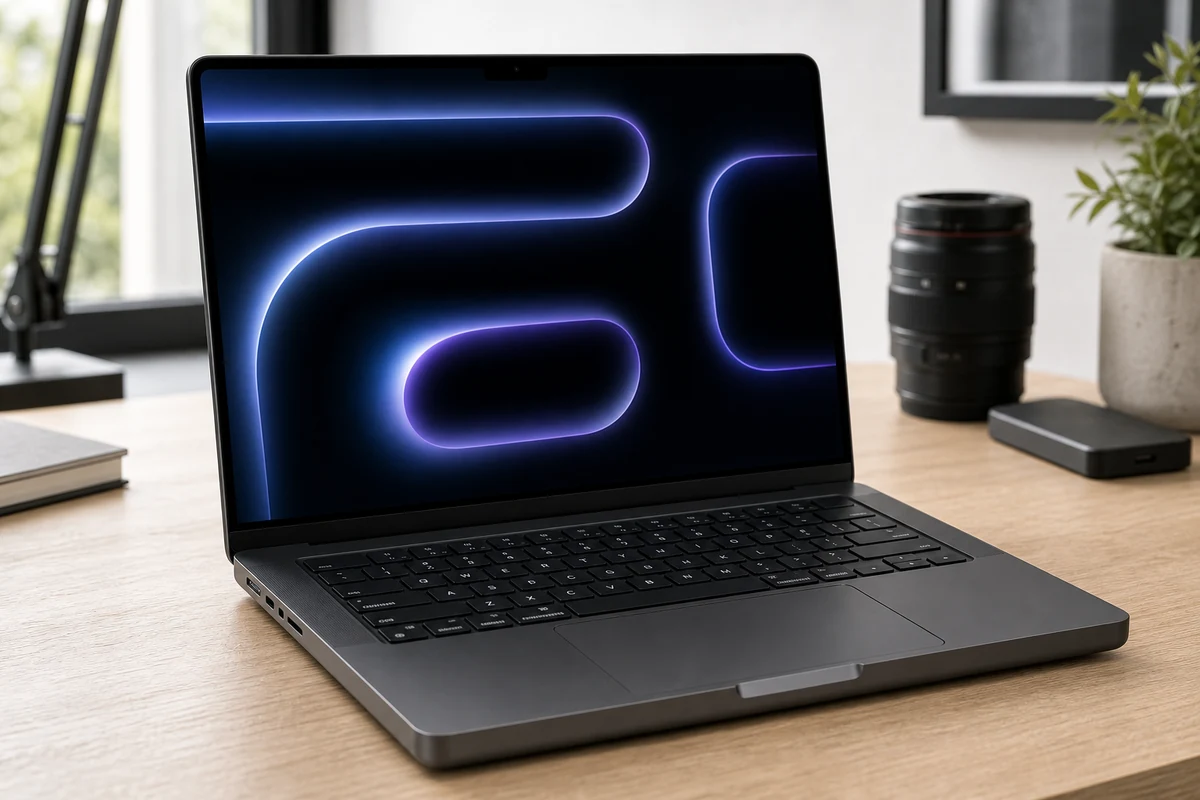
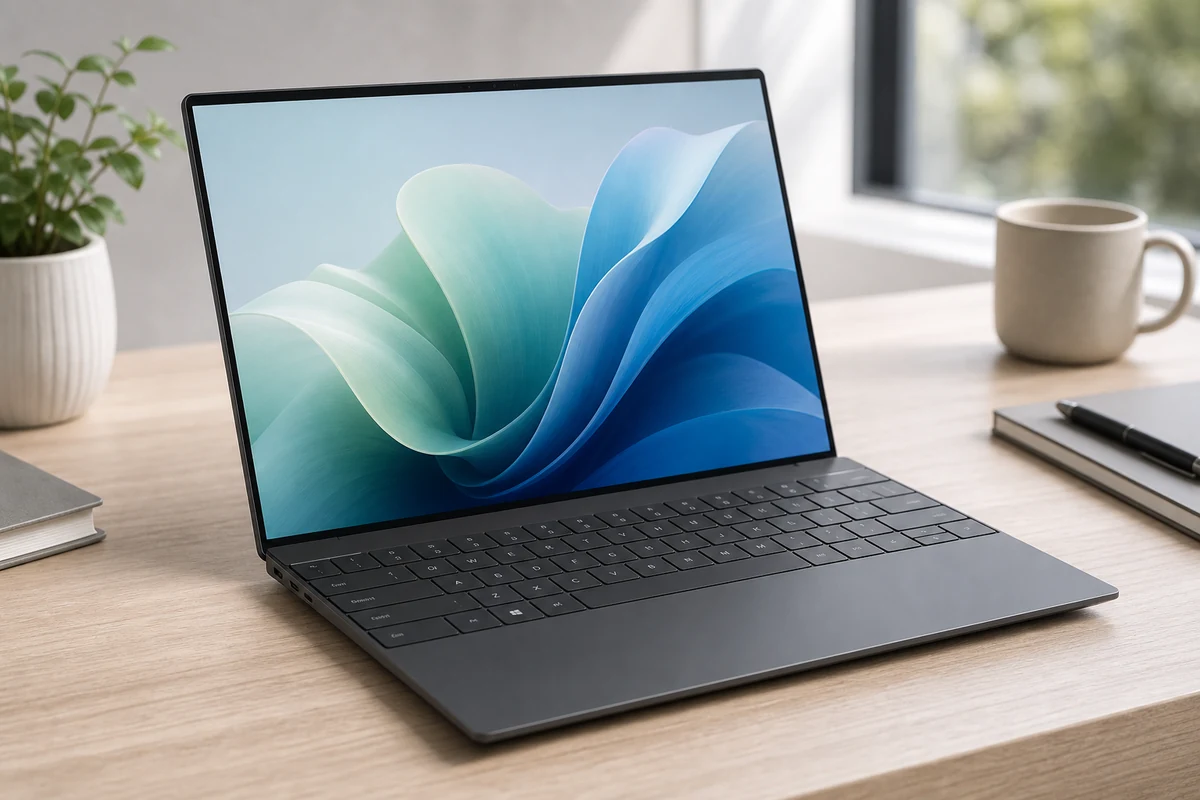
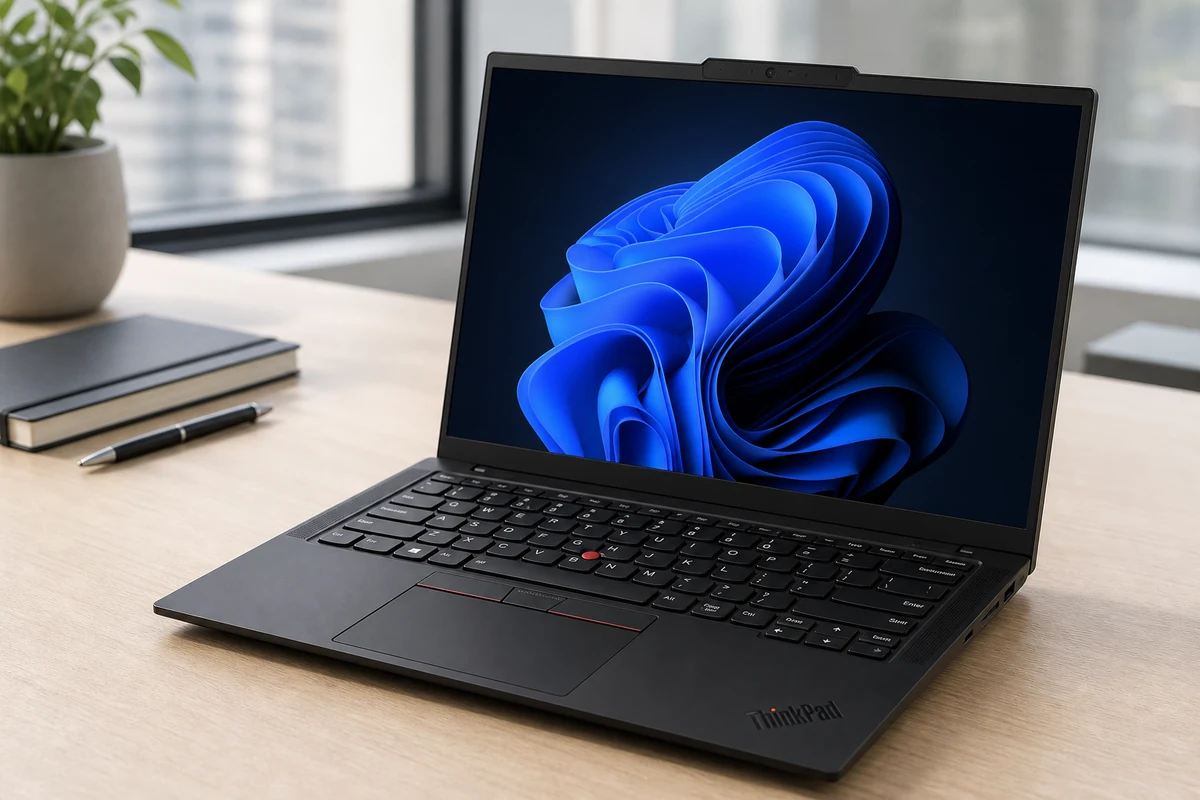
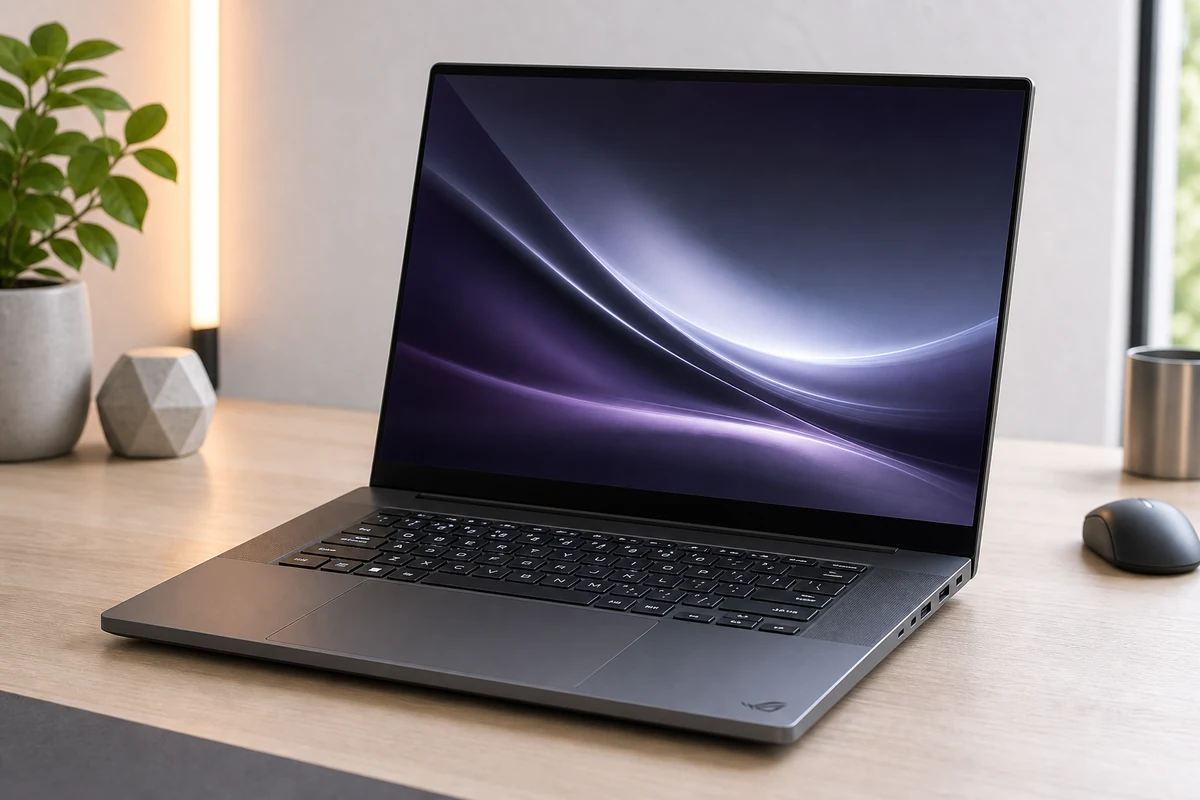
For most people the MacBook Air (M5) is the safe answer: silent, light, all-day battery, and fast enough for everyday work and light creative tasks. Need Windows? The Dell XPS 13 is the mainstream ultraportable and the ThinkPad X1 Carbon has the best keyboard in the business. Creators who outgrow the Air step up to the MacBook Pro 14; gamers want the ROG Zephyrus G16; and on a budget, the MacBook Neo or Acer Aspire 5 each covers a different buyer.

Not sure where you land? Take the 60-second quiz. To go deeper, weigh the flagships in MacBook Air vs Dell XPS 13 and MacBook Air vs MacBook Pro, or jump to your situation — college students, under $700, or remote work.

Start the questionnaire →

6 questions · about a minute

What we look for in a great laptop

  • Performance for your workloadWeight 0.25

    Enough CPU, GPU, and memory for your actual workload, from browsing to creative apps and gaming.

  • Portability and batteryWeight 0.22

    Weight, size, and real-world battery life for travel, commuting, and all-day use.

  • Display qualityWeight 0.15

    Screen size, resolution, and panel quality for reading, creating, and watching.

  • Keyboard and buildWeight 0.15

    Keyboard feel, trackpad, build quality, and durability for daily use.

  • ValueWeight 0.13

    Price relative to performance, longevity, and what you actually need.

  • OS and ecosystem fitWeight 0.1

    macOS versus Windows fit with your software, devices, and workplace.

What's in our catalog

7 picks

Laptops guides

8 guides

Frequently asked questions

How do I choose the best laptop?
Start with your main use, preferred operating system, portability needs, battery expectations, and budget. For most people, memory, storage, screen quality, keyboard comfort, and battery life matter more than chasing the highest-end processor.
Is a MacBook or Windows laptop better?
MacBooks are strong for battery life, build quality, and creative workflows, especially if you use other Apple devices. Windows laptops offer more variety, gaming options, business features, and price flexibility.
How much RAM do I need in a laptop?
For basic browsing and documents, 8GB can work. For heavier multitasking, school, work, coding, or creative apps, 16GB is a safer long-term target. Demanding creative or engineering work may need more.
What is the best laptop for students?
Students usually need a lightweight laptop with strong battery life, a comfortable keyboard, reliable performance, and enough storage. The best pick depends on whether the school requires Windows apps or allows macOS.
Should I buy a gaming laptop for work?
Only if you also need graphics performance for gaming, 3D work, or creative apps. Gaming laptops are powerful, but they are often heavier, louder, and have shorter battery life than work-focused laptops.

How we grade

We score every product on the criteria that actually decide the purchase.

PickGrade compares laptops around practical fit: the work you do, operating-system needs, portability and battery life, display and keyboard quality, performance headroom, and price. We do not claim hands-on lab testing unless a page states it directly; recommendations are based on structured product research, manufacturer data, published review measurements, and buyer-fit tradeoffs.

Read the full methodology →
PickGrade

The independent grading authority for the things you buy. Research once, decide fast — no sponsored top-10 lists.

Affiliate disclosure — PickGrade participates in affiliate programs, including Amazon Associates and partnerships managed through affiliate networks. We may earn a commission from qualifying purchases at no extra cost to you. This never affects our grades. Full disclosure.

Explore

Contact

Questions, feedback, or partnership inquiries?

admin@pickgrade.com

Company

© 2026 PickGradeNo sponsored placements · Ever