SteamOS vs Windows Handhelds in 2026: Which Should You Actually Buy?
SteamOS feels like a console; Windows runs everything. The right gaming handheld depends on which trade-off fits your library — here's the honest 2026 breakdown.
By Eran Yorkovsky · Founder, PickGrade
June 10, 2026 · Openly AI-powered
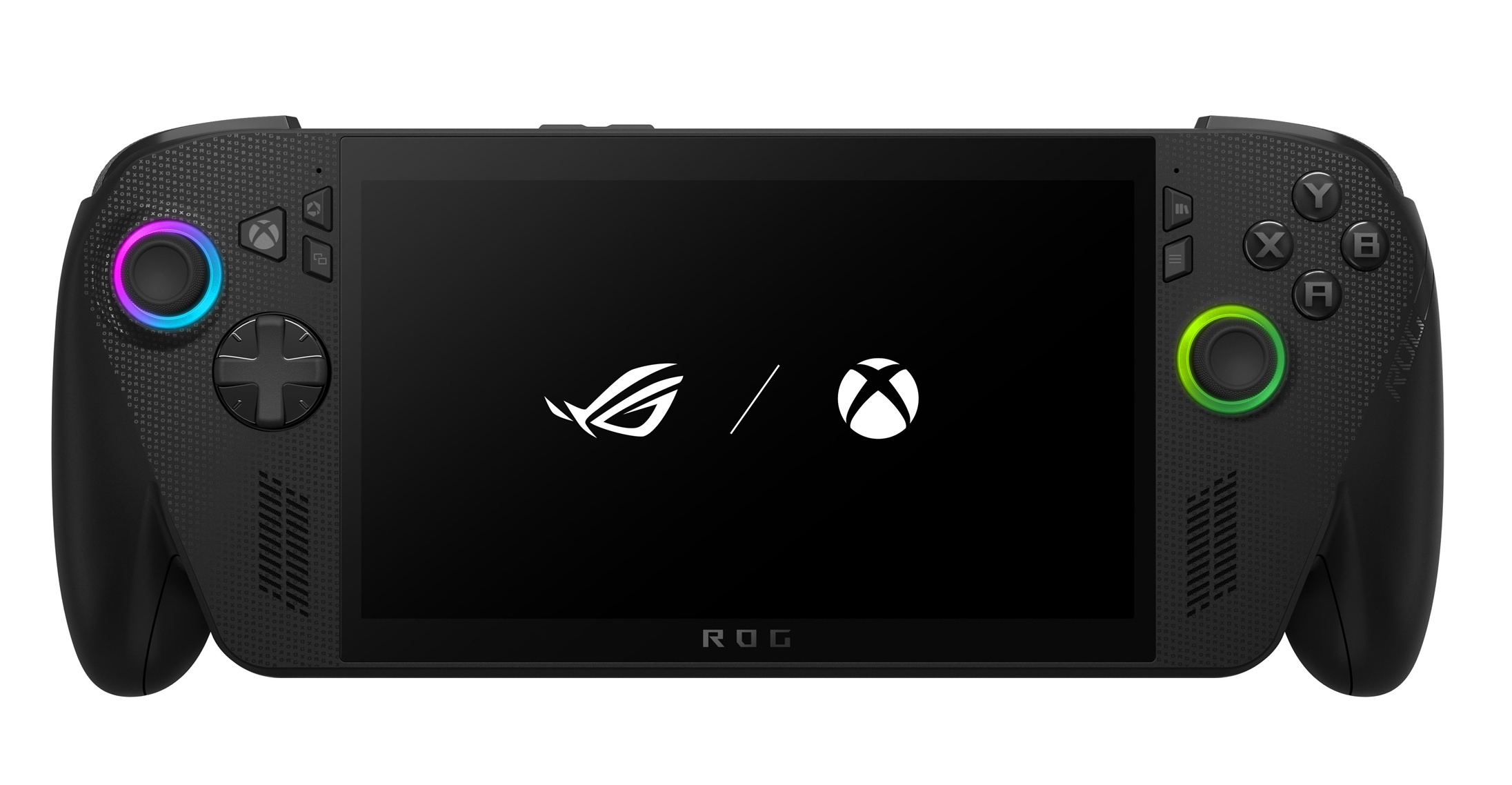
If you're shopping for a gaming handheld in 2026, the first fork in the road isn't a spec — it's an operating system. SteamOS and Windows handhelds can share nearly identical chips, yet they feel like different product categories in daily use. Here's the honest breakdown.
What SteamOS gets right
SteamOS, found on the Valve Steam Deck and the Lenovo Legion Go S, is built around one idea: a handheld should behave like a console. Press the power button and you're in your Steam library in seconds. Press it again mid-game and the device sleeps instantly, resuming exactly where you left off hours or days later. There are no driver pop-ups, no antivirus nags, no surprise update reboots.
It's also more efficient. Because SteamOS is a lean Linux system tuned for one job, the same chip typically delivers smoother frame pacing and noticeably longer battery life than it would under Windows. The community ecosystem matters too: for almost any game, someone has already published recommended settings, so you spend your time playing rather than benchmarking.
What SteamOS costs you
The compatibility layer (Proton) that lets Windows games run on Linux is remarkably good — but not universal. The biggest gap is anti-cheat: several major multiplayer titles simply refuse to run on SteamOS. If your evenings revolve around one of those games, this is disqualifying, full stop. Games from other stores (Epic, Battle.net, Game Pass) can be coaxed onto SteamOS, but it's a workaround, not a feature.
What Windows gets right
A Windows handheld like the ROG Xbox Ally or Lenovo Legion Go 2 is a full PC. Every launcher installs natively. Every anti-cheat multiplayer game runs. Game Pass works out of the box, including downloads, not just streaming. The 2026 generation has also gotten dramatically friendlier: the Xbox full-screen experience on the Ally line boots into a controller-first interface that hides most of Windows most of the time.
Windows machines also dominate the high end. If you want maximum performance — the Ally X's Z2 Extreme with 24GB of RAM, or the Legion Go 2's stunning 8.8-inch 144Hz OLED — you're buying Windows, because that's where the flagship hardware lives.
What Windows costs you
Windows is still Windows. You will occasionally close a pop-up with a thumbstick, wait for an update, or troubleshoot a driver. Battery life from equivalent hardware runs shorter. Sleep and resume work most of the time, which is a meaningfully different promise than all of the time.
The decision in one paragraph
Choose SteamOS if your library lives on Steam and you want a device that respects your patience — the Steam Deck OLED if you can find one at a fair price, the Legion Go S if you can't. Choose Windows if you play anti-cheat multiplayer games, live on Game Pass, spread purchases across stores, or want flagship-tier performance — the ROG Xbox Ally for value, the Ally X or Legion Go 2 for power.
Still torn? Our gaming handheld quiz weighs your library, setup tolerance, and budget and gives you a ranked answer in under a minute.
Videos and outside scores
- See Valve Steam Deck details.
- See ASUS ROG Ally details.
- Read The Verge's Steam Deck OLED review.
- Read Wired's ASUS ROG Ally X review.
Scores use each publisher methodology and should not be treated as directly equivalent.
Still choosing?
- Nintendo Switch 2
- Valve Steam Deck OLED
- Lenovo Legion Go S (SteamOS)
- ASUS ROG Xbox Ally
- ASUS ROG Xbox Ally X
- Lenovo Legion Go 2
- Retroid Pocket 6
- See all Gaming Handhelds
- The Best Handheld for Xbox Game Pass in 2026
- The Best Budget Gaming Handheld Under $300 in 2026
- The Steam Deck Got Expensive: The 5 Best Alternatives in 2026
- Switch 2 vs Steam Deck OLED vs ROG Xbox Ally: Which Handheld Wins in 2026?
- Steam Deck OLED vs ROG Ally X: SteamOS Simplicity or Windows Power?
- Nintendo Switch 2 vs Steam Deck OLED: Which Handheld Should You Buy?
- Lenovo Legion Go 2 vs ROG Xbox Ally X