The buyer's guide
Tablets
Reviewed by
Eran Yorkovsky · Founder, PickGrade
After ranking tablets from $140 to $1,500, the right pick for most people isn't the powerful one. It's the balanced one.
The tablet trap is buying more than the software can use: a tandem-OLED, top-chip tablet is genuinely overkill for reading, streaming, notes, and light work — which is what most people actually do. So the decision is less about raw power and more about matching the tablet to the job, the operating system you want, and the accessories (a stylus, a keyboard) you'll really use. We name the upgrades that aren't worth it and make the case for most people.
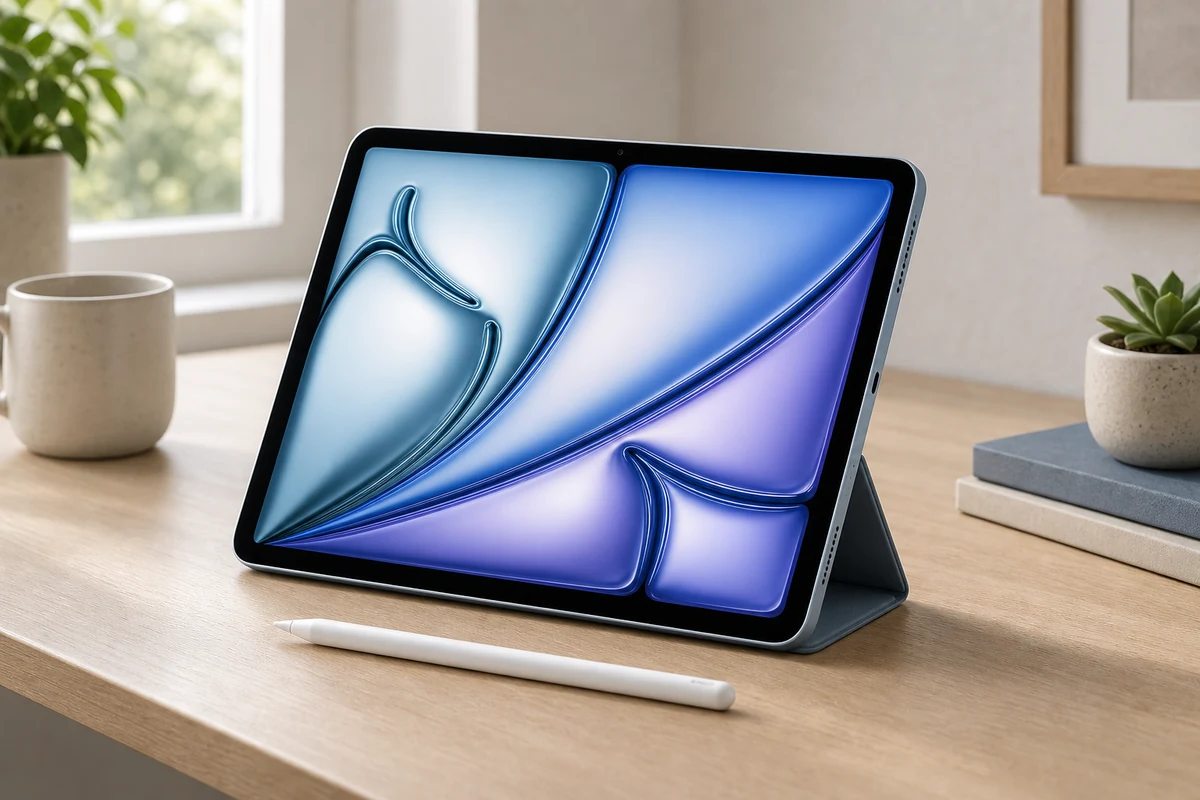
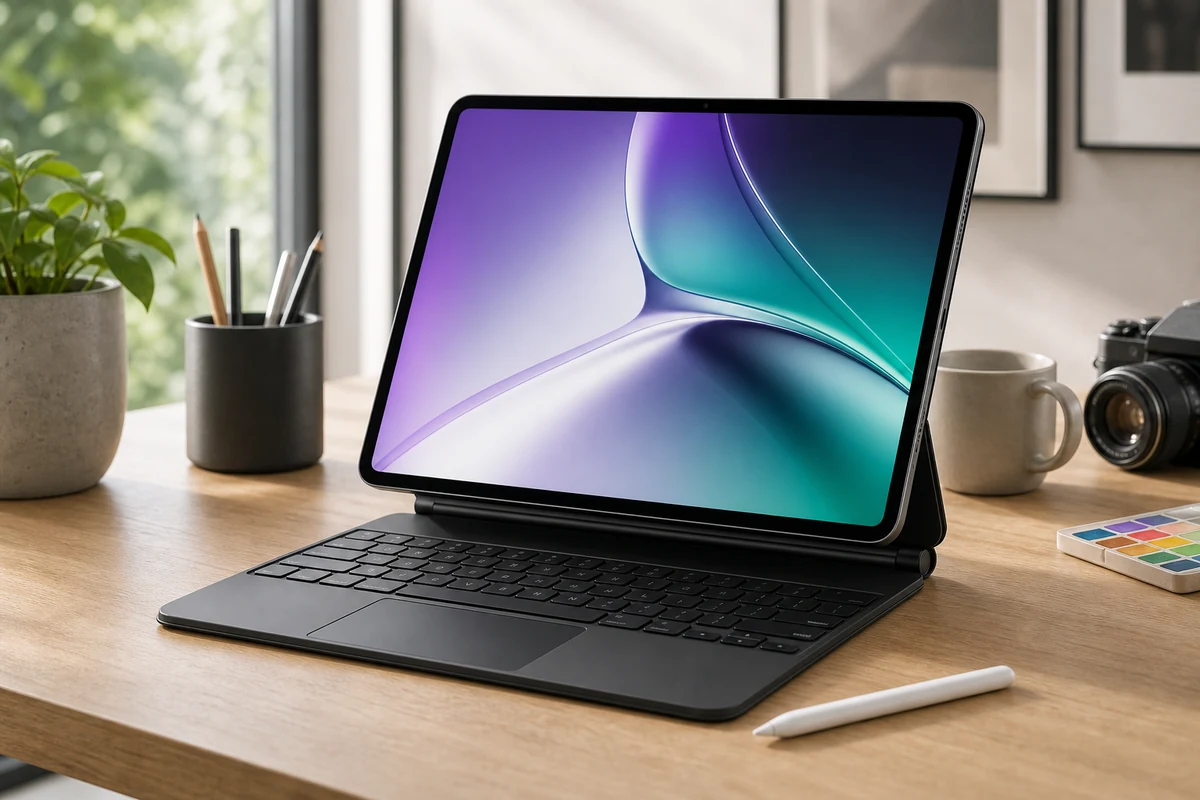
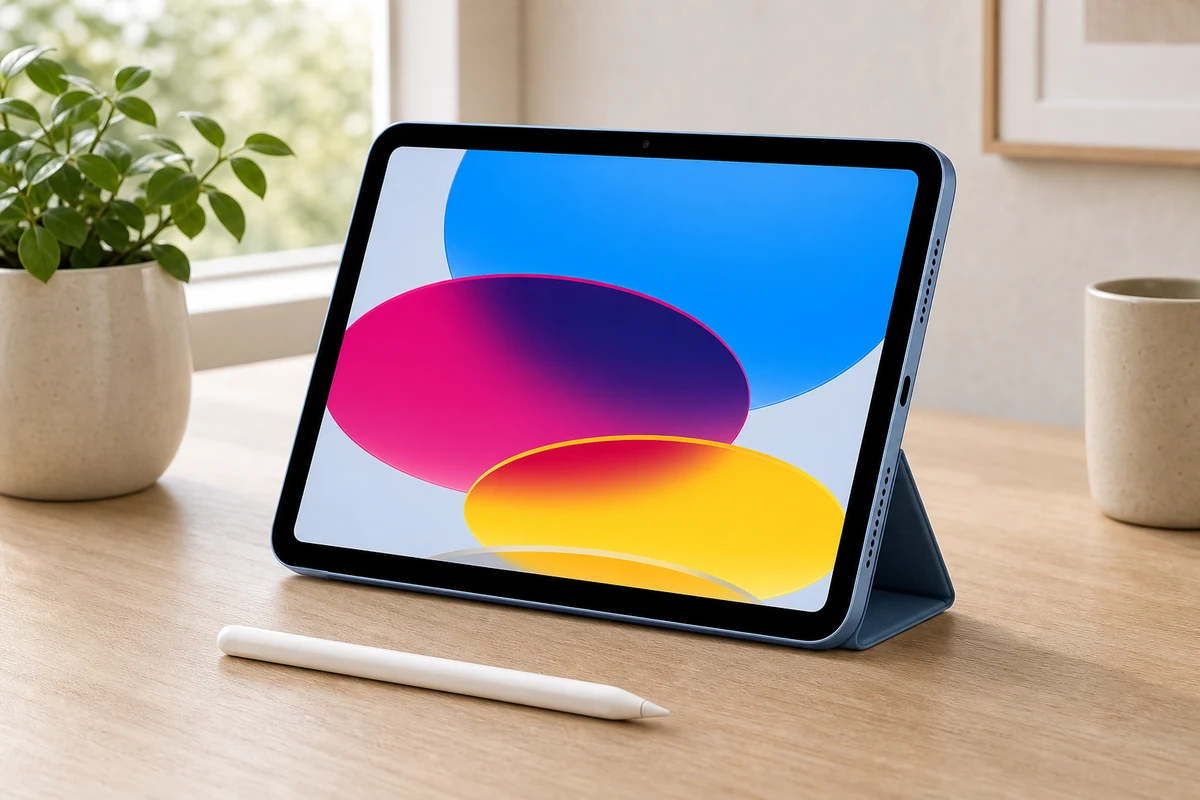
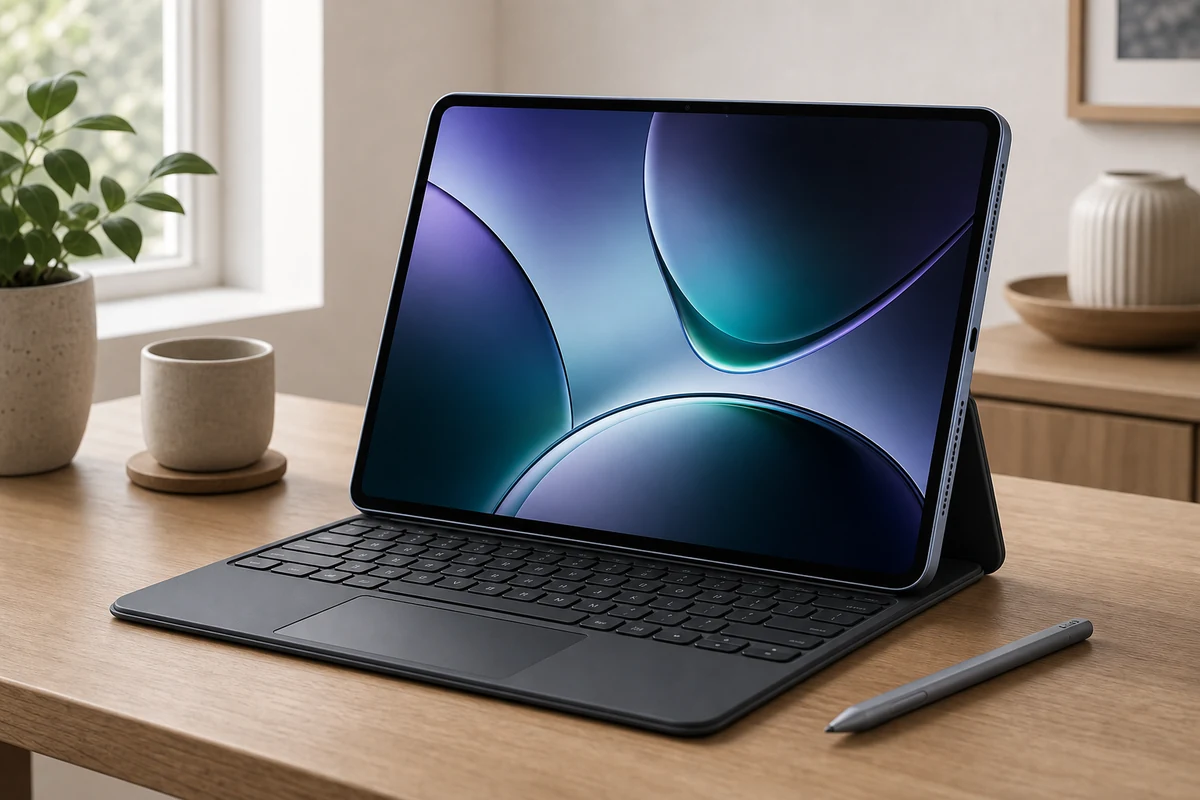
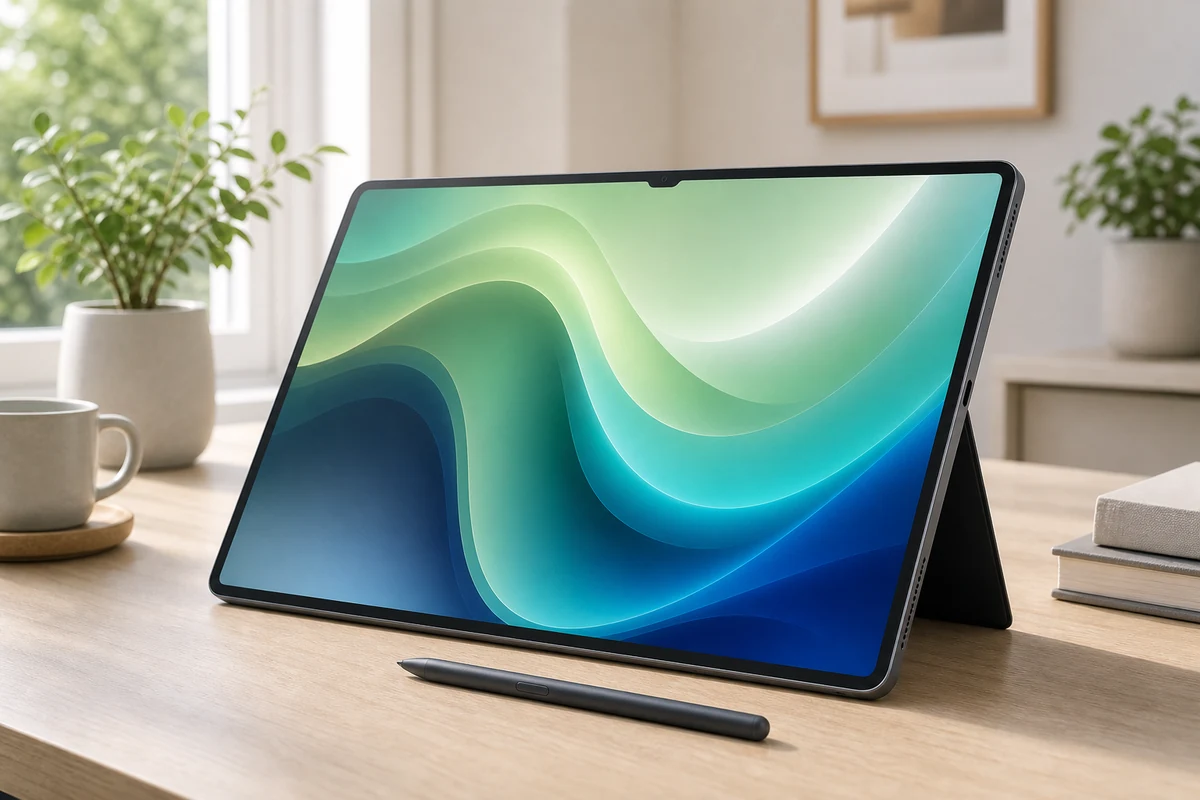
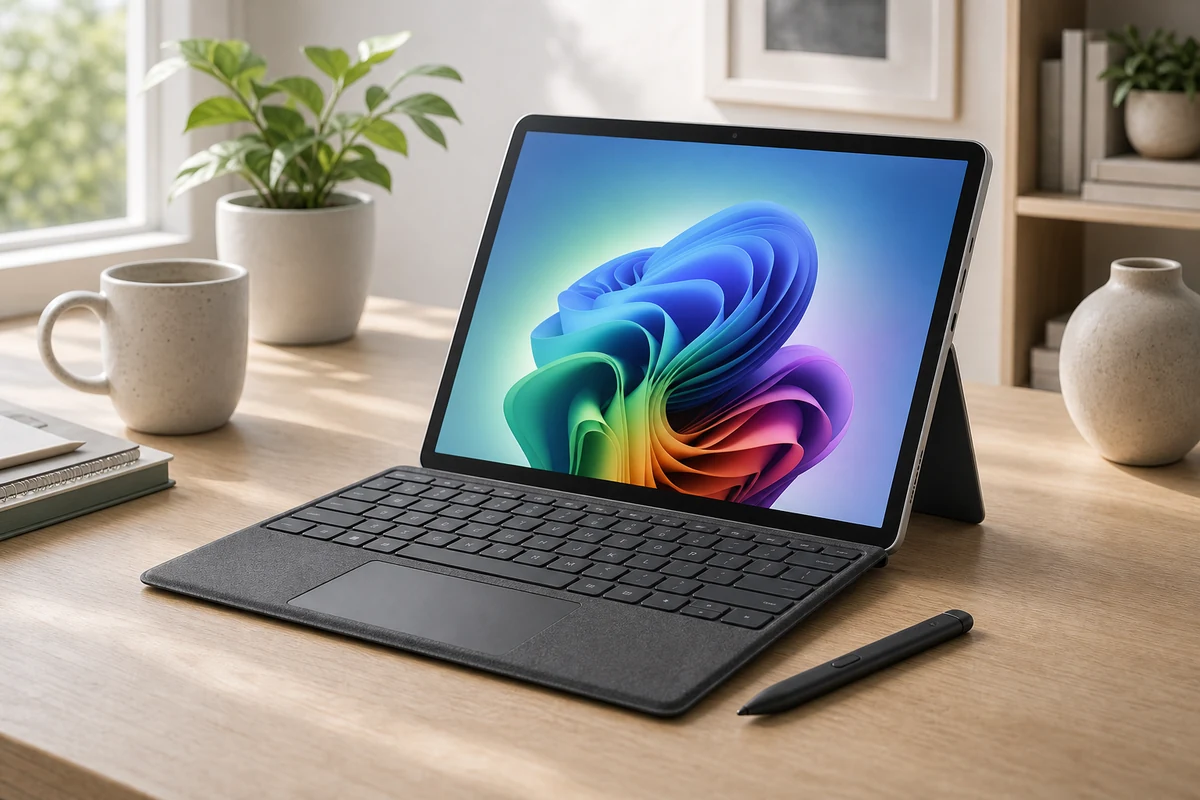
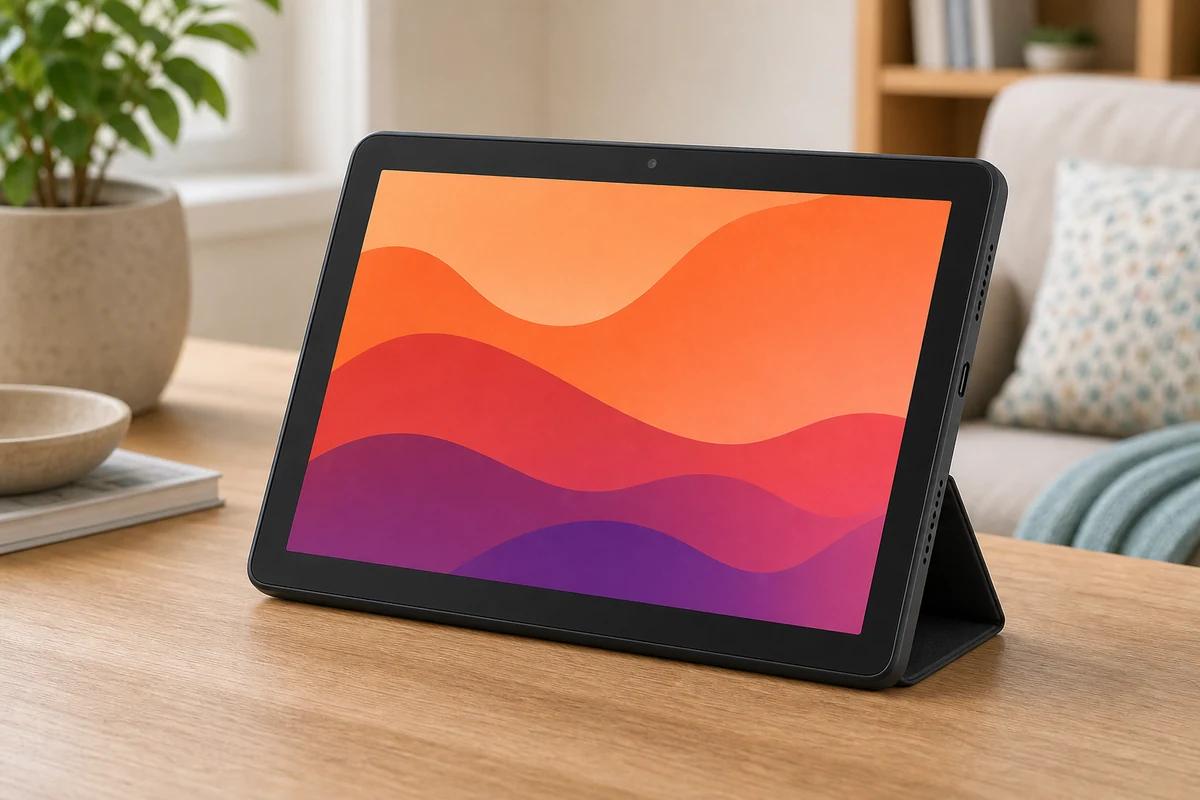
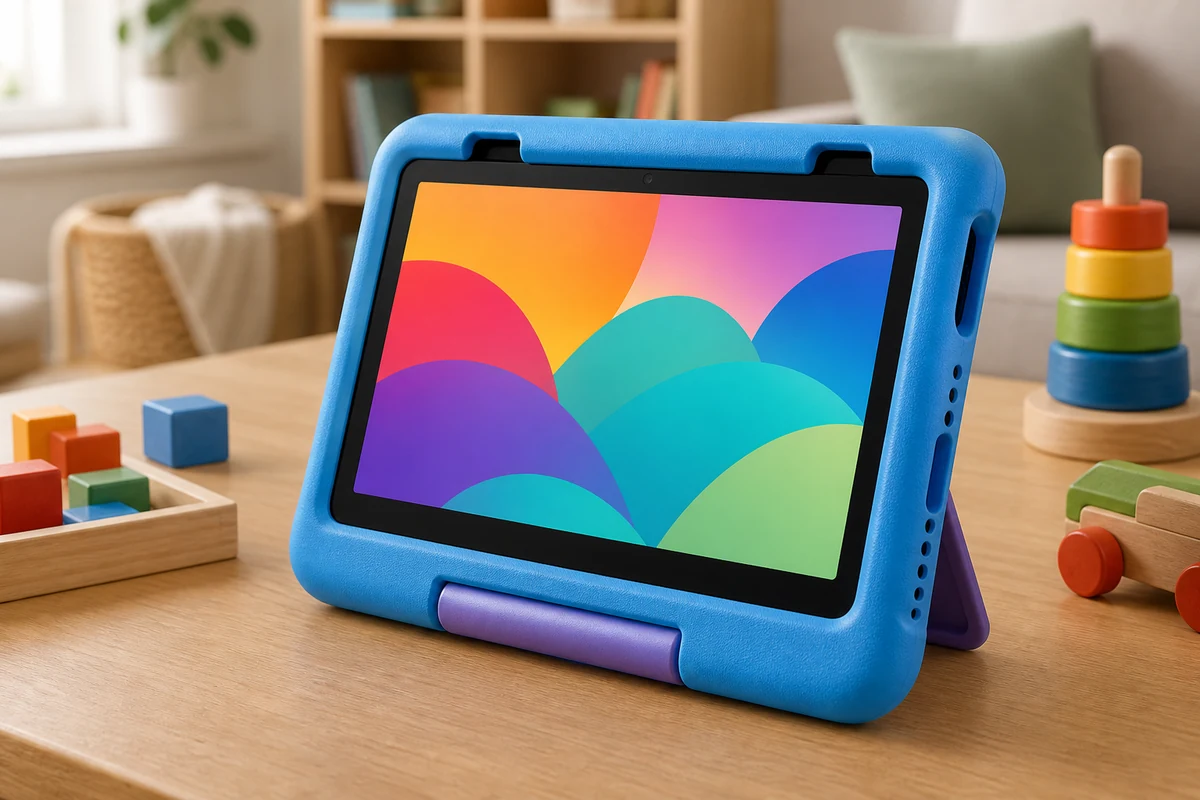
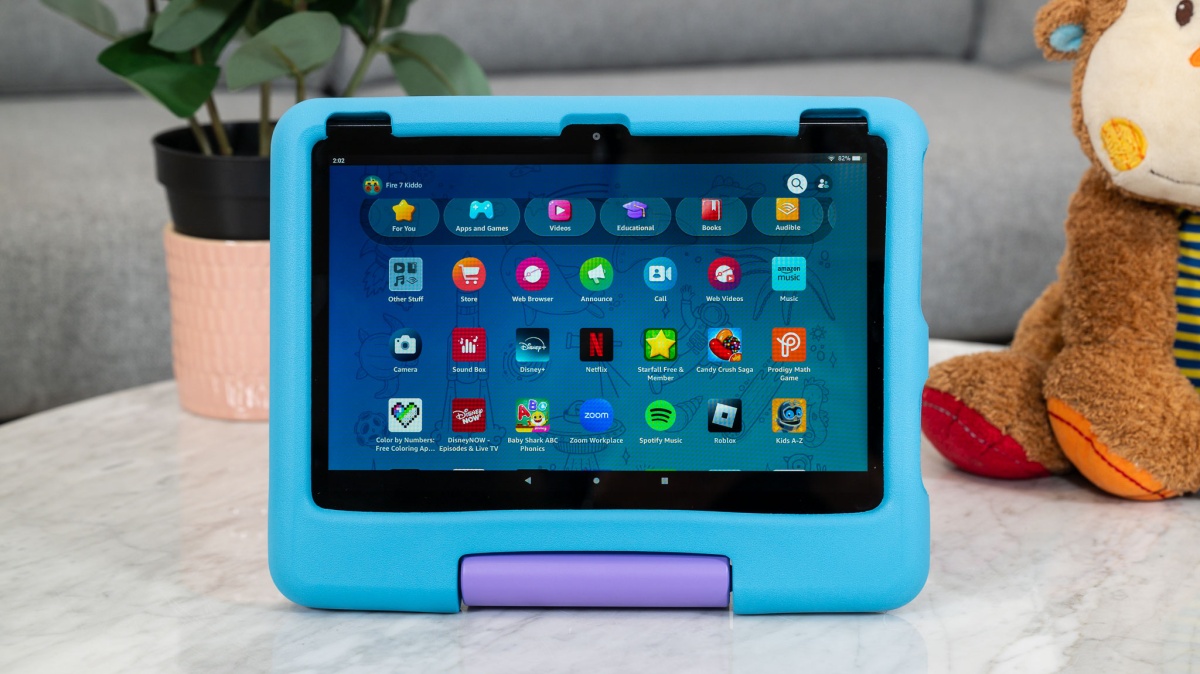
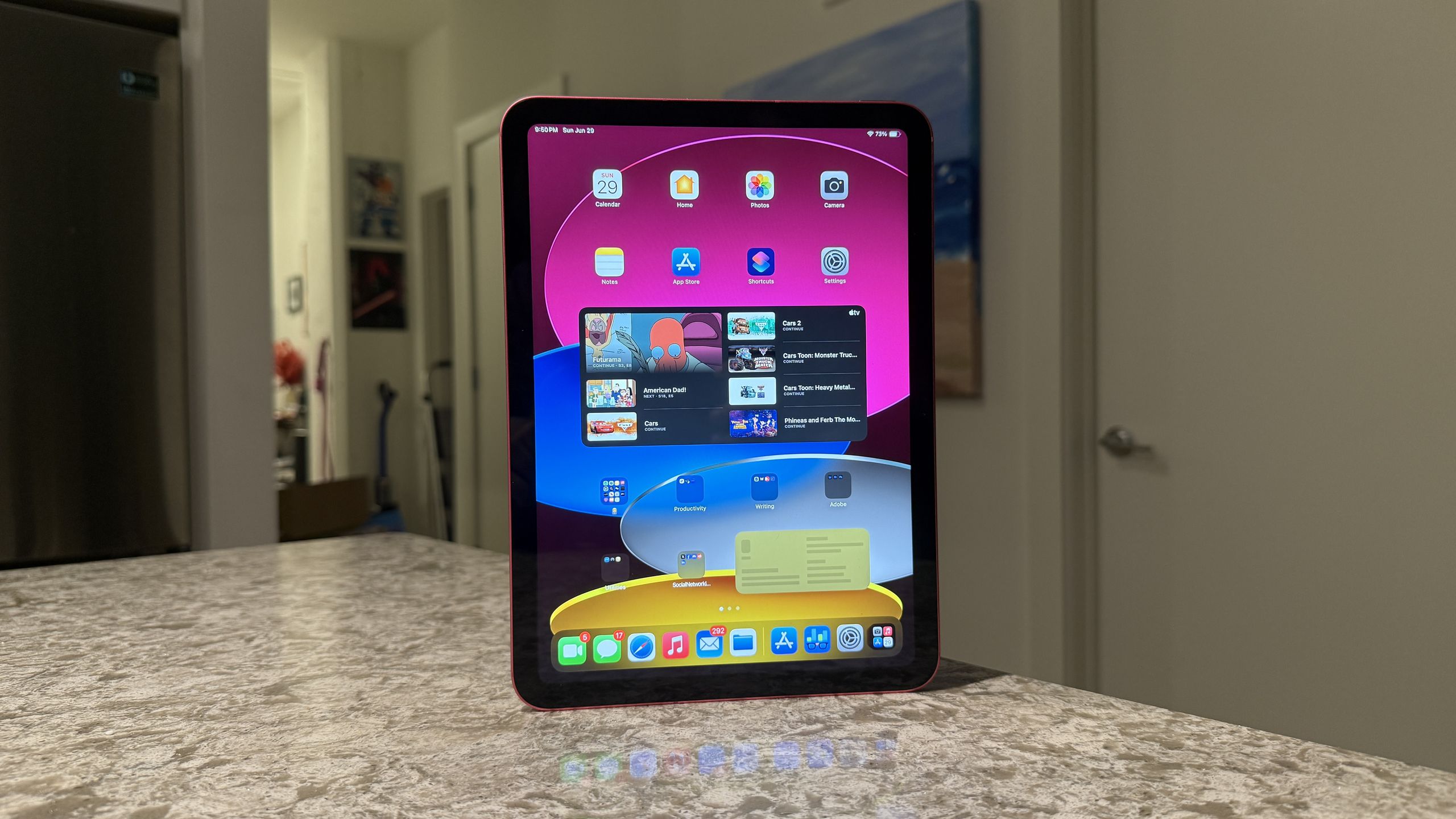
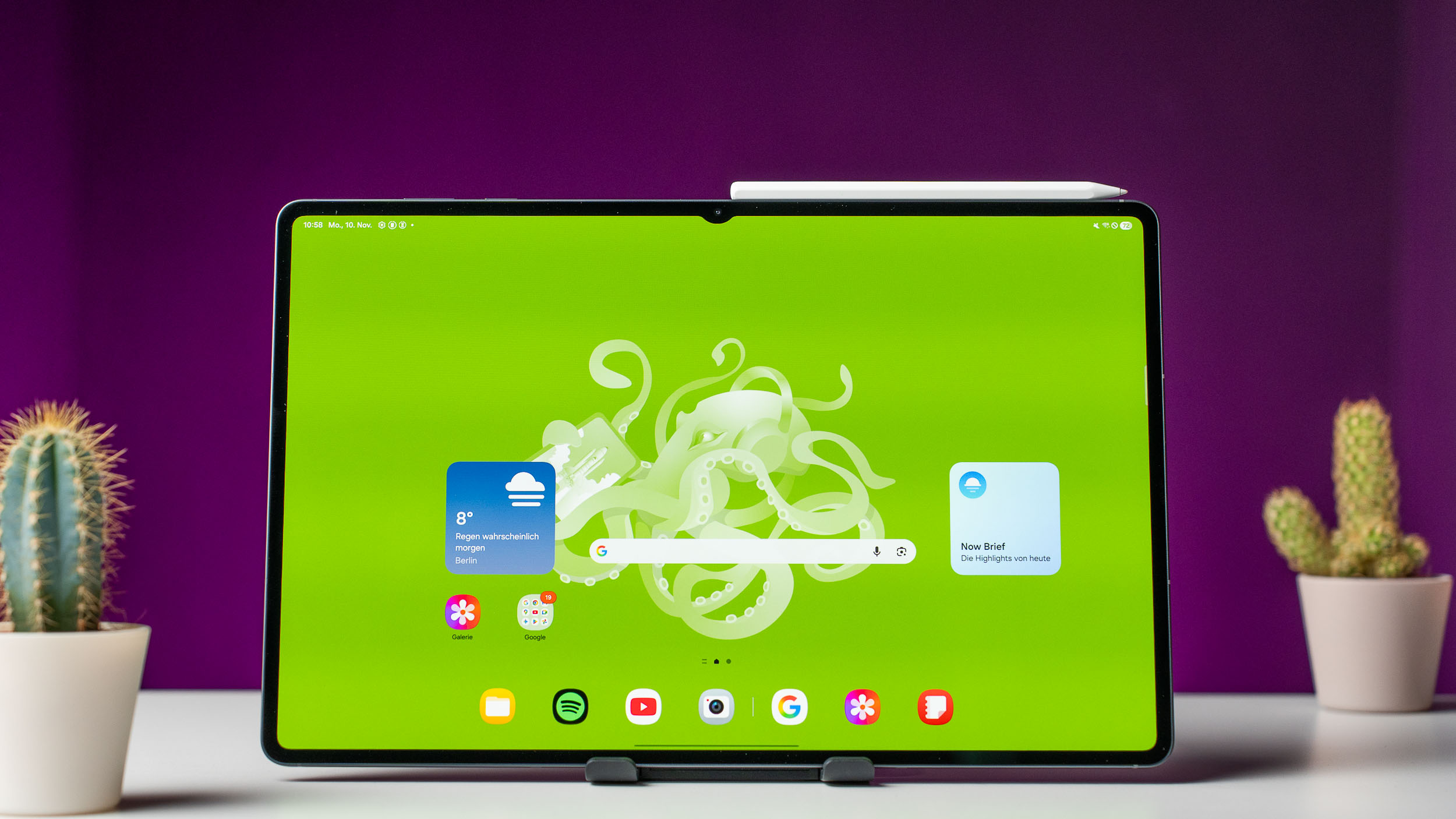
For most people the iPad Air (M4) is the answer: near-Pro speed and Pencil Pro support without the Pro tax. Just need iPadOS cheaply, the base iPad (A16) is $449, and Apple has now widened the gap between them to $300 — we show exactly what that buys in iPad Air vs base iPad. Creators and power users who want the best display and chip step up to the tandem-OLED iPad Pro (M5), now $1,499. On Android, the Galaxy Tab S11 Ultra is a 14.6-inch OLED you watch like a portable TV, while the OnePlus Pad 3 delivers a 13-inch 144Hz flagship for half the price — weighed in OnePlus Pad 3 vs Tab S11 Ultra. Need real desktop apps, the Surface Pro runs full Windows; on a budget, the Fire HD 10 streams for $140 and the Fire HD 10 Kids adds a drop-proof case and a break-it guarantee.
Not sure what fits? Take the 60-second quiz.
4 questions · about a minute