Head-to-head
Alienware AW2725DF vs Gigabyte M27Q-X
Same size, same 1440p resolution, two different bets. The Gigabyte M27Q-X is the value speedster: 240Hz IPS with strong color for $429. The Alienware AW2725DF spends $170 more to change the panel physics entirely — QD-OLED with per-pixel contrast, 0.03ms response, 360Hz, and a warranty that covers burn-in. In fast games the difference is visible every second; on a bright-room desktop, the IPS quietly fights back.
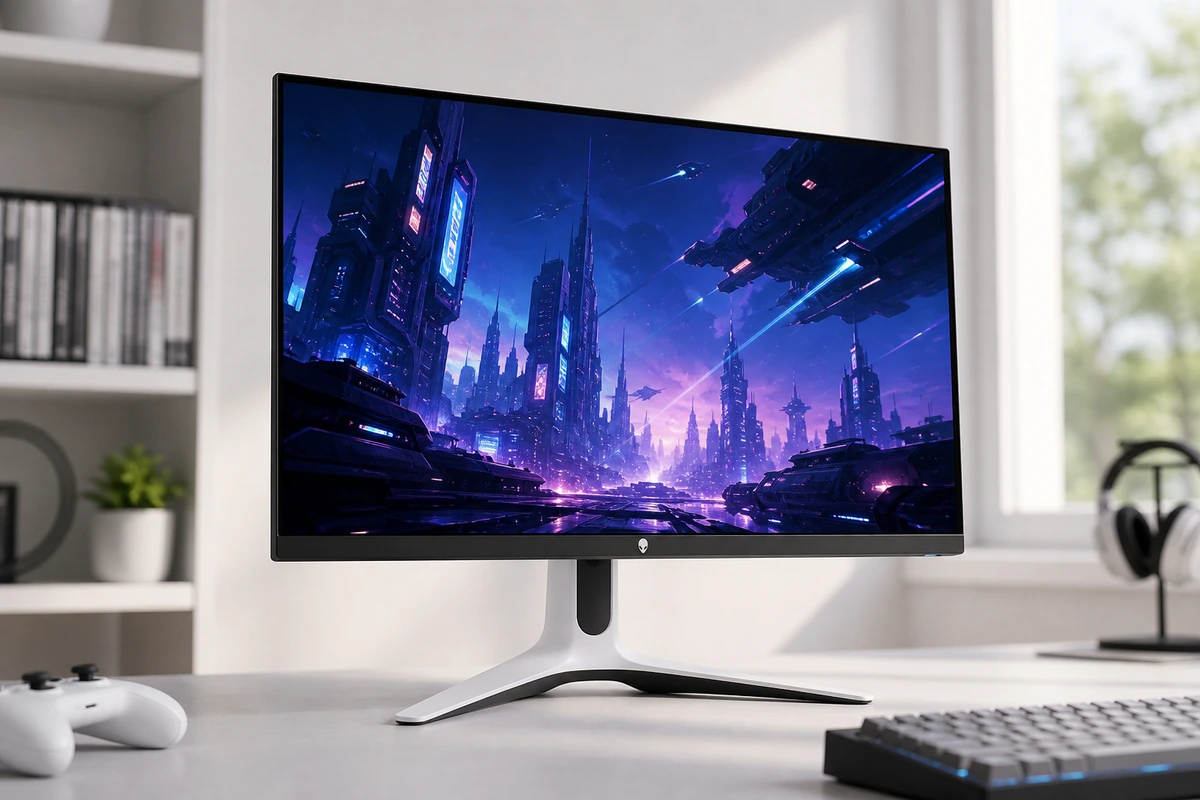 Alienware AW2725DF 27" QD-OLED 360Hz Alienware | 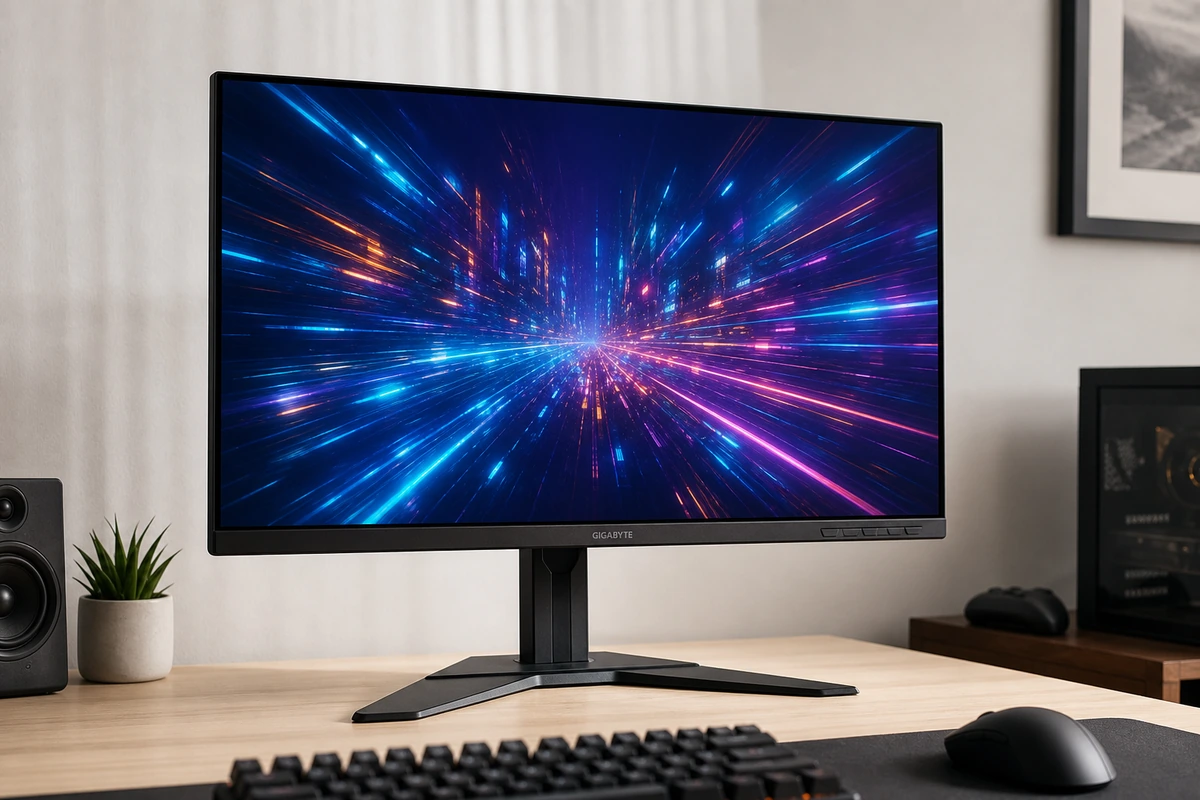 Gigabyte M27Q-X 27" 240Hz | |
|---|---|---|
| Score | 8.8 | 8.6 |
| Price | $599.99 | $429 |
| Verdict | The first 360Hz QD-OLED still holds up as the gaming pick: 0.03ms pixels, infinite contrast, and colors punchy enough for creative work, with a 3-year warranty that covers burn-in. Skip it as an only monitor — 15W USB-C, no speakers, and 110 ppi make it a poor work dock. | The budget gaming pick that doesn't skimp on color. A fast 240Hz 1440p IPS with a wide, accurate gamut and crisp text on Mac or PC. USB-C only does 18W so it won't charge a laptop, and HDMI 2.0 hurts for consoles, but for PC gaming it's a lot of monitor. |
| Best for | competitive and immersive PC gamers who want OLED contrast with esports-grade speed, and dual-monitor desks where a work screen handles the docking | PC-first gamers who also connect a MacBook for occasional work. |
| Avoid if | this will be your only monitor for work, you need USB-C laptop charging or speakers, or you read small text all day and want 4K-class sharpness | Sharp Mac text, single-cable high-wattage charging, or color-critical work matters more than gaming speed. |
| Score breakdown | ||
| value | 8.0 | 8.8 |
| usbc power | 3.0 | — |
| connectivity | 6.0 | — |
| panel quality | 10.0 | — |
| pixel density | 6.0 | — |
| refresh motion | 10.0 | — |
| fit | — | 8.7 |
| ease | — | 8.4 |
| quality | — | 8.4 |
| Specs | ||
| color | 99.3% DCI-P3, ΔE<2 factory calibration | Wide gamut, vivid, accurate sRGB mode |
| panel | 26.7-inch QD-OLED, 2560 x 1440, 111 ppi | IPS, 240Hz, 1ms GTG; standard RGB subpixels |
| ports | 2x DisplayPort 1.4, HDMI 2.1, USB hub (15W USB-C) | 2x HDMI 2.0, DP 1.2, USB hub, KVM, 2x 2W speakers |
| contrast | 1.5 million:1 | — |
| warranty | 3 years, includes OLED burn-in coverage | — |
| brightness | 250 nits SDR, 1000 nits HDR peak, VESA DisplayHDR True Black 400 | — |
| refresh rate | 360Hz (DisplayPort), 144Hz (HDMI) | — |
| adaptive sync | AMD FreeSync Premium Pro, VESA AdaptiveSync | FreeSync Premium Pro; G-Sync compatible |
| response time | 0.03ms gray-to-gray | — |
| price | — | ~$429 |
| usb c | — | DP Alt Mode + 18W only (won't charge a laptop) |
| extras | — | Aim Stabilizer strobe, crosshairs, GameAssist dashboard |
| size res | — | 27-inch 1440p (2560x1440), ~109 ppi |
| Buy → | Buy → | |
Final verdict
If gaming is the point, pay for the Alienware — OLED motion clarity and contrast at 360Hz is a different class of experience, and the 3-year burn-in coverage removes the usual OLED hesitation. Keep the M27Q-X if the monitor doubles as a bright-room work screen, you want a matte panel with no burn-in thought at all, or the $170 buys you a better GPU instead.
PickGrade may earn a commission from purchases made through links on this page, at no extra cost to you. This never affects our grades. Full disclosure.