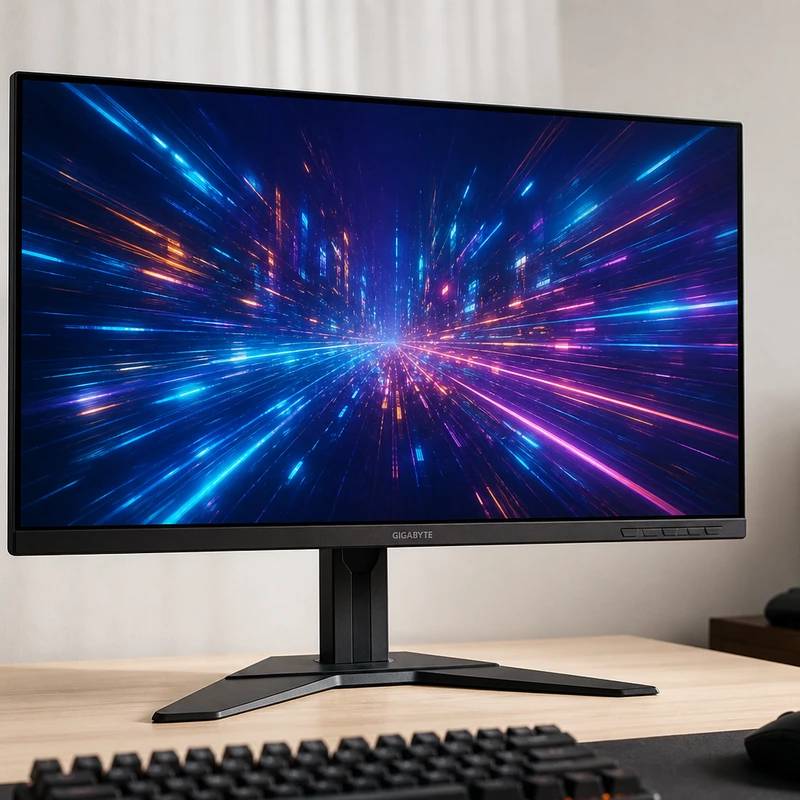
Fast 240Hz 1440p with great color, for not much money
Gigabyte M27Q-X 27" 240Hz
Reviewed by
Eran Yorkovsky · Founder, PickGrade
The budget gaming pick that doesn't skimp on color. A fast 240Hz 1440p IPS with a wide, accurate gamut and crisp text on Mac or PC. USB-C only does 18W so it won't charge a laptop, and HDMI 2.0 hurts for consoles, but for PC gaming it's a lot of monitor.
The screen you buy when frames matter more than pixels. The M27Q-X runs 1440p at a blistering 240Hz, and unlike a lot of cheap fast panels it has genuinely good, accurate color and a standard subpixel layout that keeps text crisp on both Windows and macOS, plus a stack of gaming extras and a built-in KVM. Two catches for this list: its USB-C port pushes only 18W, so it won't charge your laptop, and HDMI 2.0 makes it a poor match for current consoles. But for a PC gamer on a budget, the speed-and-color combo is hard to beat.
$429
PickGrade may earn a commission from purchases made through links on this page, at no extra cost to you. This never affects our grades. Full disclosure.
Last reviewed Jun 7, 2026
What we like
- ✓240Hz refresh rate for very smooth motion
- ✓KVM features can simplify a two-computer desk
- ✓1440p is easier for gaming GPUs to drive than 4K
Trade-offs
- −USB-C carries only 18W - won't meaningfully charge a laptop
- −HDMI 2.0 makes it a poor fit for modern consoles
- −Stand tilts but doesn't pivot; build and OSD menus are just okay
- −Entry-level HDR; occasional dead-pixel reports
Best for
PC-first gamers who also connect a MacBook for occasional work.
Avoid if
Sharp Mac text, single-cable high-wattage charging, or color-critical work matters more than gaming speed.
The three lenses
How we grade →- 8.8/10
Value & Longevity · Eran Yorkovsky
Score breakdown
- value8.8/10
- fit8.7/10
- ease8.4/10
- quality8.4/10
Specs
- color
- Wide gamut, vivid, accurate sRGB mode
- panel
- IPS, 240Hz, 1ms GTG; standard RGB subpixels
- ports
- 2x HDMI 2.0, DP 1.2, USB hub, KVM, 2x 2W speakers
- price
- ~$429
- usb c
- DP Alt Mode + 18W only (won't charge a laptop)
- extras
- Aim Stabilizer strobe, crosshairs, GameAssist dashboard
- size res
- 27-inch 1440p (2560x1440), ~109 ppi
- adaptive sync
- FreeSync Premium Pro; G-Sync compatible
How we know
High confidenceLast checkedThe Gigabyte M27Q-X is the value pick and a genuinely strong 27-inch gaming monitor: 1440p (~109 ppi) on a fast IPS panel running 240Hz with 1ms response. Reviewers consistently call out its standout color for the price — a wide gamut with vivid, accurate output and a proper sRGB mode — paired with excellent motion clarity, FreeSync Premium Pro (it works with G-Sync in practice), and an Aim Stabilizer backlight strobe that can run alongside adaptive sync. Unlike the cheaper non-X M27Q, this model uses a standard RGB subpixel layout, so text stays crisp on both Windows and macOS. It's loaded with gaming extras — custom crosshairs, Black Equalizer, an on-screen hardware dashboard, sniper zoom — and includes a built-in KVM. The honest caveats matter for this list: its USB-C port carries video and data but only 18W of power, so it won't meaningfully charge a laptop — if single-cable charging is your goal, look at the Dell or LG instead. HDMI is 2.0, which makes it a poor fit for modern consoles; the stand tilts but doesn't pivot; build quality and the OSD menus are merely okay; and HDR is entry-level. But for a PC gamer who wants fast 1440p with great color on a budget, it's excellent value.
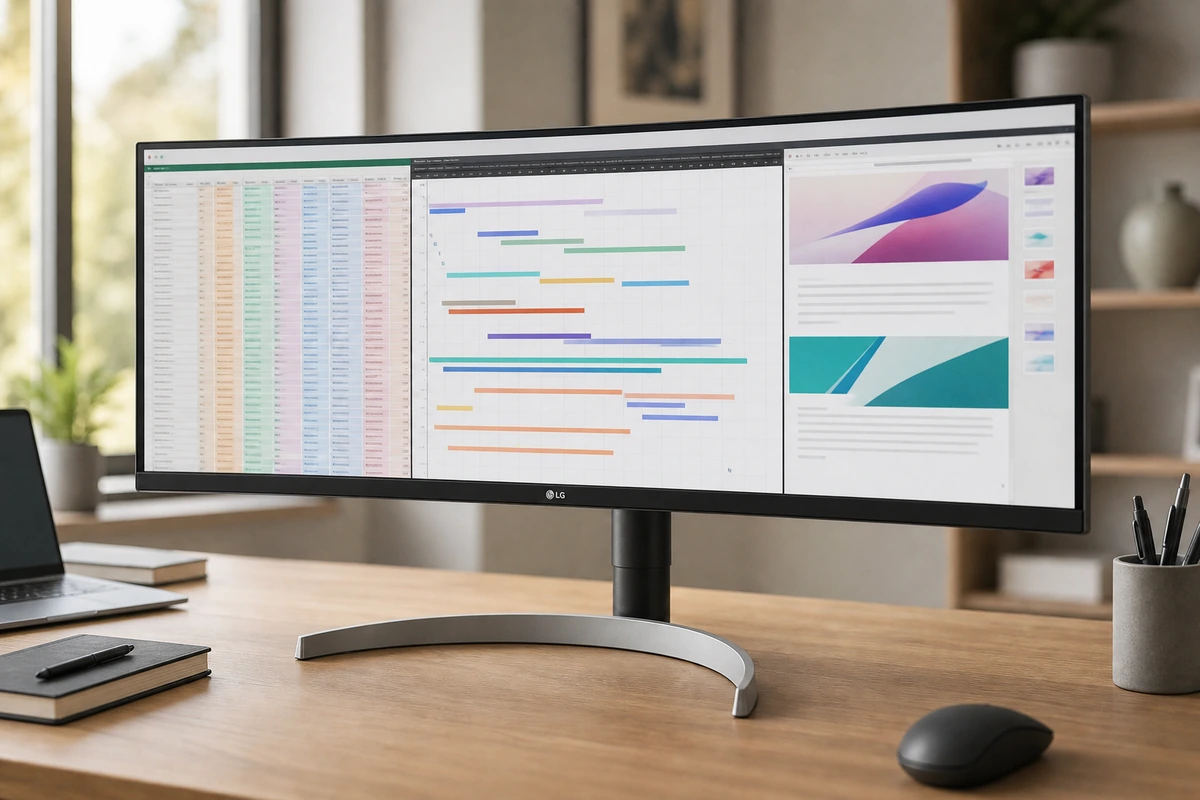
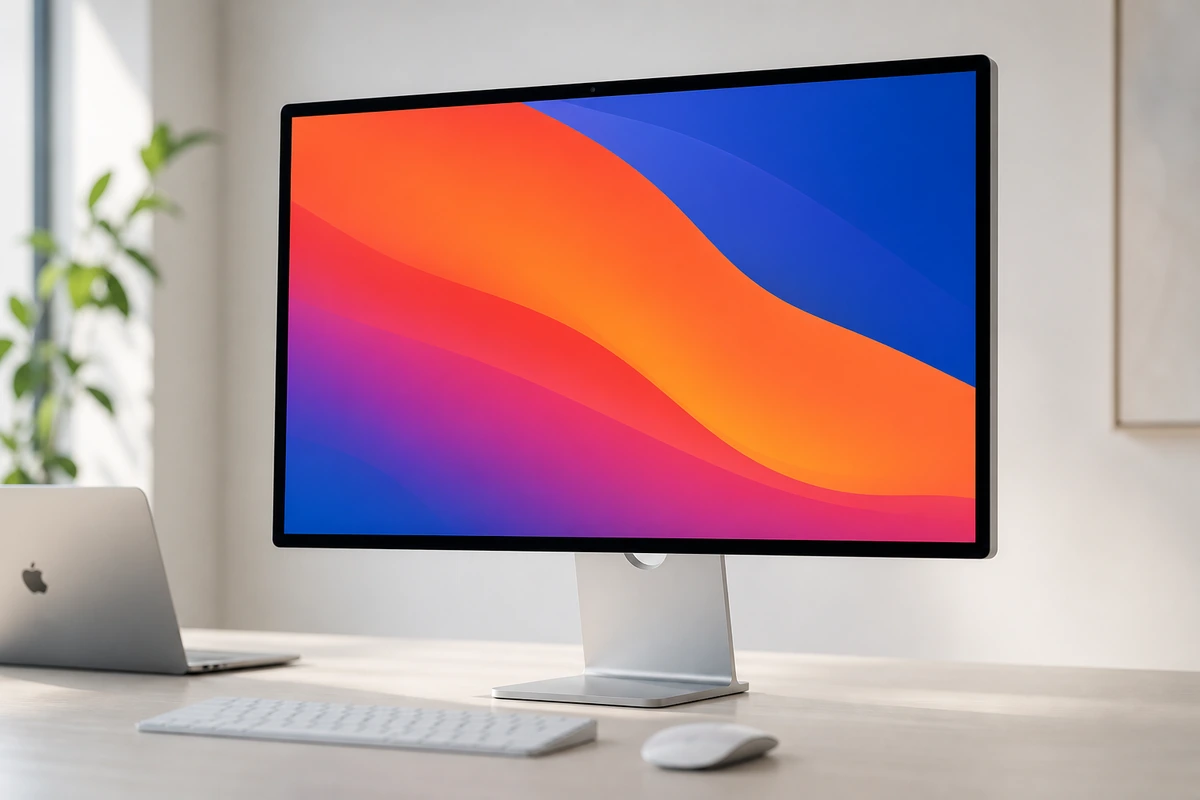
Compare Gigabyte M27Q-X 27" 240Hz with the top alternates side-by-side.
Compare picks →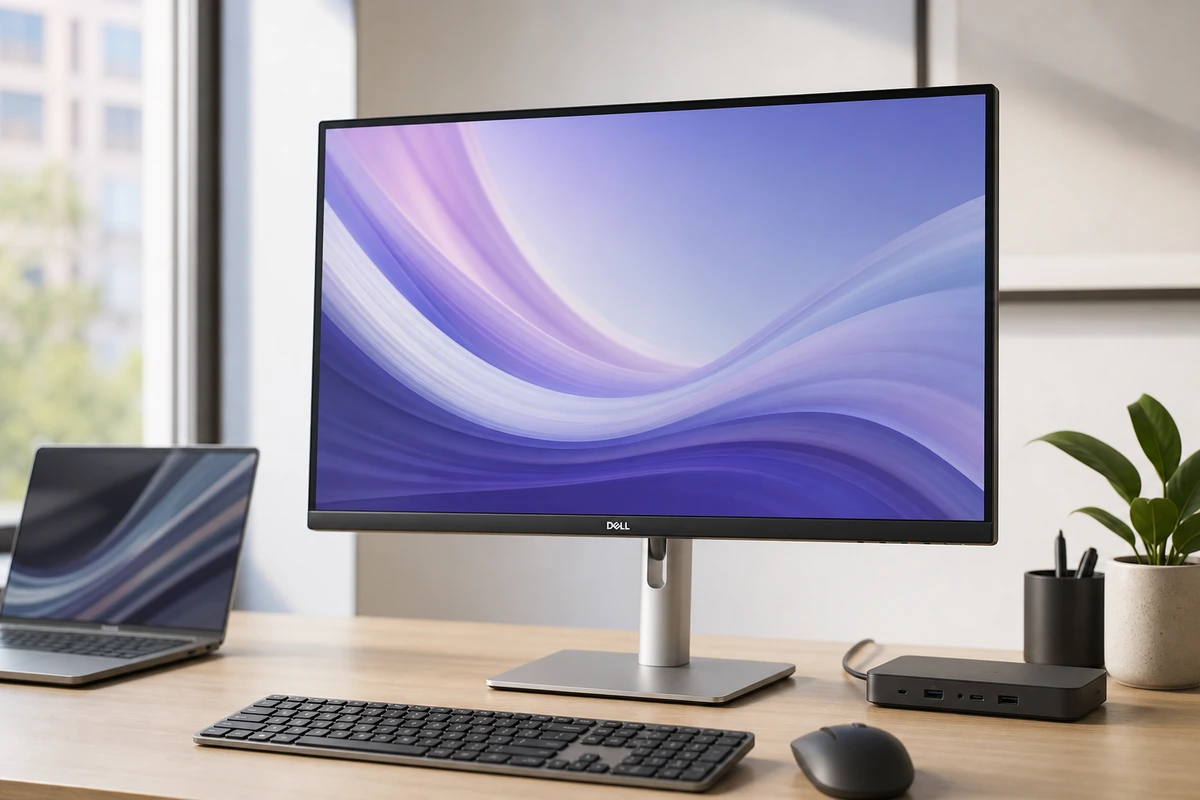
Other expert reviews
Video reviews
YouTube — Gigabyte M27Q X 240Hz Gaming Monitor Review
From real owners
Human reviews that sharpen our AI grade
No owner reviews yet. Be the first to share what you think.
Own this? Write a review
Head-to-head matchups
All monitors matchups →VS · 2 products
Alienware AW2725DF vs Gigabyte M27Q-X
Alienware AW2725DF vs Gigabyte M27Q-X: 360Hz QD-OLED against 240Hz IPS at 27 inches. Where the $170 gap shows up on screen — and where it doesn't.
VS · 2 products
Dell U2723QE vs Gigabyte M27Q-X
Dell U2723QE vs Gigabyte M27Q-X: an IPS Black 4K work monitor with 2,000:1 contrast and built-in Ethernet, versus a 240Hz gaming panel. Sharp text or fast frames?
Was this review useful?