Er

Reviewed by

Eran Yorkovsky · Founder, PickGrade

Head-to-head

Dell U2723QE vs Gigabyte M27Q-X

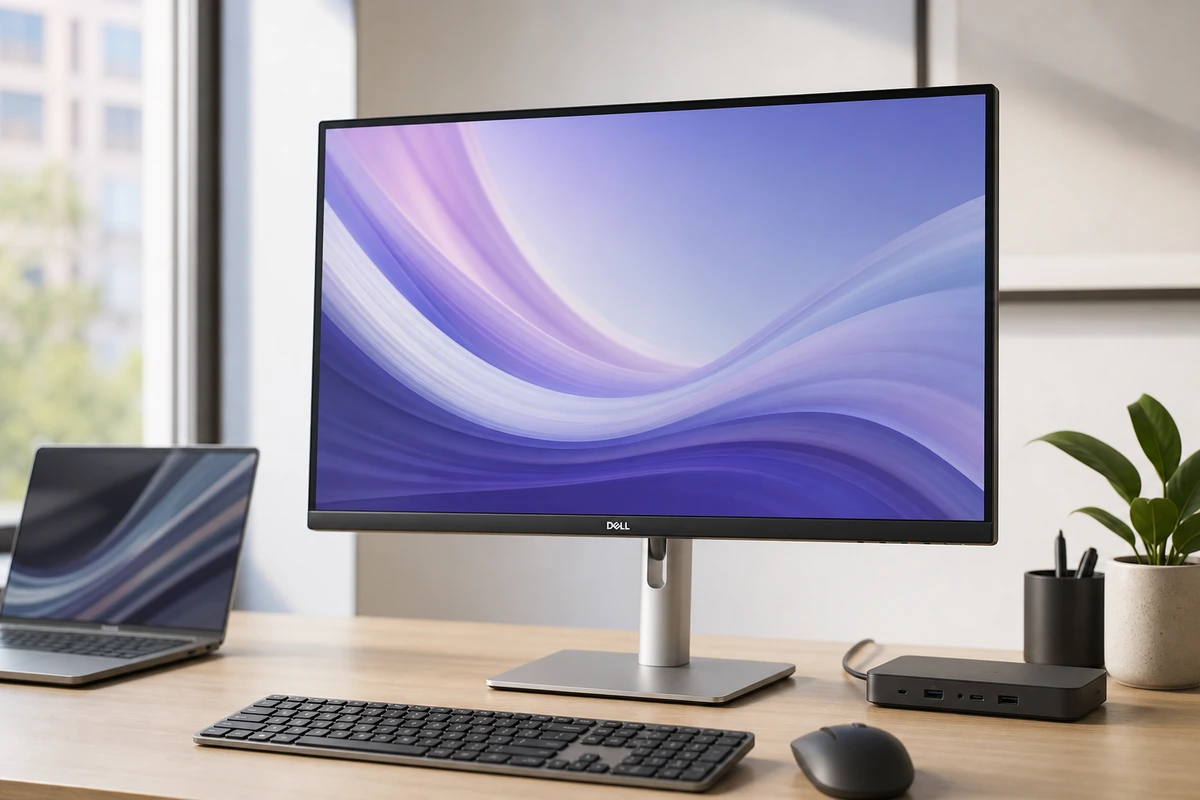
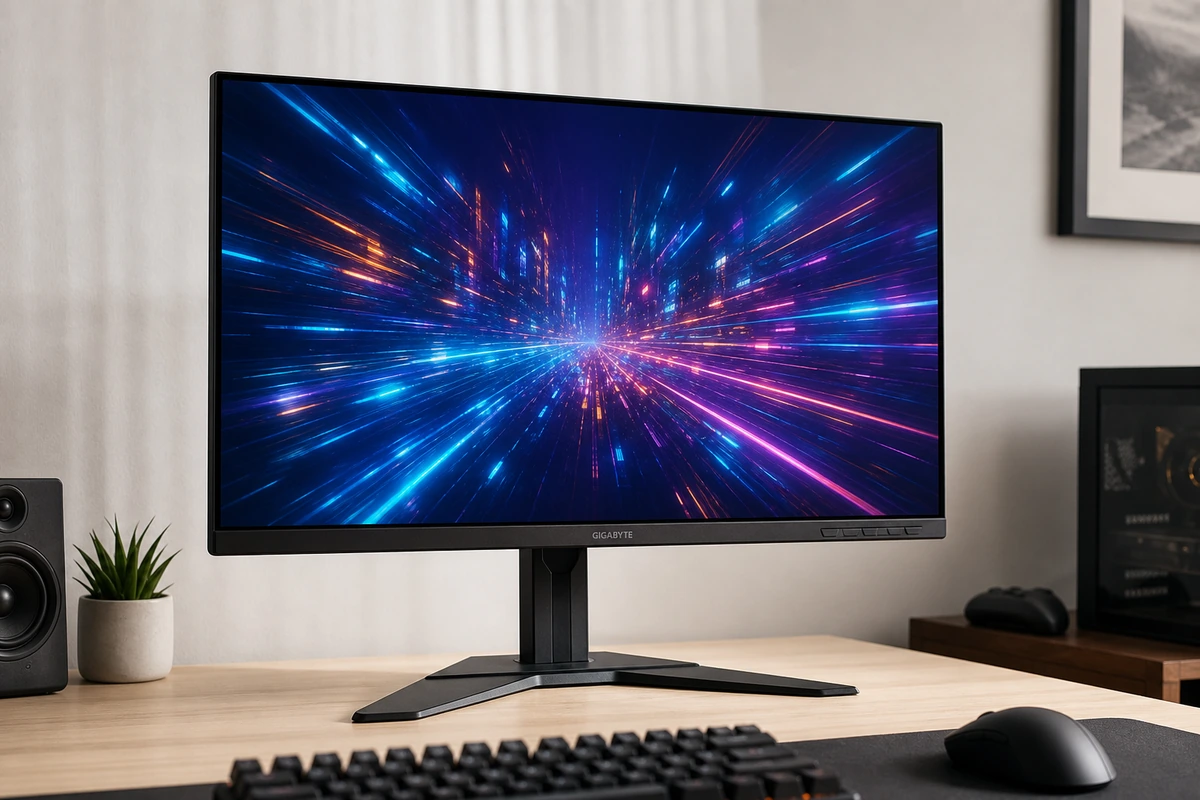
The Dell U2723QE and Gigabyte M27Q-X are both 27-inch monitors that happen to share a KVM switch — but they're built for opposite desks, and a few details make the split sharper than "work vs gaming." The Dell was the world's first monitor to use LG's IPS Black panel, which delivers a roughly 2,000:1 contrast ratio — about double a normal IPS panel's 1,000:1 — for noticeably deeper blacks, and it's factory-calibrated to Delta E < 2 across sRGB and DCI-P3. Its 4K resolution packs 163 pixels per inch for razor-sharp text, and it docks a laptop over a single 90W USB-C cable while adding something almost no gaming monitor has: a built-in RJ45 Ethernet port. Dell even backs it with a premium panel exchange that replaces the screen if it develops a single bright pixel. The Gigabyte answers with the one thing the Dell can't touch: a 240Hz refresh rate (versus the Dell's 60Hz). But at 1440p on 27 inches it works out to only about 109 ppi, so text looks softer, and its contrast is the ordinary ~1,000:1. Here's how to choose.
Verdict
Dell U2723QE Ultra
More desk hub than monitor, in the best way. The U2723QE is a sharp, color-accurate 27-inch 4K panel, and the real draw is the back: 90W charging, Ethernet, a USB hub, and a KVM on one cable. It's 60Hz with no speakers, but for a clean desk it's the value champ.
Gigabyte M27Q-X 27
The budget gaming pick that doesn't skimp on color. A fast 240Hz 1440p IPS with a wide, accurate gamut and crisp text on Mac or PC. USB-C only does 18W so it won't charge a laptop, and HDMI 2.0 hurts for consoles, but for PC gaming it's a lot of monitor.
Best for
Dell U2723QE Ultra
MacBook or Windows users who want one cable for display, charging, Ethernet, and desk accessories.
Gigabyte M27Q-X 27
PC-first gamers who also connect a MacBook for occasional work.
Avoid if
Dell U2723QE Ultra
You want built-in speakers, refresh rates above 60Hz, or the Retina-like density of a 27-inch 5K panel.
Gigabyte M27Q-X 27
Sharp Mac text, single-cable high-wattage charging, or color-critical work matters more than gaming speed.
Score breakdown
fit
Dell U2723
9.1
Gigabyte M
8.7
ease
Dell U2723
9.0
Gigabyte M
8.4
value
Dell U2723
9.1
Gigabyte M
8.8
quality
Dell U2723
9.0
Gigabyte M
8.4
Specs
hub
RJ45 Ethernet, USB-A/C, DP daisy-chain, KVM, PbP
color
100% sRGB / Rec.709, 98% DCI-P3; factory calibrated
Wide gamut, vivid, accurate sRGB mode
panel
IPS Black, 2000:1 contrast, 60Hz
IPS, 240Hz, 1ms GTG; standard RGB subpixels
price
~$649 (often less)
~$429
usb c
90W Power Delivery
DP Alt Mode + 18W only (won't charge a laptop)
size res
27-inch 4K (3840x2160), ~163 ppi
27-inch 1440p (2560x1440), ~109 ppi
brightness
~400 nits, VESA DisplayHDR 400
ergonomics
Height/tilt/swivel/pivot; VESA 100x100
ports
2x HDMI 2.0, DP 1.2, USB hub, KVM, 2x 2W speakers
extras
Aim Stabilizer strobe, crosshairs, GameAssist dashboard
adaptive sync
FreeSync Premium Pro; G-Sync compatible

PickGrade may earn a commission from purchases made through links on this page, at no extra cost to you. This never affects our grades. Full disclosure.

PickGrade

The independent grading authority for the things you buy. Research once, decide fast — no sponsored top-10 lists.

Affiliate disclosure — PickGrade participates in affiliate programs, including Amazon Associates and partnerships managed through affiliate networks. We may earn a commission from qualifying purchases at no extra cost to you. This never affects our grades. Full disclosure.

Explore

Contact

Questions, feedback, or partnership inquiries?

admin@pickgrade.com

Company

© 2026 PickGradeNo sponsored placements · Ever

Final verdict

Choose the Dell U2723QE if your screen is for work — documents, code, photo and video editing, or a tidy one-cable laptop dock with wired Ethernet. Its sharp 4K text, deeper IPS Black contrast, accurate color, and reassuring panel warranty are what you're paying for. Choose the Gigabyte M27Q-X if gaming comes first and you want 240Hz motion for a lot less money, accepting softer text and ordinary contrast. They're genuinely different tools: buy the Dell to look at text and color all day, the Gigabyte to chase frames.

Was this comparison useful?