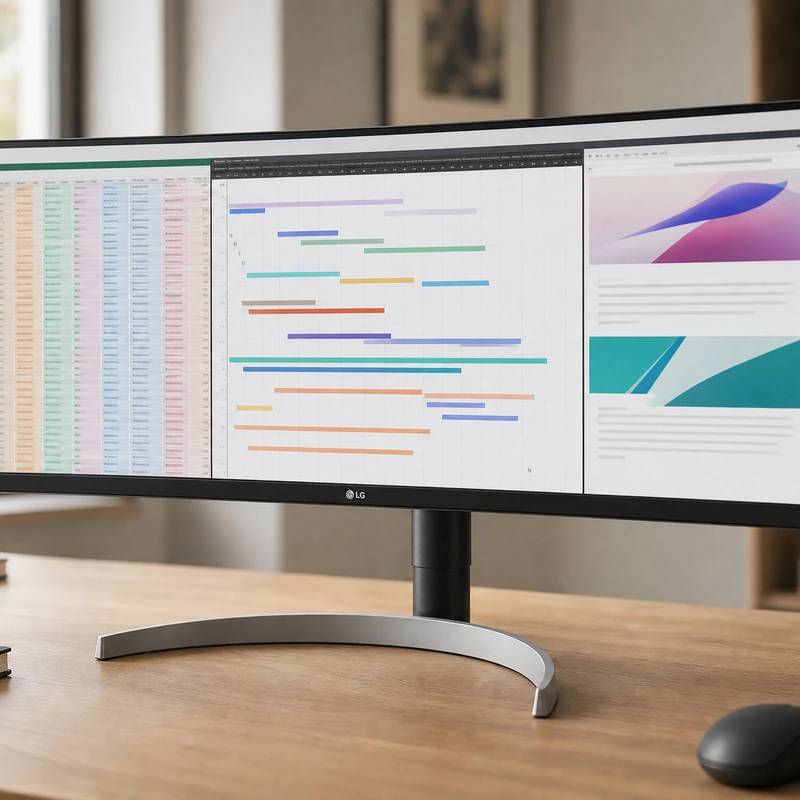
More desktop, side to side, for spreadsheets and timelines
LG 34WN80C-B 34" UltraWide
Reviewed by
Eran Yorkovsky · Founder, PickGrade
Buy this for elbow room, not sharpness. The 34-inch ultrawide fits two or three windows side by side with no scaling and charges a light laptop over one cable. Text isn't 4K-crisp and 60W underpowers a MacBook Pro, but for wide work it's the value pick.
If your problem is never enough screen, an ultrawide fixes it. The 34WN80C gives you a 3440x1440 canvas wide enough for two or three windows at once, no split-screen gymnastics, at a pixel density that needs no scaling and a price that undercuts most 4K panels. One USB-C cable carries video and 60 watts of charging. The trade-offs are honest: text isn't as crisp as 4K or 5K, that 60W can leave a working MacBook Pro slowly draining, and it's a 60Hz panel, but for wide, single-cable productivity it's the ultrawide to beat.
$499
PickGrade may earn a commission from purchases made through links on this page, at no extra cost to you. This never affects our grades. Full disclosure.
Last reviewed Jun 7, 2026
What we like
- ✓3440 x 1440 canvas fits two or three working panes
- ✓USB-C video and up to 60W laptop charging
- ✓Height-adjustable stand and 99% sRGB claim
Trade-offs
- −60W USB-C can underpower a hard-working 14-inch MacBook Pro (wants ~90W)
- −60Hz panel - not for high-refresh gaming
- −Average brightness (~300 nits) and contrast; HDR10 isn't true HDR
- −110 ppi text is clear but not as crisp as 4K/5K
Best for
Writers, analysts, editors, and developers who value side-by-side workspace more than Retina-level text density.
Avoid if
Your MacBook needs more than 60W charging, you sit close enough to notice 110 ppi text, or you need high-refresh gaming.
The three lenses
How we grade →- 8.7/10
Value & Longevity · Eran Yorkovsky
Score breakdown
- fit8.8/10
- value8.7/10
- ease8.6/10
- quality8.5/10
Specs
- color
- ~99% sRGB; HDR10
- panel
- Curved IPS, 60Hz, ~1000:1 contrast
- ports
- USB-C, HDMI, DisplayPort
- price
- ~$499
- usb c
- 60W Power Delivery (single cable)
- size res
- 34-inch 21:9 ultrawide, 3440x1440, ~110 ppi
- brightness
- ~300 nits
- ergonomics
- Height + tilt; 3-side borderless
How we know
High confidenceLast checkedThe LG 34WN80C-B is the multitasking pick: a 34-inch 3440x1440 curved IPS ultrawide that trades pixel density for horizontal space. At about 110 ppi you don't need display scaling, so you get a wide, native workspace ideal for side-by-side windows, long video and audio timelines, spreadsheets, and code with a reference panel open. The IPS panel covers about 99% sRGB with solid out-of-box accuracy — capable for entry-level photo and video editing — and the gentle curve keeps the far edges comfortable to read. For laptop users, the key feature is a USB-C port that carries video, data, and 60W of charging on a single cable, alongside HDMI and DisplayPort. The honest caveats: 60W is enough for a MacBook Air or light laptop but can fall short of a hard-working 14-inch MacBook Pro, which wants closer to 90W; it's a 60Hz panel, so it's not for high-refresh gaming; brightness (~300 nits) and contrast (~1000:1) are average, and the HDR10 label doesn't make it a real HDR display; and 110 ppi text is clear but not as crisp as a 4K or 5K screen. For wide, single-cable productivity at a fair price, it's the ultrawide to beat.
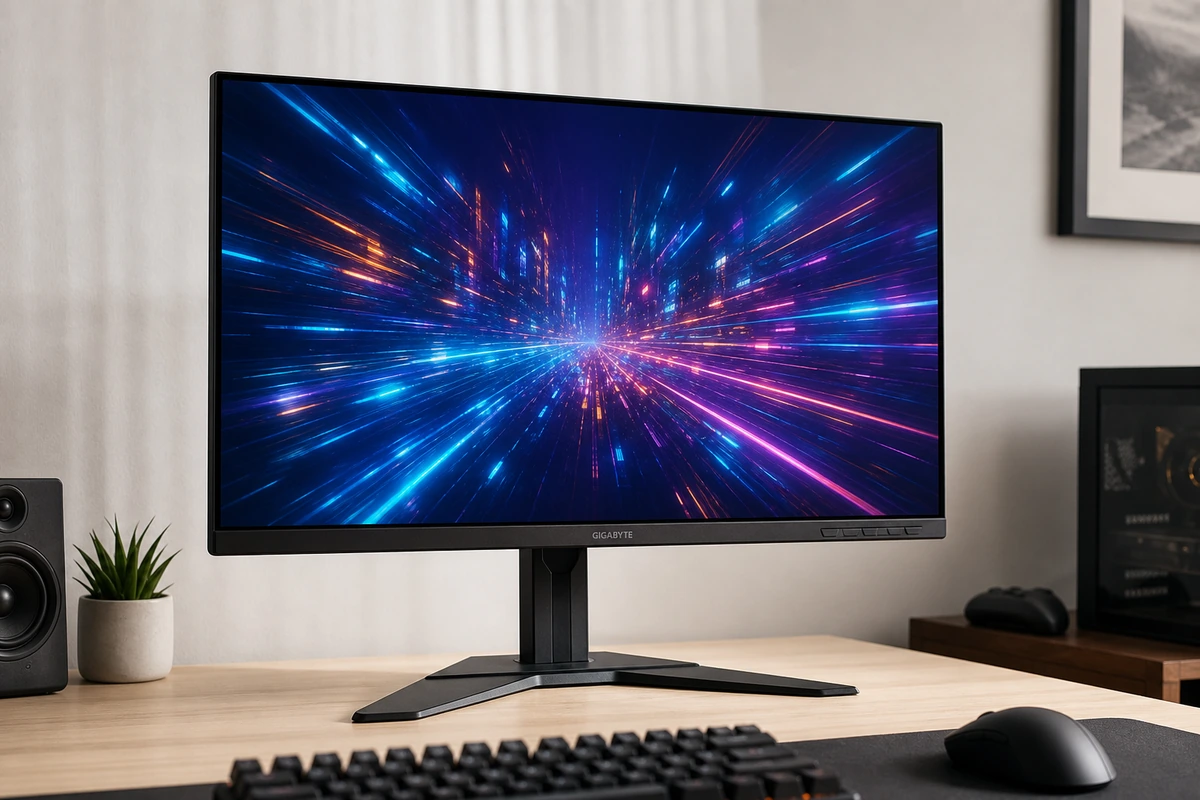
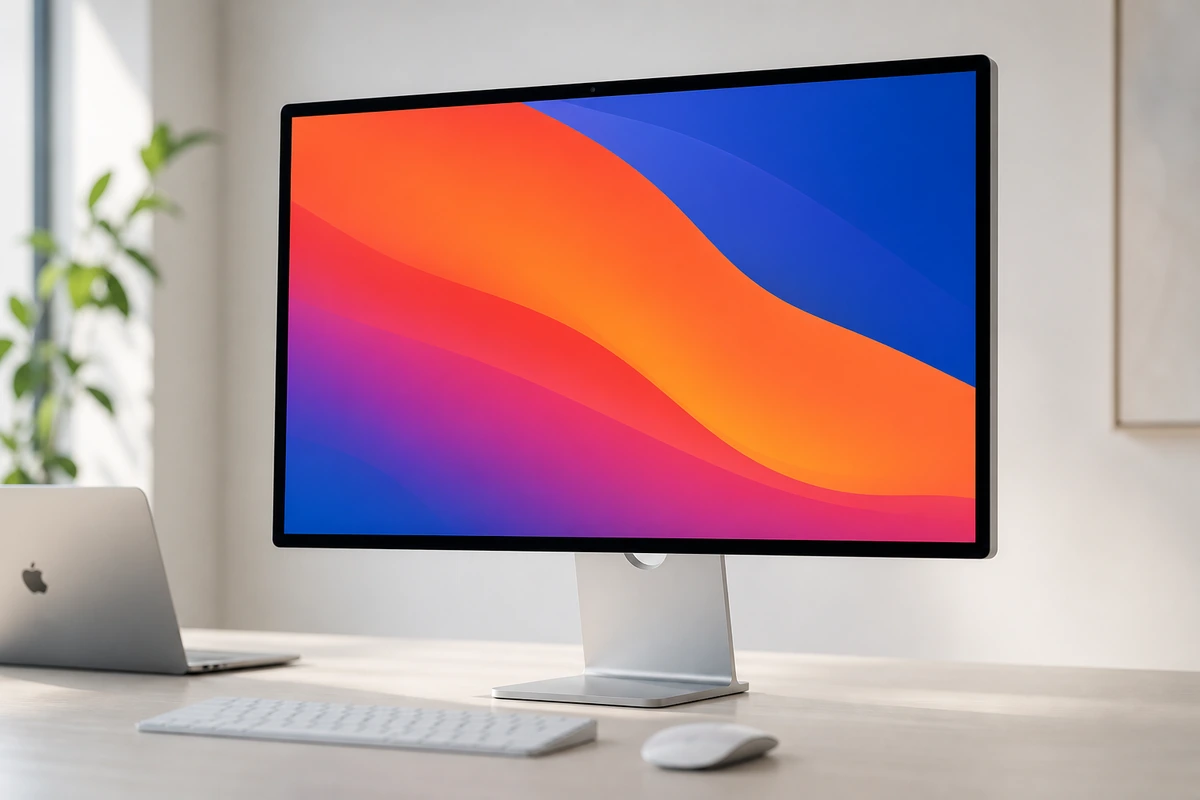
Compare LG 34WN80C-B 34" UltraWide with the top alternates side-by-side.
Compare picks →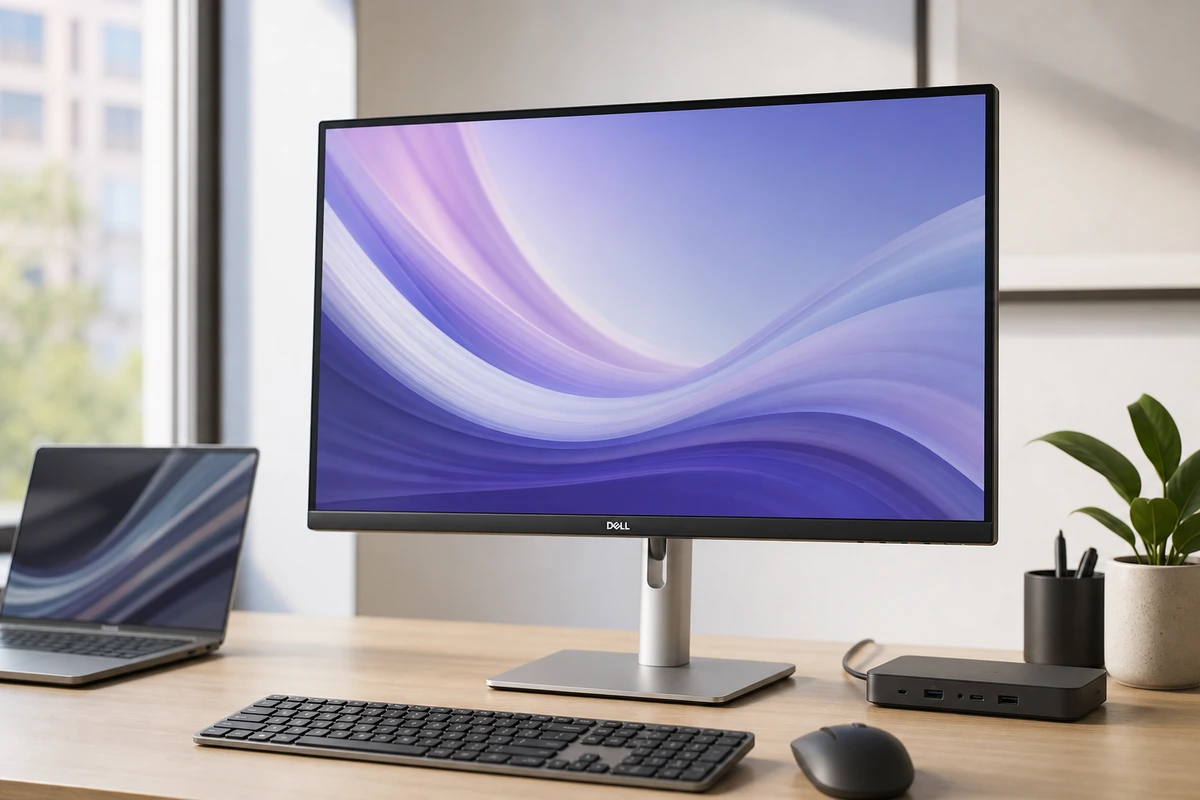
Other expert reviews
Video reviews
LG 34WN80C-B UltraWide — hands-on review
From real owners
Human reviews that sharpen our AI grade
No owner reviews yet. Be the first to share what you think.
Own this? Write a review
Was this review useful?