← All guides

The buyer's guide

Monitors

Er

Reviewed by

Eran Yorkovsky · Founder, PickGrade

Start with three numbers, not a brand: pixel density, refresh rate, and how much power the monitor sends back to your laptop.

Start with three numbers, not a brand: pixel density, refresh rate, and USB-C charging power. A 27-inch 5K screen is about 218 ppi, a 27-inch 4K screen about 163 ppi, and a 34-inch ultrawide about 110 ppi — a difference you can see in text all day. Then decide whether 60Hz is enough or motion matters, and whether the monitor can feed your laptop the 65W, 90W, or 96W it needs on one cable.

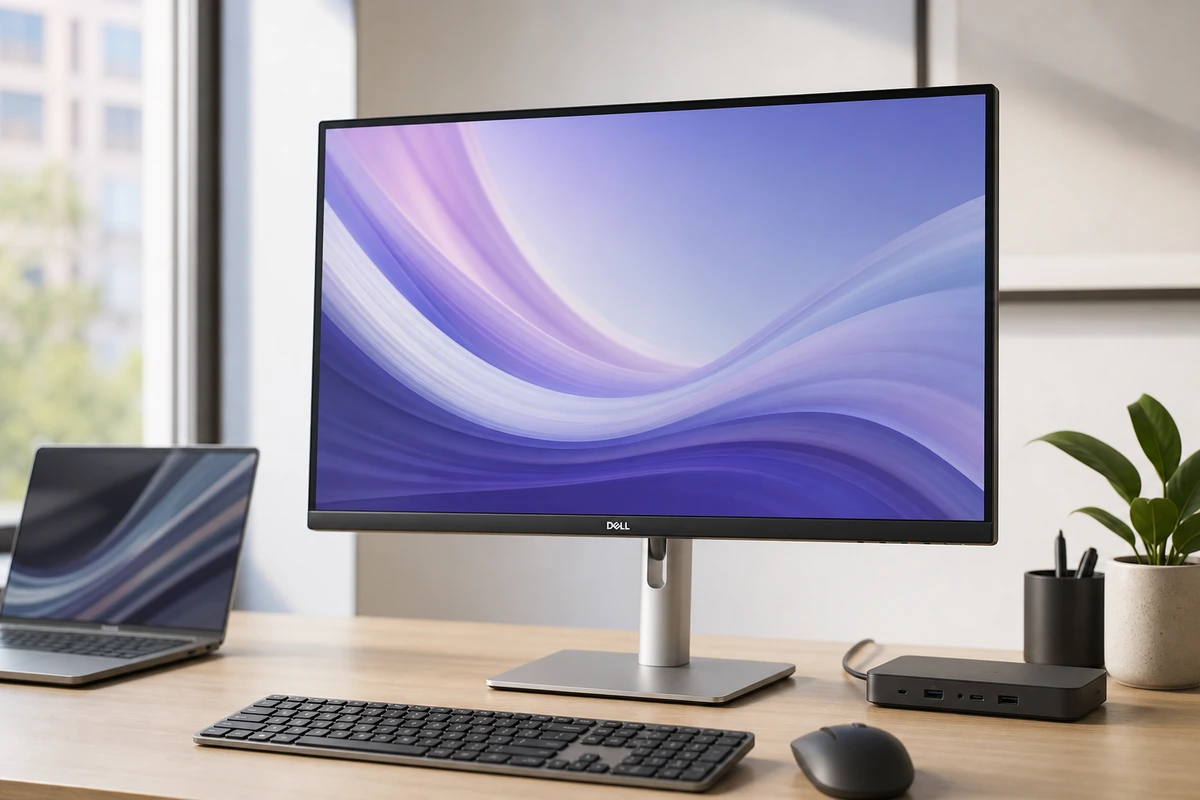
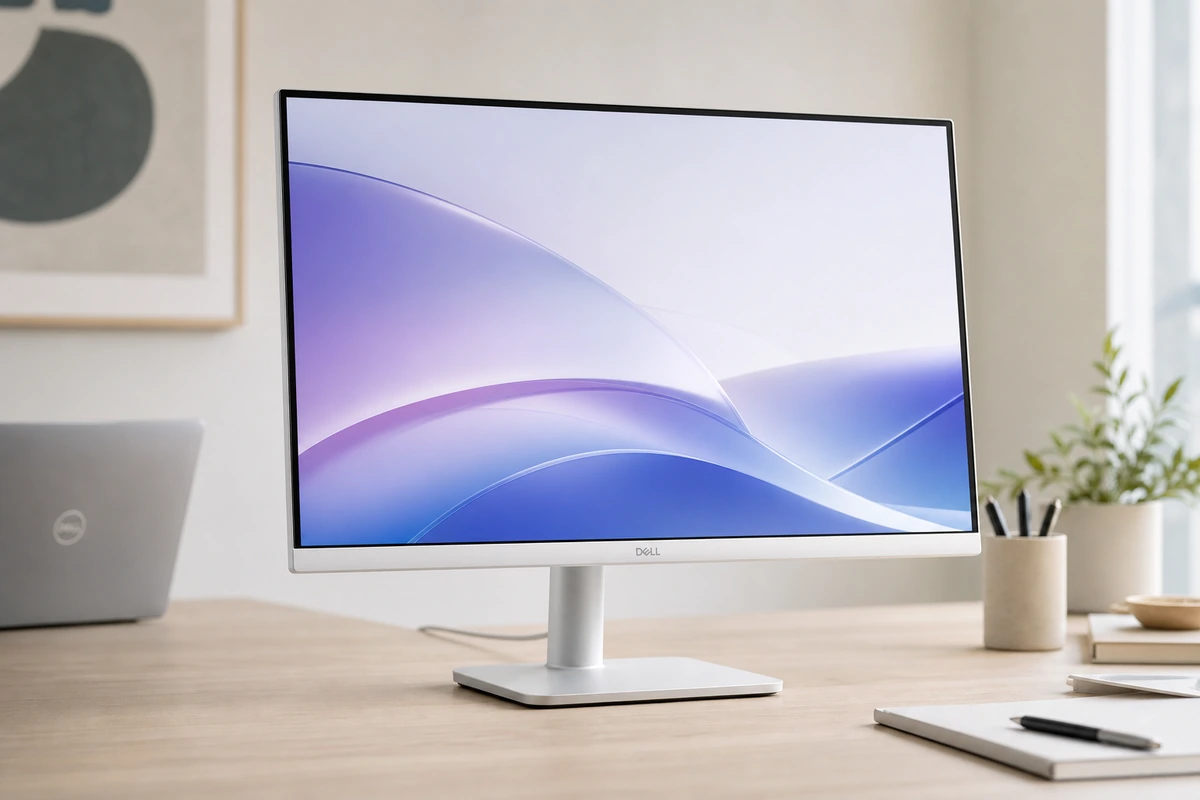
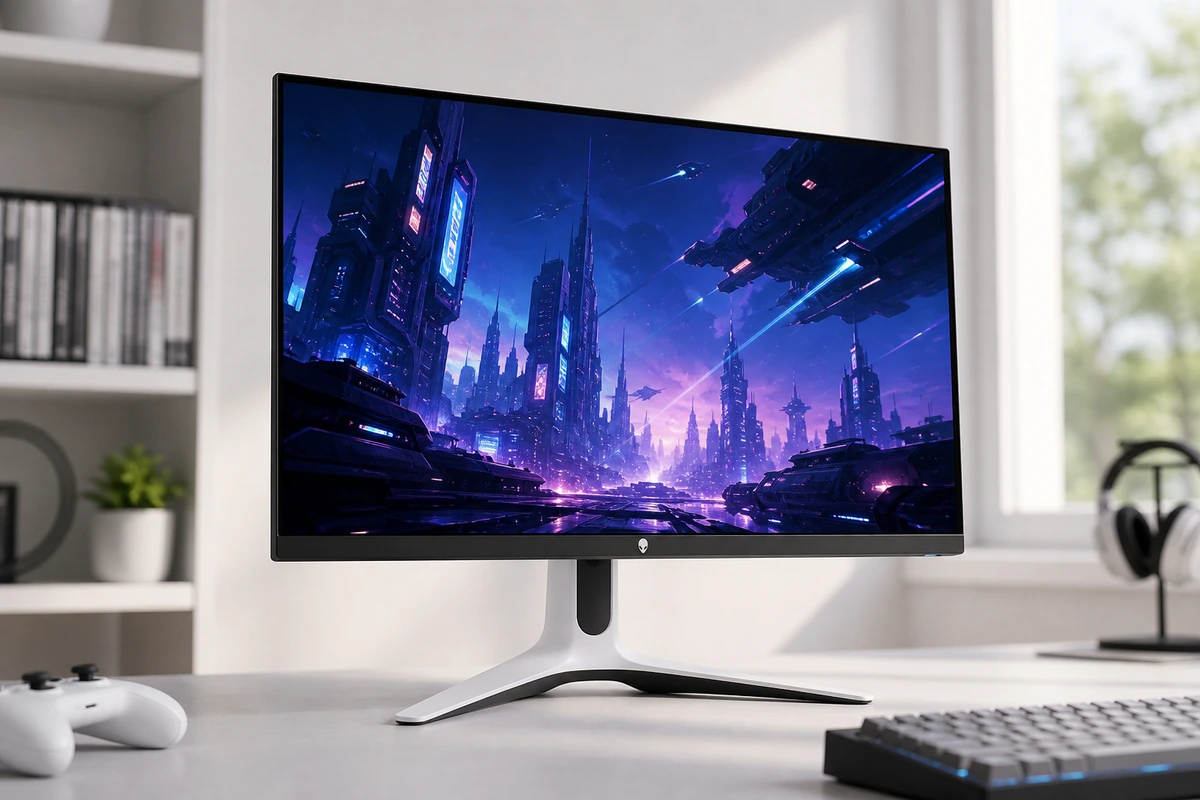
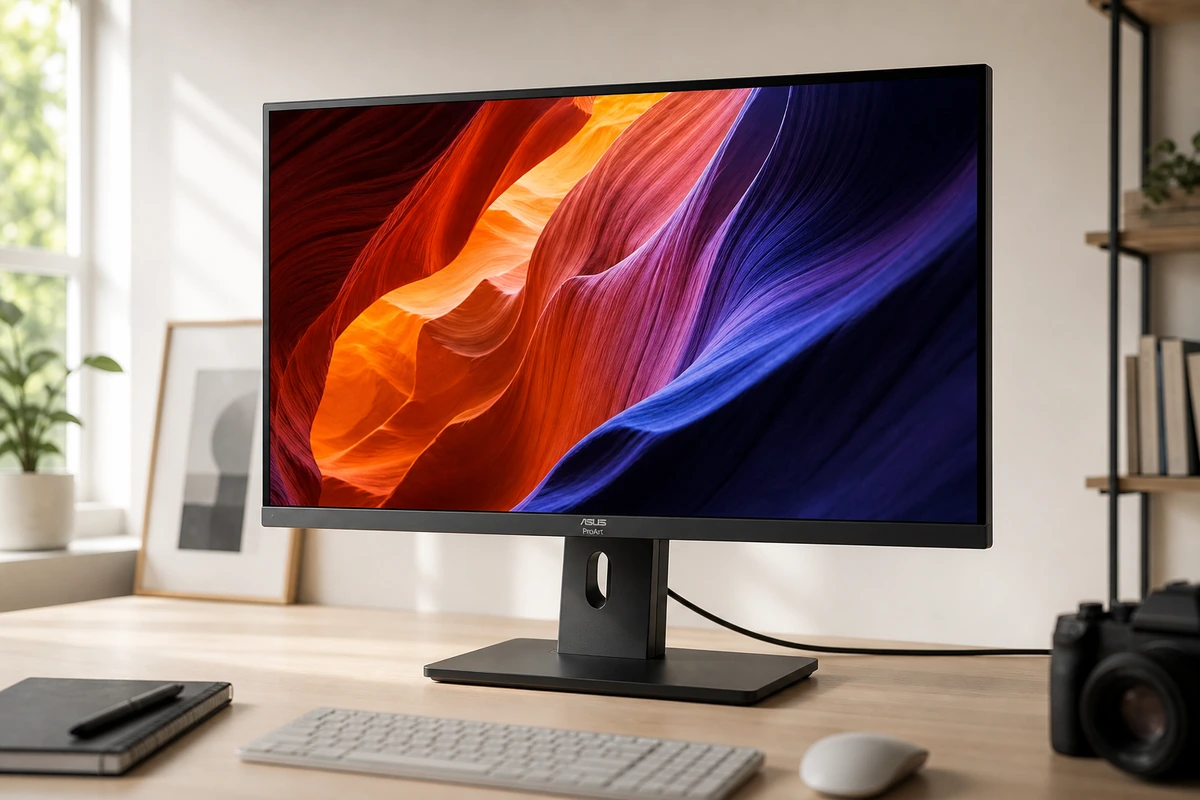
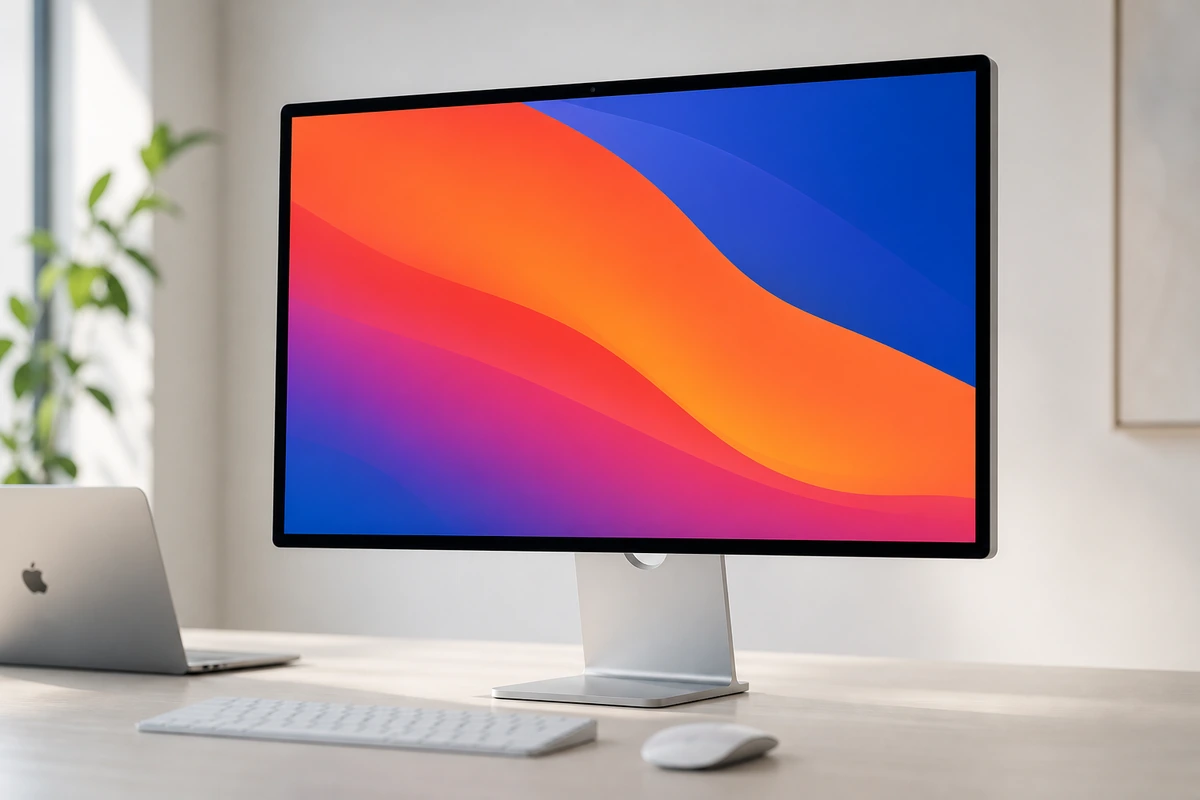
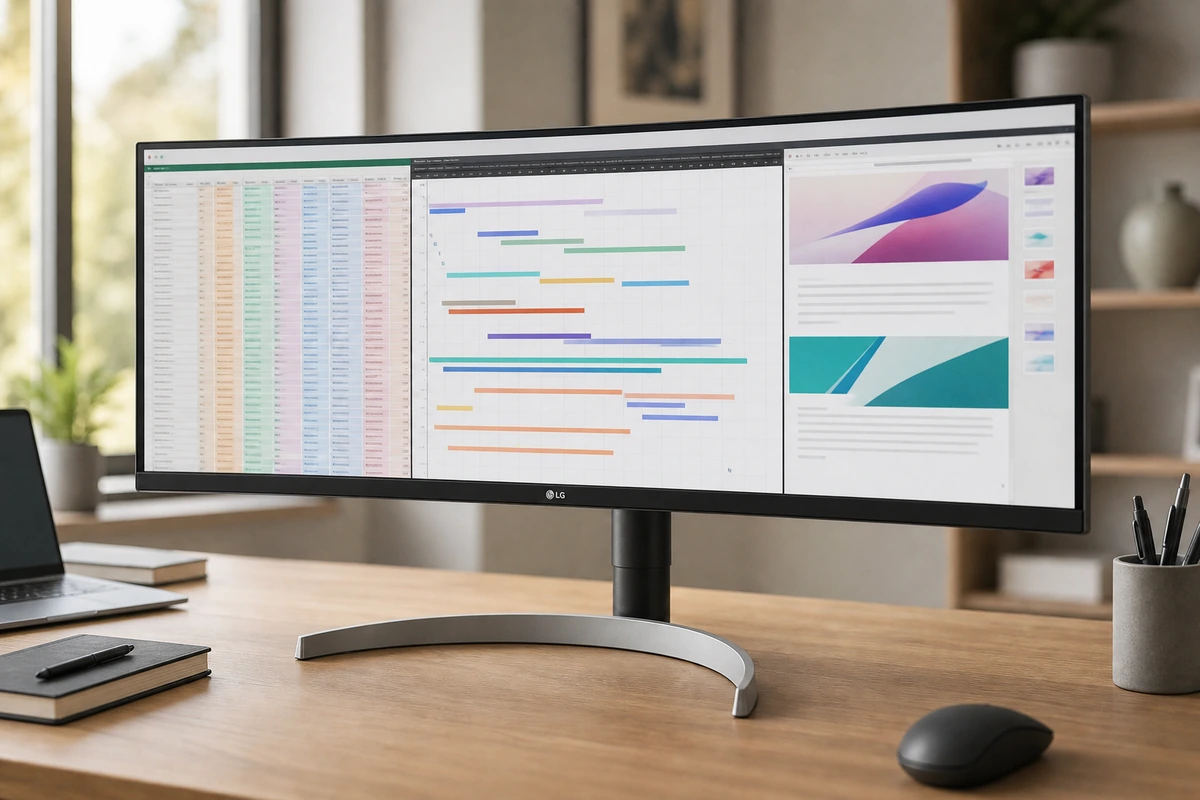
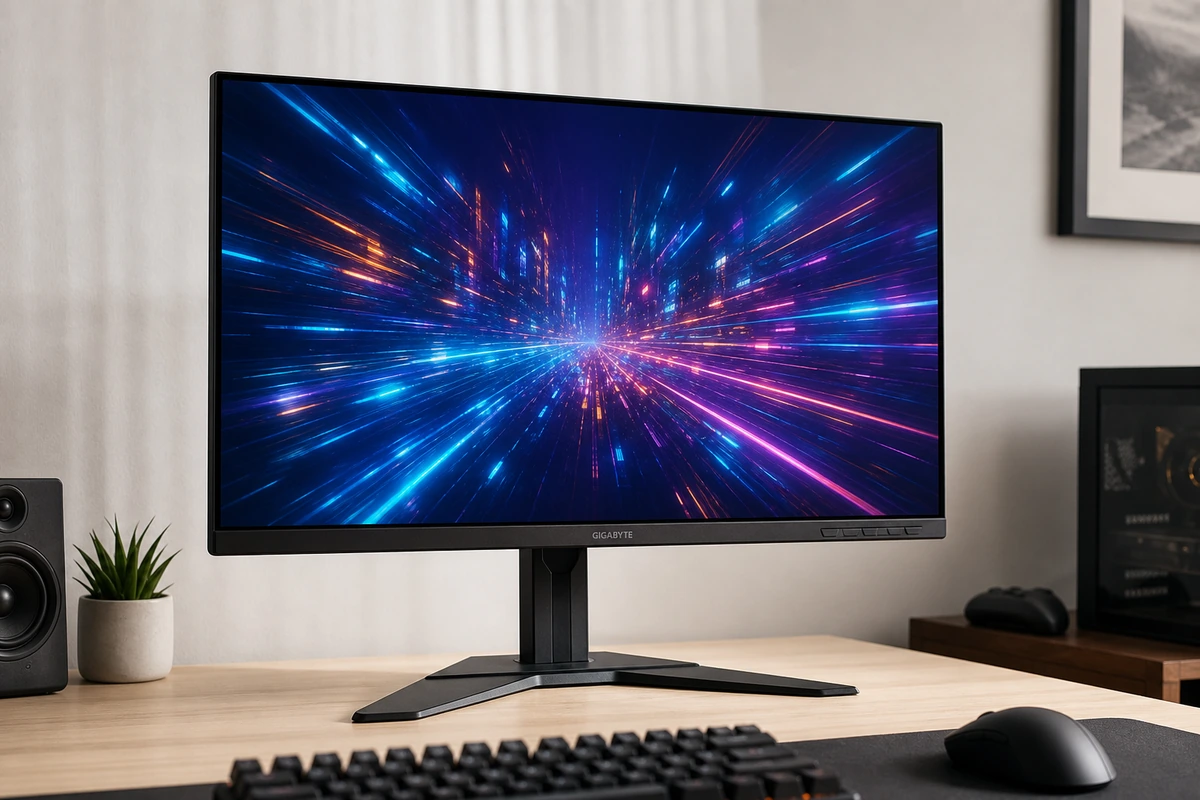
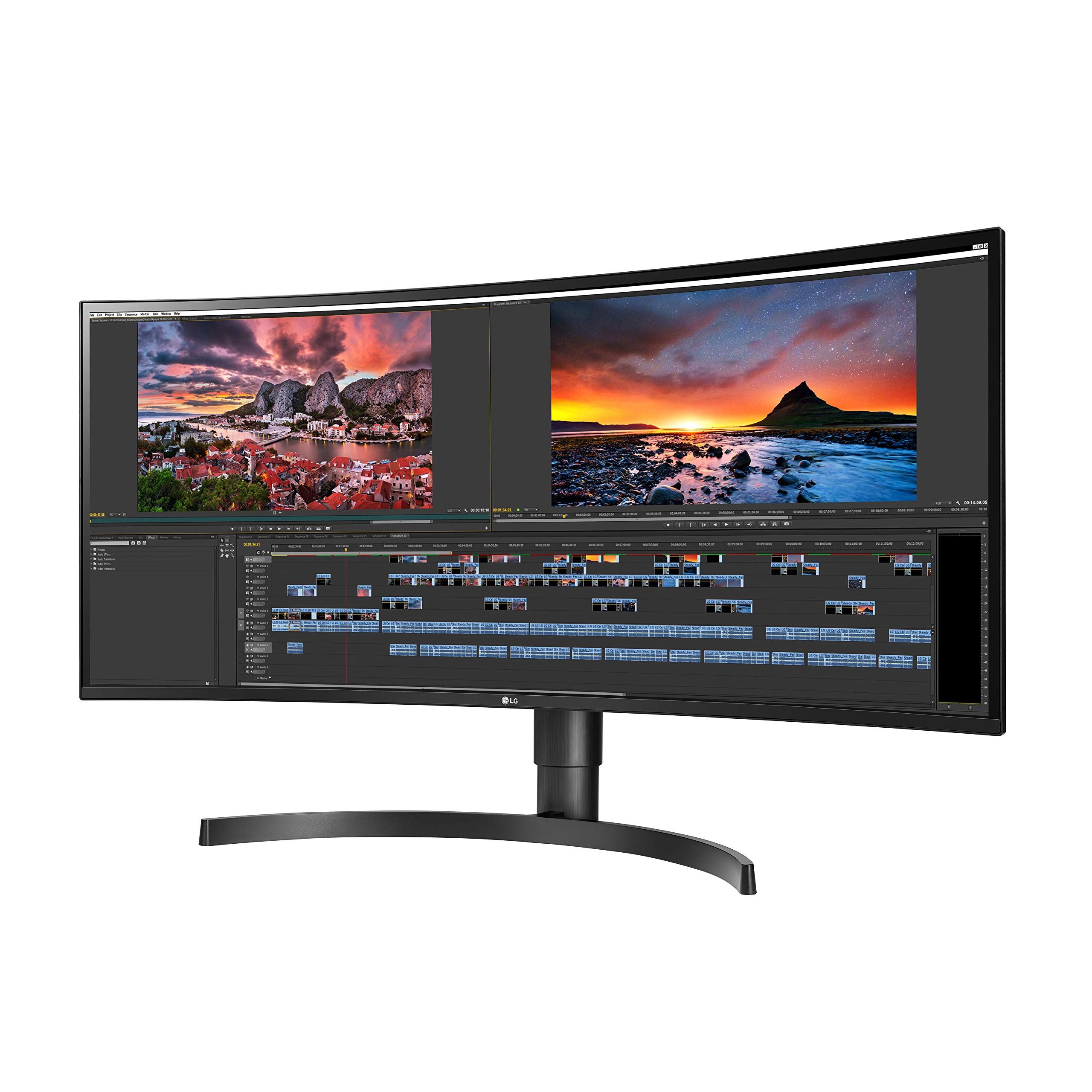
For most desks the Dell U2723QE is the answer: sharp 4K text plus a hub — 90W charging, KVM, Ethernet — that replaces a dock. On a budget, the Dell S2725QC now delivers 4K at 120Hz with 65W USB-C and real speakers for under $300, the price/sharpness sweet spot of the moment. Mac users who want true Retina clarity have a real choice for the first time: the Apple Studio Display or the ASUS ProArt PA27JCV, the same 218 ppi at half the price — we weigh that exact tradeoff in Studio Display vs PA27JCV. Gamers get the Alienware AW2725DF's 360Hz QD-OLED (see how it stacks against the value-pick Gigabyte M27Q-X), and spreadsheet-and-timeline desks get the LG 34WN80C-B ultrawide.

Not sure where you land? Take the 60-second quiz, or jump to your situation — coding, MacBook setups, or ultrawides for work.

Start the questionnaire →

5 questions · about a minute

What we look for in a great monitor

  • Pixel density and sharpnessWeight 0.25

    Pixel density (PPI) for text sharpness — 27-inch 5K and 4K versus ultrawide tradeoffs.

  • Panel qualityWeight 0.2

    Panel type, color accuracy, and contrast for office, coding, design, and media.

  • USB-C charging and portsWeight 0.18

    USB-C charging power and single-cable convenience for laptop setups.

  • Refresh rate and motionWeight 0.15

    Refresh rate and motion handling for scrolling comfort and gaming.

  • ConnectivityWeight 0.12

    Hub features, daisy-chaining, and connection options for your desk setup.

  • ValueWeight 0.1

    Price relative to resolution, features, and build quality.

What's in our catalog

7 picks

Frequently asked questions

Why does pixel density matter on a MacBook monitor?
Pixel density predicts how fine text and interface edges can look. At 27 inches, 5K is about 218 ppi and 4K about 163 ppi. Both are useful, but 5K can present a 2560 x 1440 workspace at a clean 2x scale.
How much USB-C charging power should a monitor provide?
Around 60W suits many MacBook Air and light-laptop setups. A 14-inch MacBook Pro is better matched by roughly 90W to 96W. High-load 16-inch models may still draw from the battery unless the display or dock can provide more.
Is a 34-inch ultrawide sharper than a 27-inch 4K monitor?
Usually no. A 34-inch 3440 x 1440 ultrawide is roughly 110 ppi, while a 27-inch 4K monitor is roughly 163 ppi. The ultrawide gives more horizontal workspace; the 4K screen gives finer text.
Do office users need more than 60Hz?
No, but higher refresh rates make scrolling and pointer movement look smoother. Choose 120Hz or more when motion comfort or gaming matters enough to outweigh resolution, price, or connectivity tradeoffs.
Should I choose an IPS or OLED monitor?
IPS panels give accurate color and wide viewing angles and suit most office, coding, and design work. OLED gives deeper blacks and faster response for movies and gaming, but costs more and carries a small burn-in risk with static interfaces.
Can I run two monitors from one cable?
Many USB-C monitors support daisy-chaining over DisplayPort (MST) on Windows, letting one cable feed two screens. macOS does not support MST daisy-chaining, so Mac users generally connect each monitor to the laptop or a Thunderbolt dock instead.
Is an ultrawide monitor good for gaming?
It can be great for immersion, but check that your games and GPU support the 21:9 aspect ratio. A 34-inch 1440p ultrawide at 144Hz is a popular balance; competitive players who want maximum frame rates often prefer a flat 27-inch 1440p screen.

How we grade

We score every product on the criteria that actually decide the purchase.

PickGrade compares monitors around practical fit: pixel density and text sharpness, panel quality, USB-C charging power, refresh rate, connectivity, and price, matched to your Mac or Windows setup and main use. We do not claim hands-on lab testing unless a page states it directly; recommendations are based on structured product research, manufacturer data, published review measurements, and buyer-fit tradeoffs.

Read the full methodology →
PickGrade

The independent grading authority for the things you buy. Research once, decide fast — no sponsored top-10 lists.

Affiliate disclosure — PickGrade participates in affiliate programs, including Amazon Associates and partnerships managed through affiliate networks. We may earn a commission from qualifying purchases at no extra cost to you. This never affects our grades. Full disclosure.

Explore

Contact

Questions, feedback, or partnership inquiries?

admin@pickgrade.com

Company

© 2026 PickGradeNo sponsored placements · Ever