Buying guide
Best Ultrawide Monitors for Work
Reviewed by
Eran Yorkovsky · Founder, PickGrade
An ultrawide monitor can replace a two-screen desk for many people. The best choice depends on screen size, resolution, curve, USB-C, window management, and the kind of work you do all day.
 Find your work monitor →
Quick answer
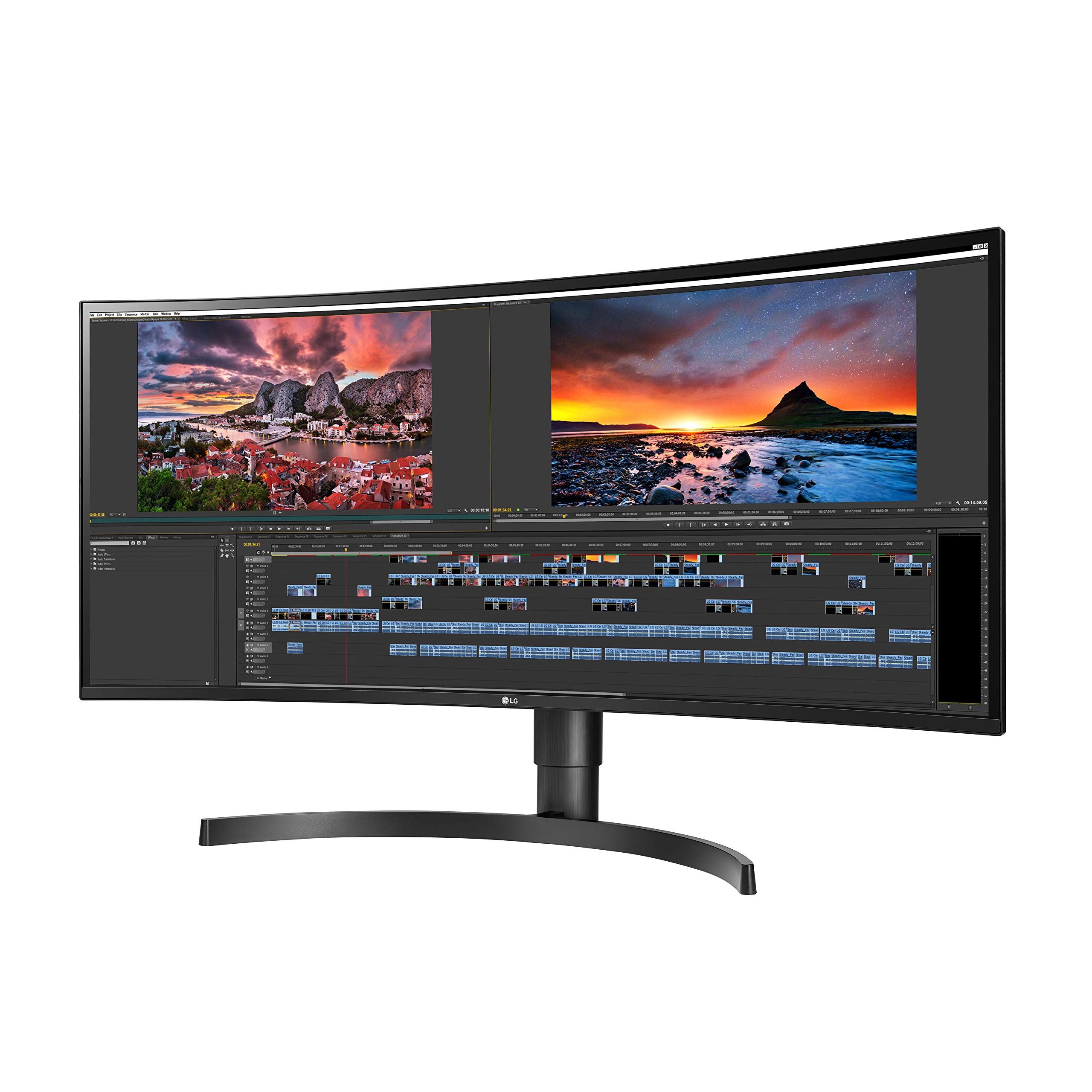
For most desk workers, a 34-inch curved ultrawide like the LG 34WN80C-B hits the sweet spot: enough horizontal room for three side-by-side windows, USB-C to charge and drive a laptop over one cable, and a footprint that fits a normal desk. If sharp text matters more to you than width — heavy reading, design, detailed spreadsheets — a 27-inch 4K like the Dell U2723QE will look crisper, and you can pair two of them later.
That's the core decision: ultrawide for fewer windows fighting for space, or high-PPI 4K for the sharpest possible text.
Why ultrawide monitors work
Ultrawide monitors are useful when you spend the day switching between documents, browser tabs, dashboards, code editors, spreadsheets, and messaging apps. Instead of splitting work across two displays, one wide screen can create a cleaner desk and smoother workflow.
The main tradeoff is size. A large ultrawide needs enough desk depth and a resolution that keeps text sharp. Some buyers should still choose a 27-inch 4K monitor if crisp text matters more than horizontal space.
Ultrawide vs two monitors
| Factor | One ultrawide | Two monitors |
|---|---|---|
| Window layout | Smooth, no bezel in the middle | A divider right where you often look |
| Full-screen apps | One very wide canvas | Two clean full-screen spaces |
| Video calls | Camera sits off to one side | Center a screen under the webcam |
| Cables and desk | One cable, one stand | Two of everything |
If you live in side-by-side windows, ultrawide wins. If you want one screen for a full-screen app and another for everything else, dual monitors still make sense.
What to compare
Look at screen size, resolution (a 34-inch ultrawide at 3440×1440 keeps text reasonably sharp), curve, stand adjustment, USB-C power delivery, brightness, and whether your laptop or desktop can actually drive the display at full resolution.
The USB-C detail that saves your desk
A monitor with USB-C power delivery can charge your laptop and carry video over a single cable, turning the display into a one-cable dock. Check the wattage matches your laptop's charging needs — an underpowered port will run the screen but slowly drain the battery.
How Pickgrade helps
Use the monitor quiz and choose productivity, coding, or multitasking. Pickgrade will help separate ultrawide work monitors from gaming-first displays and basic office screens.
Related monitor guides
- Take the Monitors quiz
- See all Monitors
- Best Monitors for Coding and Programming
- Best Monitors for MacBook: Choose by PPI, Power, and Ports
- Dell U2723QE UltraSharp 27" 4K
- LG 34WN80C-B 34" UltraWide
Related monitor guides
- Best Monitors for Work, Multitasking, Mac, and Gaming
- Gigabyte M27Q-X 27" 240Hz
- Apple Studio Display (2026) 27" 5K
More monitor guides
- Dell U2723QE vs LG 34WN80C-B
- Apple Studio Display vs Dell U2723QE
- MacBook Monitor Buying Guide: 5K, 4K, or Ultrawide?
Still choosing?
Still choosing?
Frequently asked
Is an ultrawide monitor better than two monitors?
It can be cleaner and easier to manage with no bezel down the middle, but two monitors may still be better if you need separate full-screen workspaces or want to center one screen under your webcam.
What size ultrawide is best for work?
Many people like 34-inch ultrawides for productivity, but desk depth and resolution matter more than size alone. Make sure the panel resolution keeps text sharp at the size you choose.
Is an ultrawide monitor good for coding?
Yes. It can show an editor, browser, terminal, and documentation side by side, which is helpful for development work.
Does an ultrawide monitor charge my laptop over USB-C?
A USB-C monitor with enough power delivery can charge your laptop and carry video over one cable, acting as a dock. Check that its wattage matches your laptop, or the battery may slowly drain while you work.