Head-to-head
Dell U2723QE vs LG 34WN80C-B
These two get cross-shopped by anyone setting up a one-cable laptop desk, but they're really different shapes solving different problems — and price is the smaller part of the decision. The Dell U2723QE is a 27-inch 4K panel at a dense 163 ppi, which makes text razor-sharp, and it doubles as a full desk dock: 90W USB-C charging, a built-in KVM, Ethernet, and a proper USB hub, all over one cable. The LG 34WN80C-B is a 34-inch ultrawide at 3440 x 1440 — a lower 110 ppi, so text is noticeably softer, but you get a wide, uninterrupted desktop that swallows spreadsheets, timelines, and side-by-side code windows, and it's about $150 cheaper. The trade is pixel density versus panoramic width: sharper-but-smaller against wider-but-softer. Here's how to choose.
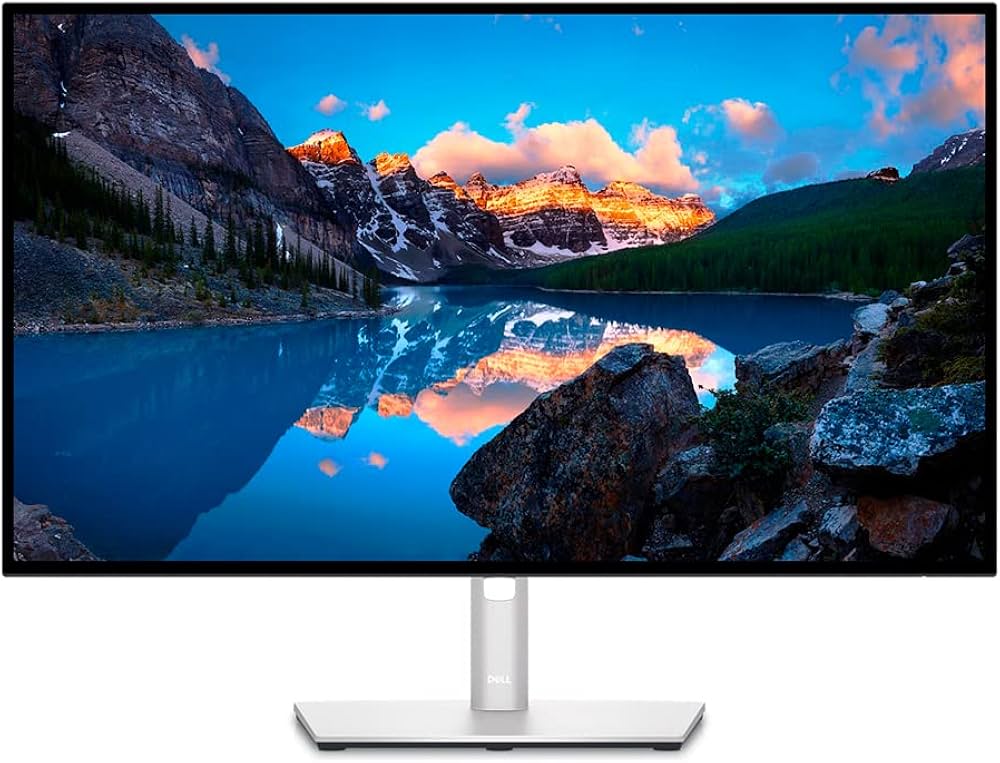 Dell U2723QE UltraSharp 27" 4K | 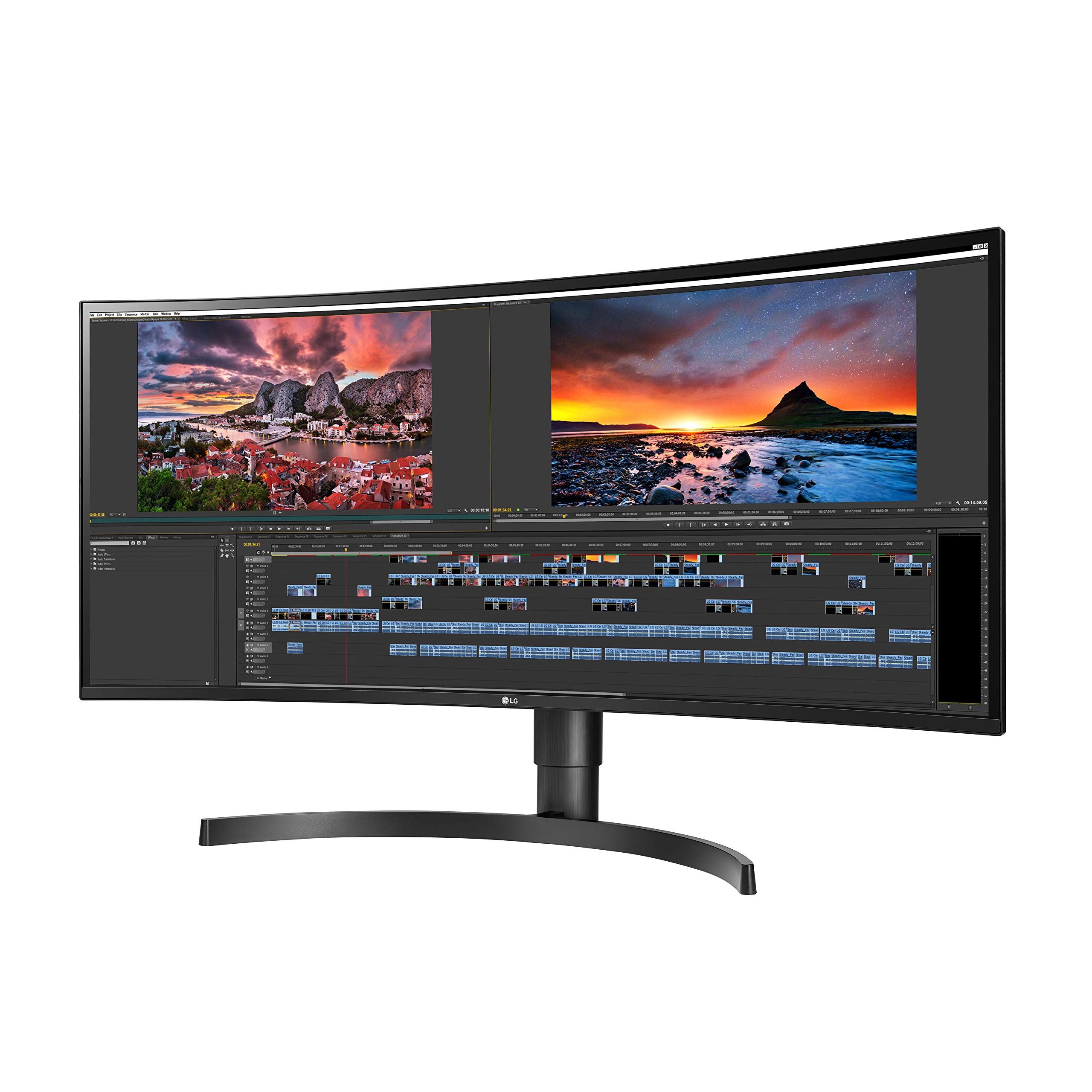 LG 34WN80C-B 34" UltraWide | |
|---|---|---|
| Score | 9.1 | 8.7 |
| Price | $649 | $499 |
| Verdict | More desk hub than monitor, in the best way. The U2723QE is a sharp, color-accurate 27-inch 4K panel, and the real draw is the back: 90W charging, Ethernet, a USB hub, and a KVM on one cable. It's 60Hz with no speakers, but for a clean desk it's the value champ. | Buy this for elbow room, not sharpness. The 34-inch ultrawide fits two or three windows side by side with no scaling and charges a light laptop over one cable. Text isn't 4K-crisp and 60W underpowers a MacBook Pro, but for wide work it's the value pick. |
| Best for | MacBook or Windows users who want one cable for display, charging, Ethernet, and desk accessories. | Writers, analysts, editors, and developers who value side-by-side workspace more than Retina-level text density. |
| Avoid if | You want built-in speakers, refresh rates above 60Hz, or the Retina-like density of a 27-inch 5K panel. | Your MacBook needs more than 60W charging, you sit close enough to notice 110 ppi text, or you need high-refresh gaming. |
| Score breakdown | ||
| fit | 9.1 | 8.8 |
| ease | 9.0 | 8.6 |
| value | 9.1 | 8.7 |
| quality | 9.0 | 8.5 |
| Specs | ||
| hub | RJ45 Ethernet, USB-A/C, DP daisy-chain, KVM, PbP | — |
| color | 100% sRGB / Rec.709, 98% DCI-P3; factory calibrated | ~99% sRGB; HDR10 |
| panel | IPS Black, 2000:1 contrast, 60Hz | Curved IPS, 60Hz, ~1000:1 contrast |
| price | ~$649 (often less) | ~$499 |
| usb c | 90W Power Delivery | 60W Power Delivery (single cable) |
| size res | 27-inch 4K (3840x2160), ~163 ppi | 34-inch 21:9 ultrawide, 3440x1440, ~110 ppi |
| brightness | ~400 nits, VESA DisplayHDR 400 | ~300 nits |
| ergonomics | Height/tilt/swivel/pivot; VESA 100x100 | Height + tilt; 3-side borderless |
| ports | — | USB-C, HDMI, DisplayPort |
| Buy → | Buy → | |
Final verdict
Buy the Dell U2723QE if you stare at text all day, want the crispest possible rendering, and like one cable that charges your laptop and runs your whole desk — for reading, writing, design, and coding it's the sharper, better-connected pick. Buy the LG 34WN80C-B if your work spreads sideways — spreadsheets, editing timelines, lots of windows at once — and you'd rather spend on width than pixel density, for less money. Choose by your work's shape: detail and dock point to the Dell; horizontal real estate points to the LG.
PickGrade may earn a commission from purchases made through links on this page, at no extra cost to you. This never affects our grades. Full disclosure.