Best Monitors for Work, Multitasking, Mac, and Gaming
The best monitors by job — Dell U2723QE for sharp 4K work, LG ultrawide for multitasking, Apple Studio Display for Mac text, and Gigabyte for gaming speed.
By Eran Yorkovsky · Founder, PickGrade
June 9, 2026 · Openly AI-powered
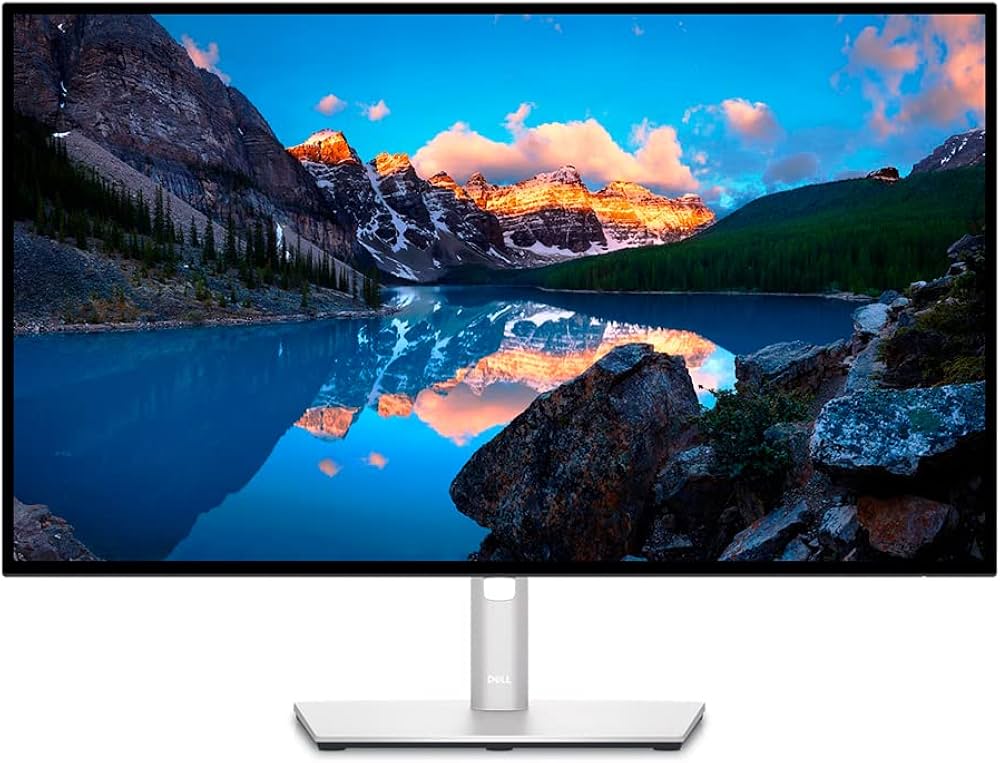
Monitor shopping comes down to one underrated question: what does your screen need to do all day? Sharp text for documents and code, wide space for multitasking, fast motion for games, or seamless Mac integration — each points to a different display. Here are the four picks, by job.
The monitor quiz matches one to your setup in a minute. Otherwise:
1. Dell U2723QE — best all-around 4K for work
The Dell U2723QE is the do-everything desk monitor: 27-inch 4K for crisp text, 90W USB-C charging for one-cable laptop life, plus a full USB hub, KVM, and Ethernet that quietly replace a dock. For mixed Mac/Windows desks and home offices, it's the most practical pick on this list.
Best for: professionals who want sharp text and a one-cable desk.
2. LG 34WN80C-B — best ultrawide for multitasking
The LG 34WN80C-B trades pixel density for width: 3440×1440 across 34 inches means three comfortable side-by-side windows and wide timelines for editing or spreadsheets. Text is less crisp than 4K — that's the trade — but for multitaskers, the workspace wins.
Best for: multitaskers and timeline workers who value width over peak sharpness.
3. Apple Studio Display — best for Mac text and an all-in-one desk
The Apple Studio Display is the Retina pick: 5K at 218 ppi makes text on a Mac look exactly as macOS intends, with 96W charging, Thunderbolt 5, a built-in camera and speakers. It's limited to 60Hz and priced like an Apple product — but for Mac-first desks where text clarity matters most, nothing else here matches it.
Best for: MacBook owners who want the sharpest possible text and a clean all-in-one setup.
4. Gigabyte M27Q-X — best when motion matters
The Gigabyte M27Q-X flips the priorities: 240Hz refresh at 1440p makes games and fast motion dramatically smoother, at the cost of the text density Mac users expect. It's the right call for a PC-gaming-first desk that moonlights as an office.
Best for: gamers who also work, not workers who also game.
The spec that actually matters: pixels per inch
Most monitor regret comes from text sharpness, not features. As a rule of thumb: 4K at 27 inches (~163 ppi) looks crisp, 5K (~218 ppi) looks perfect on a Mac, and 1440p at 27–34 inches (~110 ppi) is workable but visibly softer for documents. Match ppi to how many hours a day you read text, and you'll choose well.
How to choose
Sharp text and one cable: Dell. Maximum workspace: LG. Mac perfection: Studio Display. Fast motion: Gigabyte. Compare them on the monitors hub or take the quiz.
FAQ
Is 4K worth it for office work? Yes — at 27 inches, 4K makes text noticeably crisper than 1440p, which matters across a full workday of reading.
Ultrawide or two monitors? Ultrawide gives a seamless workspace with no bezel; two monitors give separate full-screen spaces. Multitaskers tend to prefer ultrawide once they try it.
Do I need 240Hz for work? No. High refresh helps gaming and fast motion; for documents, code, and spreadsheets, resolution and ppi matter far more.
Related monitor guides
- Best Ultrawide Monitors for Work
- Best Monitors for MacBook: Choose by PPI, Power, and Ports
- Best Monitors for Coding and Programming
More monitor guides
- Dell U2723QE vs LG 34WN80C-B
- Apple Studio Display vs Dell U2723QE
- MacBook Monitor Buying Guide: 5K, 4K, or Ultrawide?