Products graded for smarter buyingNo sponsored placements · Ever
Head-to-head
Gigabyte M27Q-X 27" 240Hz vs Dell U2723QE UltraSharp 27" 4K vs LG 34WN80C-B 34" UltraWide
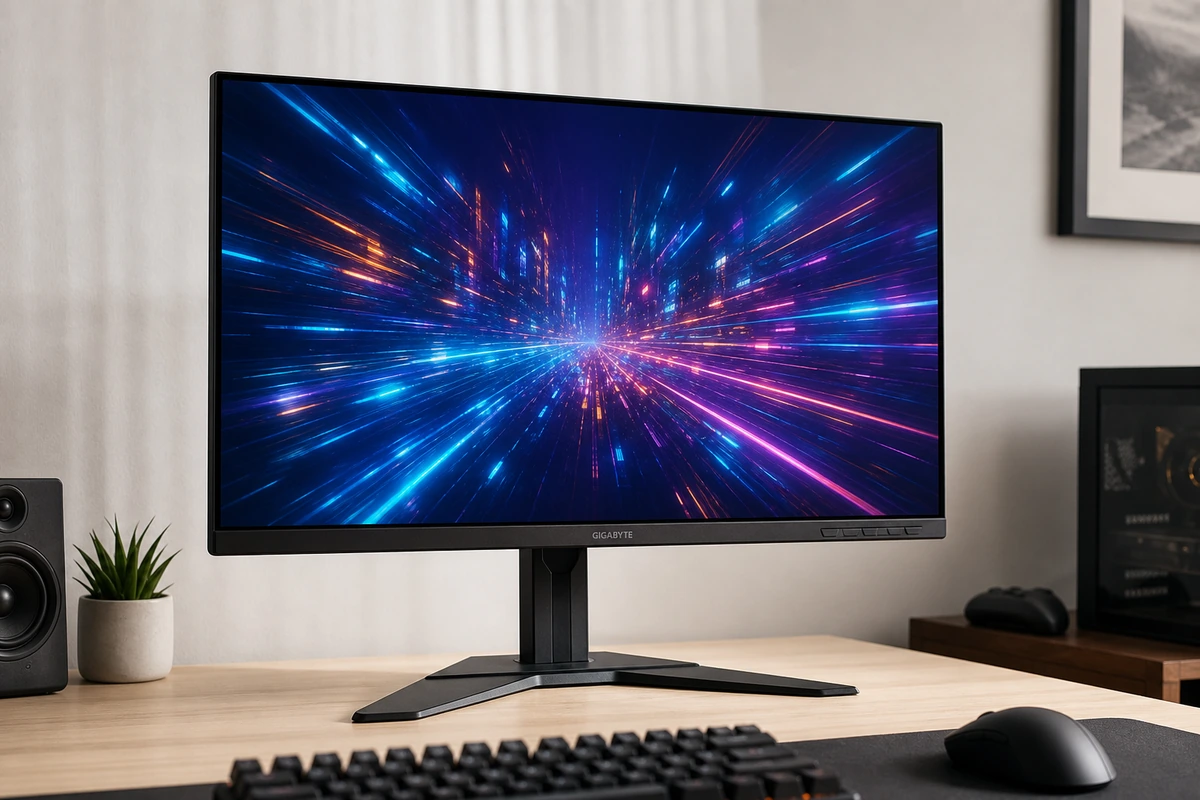
Gigabyte M27Q-X 27" 240Hz
8.6 $429
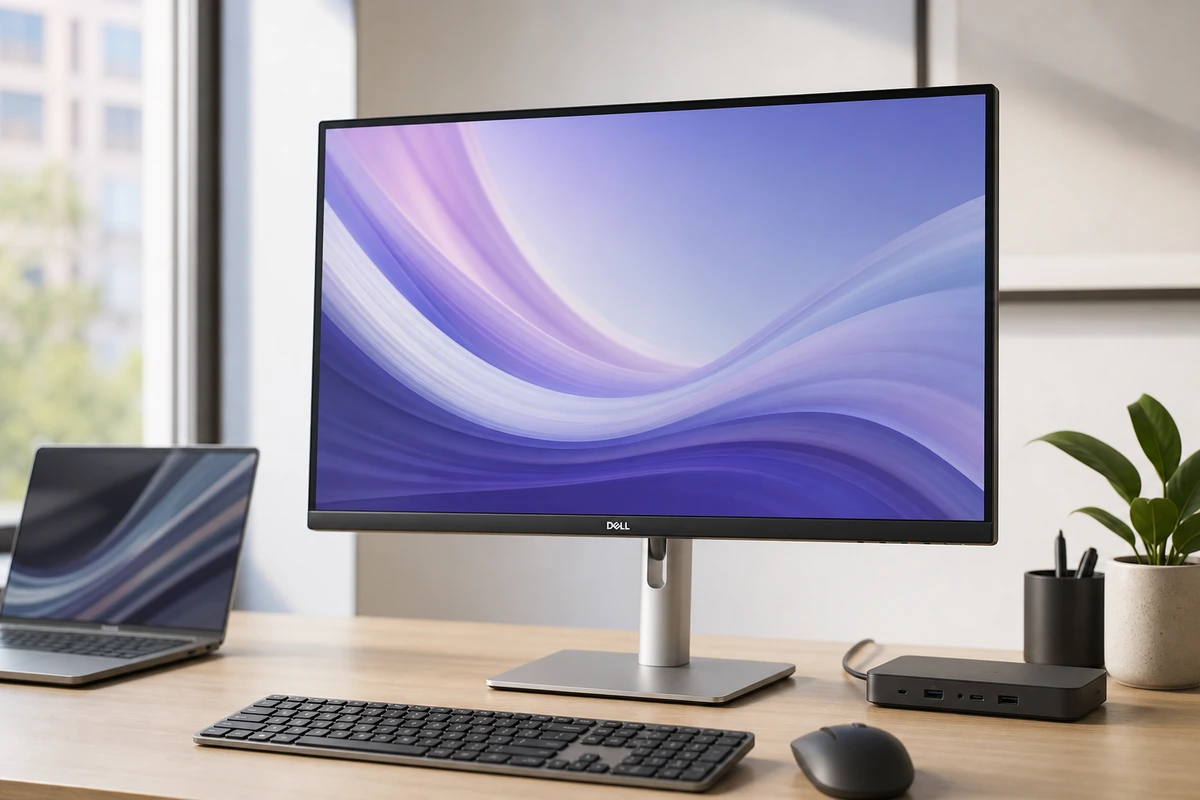
Dell U2723QE UltraSharp 27" 4K
9.1 $649
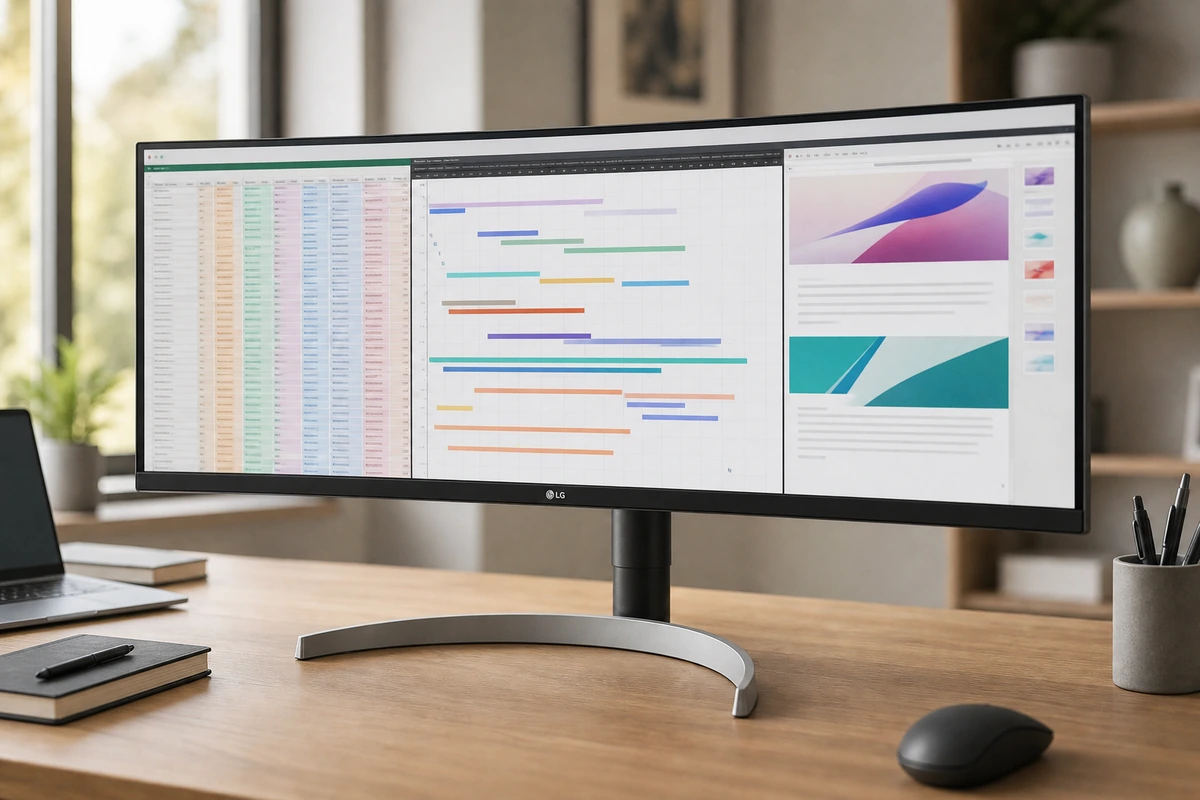
LG 34WN80C-B 34" UltraWide
8.7 $499
Verdict
Gigabyte M27Q-X 27
The budget gaming pick that doesn't skimp on color. A fast 240Hz 1440p IPS with a wide, accurate gamut and crisp text on Mac or PC. USB-C only does 18W so it won't charge a laptop, and HDMI 2.0 hurts for consoles, but for PC gaming it's a lot of monitor.
Dell U2723QE Ultra
More desk hub than monitor, in the best way. The U2723QE is a sharp, color-accurate 27-inch 4K panel, and the real draw is the back: 90W charging, Ethernet, a USB hub, and a KVM on one cable. It's 60Hz with no speakers, but for a clean desk it's the value champ.
LG 34WN80C-B 34" U
Buy this for elbow room, not sharpness. The 34-inch ultrawide fits two or three windows side by side with no scaling and charges a light laptop over one cable. Text isn't 4K-crisp and 60W underpowers a MacBook Pro, but for wide work it's the value pick.
Best for
Gigabyte M27Q-X 27
PC-first gamers who also connect a MacBook for occasional work.
Dell U2723QE Ultra
MacBook or Windows users who want one cable for display, charging, Ethernet, and desk accessories.
LG 34WN80C-B 34" U
Writers, analysts, editors, and developers who value side-by-side workspace more than Retina-level text density.
Avoid if
Gigabyte M27Q-X 27
Sharp Mac text, single-cable high-wattage charging, or color-critical work matters more than gaming speed.
Dell U2723QE Ultra
You want built-in speakers, refresh rates above 60Hz, or the Retina-like density of a 27-inch 5K panel.
LG 34WN80C-B 34" U
Your MacBook needs more than 60W charging, you sit close enough to notice 110 ppi text, or you need high-refresh gaming.
Score breakdown
fit
Gigabyte M
8.7
Dell U2723
9.1
LG 34WN80C
8.8
ease
Gigabyte M
8.4
Dell U2723
9.0
LG 34WN80C
8.6
value
Gigabyte M
8.8
Dell U2723
9.1
LG 34WN80C
8.7
quality
Gigabyte M
8.4
Dell U2723
9.0
LG 34WN80C
8.5
Specs
color
Wide gamut, vivid, accurate sRGB mode
100% sRGB / Rec.709, 98% DCI-P3; factory calibrated
~99% sRGB; HDR10
panel
IPS, 240Hz, 1ms GTG; standard RGB subpixels
IPS Black, 2000:1 contrast, 60Hz
Curved IPS, 60Hz, ~1000:1 contrast
ports
2x HDMI 2.0, DP 1.2, USB hub, KVM, 2x 2W speakers
—
USB-C, HDMI, DisplayPort
price
~$429
~$649 (often less)
~$499
usb c
DP Alt Mode + 18W only (won't charge a laptop)
90W Power Delivery
60W Power Delivery (single cable)
extras
Aim Stabilizer strobe, crosshairs, GameAssist dashboard
—
—
size res
27-inch 1440p (2560x1440), ~109 ppi
27-inch 4K (3840x2160), ~163 ppi
34-inch 21:9 ultrawide, 3440x1440, ~110 ppi
adaptive sync
FreeSync Premium Pro; G-Sync compatible
—
—
hub
—
RJ45 Ethernet, USB-A/C, DP daisy-chain, KVM, PbP
—
brightness
—
~400 nits, VESA DisplayHDR 400
~300 nits
ergonomics
—
Height/tilt/swivel/pivot; VESA 100x100
Height + tilt; 3-side borderless
PickGrade may earn a commission from purchases made through links on this page, at no extra cost to you. This never affects our grades. Full disclosure.