Buying guide
Best TVs for Gaming (2026): PS5, Xbox & PC Picks
Reviewed by
Eran Yorkovsky · Founder, PickGrade
The best gaming TV pairs low input lag and a high refresh rate with a panel that looks great in your room. Here's what actually matters for PS5, Xbox, and PC — and the PickGrade picks that nail it.
 Take the TV quiz →
What makes a TV great for gaming
Four things matter most: HDMI 2.1 ports (for 4K/120Hz from a PS5, Xbox Series X, or a modern GPU), a high refresh rate (120Hz is the floor; 144Hz+ helps PC players), VRR (variable refresh rate, including G-Sync and FreeSync) to kill screen tearing, and low input lag with an automatic game mode (ALLM). Panel type matters too: OLED gives near-instant pixel response and perfect blacks for dark games, while a bright mini-LED holds up better in a sunlit room. Count your devices — if you'll plug in two consoles and a soundbar, the number of HDMI 2.1 ports becomes the real differentiator.
The picks
LG C5 OLED — best all-round gaming TV (PickGrade 9.0). Four HDMI 2.1 ports at up to 144Hz, VRR with G-Sync and FreeSync, and input lag near 10ms, on a perfect-black OLED panel. The easiest TV to recommend if you split time between consoles, a gaming PC, and movies.
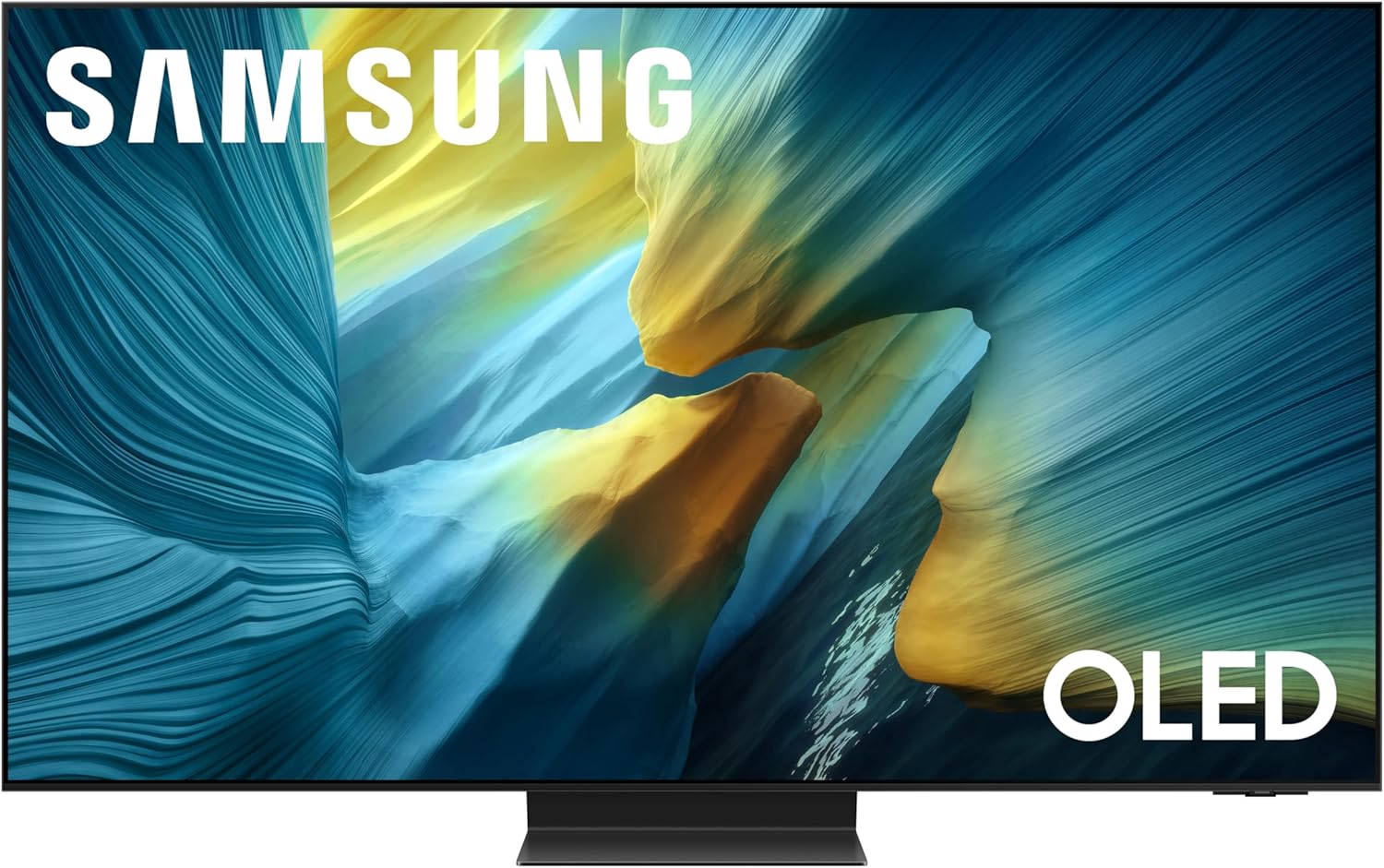
Samsung S95F OLED — brightest gaming OLED (PickGrade 9.2). A 165Hz QD-OLED with four HDMI 2.1 ports and the best anti-glare screen on the market, so it stays playable in bright rooms. The catch for gamers: no Dolby Vision.
TCL QM8K — best value (PickGrade 8.6). 144Hz (288Hz at lower resolution), VRR and ALLM, and huge mini-LED brightness for big, bright rooms — at well under OLED money. The trade-off is only two HDMI 2.1 ports.
Sony Bravia 9 — best processing for bright rooms (PickGrade 8.8). Reference brightness and superb motion for sports and cinematic games, but only two of its HDMI ports are 2.1 and it tops out at 120Hz — fine for consoles, less ideal for high-refresh PC gaming.
Console-specific notes
For a PS5 or Xbox Series X, any of these handles 4K/120Hz over HDMI 2.1 — just connect to a 2.1 port and turn on game mode. On the two-port sets (TCL, Sony), plan your inputs so a soundbar's eARC port doesn't eat one of your 2.1 slots.
Still deciding between OLED and mini-LED? See our OLED vs mini-LED guide, or take the TVs quiz to match these to your room, budget, and console.
Still choosing?
- See all TVs
- Best TV for Bright Rooms: Beat Glare and Washed-Out Picture
- How to Choose a TV
- LG C5 vs Samsung S95F: Which OLED Should You Buy?
- Sony Bravia 9 vs TCL QM8K: Premium vs Value Mini-LED
- LG C5 OLED vs TCL QM8K (2026)
Still choosing?
Frequently asked
Do I need HDMI 2.1 for gaming?
For 4K at 120Hz from a PS5, Xbox Series X, or a modern PC, yes — HDMI 2.0 ports cap out at 4K/60Hz. If you only game at 60Hz or on older consoles, HDMI 2.0 is fine.
Is 120Hz enough, or do I need 144Hz?
120Hz is plenty for consoles, which don't exceed it. 144Hz (and higher) only helps PC players with a GPU that can push those frame rates.
OLED or mini-LED for gaming?
OLED gives perfect blacks and near-instant response, ideal for dark games and dark rooms. A bright mini-LED is the better pick for sunny rooms and anyone worried about static-HUD burn-in.
What's the best TV here for a PS5?
The LG C5 — four HDMI 2.1 ports, 144Hz, VRR, and low input lag make it the most flexible for a PS5 alongside other devices.