
A scroll wheel that free-spins through a thousand lines a second
Logitech MX Master 3S
Reviewed by
Eran Yorkovsky · Founder, PickGrade
The standard productivity mouse. Its MagSpeed wheel snaps between precise clicks and a free-spin that flies through documents, the clicks are near-silent, and it tracks even on glass. It's heavy and right-handed, but for all-day desk work on any OS it's the one to beat.
The mouse that makes a full workday on a desk feel effortless. The MX Master 3S is built around three things you feel constantly: a MagSpeed scroll wheel that ratchets click-by-click for precision then free-spins to rip through a thousand-line spreadsheet, Quiet Click buttons about 90% quieter than the old model, and a Darkfield sensor that tracks on nearly any surface including bare glass. Seven programmable controls, a thumb wheel, and a gesture button pair with Logi Options+ and Flow to move across three machines. The catches: it's right-handed only, leans on Options+ running for profiles, polls at just 125Hz so it's no gaming mouse, and at ~141g it's a lot to carry. For comfortable, customizable all-day work, it's the standard.
$89.99
$99.99
Save 10%PickGrade may earn a commission from purchases made through links on this page, at no extra cost to you. This never affects our grades. Full disclosure.
Last reviewed Jun 11, 2026
What we like
- ✓Excellent scroll wheel
- ✓Comfortable ergonomic shape
- ✓Great multi-device support
Trade-offs
- −Pricey (~$99)
- −Right-handed only
- −No onboard memory - profiles need Logi Options+ running
- −125Hz polling unsuited to competitive gaming; large and heavy (~141g) for travel
Best for
Office and creative workers who live in documents, timelines, and browser tabs — the scroll wheel, multi-device switching, and comfortable shape pay off daily.
Avoid if
You want a light mouse for fast-paced gaming — it's heavier and tuned for work, not flick aim.
The three lenses
How we grade →- 9.0/10
Value & Longevity · Eran Yorkovsky
Score breakdown
- fit9.4/10
- ease9.4/10
- quality9.3/10
- value9.0/10
Specs
- type
- Premium productivity wireless mouse
- price
- ~$99
- clicks
- Quiet Click switches (~90% quieter)
- scroll
- MagSpeed: ratchet + free-spin (~1,000 lines/sec)
- sensor
- 8,000 DPI Darkfield (tracks on glass)
- battery
- ~70 days; USB-C quick charge
- buttons
- 7 programmable + thumb wheel + gestures
- connectivity
- Bluetooth (3 devices) + Logi Bolt receiver; Flow
How we know
High confidenceLast checkedThe Logitech MX Master 3S is PickGrade's overall pick and the consensus best productivity mouse — reviewers across RTINGS, Tom's Guide, and TechGearLab call it the wireless mouse to beat for daily work. Its sculpted right-hand shape is comfortable across most hand sizes, and three features set it apart: a MagSpeed electromagnetic scroll wheel that flips between precise ratchet clicks and a free-spinning mode that flies through long documents at up to 1,000 lines per second; Quiet Click switches that are about 90% quieter than the old MX Master 3; and an 8,000 DPI Darkfield sensor that tracks accurately on almost any surface, including glass. A dedicated thumb wheel, gesture button, and seven programmable controls pair with Logi Options+ for app-specific profiles, and it switches between three devices over Bluetooth or the Logi Bolt USB receiver, with Flow to move across computers. Battery lasts around 70 days on a USB-C charge. The honest caveats: it's pricey at ~$99; it's strictly right-handed; profiles rely on Options+ running since there's no onboard memory; its 125Hz polling rate makes it unsuited to competitive gaming; and it's large and heavy (~141g), so it's not ideal for a travel bag. For comfortable, customizable all-day desk work on Mac or Windows, it's the standard.
Compare Logitech MX Master 3S with the top alternates side-by-side.
Compare picks →
Other expert reviews
Video reviews
YouTube — Logitech MX Master 3S Review: Even Better Value Now
From real owners
Human reviews that sharpen our AI grade
- ★★★★★Really happy with Logitech MX Master 3S
Logitech MX Master 3S does exactly what I wanted. Setup was simple, daily use is easy, and it feels like a product I will actually keep using.
Lior Stein · Jul 6, 2026
Own this? Write a review
Related guides
All computer mice guides →Jun 11, 2026
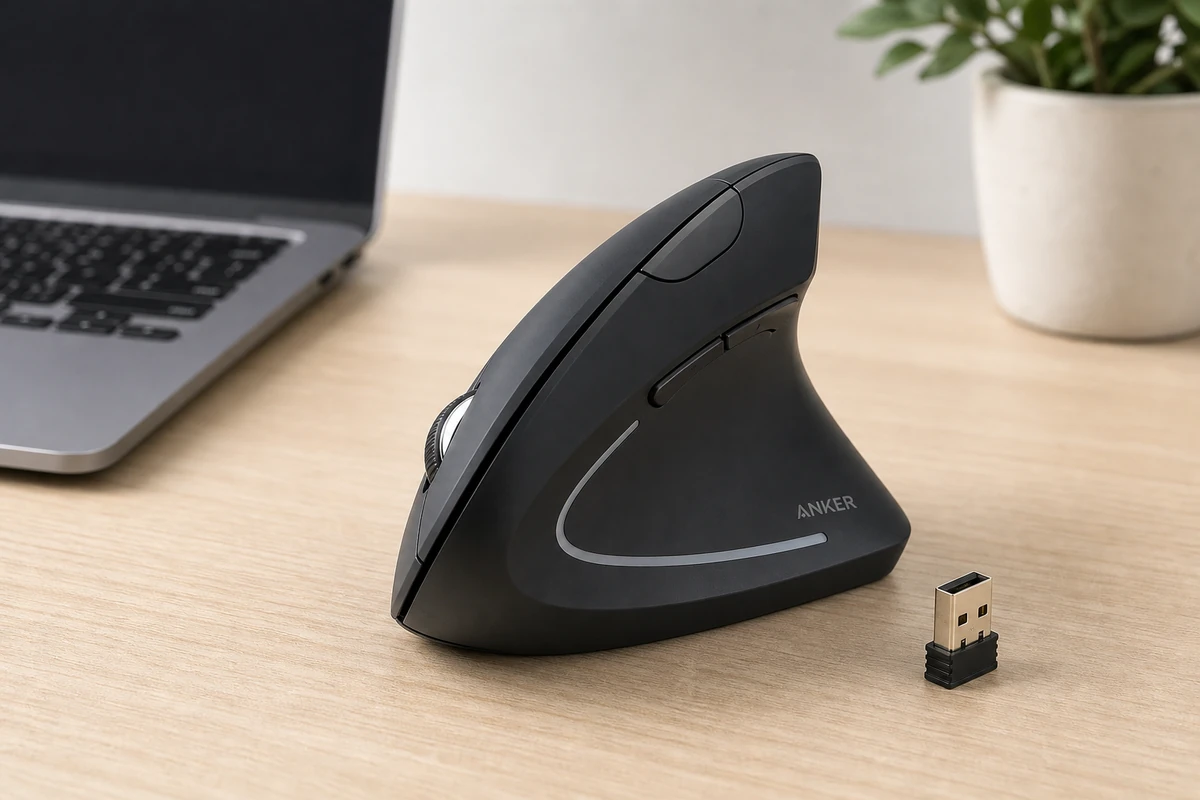
Anker 2.4G Vertical Ergonomic Mouse Review: The Budget Ergo Pick
The Anker vertical mouse is the cheapest way to answer the only question that matters: does the handshake grip help your wrist? Here is who should run the experiment.
Jun 11, 2026
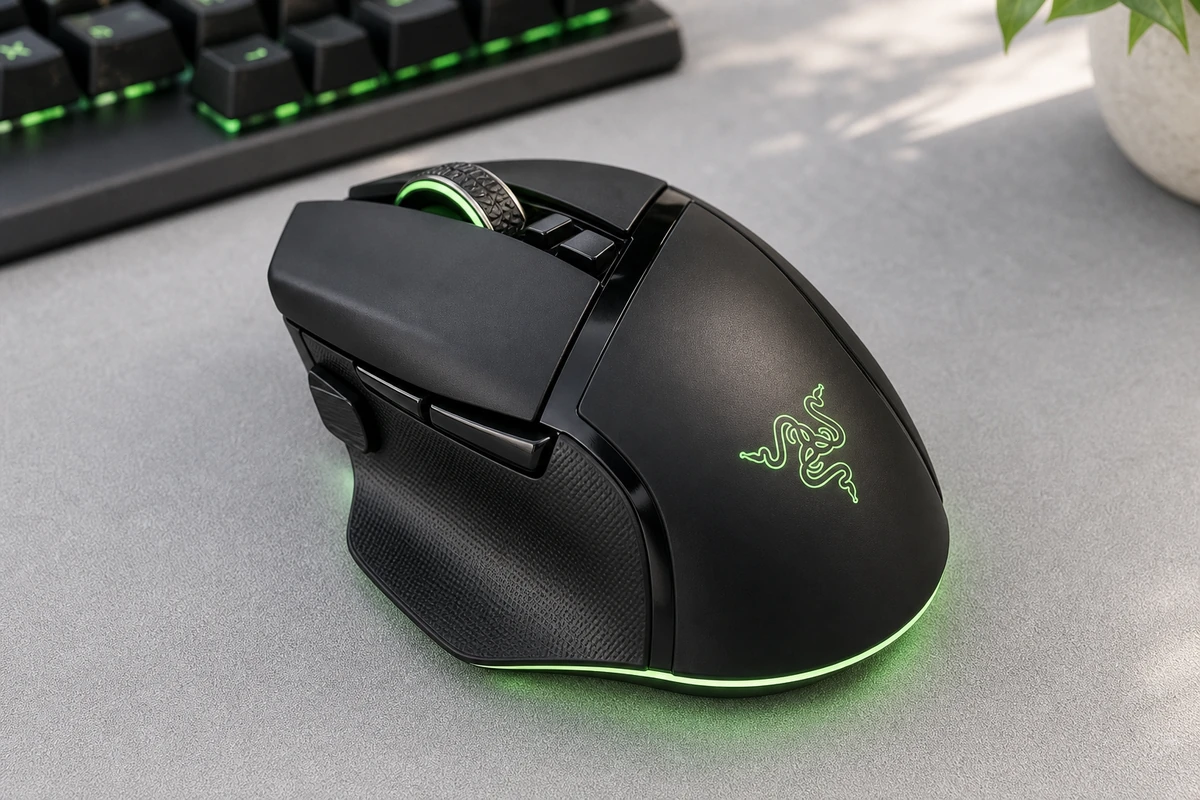
Razer Basilisk V3 Pro Review: The Feature-Rich Pick
The Razer Basilisk V3 Pro is the work-and-play hybrid: 10+ programmable buttons, a smart tilt wheel, and competitive-grade internals in one comfortable right-handed shape.
Jun 11, 2026
Logitech G Pro X Superlight 2 Review: The Esports Pick
The Logitech G Pro X Superlight 2 is competitive gaming hardware by subtraction: 60 grams, flawless wireless, huge battery, nothing extra. Here is who should pay for it.
Was this review useful?