← All guides

The buyer's guide

Computer Mice

Er

Reviewed by

Eran Yorkovsky · Founder, PickGrade

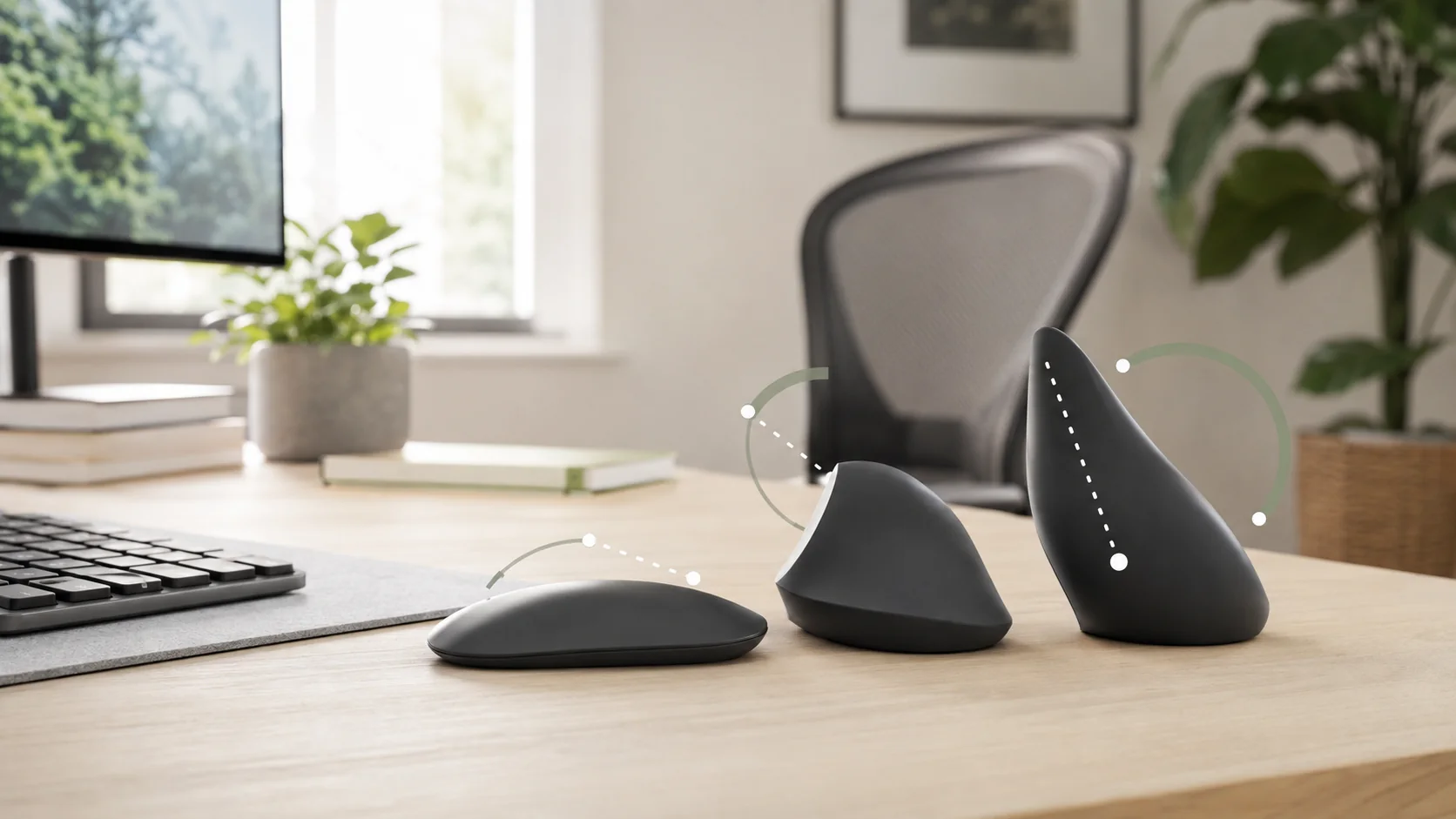
A mouse is the one peripheral your hand touches all day — grip and job matter far more than DPI numbers.

The right mouse comes down to two things the spec sheet buries: how you grip it and what you do with it all day. A productivity mouse and a competitive gaming mouse are built on opposite priorities — one adds buttons, weight, and a luxurious scroll wheel, the other strips all of that away to chase speed and lightness — so the DPI number everyone quotes tells you almost nothing about which one your hand will thank you for.

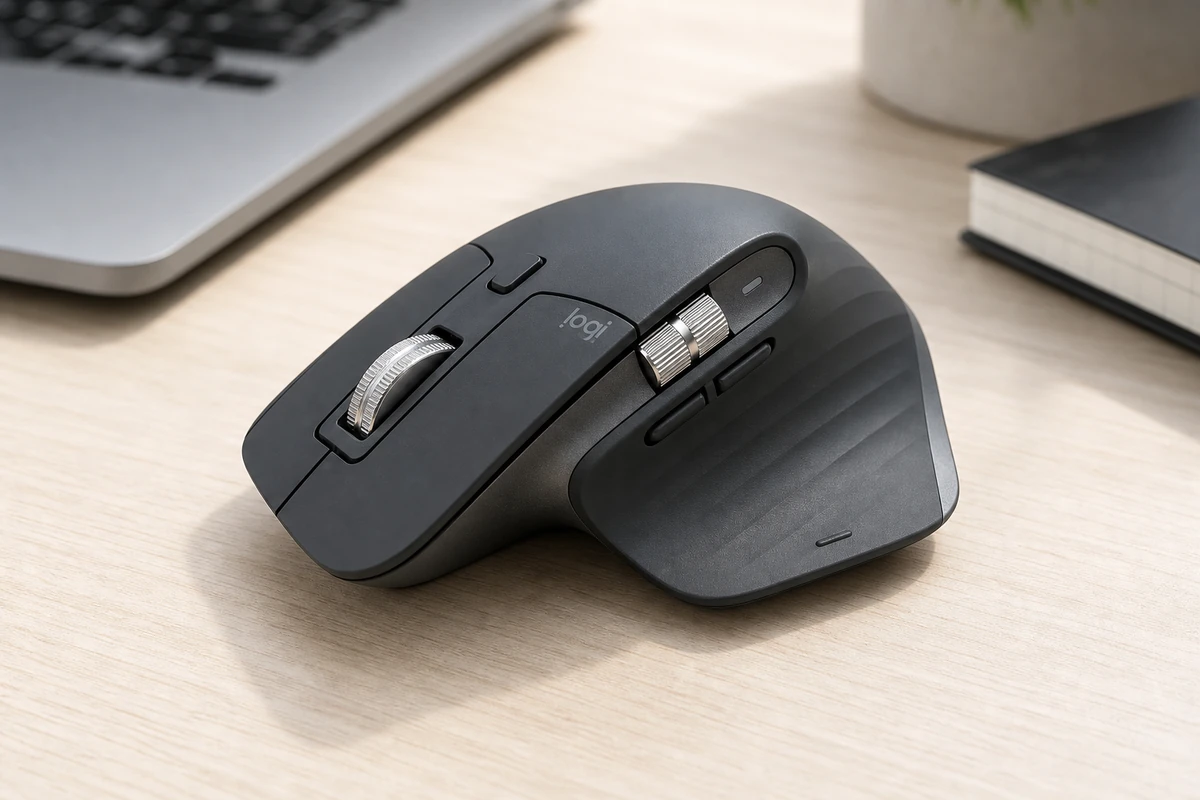
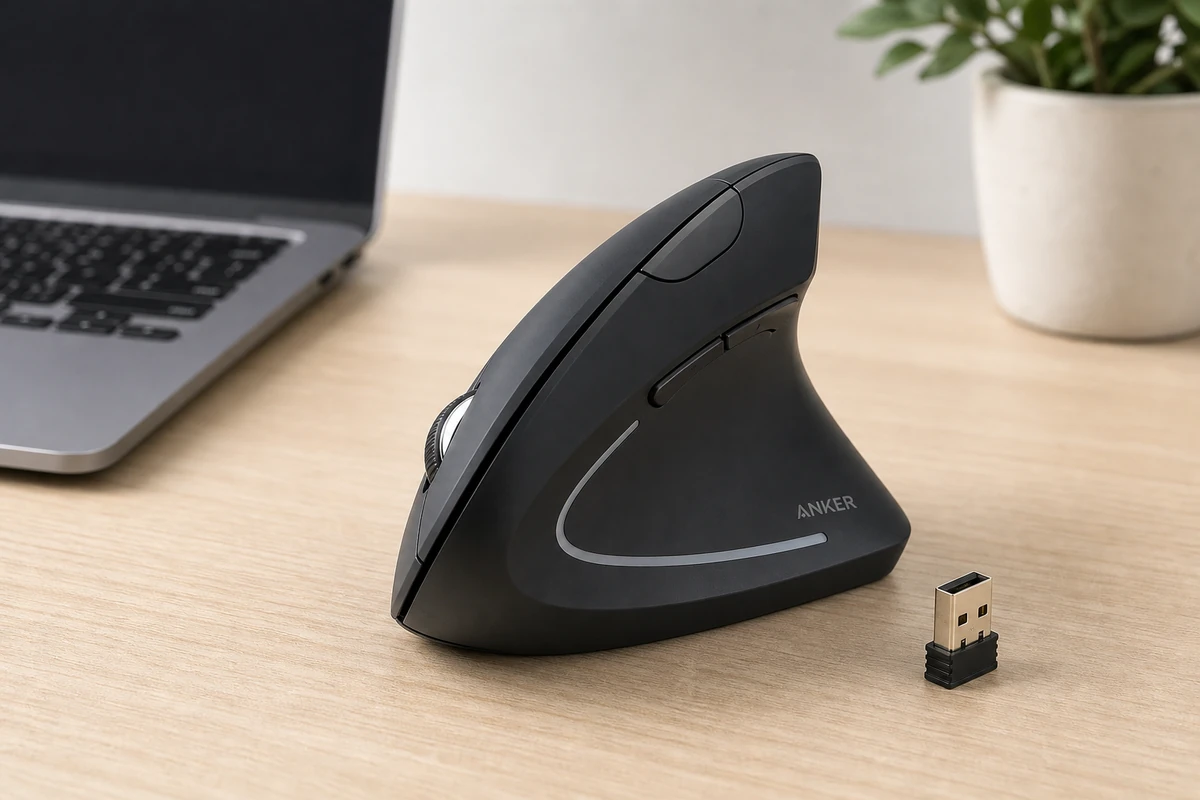
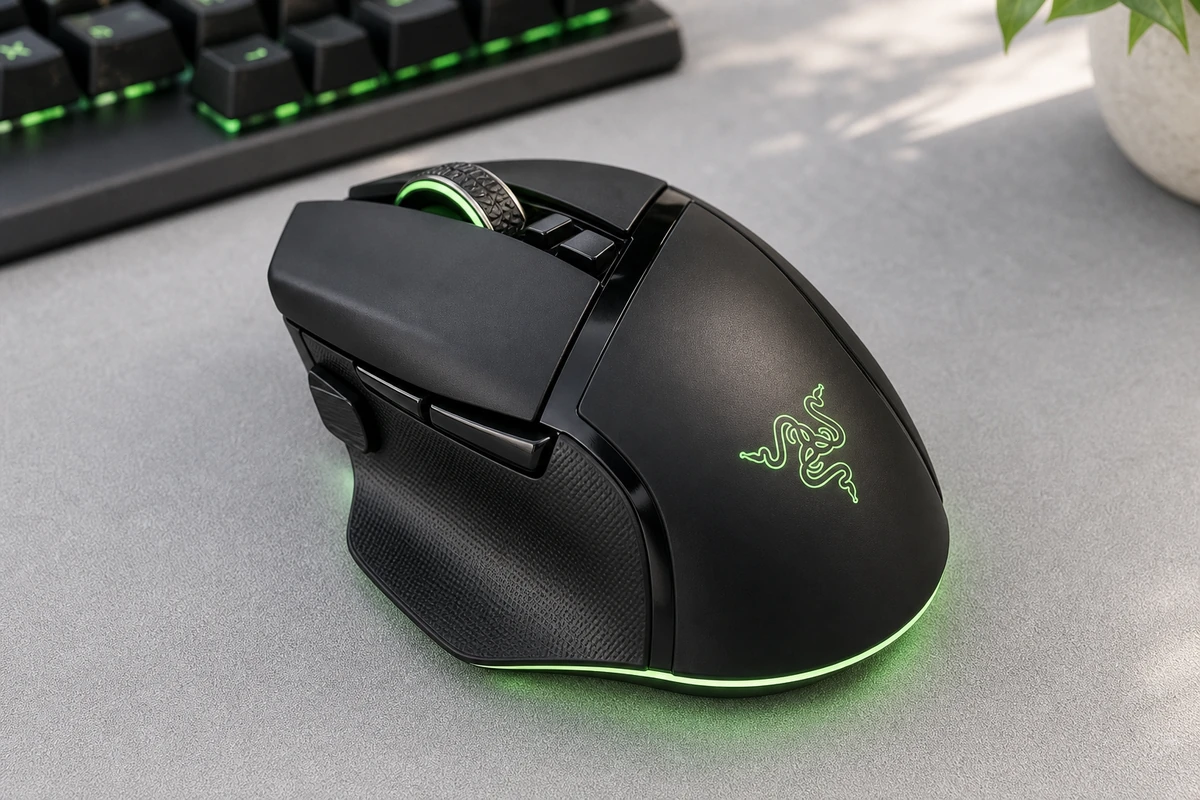
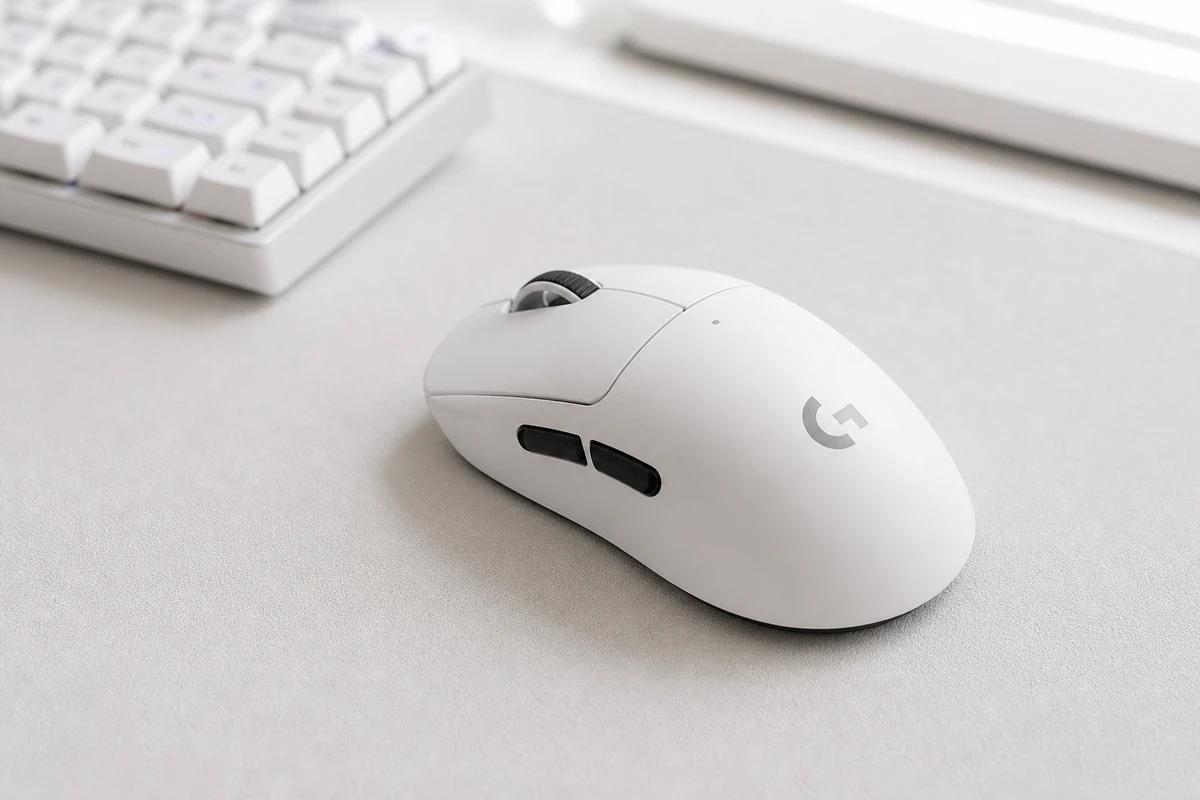
For work, the Logitech MX Master 3S is the default: a free-spinning scroll wheel that flies through a thousand lines a second, quiet clicks, multi-device switching, and a shape built for long days, all for $99. For competitive gaming, the Logitech G Pro X Superlight 2 is the opposite philosophy — 60 grams, no holes, the sensor pros trust — and we put the two head-to-head in MX Master 3S vs Superlight 2. If you want one mouse for work and play, the Razer Basilisk V3 Pro packs eleven buttons and a tilt wheel into a comfortable ergonomic shape; see how it trades against the pure-aim Superlight in Superlight 2 vs Basilisk V3 Pro. And if your wrist aches, the Anker Vertical is a $25 way to test whether the handshake grip fixes it.

Not sure what fits your hand? Take the 60-second quiz.

Start the questionnaire →

4 questions · about a minute

What we look for in a great computer mice

  • Comfort and grip fitWeight 0.25

    Shape, size, and grip fit for your hand and the way you hold a mouse.

  • Use-case fitWeight 0.22

    How well it matches your main use: productivity, gaming, ergonomics, or travel.

  • Buttons and scrollingWeight 0.18

    Button layout, programmable controls, and scroll-wheel quality.

  • ConnectivityWeight 0.13

    Bluetooth versus USB receiver, latency, and multi-device switching.

  • BatteryWeight 0.12

    Battery life and charging convenience for wireless models.

  • ValueWeight 0.1

    Features and build relative to price.

What's in our catalog

4 picks

Frequently asked questions

How do I choose the best computer mouse?
Match the mouse to your hand size, grip style, and main use. Then compare shape, weight, scrolling, button layout, battery life, connection type, and software.
Is an ergonomic mouse worth it?
An ergonomic mouse can help if regular mice make your wrist, forearm, or shoulder uncomfortable. Shape matters, so choose one that suits your hand rather than buying by looks alone.
What mouse is best for gaming?
Gamers should look for low latency, a reliable sensor, comfortable shape, suitable weight, durable switches, and software that lets them tune sensitivity and buttons.
Bluetooth or USB receiver: which is better?
Bluetooth is convenient for travel and tablets. A USB receiver usually gives more stable performance and lower latency, especially for gaming and busy wireless environments.

How we grade

We score every product on the criteria that actually decide the purchase.

PickGrade compares computer mice around practical fit: hand size and grip, main use, button layout and scrolling, connectivity and latency, battery life, and price. We do not claim hands-on lab testing unless a page states it directly; recommendations are based on structured product research, manufacturer data, published review measurements, and buyer-fit tradeoffs.

Read the full methodology →
PickGrade

The independent grading authority for the things you buy. Research once, decide fast — no sponsored top-10 lists.

Affiliate disclosure — PickGrade participates in affiliate programs, including Amazon Associates and partnerships managed through affiliate networks. We may earn a commission from qualifying purchases at no extra cost to you. This never affects our grades. Full disclosure.

Explore

Contact

Questions, feedback, or partnership inquiries?

admin@pickgrade.com

Company

© 2026 PickGradeNo sponsored placements · Ever