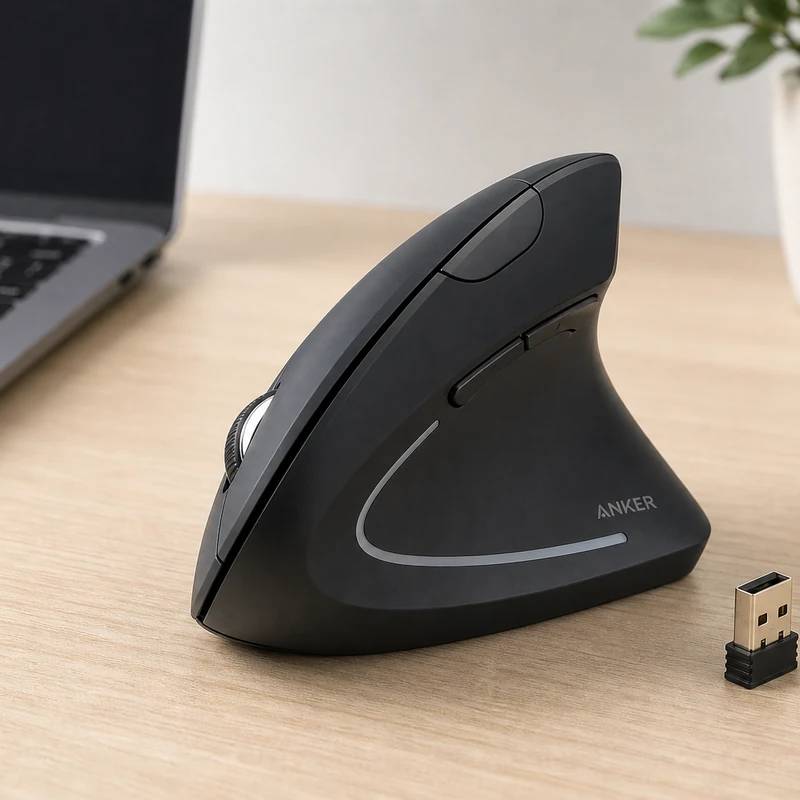
A handshake grip for a sore wrist, for twenty-five dollars
Anker 2.4G Vertical Ergonomic Mouse
Reviewed by
Eran Yorkovsky · Founder, PickGrade
Wrist relief without the gamble. The vertical handshake shape rotates your hand into a neutral angle, and reviewers say it eases pain as well as mice costing triple. It runs on AAAs and caps at 1600 DPI, but as a cheap first try at a vertical mouse, it's the easy call.
The cheapest sensible way to find out if a vertical mouse fixes your wrist. The whole point is the "handshake" shape, which rotates your hand and forearm into a neutral position instead of the palm-down twist of a normal mouse, and long-time users consistently report real relief, with reviewers rating it as comfortable as vertical mice that cost three times as much. For around $25 you still get a tactile coating, an onboard DPI selector, five buttons with back/forward, and a slot for the receiver. The compromises are the price: disposable AAA batteries with no rechargeable option, no Bluetooth (a single 2.4GHz dongle, so no tablets or device-hopping), a 1,600 DPI ceiling that rules out gaming, and a right-handed-only shape whose thumb buttons can stretch small hands. If your wrist needs a vertical grip and budget matters, start here.
$25
PickGrade may earn a commission from purchases made through links on this page, at no extra cost to you. This never affects our grades. Full disclosure.
Last reviewed Jun 11, 2026
What we like
- ✓Affordable ergonomic option
- ✓Vertical wrist angle
- ✓Good starter shape
Trade-offs
- −Disposable AAA batteries (not included; no rechargeable option)
- −No Bluetooth - single 2.4GHz channel, no multi-device or tablet pairing
- −Sensor tops out at 1,600 DPI - not for gaming or high-res precision
- −Right-handed only; thumb buttons a stretch for small hands
Best for
Anyone with wrist discomfort who wants to try the vertical "handshake" grip cheaply before committing to a premium ergonomic mouse.
Avoid if
You need precision work, gaming performance, or rechargeable batteries — this is a basic AAA-powered starter mouse.
The three lenses
How we grade →- 9.2/10
Value & Longevity · Eran Yorkovsky
Score breakdown
- value9.2/10
- ease8.6/10
- fit8.5/10
- quality8.0/10
Specs
- dpi
- Onboard selector: 800 / 1,200 / 1,600
- type
- Budget vertical ergonomic mouse
- power
- 2x AAA batteries (not included)
- price
- ~$25
- shape
- Vertical handshake position (eases wrist strain)
- extras
- Tactile coating; dongle storage slot
- buttons
- 5 (incl. back/forward navigation)
- connectivity
- 2.4GHz USB dongle (no Bluetooth)
How we know
Medium confidenceLast checkedThe Anker 2.4G Wireless Vertical Ergonomic Mouse is PickGrade's budget pick — and proof you don't need to spend much to ease wrist strain. Its whole point is the vertical 'handshake' shape, which rotates your hand and forearm into a neutral position rather than the palm-down twist of a normal mouse; reviewers and long-time users consistently report real relief from wrist and forearm pain, and Tom's Guide and Digital Camera World rate it as comfortable as vertical mice costing three times as much. For around $25 you still get a usable feature set: a tactile rubber coating, an onboard DPI selector (800/1,200/1,600), five buttons including back/forward navigation, and a slot to stash the USB receiver. It's plug-and-play over a 2.4GHz dongle. The honest caveats: it runs on disposable AAA batteries (not included, no rechargeable option); there's no Bluetooth and only a single 2.4GHz channel, so you can't pair it with tablets or hop between devices; the sensor tops out at a modest 1,600 DPI, fine for office work but not for gaming or high-resolution precision; it's right-handed only; and people with smaller hands can find the thumb buttons a stretch. If a vertical shape is what your wrist needs and budget matters, it's the easy first try.
Compare Anker 2.4G Vertical Ergonomic Mouse with the top alternates side-by-side.
Compare picks →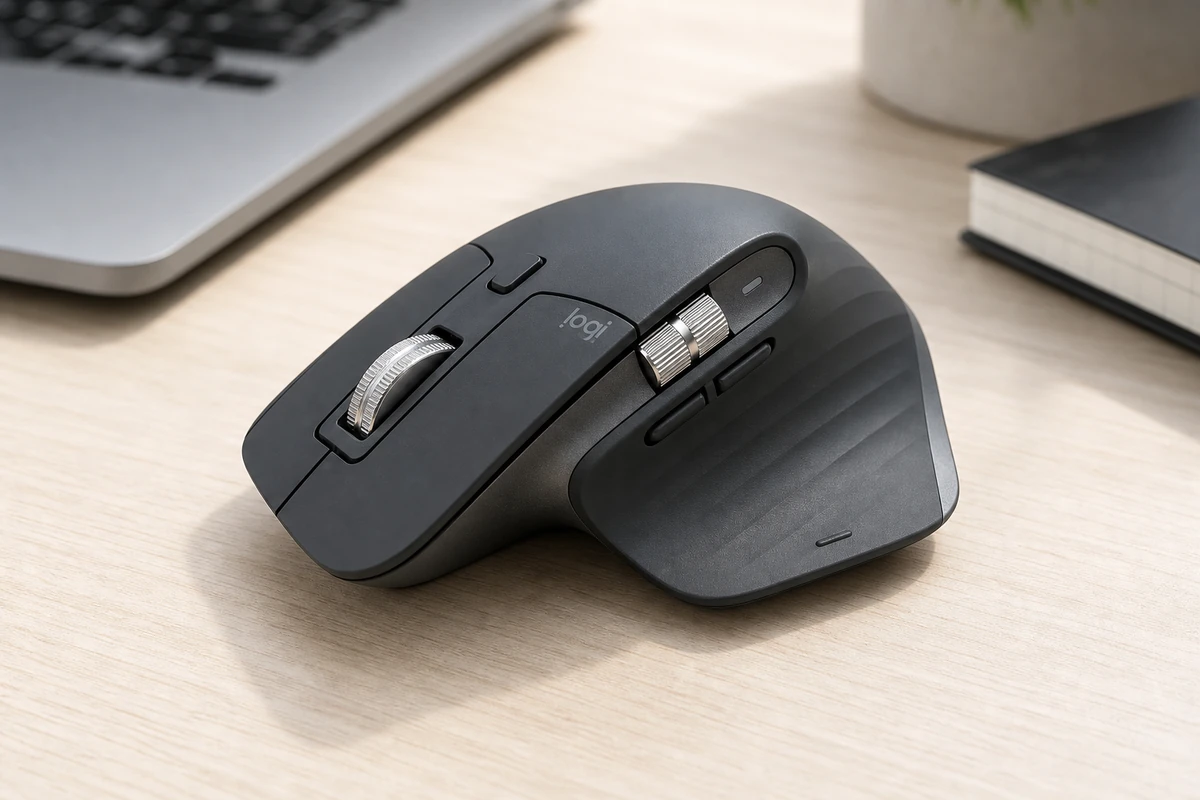
Other expert reviews
Video reviews
YouTube — Anker 2.4G Wireless Vertical Mouse - Honest Review
From real owners
Human reviews that sharpen our AI grade
No owner reviews yet. Be the first to share what you think.
Own this? Write a review
Related guides
All computer mice guides →Jun 11, 2026
Anker 2.4G Vertical Ergonomic Mouse Review: The Budget Ergo Pick
The Anker vertical mouse is the cheapest way to answer the only question that matters: does the handshake grip help your wrist? Here is who should run the experiment.
Jun 11, 2026
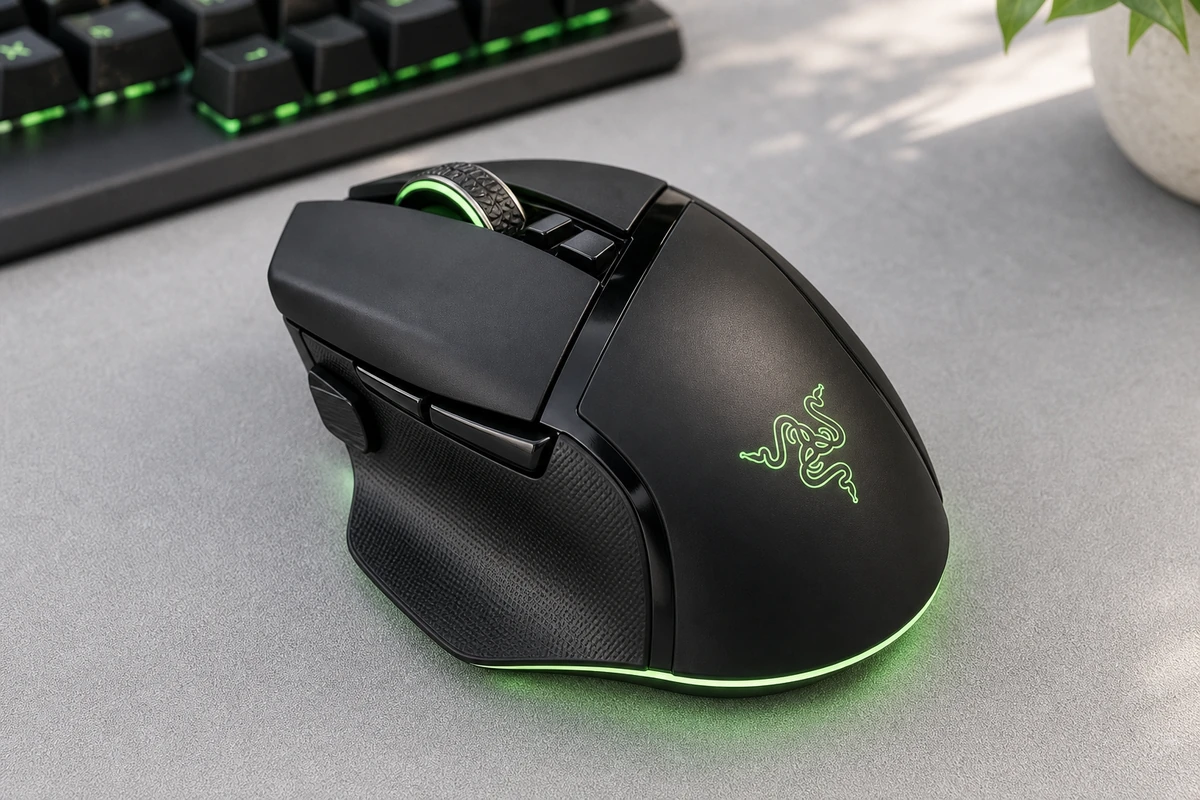
Razer Basilisk V3 Pro Review: The Feature-Rich Pick
The Razer Basilisk V3 Pro is the work-and-play hybrid: 10+ programmable buttons, a smart tilt wheel, and competitive-grade internals in one comfortable right-handed shape.
Jun 11, 2026
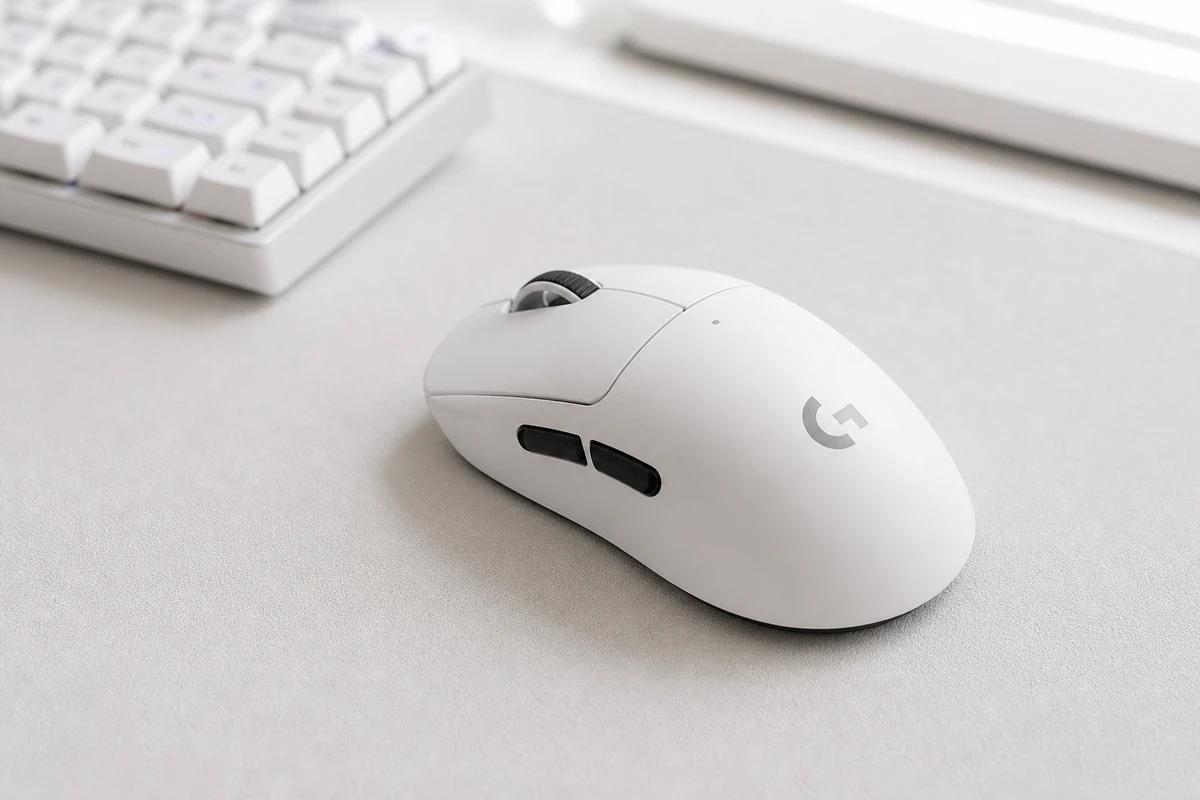
Logitech G Pro X Superlight 2 Review: The Esports Pick
The Logitech G Pro X Superlight 2 is competitive gaming hardware by subtraction: 60 grams, flawless wireless, huge battery, nothing extra. Here is who should pay for it.
Head-to-head matchups
All computer mice matchups →VS · 2 products
Logitech MX Master 3S vs G Pro X Superlight 2
Logitech MX Master 3S vs G Pro X Superlight 2: 141g with a free-spinning MagSpeed wheel and 6 buttons, versus a 60g, 8,000Hz esports mouse. Work or play?
VS · 2 products
Logitech G Pro X Superlight 2 vs Razer Basilisk V3 Pro
Logitech G Pro X Superlight 2 vs Razer Basilisk V3 Pro: same $159. The 60g Superlight is built for pure aim; the Basilisk packs 11 buttons and a tilt wheel for work and play.
Was this review useful?