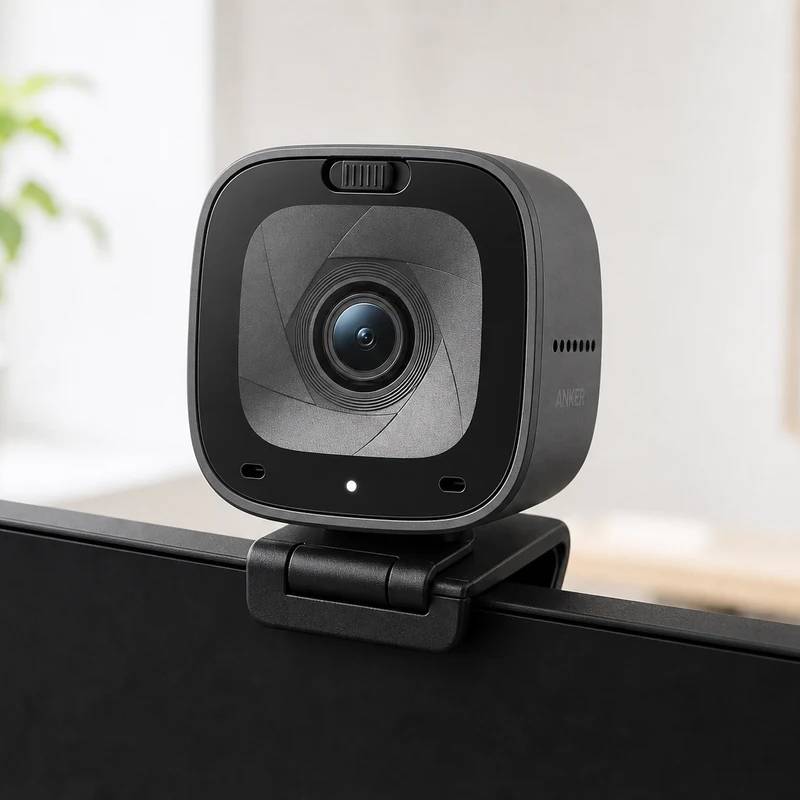
Proof you don't need to spend $200 to stop looking like a laptop camera: 2K sharpness, a real privacy slider, and a price under $70.
Anker PowerConf C200
Anker
Reviewed by
Eran Yorkovsky · Founder, PickGrade
The value pick that nails the essentials — crisp 2K in good light, adjustable framing, real privacy cover — as long as you don't lean on its weak mics or dim-room image.
The PowerConf C200 exists to prove you don't need to spend $200 to stop looking like a laptop camera. For around $70 you get 2K/1440p capture through a glass lens, an adjustable 65/78/95° field of view set in the AnkerWork app, autofocus, an adaptive low-light mode, and a red sliding cover that physically blocks, and disables, the camera. In decent light it looks crisp and far more professional than any built-in webcam. Spend the money knowing where the corners were cut: the dual mics are the weak point and are only really fine for casual calls, the image grows grainy and can warp in dim light or with quick movement, it maxes out at 2K30 with no 4K or 60fps, and the cable runs short. None of that undermines the core pitch. If you want a clear, affordable, no-drama upgrade for everyday meetings and classes, this is the one to beat, just don't lean on its microphone or expect much after the sun goes down.
$69.99
PickGrade may earn a commission from purchases made through links on this page, at no extra cost to you. This never affects our grades. Full disclosure.
Last reviewed Jun 18, 2026
What we like
- ✓Excellent value at around $70, with autofocus and a tripod thread
- ✓Crisp 2K/1440p through a glass lens, a clear step up from any built-in webcam
- ✓Adjustable 65/78/95° field of view, set in the AnkerWork app
- ✓A real sliding privacy cover that physically blocks and disables the camera
Trade-offs
- −Mics are the clear weak point — fine for a quick call, not for primary audio
- −Image gets grainy and can warp in low light or with movement
- −Caps at 2K30 — no 4K and no 60fps
- −Short cable
Best for
anyone who wants a clear, affordable jump from a built-in laptop camera for everyday calls and classes
Avoid if
you need strong onboard audio, 4K, or dependable image quality in a dim room
The three lenses
How we grade →- 6.7/10
Value & Longevity · Eran Yorkovsky
Score breakdown
- value8.5/10
- image quality6.8/10
- autofocus framing6.5/10
- software controls6.5/10
- low light6.0/10
- microphone5.5/10
Specs
- lens
- Glass, 5 MP
- weight
- 82 g (2.9 oz)
- standard
- UVC plug-and-play
- autofocus
- Yes (6 in – 3 m)
- low light
- Adaptive light sensor / AI low-light mode
- connection
- USB-C (USB-C to USB-A cable)
- microphone
- Dual stereo with AI noise cancel (weak point)
- resolution
- 2K / 1440p 30fps
- field of view
- 65° / 78° / 95° adjustable (app)
- tripod thread
- true
- lower res modes
- 1080p, 720p, all 30fps
- privacy shutter
- Red sliding cover (also disables camera)
How we know
High confidenceLast checkedReviews position the PowerConf C200 as the standout budget pick: a genuine, visible upgrade over a laptop camera for around $70. The 2K/1440p resolution looks crisp in good light, the glass lens and adjustable 65/78/95° field of view (set in the AnkerWork app) add flexibility rare at this price, and a physical sliding cover that also disables the camera covers privacy. Price verified July 14, 2026 at $69.99; earlier coverage (including ours) quoted around $60.
Compare Anker PowerConf C200 with the top alternates side-by-side.
Compare picks →Related picks
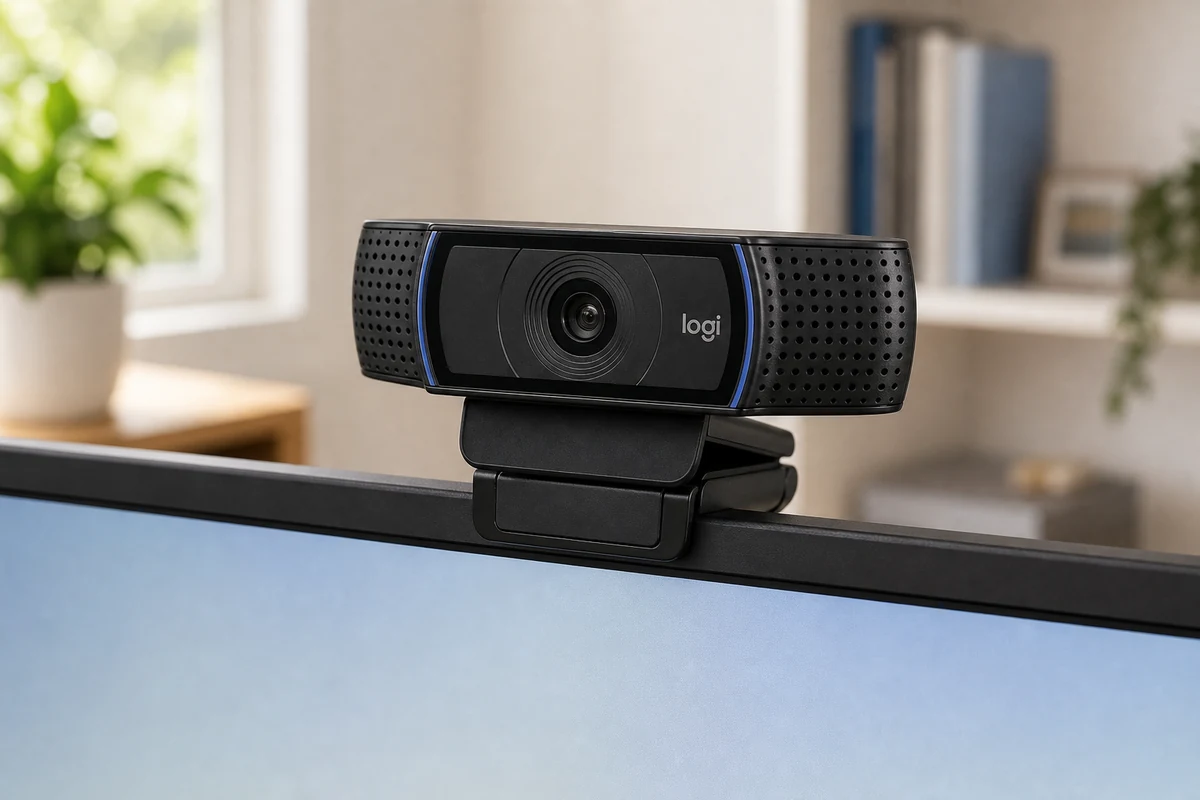
The webcam that's been on more desks than any other — a 1080p workhorse that just plugs in and works on any computer, no shutter and no frills.
Logitech C920x
$69.99
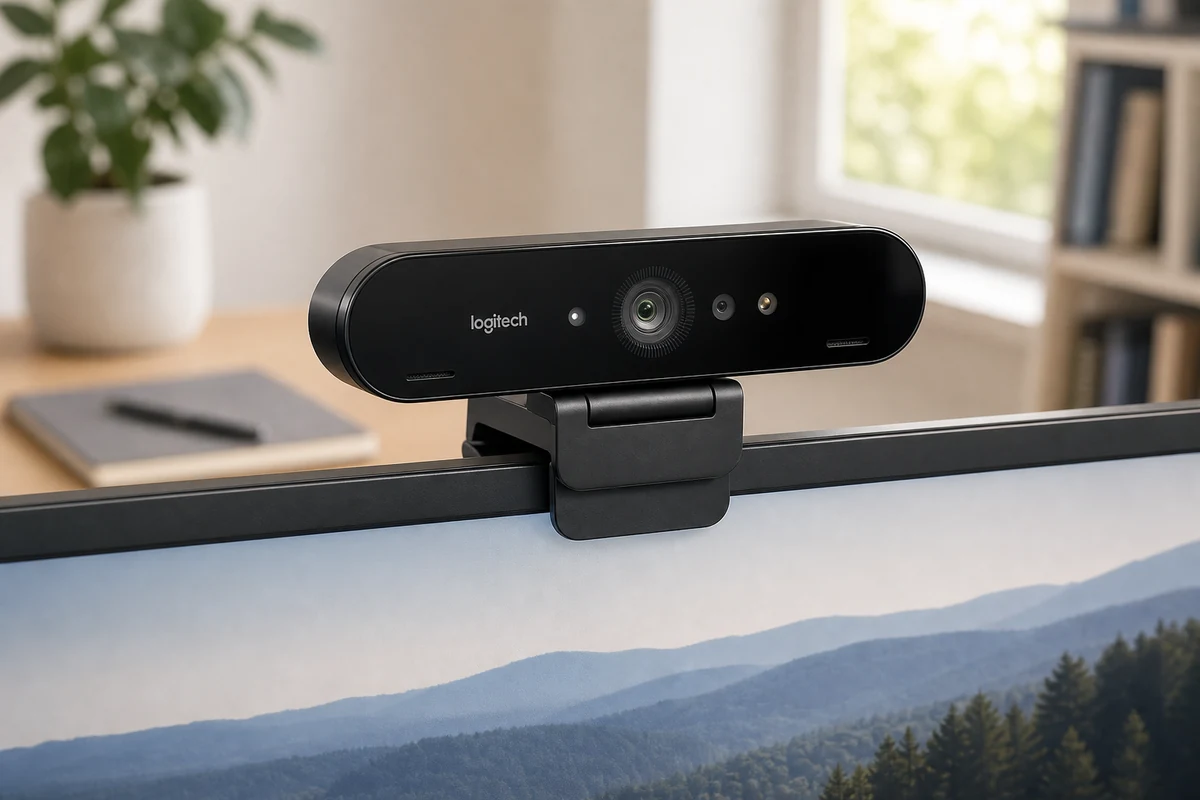
The webcam that put 4K on desks back in 2017 — still genuinely sharp in daylight, and still the only one here with Windows Hello face login.
Logitech Brio 4K
$169.99
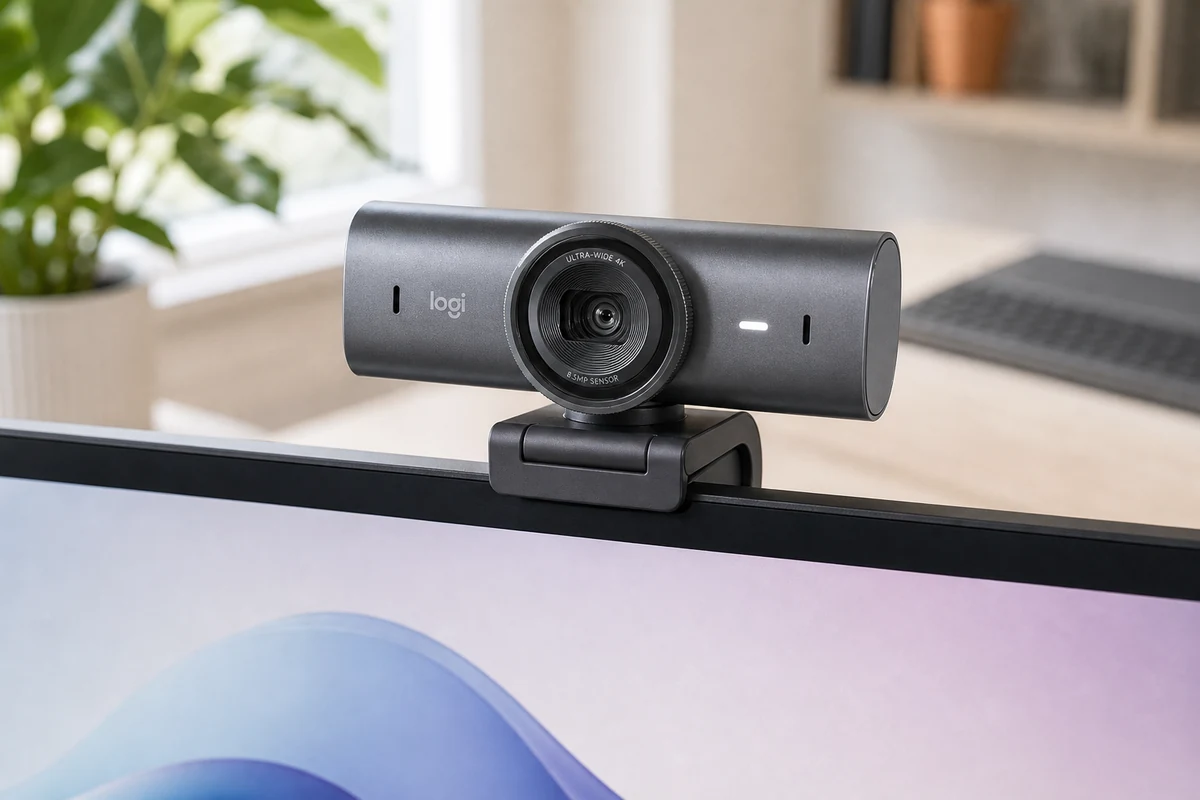
Logitech took everything it learned from the original Brio, made the sensor 70% bigger, and built the most polished all-around 4K webcam you can buy.
Logitech MX Brio
$199.99
Other expert reviews
Video reviews
YouTube — Anker PowerConf C200 review
From real owners
Human reviews that sharpen our AI grade
No owner reviews yet. Be the first to share what you think.
Own this? Write a review
Related guides
All webcam guides →Jun 24, 2026
1080p vs 4K Webcams: Do You Actually Need 4K?
4K is the number that sells webcams and the most misunderstood spec in the category. Since most calling apps cap at 1080p, here's exactly when 4K is worth it — and when a good 1080p camera wins.
Jun 24, 2026
Insta360 Link 2 Review: The Webcam With a Camera Operator Built In
Most webcams fake subject tracking with a digital crop. The Insta360 Link 2 uses a real motorized gimbal to physically follow you — and pairs it with the deepest software toolkit of any webcam.
Jun 24, 2026
Razer Kiyo Pro Ultra Review: The Webcam That Sees in the Dark
The Razer Kiyo Pro Ultra has the largest sensor ever put in a webcam, which makes it the low-light image king — with real optical background blur. The trade-off is slow autofocus and a $300 price.
Head-to-head matchups
All webcams matchups →VS · 2 products
Logitech MX Brio vs Insta360 Link 2
Logitech MX Brio vs Insta360 Link 2: two $200 4K webcams. The Brio is the polished, shuttered all-rounder; the Link 2's motorized gimbal physically follows you.
VS · 2 products
Logitech MX Brio vs C920x: Is the 4K Upgrade Worth $130 More?
Logitech MX Brio vs C920x: is the 4K flagship worth more than triple the price of the classic 1080p workhorse? We compare image, low light, software, and value.
VS · 2 products
Razer Kiyo Pro Ultra vs Elgato Facecam Pro: Two Ways to Win at 4K
Razer Kiyo Pro Ultra vs Elgato Facecam Pro: the biggest-sensor low-light king against the true-4K60 detail champion. Lighting decides this $300 webcam showdown.
Was this review useful?