
Turn an Airtable base into a portal in an afternoon
Softr
Reviewed by
Eran Yorkovsky · Founder, PickGrade
The quickest path from an Airtable or Sheets base to a polished client portal, directory, or membership site: templates, drag-and-drop, and role-based permissions, live in an afternoon. It's web-only and light on custom logic; reach for Bubble for a real full-stack app.
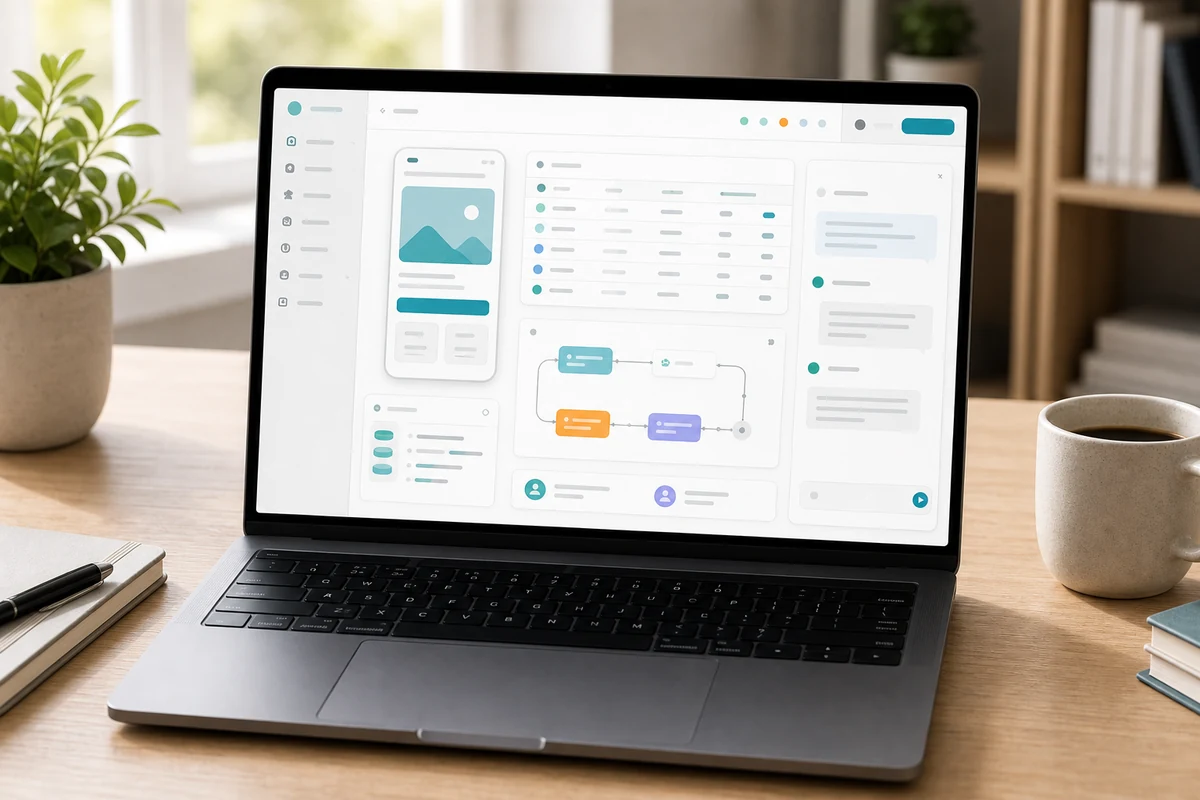
The fastest way to turn structured data you already have into a useful, client-facing site, a directory, a client portal, a gated resource hub, an internal tool, or a member area. Softr connects to Airtable, Google Sheets, HubSpot, or its own database, then lets you assemble the interface from pre-built templates and drag-and-drop blocks, with role-based permissions deciding who sees what, often live in an afternoon. It's the most beginner-friendly option here and includes built-in workflows for light automation. The trade-offs set its ceiling: it's web-only with no native mobile apps, offers limited custom logic compared to full-stack builders, and is optimized for portal and membership patterns rather than general app development, with no native support for complex payments. For data-backed portals on Airtable it's ideal; for a custom SaaS product or marketplace, Bubble is stronger.
$49
PickGrade may earn a commission from purchases made through links on this page, at no extra cost to you. This never affects our grades. Full disclosure.
Last reviewed Jun 21, 2026
What we like
- ✓The fastest way to turn existing Airtable or Google Sheets data into a polished, client-facing portal — often live in an afternoon
- ✓The most beginner-friendly option here: pre-built templates and drag-and-drop blocks, no technical knowledge needed
- ✓Role-based permissions make it easy to control exactly who sees which data
- ✓Connects multiple data sources (Airtable, Sheets, HubSpot) or its own database with up to 1M records
- ✓Includes built-in workflows for automation, so simple operations stay inside one tool
Trade-offs
- −Web-only — no native mobile apps
- −Limited custom logic and UI control versus full-stack builders; advanced needs require workarounds or external tools
- −Optimized for portals, directories, and membership sites rather than general app development
- −When used on Airtable or Google Sheets, you inherit those platforms' record limits and pricing
- −No native support for complex payments, so it's a poor fit for marketplaces or escrow
Best for
Businesses building a client portal, directory, member site, gated resource hub, or simple data-backed web app.
Avoid if
you need a classic marketing site only, or very custom app logic beyond structured portal-style workflows.
The three lenses
How we grade →- 8.7/10
Value & Longevity · Eran Yorkovsky
- 8.7/10
Design & Fit · Michal Zucker
Score breakdown
- ease8.9/10
- fit8.7/10
- value8.6/10
- quality8.4/10
Specs
- AI
- AI credits by plan (Free 5, Basic 10, Professional 50)
- Plans
- Free → Basic $49/mo (20 app users) → Professional $139/mo (100 users) → Business → Enterprise
- Mobile
- Web-only — no native mobile apps
- Best for
- Client portals, directories, internal tools, and membership sites — fast
- Payments
- No native support for complex payment/marketplace logic
- Automation
- Softr Workflows — up to ~25K action executions/month
- Permissions
- Role-based permissions to control who sees what data
- Data sources
- Connects Airtable, Google Sheets, HubSpot, and Softr's own database (up to 1M records on Business)
- Customization
- Optimized for portal/directory/membership patterns; advanced logic needs workarounds
- Build approach
- Pre-built templates + drag-and-drop blocks — a working portal in an afternoon
How we know
High confidenceLast checkedSoftr is a streamlined no-code builder designed to turn existing data (an Airtable base, a Google Sheet, HubSpot, or its own internal database) into polished client portals, directories, internal tools, and membership sites, often in an afternoon. It's the most beginner-friendly platform in this category: you connect a data source, use pre-built templates and drag-and-drop blocks to design the interface, and ship, with role-based permissions controlling who sees what. Pricing runs from a Free plan for individuals (5 AI credits) to Basic at $49/month (up to 20 app users, 10 AI credits), Professional at $139/month (100 app users, expandable to 250 via add-ons, 50 AI credits), then Business (which adds its native database with up to 1M records) and Enterprise. It also includes Softr Workflows for automation (up to roughly 25K action executions/month). Its strength is speed with existing data: if your team already runs operations in Airtable or Sheets, Softr gives external users a professional interface without rebuilding the data model. The trade-offs define its ceiling: it's web-only with no native mobile apps, offers limited custom logic and UI control compared to full-stack builders, and is optimized for specific patterns (portals, directories, membership) rather than general application development, so anything outside those templates means working around the platform; it also lacks native support for complex payment logic. It's the right pick for data-backed portals and internal tools, especially on Airtable; for a custom SaaS product or marketplace with real backend logic, Bubble is the stronger choice.
Compare Softr with the top alternates side-by-side.
Compare picks →

Other expert reviews
Video reviews
YouTube — Softr Review: Pros, Cons & Pricing
From real owners
Human reviews that sharpen our AI grade
No owner reviews yet. Be the first to share what you think.
Own this? Write a review
Related guides
All website builder guides →Jun 9, 2026
Cheapest and Best Free Website Builders
How to get a website online cheaply or free — Square Online, WordPress.com, Wix, and GoDaddy — plus the trade-offs of free tiers and how to look professional for less.
Jun 9, 2026
AI Website Builders vs Traditional Builders
AI website builders vs traditional builders: AI generates a site from a prompt and wins on speed and custom projects; traditional builders win on predictability and maintenance.
Jun 9, 2026
Best Website Builder for Portfolios and Creators
The best website builders for portfolios and creators — Squarespace, Framer, Wix, and WordPress.com — chosen for presentation, ease, and easy updates.
Head-to-head matchups
All website builders matchups →VS · 2 products
Wix vs GoDaddy: Room to Grow or Cheapest Way Live?
Wix vs GoDaddy: Wix offers more design flexibility and room to grow; GoDaddy is the cheaper, simpler way to get a basic small-business site live fast.
VS · 2 products
Lovable vs Bolt.new: Polished Output or Framework Freedom?
Lovable vs Bolt.new: Lovable ships more polished apps with a built-in Supabase backend; Bolt.new gives framework choice and full code control for builders.
VS · 2 products
Shopify vs WordPress.com: Store Platform or Content Engine?
Shopify vs WordPress.com: Shopify is the purpose-built store that sells out of the box; WordPress.com wins on content, SEO, and flexibility with WooCommerce.
Was this review useful?