Products graded for smarter buyingNo sponsored placements · Ever
Head-to-head
Framer vs Webflow vs Squarespace
Verdict
Framer
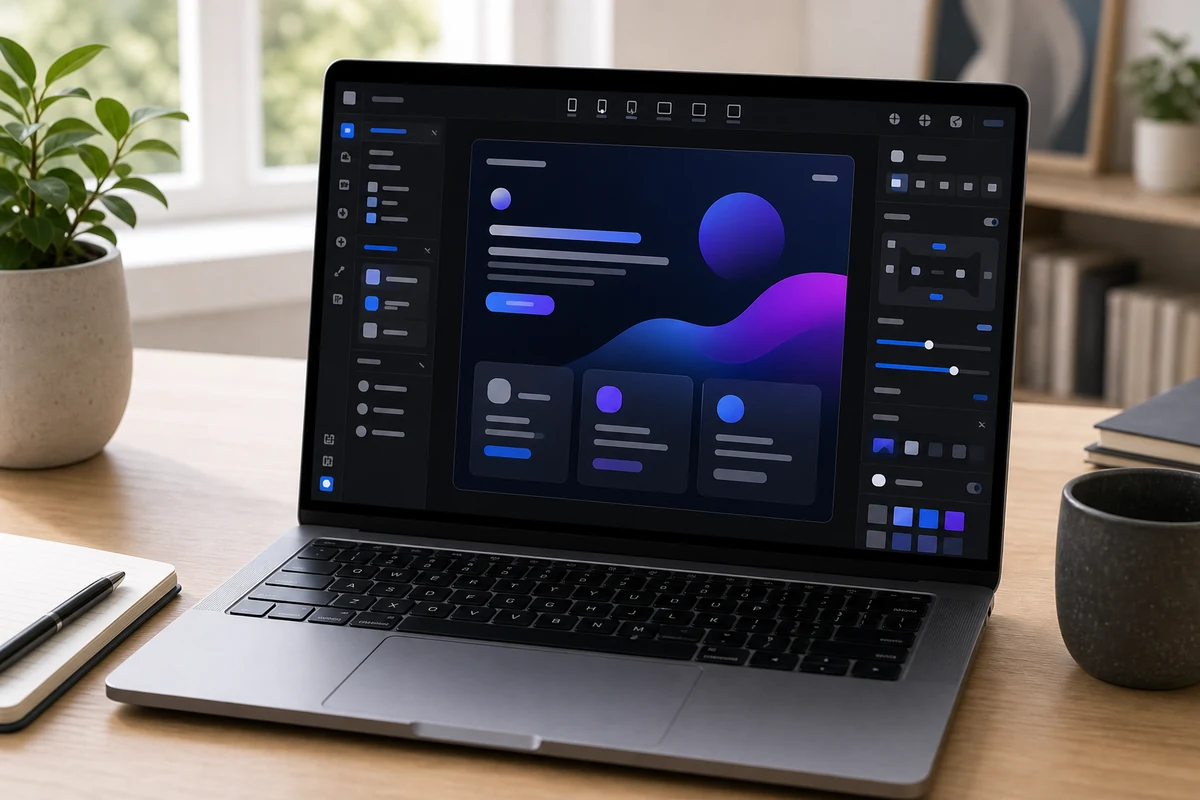
The fastest way to ship a polished, design-forward site: strong motion tools, a Figma-like flow, and a generous free tier. Plan on $30 Pro for anything real, since Basic's single CMS collection and missing 301 redirects bite. Not for a deep CMS or ecommerce.
Webflow
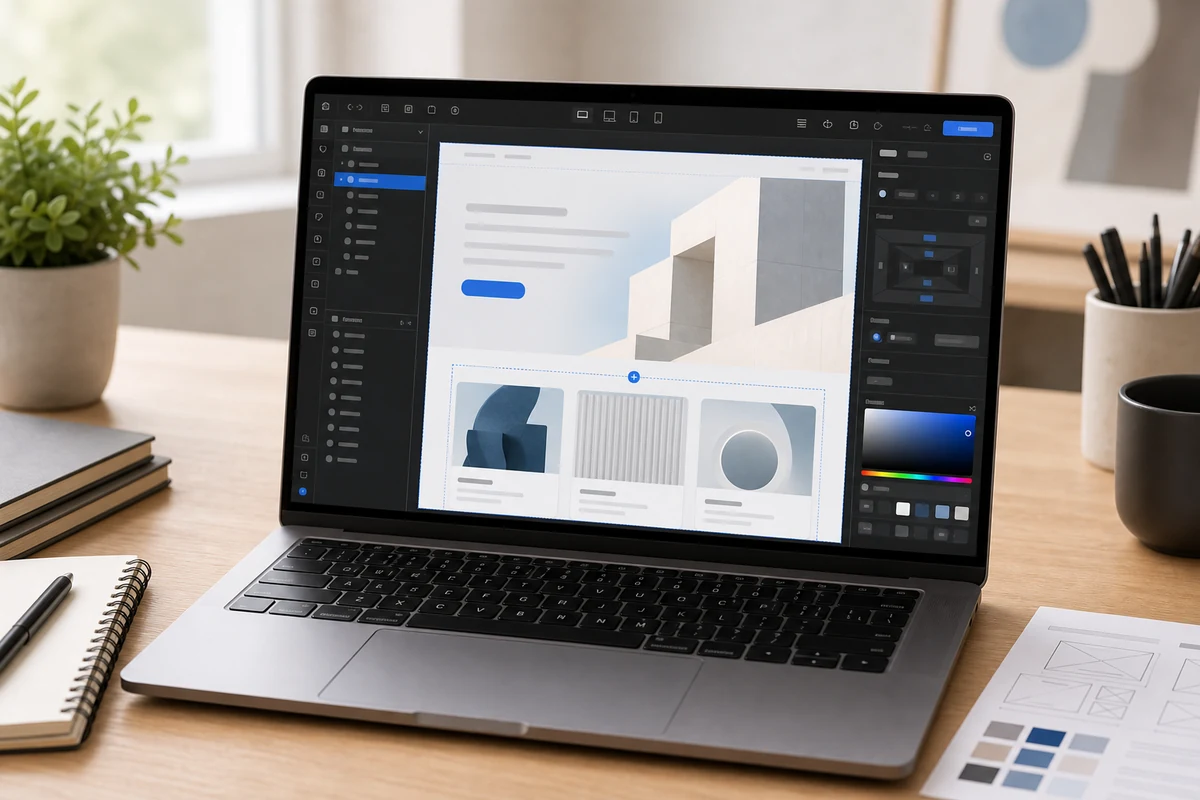
The pick when design is a competitive advantage: pixel-perfect control, clean code, strong SEO, and a real CMS, all with managed hosting. Just budget for two separate billing systems and a steep learning curve, and pair it with Shopify if you need serious ecommerce.
Squarespace
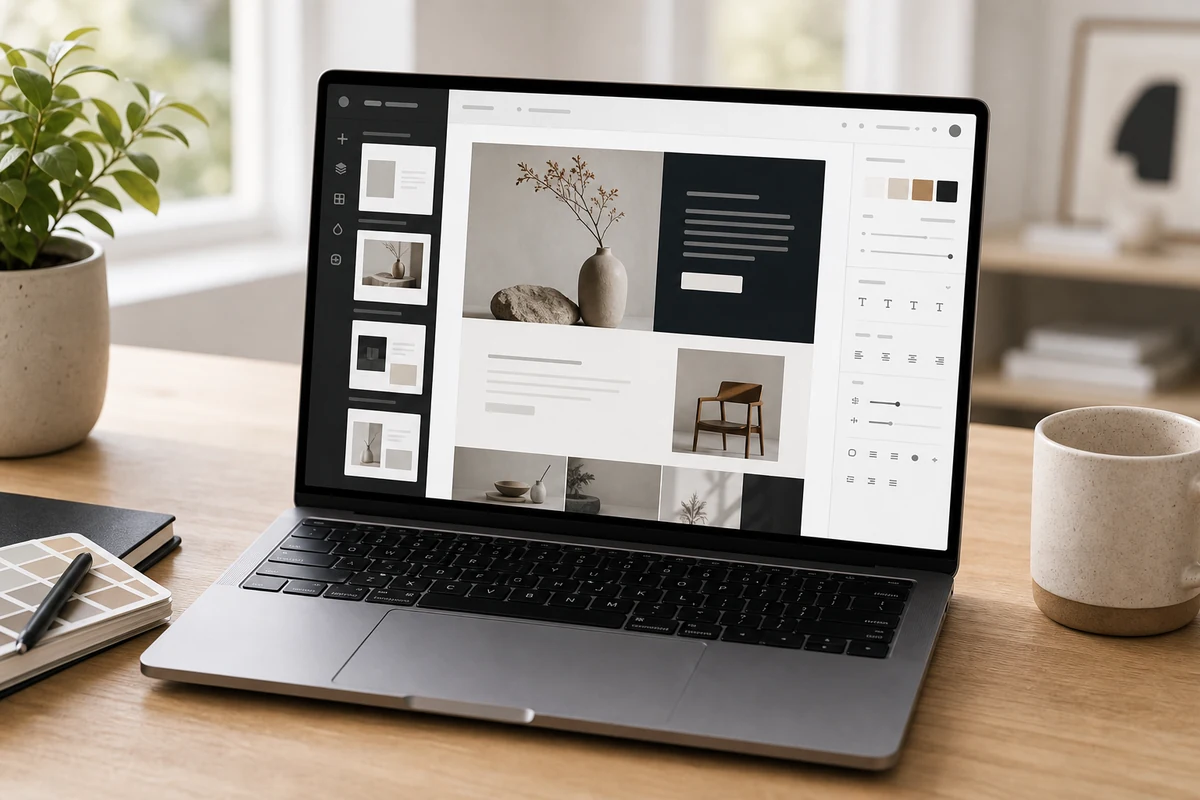
The all-in-one pick when design and low hassle matter more than deep customization: polished templates with hosting and support bundled, ideal for portfolios, creators, and service businesses. Less flexible than Webflow and lighter on commerce than Shopify.
Best for
Framer
Startups, creators, and design-conscious teams that want a polished landing page or marketing website live quickly.
Webflow
Design-led teams, agencies, SaaS companies, and marketers who need a polished custom website with CMS control.
Squarespace
Creators, consultants, portfolios, restaurants, and service businesses that want a polished website without heavy setup.
Avoid if
Framer
you need complex ecommerce, heavy business workflows, or a very traditional SMB editor.
Webflow
a non-technical owner needs the simplest possible editing experience with almost no learning curve.
Squarespace
you need advanced custom logic, complex ecommerce operations, or highly technical CMS control.
Score breakdown
fit
Framer
8.9
Webflow
9.0
Squarespac
8.9
ease
Framer
8.9
Webflow
8.2
Squarespac
9.2
value
Framer
8.4
Webflow
8.2
Squarespac
8.7
quality
Framer
9.0
Webflow
9.2
Squarespac
8.8
Specs
AI
Built-in AI design generation and responsive layout tools
App Gen and AI credits for generating pages and production-ready app components
Built-in AI tools for copy and design assistance
Bundled
Hosting and publishing included
Hosting, SSL, CDN, security, and backups included in the platform fee
Hosting, SSL, templates, and support in one subscription
Best for
Design-forward startup sites, landing pages, portfolios, and fast launches
Custom marketing sites, design-led brands, SaaS sites, and agencies
Portfolios, creators, service businesses, blogs, and simple shops
Pro plan
$30/mo — multiple CMS collections and 301 redirects (needed for migrations)
—
—
Ecommerce
No native ecommerce (plugins only)
From ~$29/mo with a 2% transaction fee on the entry tier
Solid built-in store for simple catalogs; less deep than Shopify
Free plan
Full editor with AI, 1,000 pages, 10 CMS collections
—
—
Strengths
Speed, animations, interactions, and modern visual design
—
—
Basic plan
$10/mo annual — limited to 1 CMS collection, no 301 redirects
—
—
Editor seats
~$40/mo per additional editor on Pro
—
—
Plan overhaul
Cut from 5 tiers to 3 in October 2025
—
—
SEO
—
Clean semantic HTML, custom schema, full meta and sitemap control
Covers the basics well; less advanced technical control than Webflow or WordPress
All-in cost
—
Typically $25–$109/mo depending on seats, bandwidth, and ecommerce
—
Billing model
—
Site plans (hosting) and Workspace plans (design/seats) are billed separately
—
Basic site plan
—
$15/mo annual — static sites, no CMS
—
Workspace plans
—
Freelancer ~$16/mo, Agency ~$35/mo, plus new Team plans; editor seats add cost
—
Premium site plan
—
$25/mo — full CMS (40 collections, 20,000 items); merged the old CMS + Business plans
—
Editor
—
—
Structured, section-based editor (not full free-form drag-and-drop)
Templates
—
—
Award-winning, mobile-responsive templates that look professional out of the box
Business plan
—
—
~$23–28/mo — adds basic ecommerce (with a transaction fee) and advanced site styling
Personal plan
—
—
$16/mo annual — portfolio and brochure sites, blogging, no commerce
Commerce plans
—
—
~$28–52/mo — no transaction fees, deeper store features
PickGrade may earn a commission from purchases made through links on this page, at no extra cost to you. This never affects our grades. Full disclosure.