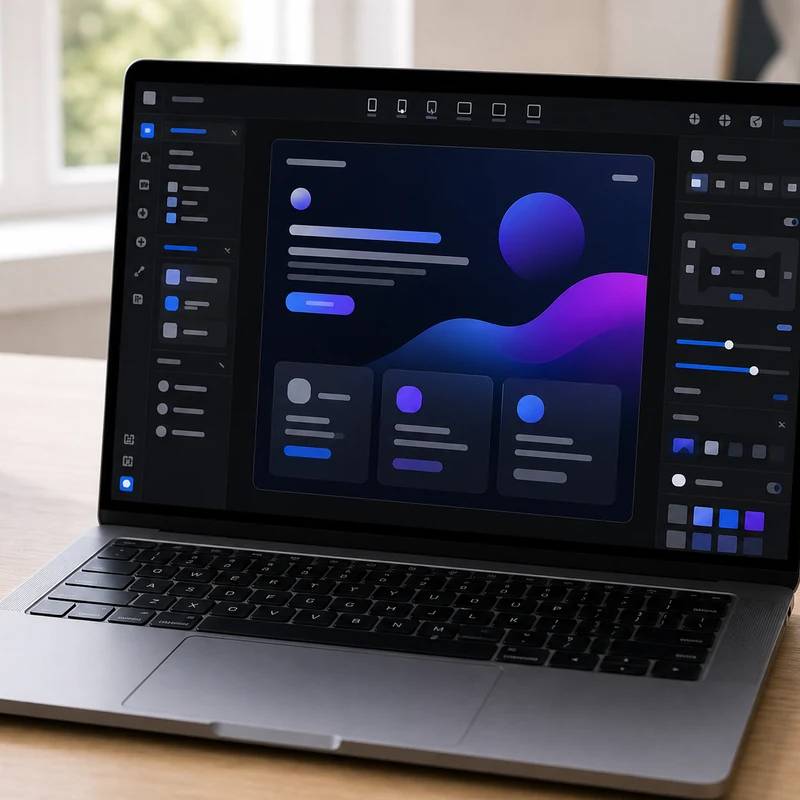
Idea to a polished, animated page, fast
Framer
Reviewed by
Eran Yorkovsky · Founder, PickGrade
The fastest way to ship a polished, design-forward site: strong motion tools, a Figma-like flow, and a generous free tier. Plan on $30 Pro for anything real, since Basic's single CMS collection and missing 301 redirects bite. Not for a deep CMS or ecommerce.
The fastest way to get a genuinely polished landing page, startup site, or portfolio live, especially when motion and visual quality matter. Framer's Figma-like canvas lets designers add animations, scroll effects, and transitions without code, and its free tier is unusually capable (full editor, 1,000 pages, 10 CMS collections), with hosting bundled in. The catch worth knowing: the $10 Basic plan allows only one CMS collection and no 301 redirects, so a site with both a blog and a projects section, or one migrating in without losing SEO, really needs the $30 Pro plan. Its CMS is also thinner than Webflow's, there's no native ecommerce, and you're locked to Framer hosting. For design-forward marketing pages built quickly, it's the standout; for deep content or a real store, look to Webflow, WordPress, or Shopify.
$15
PickGrade may earn a commission from purchases made through links on this page, at no extra cost to you. This never affects our grades. Full disclosure.
Last reviewed Jun 21, 2026
What we like
- ✓The fastest mainstream builder for design-forward sites — idea to polished, published page in record time
- ✓Excellent motion and interaction tools: animations, scroll effects, and transitions added without code
- ✓Figma-like, designer-friendly interface with built-in AI generation and responsive design
- ✓Bundles hosting and publishing, and the free tier is unusually capable (full editor, 1,000 pages, 10 CMS collections)
- ✓Modern feel and real-time collaboration make it strong for startup and agency marketing sites
Trade-offs
- −The CMS is less mature than Webflow's — fine for simple blogs and collections, but thin for complex, content-heavy sites
- −The Basic plan is limited to one CMS collection and has no 301 redirects, so you can't run a blog plus a projects section or migrate a site cleanly without Pro
- −Additional editor seats cost about $40/mo each on Pro, which adds up for multi-person teams
- −You're locked to Framer hosting — sites can't be exported, so leaving means rebuilding
- −AI crawler traffic counts toward your bandwidth limit, which can push well-ranked sites toward overages
Best for
Startups, creators, and design-conscious teams that want a polished landing page or marketing website live quickly.
Avoid if
you need complex ecommerce, heavy business workflows, or a very traditional SMB editor.
The three lenses
How we grade →- 8.8/10
Value & Longevity · Eran Yorkovsky
- 8.9/10
Design & Fit · Michal Zucker
Score breakdown
- quality9.0/10
- fit8.9/10
- ease8.9/10
- value8.4/10
Specs
- AI
- Built-in AI design generation and responsive layout tools
- Bundled
- Hosting and publishing included
- Best for
- Design-forward startup sites, landing pages, portfolios, and fast launches
- Pro plan
- $30/mo — multiple CMS collections and 301 redirects (needed for migrations)
- Ecommerce
- No native ecommerce (plugins only)
- Free plan
- Full editor with AI, 1,000 pages, 10 CMS collections
- Strengths
- Speed, animations, interactions, and modern visual design
- Basic plan
- $10/mo annual — limited to 1 CMS collection, no 301 redirects
- Editor seats
- ~$40/mo per additional editor on Pro
- Plan overhaul
- Cut from 5 tiers to 3 in October 2025
How we know
High confidenceLast checkedFramer is a design-forward, browser-based website builder that combines design and publishing in one interface, popular with designers and startups for going from idea to live site fast. An October 2025 overhaul cut it from five tiers to three: a surprisingly generous Free plan (full editor with AI tools, 1,000 pages, 10 CMS collections), Basic at $10/month (annual), and Pro at $30/month, with additional editor seats around $40/month each on Pro. The key plan boundary is that Basic allows only one CMS collection and has no 301 redirects, so any site that needs both a blog and a projects section, or that's migrating from another platform without losing SEO, effectively requires Pro — a detail that catches many people out. Framer bundles hosting and excels at speed and visual polish: animations, scroll effects, interactions, responsive design, and AI generation are its core strengths, and its Figma-like workflow makes it approachable for designers. The main trade-offs versus Webflow are a less mature CMS (good for simple content, not deep content operations), no native ecommerce, lock-in with no site export, editor seats as paid add-ons, and AI crawler traffic counting against bandwidth. It's an excellent fit for startup marketing sites, landing pages, portfolios, and microsites where design speed matters most, and a weaker fit for complex content-heavy or commerce sites, where Webflow, WordPress, or Shopify are stronger.
Compare Framer with the top alternates side-by-side.
Compare picks →
Other expert reviews
Video reviews
YouTube — Framer Overview: What's Awesome (& What Sucks)
From real owners
Human reviews that sharpen our AI grade
No owner reviews yet. Be the first to share what you think.
Own this? Write a review
Related guides
All website builder guides →Jun 9, 2026
Cheapest and Best Free Website Builders
How to get a website online cheaply or free — Square Online, WordPress.com, Wix, and GoDaddy — plus the trade-offs of free tiers and how to look professional for less.
Jun 9, 2026
AI Website Builders vs Traditional Builders
AI website builders vs traditional builders: AI generates a site from a prompt and wins on speed and custom projects; traditional builders win on predictability and maintenance.
Jun 9, 2026
Best Website Builder for Portfolios and Creators
The best website builders for portfolios and creators — Squarespace, Framer, Wix, and WordPress.com — chosen for presentation, ease, and easy updates.
Head-to-head matchups
All website builders matchups →VS · 2 products
Wix vs GoDaddy: Room to Grow or Cheapest Way Live?
Wix vs GoDaddy: Wix offers more design flexibility and room to grow; GoDaddy is the cheaper, simpler way to get a basic small-business site live fast.
VS · 2 products
Lovable vs Bolt.new: Polished Output or Framework Freedom?
Lovable vs Bolt.new: Lovable ships more polished apps with a built-in Supabase backend; Bolt.new gives framework choice and full code control for builders.
VS · 2 products
Shopify vs WordPress.com: Store Platform or Content Engine?
Shopify vs WordPress.com: Shopify is the purpose-built store that sells out of the box; WordPress.com wins on content, SEO, and flexibility with WooCommerce.
Was this review useful?