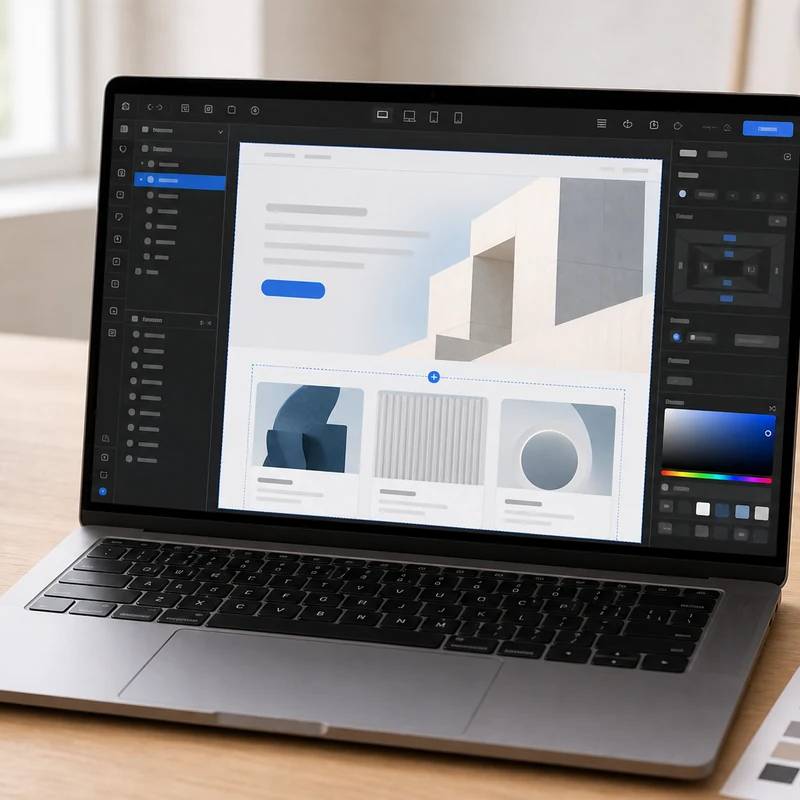
Pixel-perfect custom sites without hand-coding
Webflow
Reviewed by
Eran Yorkovsky · Founder, PickGrade
The pick when design is a competitive advantage: pixel-perfect control, clean code, strong SEO, and a real CMS, all with managed hosting. Just budget for two separate billing systems and a steep learning curve, and pair it with Shopify if you need serious ecommerce.
The builder for teams that want serious design control without hand-coding every line, marketing sites, CMS-driven pages, landing pages, SaaS sites, and agency work. Webflow gives you a true visual canvas with pixel-level control that outputs clean semantic HTML, a genuinely capable CMS for blogs and case studies, and deep technical SEO (custom schema, full meta and sitemap control), all with hosting, SSL, and CDN bundled. The honest catches: it has the steepest learning curve of the mainstream builders and really wants a designer's mindset, it bills the hosting and design-seat plans separately so a team effectively pays twice, exporting a fully working CMS site is limited, and its ecommerce is lighter than Shopify. For design-led brands and agencies it's the most powerful pick; for a simple blog or portfolio, Squarespace or WordPress is easier.
$18
PickGrade may earn a commission from purchases made through links on this page, at no extra cost to you. This never affects our grades. Full disclosure.
Last reviewed Jun 21, 2026
What we like
- ✓Pixel-perfect visual design without writing code — the most design control of any mainstream no-code builder
- ✓Clean semantic HTML and deep technical SEO control: custom schema, full meta management, and sitemap configuration
- ✓A genuinely capable CMS (collections and dynamic pages) for blogs, case studies, and content-heavy marketing sites
- ✓Bundles hosting, SSL, CDN, security, and backups — no plugin updates or server maintenance
- ✓AI site/app generation (App Gen) and a large component ecosystem speed up professional builds
Trade-offs
- −Two separate billing systems — Site plans (hosting) and Workspace plans (the design environment) are billed separately, so a team effectively pays twice
- −Steepest learning curve of the mainstream builders; it really wants a designer's mindset to use well
- −You are largely tied to Webflow hosting — exporting a fully working, CMS-connected site is limited
- −Ecommerce is weaker than Shopify and carries a 2% transaction fee on the entry tier
- −Costs climb quickly once you add editor seats, extra bandwidth, or localization
Best for
Design-led teams, agencies, SaaS companies, and marketers who need a polished custom website with CMS control.
Avoid if
a non-technical owner needs the simplest possible editing experience with almost no learning curve.
The three lenses
How we grade →- 8.5/10
Value & Longevity · Eran Yorkovsky
- 9.0/10
Design & Fit · Michal Zucker
Score breakdown
- quality9.2/10
- fit9.0/10
- ease8.2/10
- value8.2/10
Specs
- AI
- App Gen and AI credits for generating pages and production-ready app components
- SEO
- Clean semantic HTML, custom schema, full meta and sitemap control
- Bundled
- Hosting, SSL, CDN, security, and backups included in the platform fee
- Best for
- Custom marketing sites, design-led brands, SaaS sites, and agencies
- Ecommerce
- From ~$29/mo with a 2% transaction fee on the entry tier
- All-in cost
- Typically $25–$109/mo depending on seats, bandwidth, and ecommerce
- Billing model
- Site plans (hosting) and Workspace plans (design/seats) are billed separately
- Basic site plan
- $15/mo annual — static sites, no CMS
- Workspace plans
- Freelancer ~$16/mo, Agency ~$35/mo, plus new Team plans; editor seats add cost
- Premium site plan
- $25/mo — full CMS (40 collections, 20,000 items); merged the old CMS + Business plans
How we know
High confidenceLast checkedWebflow is a visual development platform for custom marketing sites, CMS-driven pages, and design-led businesses — the pick when brand design is a competitive advantage and you want pixel-level control without hand-coding. Its 2026 pricing update merged the old CMS and Business plans into a single Premium plan and added AI credits and collaboration-focused Team plans. Site plans run from Basic at $15/month (annual; static sites, no CMS) to Premium at $25/month (full CMS with 40 collections and 20,000 items, suitable for most B2B marketing sites), with Ecommerce plans starting around $29/month plus a 2% transaction fee on the entry tier. Crucially, Webflow bills Site plans (your live site's hosting) separately from Workspace plans (the design environment and team seats, e.g. Freelancer at $16 and Agency at $35), so the real cost for a team is higher than the headline number; all-in builds typically land between $25 and $109/month. The platform bundles hosting, SSL, CDN, security, and backups, eliminating self-hosted maintenance, and offers strong technical SEO through clean semantic HTML, custom schema, and full meta control. The trade-offs are a genuinely steep learning curve (most businesses hire a designer or agency to build), the two-billing-system complexity, limited ability to export a fully working site (effective lock-in to Webflow hosting), and ecommerce that's more design-flexible but less operationally deep than Shopify — many teams pair Webflow for the marketing site with Shopify for the store. It's best for agencies, SaaS brands, and design-forward businesses, and overkill for a simple blog or portfolio where Squarespace or WordPress.com is easier.
Compare Webflow with the top alternates side-by-side.
Compare picks →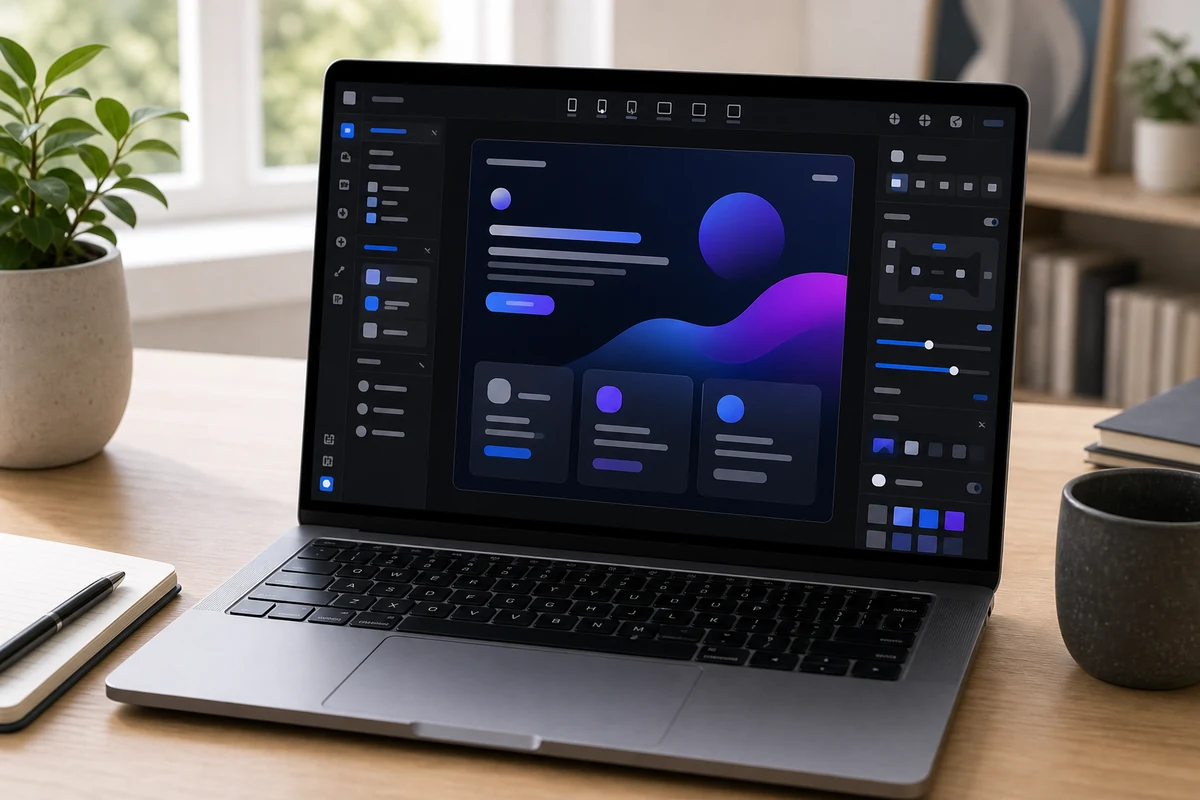
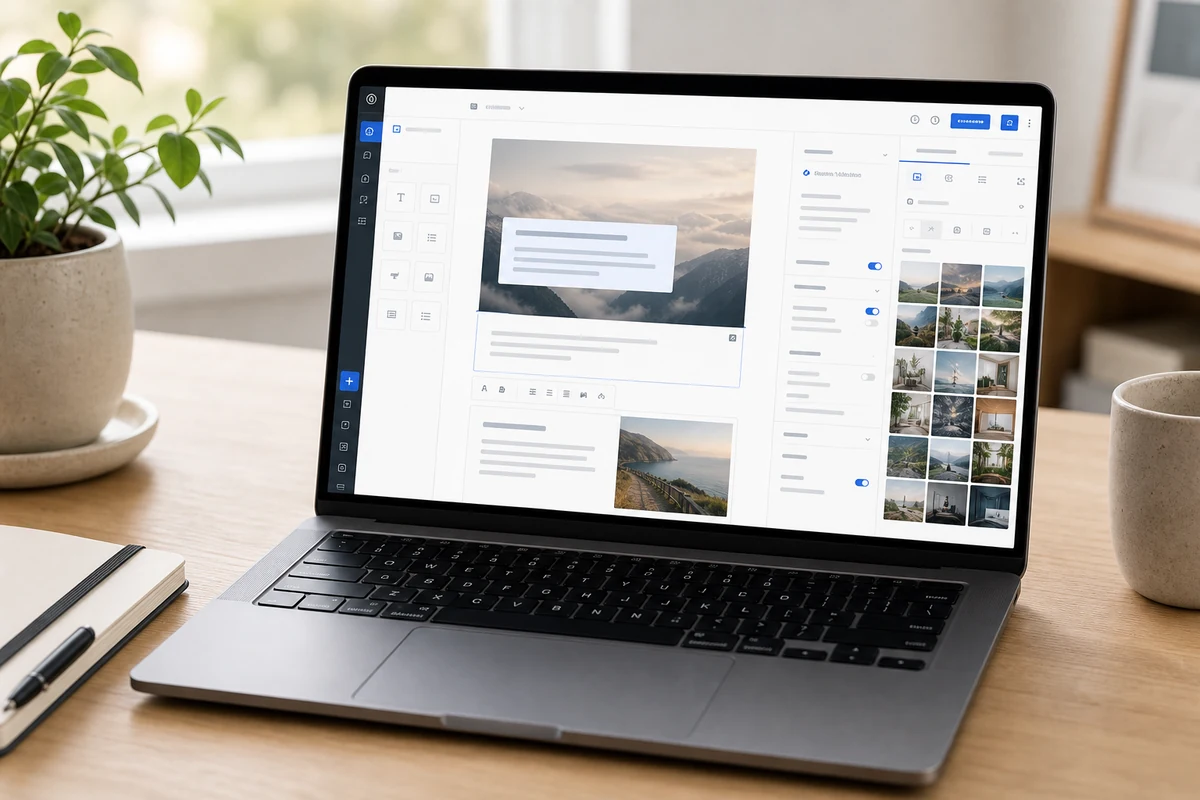
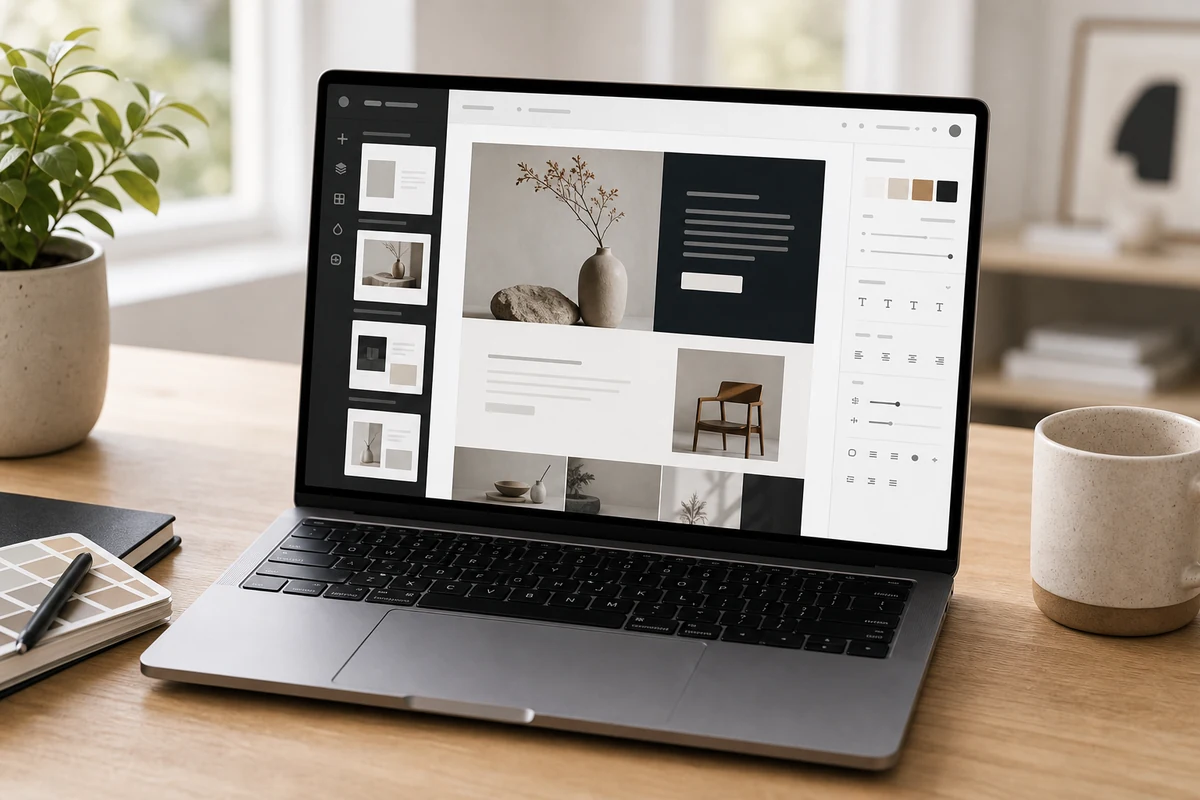
Other expert reviews
Video reviews
YouTube — Webflow Review: Best No-Code Builder for Designers and Agencies?
From real owners
Human reviews that sharpen our AI grade
- ★★★★★Ok
It's Ok. Does the job and allows designers and marketers to build website without dev. But in the day of AI the flexibility is just not there.
EY · Jun 29, 2026
Own this? Write a review
Related guides
All website builder guides →Jun 9, 2026
Cheapest and Best Free Website Builders
How to get a website online cheaply or free — Square Online, WordPress.com, Wix, and GoDaddy — plus the trade-offs of free tiers and how to look professional for less.
Jun 9, 2026
AI Website Builders vs Traditional Builders
AI website builders vs traditional builders: AI generates a site from a prompt and wins on speed and custom projects; traditional builders win on predictability and maintenance.
Jun 9, 2026
Best Website Builder for Portfolios and Creators
The best website builders for portfolios and creators — Squarespace, Framer, Wix, and WordPress.com — chosen for presentation, ease, and easy updates.
Head-to-head matchups
All website builders matchups →VS · 2 products
Webflow vs Squarespace: How Much Design Control Do You Need?
Webflow vs Squarespace: Webflow offers pixel-level design and a deep CMS for builders; Squarespace gives near-zero-effort polish anyone can launch fast.
VS · 2 products
Webflow vs Wix: Design Control or Owner-Run Simplicity?
Webflow vs Wix: Webflow gives designers pixel-level control, a real CMS, and clean technical SEO; Wix is the easier all-in-one a business owner can run.
Was this review useful?