Products graded for smarter buyingNo sponsored placements · Ever
Head-to-head
Canva Teams vs ChatGPT Business vs Microsoft 365 Copilot
Verdict
Canva Teams
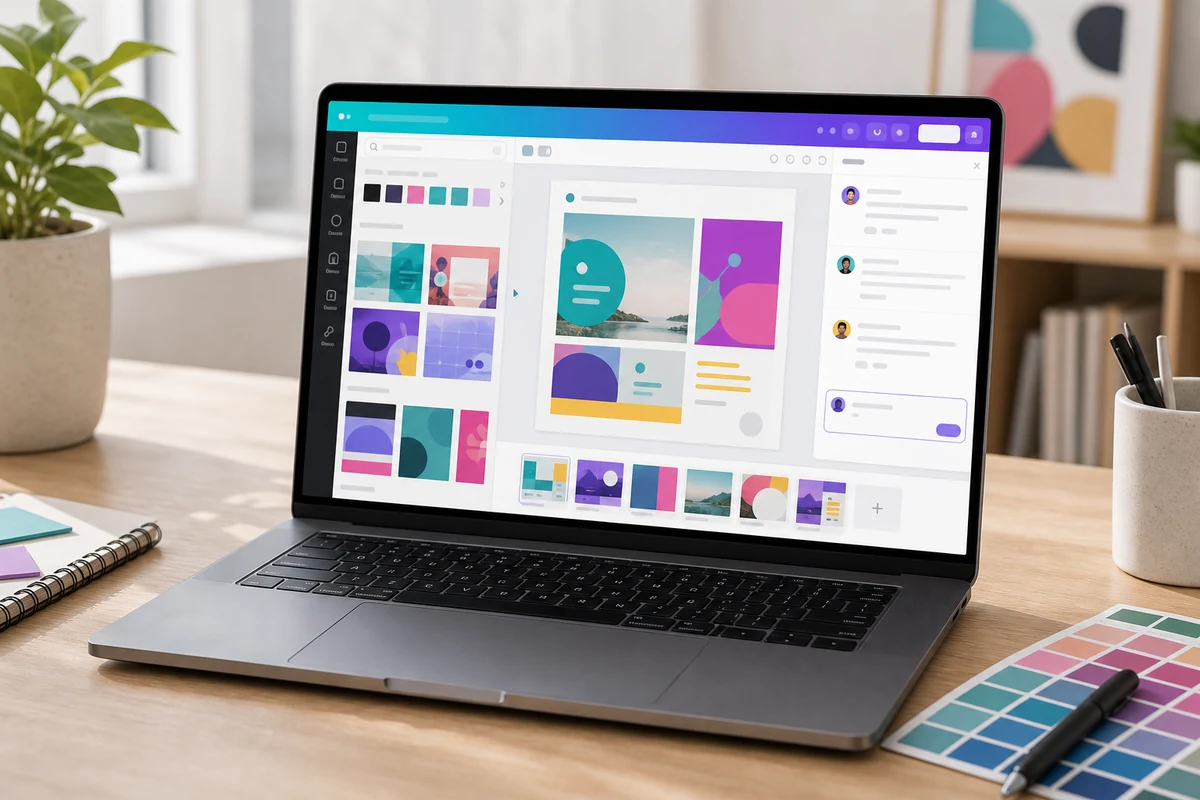
The default design tool for marketing teams: easy for non-designers, with a deep AI suite and real team workflows (comments, approvals, brand kits). Mind the 3-seat minimum, the capped AI credits (only a $100 add-on extends them), and the per-seat cost as you scale.
ChatGPT Business
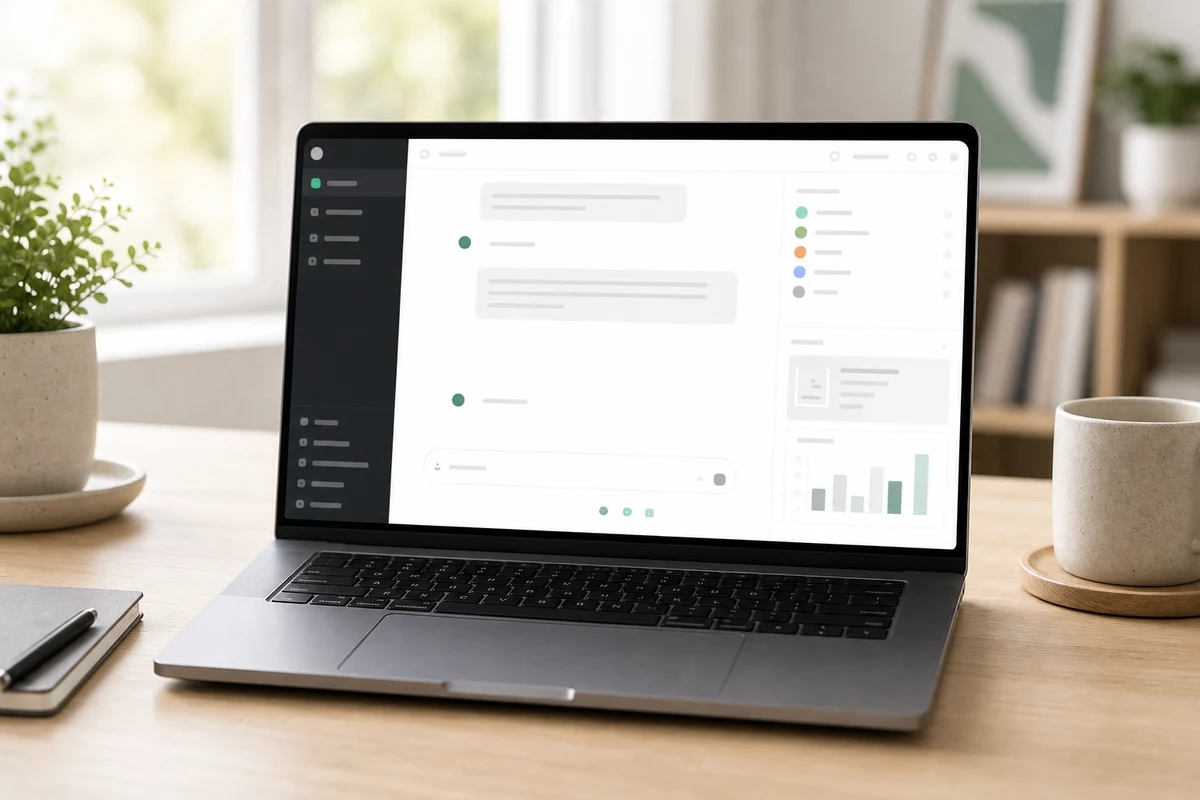
The most flexible single AI subscription: GPT-5.5 plus Deep Research, Custom GPTs, Canvas, and the Codex coding agent in one team workspace with strong admin controls. The two-seat minimum and per-seat feature limits aside, it does the most for the money.
Microsoft 365 Copi
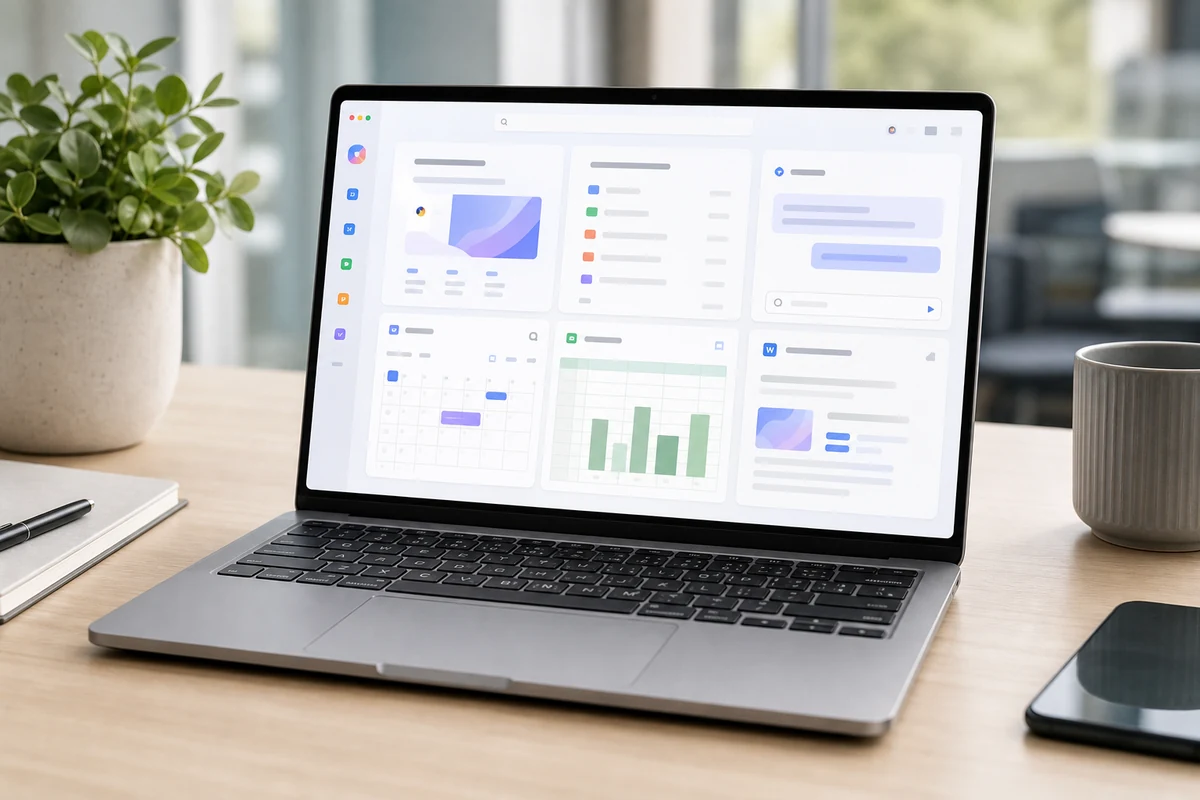
The default AI layer for Microsoft-heavy teams: unmatched inside Word, Excel, Outlook, and Teams, and grounded in your own data through Graph. Just budget for the base license it rides on (real cost runs 2-3x the add-on price), and don't expect it to reach non-Microsoft tools.
Best for
Canva Teams
Students, creators, marketers, and small teams that need fast presentations, social posts, thumbnails, simple videos, visual assets, and branded creative work.
ChatGPT Business
Small businesses, solo operators, students, creators, and teams that want one flexible AI assistant for writing, research, planning, analysis, brainstorming, and everyday productivity.
Microsoft 365 Copi
Teams already standardized on Microsoft 365 who want AI built directly into the apps they live in — drafting and triaging email in Outlook, recapping meetings and surfacing action items in Teams, generating and rewriting documents in Word, building slides in PowerPoint, and getting formula and analysis help in Excel — without copying work into a separate chatbot.
Avoid if
Canva Teams
you mainly need deep research, long-form reasoning, coding help, or a general AI assistant for many non-visual tasks.
ChatGPT Business
your main need is AI embedded directly inside Microsoft 365 or Google Workspace, or you only need a narrow specialist tool for design, grammar, or source-backed research.
Microsoft 365 Copi
Your organization isn't on a qualifying Microsoft 365 business plan, your team mostly works in Google Workspace or standalone tools, or you primarily want a general-purpose chat assistant for research and writing rather than AI embedded inside the Office apps.
Score breakdown
fit
Canva Team
9.0
ChatGPT Bu
9.6
Microsoft
9.2
ease
Canva Team
9.3
ChatGPT Bu
9.2
Microsoft
9.2
value
Canva Team
9.0
ChatGPT Bu
9.0
Microsoft
8.6
quality
Canva Team
8.8
ChatGPT Bu
9.5
Microsoft
8.9
Specs
Price
Per-seat with a 3-user minimum (~$30/mo entry); roughly $10–21/user/mo depending on billing and recent increases
$25/user/mo monthly, $20/user/mo annual (2-seat minimum)
—
Storage
500 GB (vs 100 GB on Pro)
—
—
Affinity
Affinity (Photo, Designer, Publisher) base apps now free; pro AI features need a Canva paid plan
—
—
Plan name
Canva Teams (renamed Canva Business in 2026; some surfaces still say Teams)
—
—
AI credits
Pooled monthly credit allowance (higher than Pro's ~500); premium AI pauses when credits run out until reset
—
—
Collaboration
Real-time co-editing, comments, task assignment, approval workflows, shared brand kits
—
—
Content library
100M+ stock assets and 3.6M+ premium templates
—
—
Heavy-AI add-on
AI Pass at $100/user/mo for users who regularly exhaust the allowance
—
—
Enterprise step-up
SSO, advanced brand controls, and compliance at the custom-priced Enterprise tier
—
—
AI suite (Magic Studio)
Magic Write, Magic Design, Dream Lab image gen, Magic Edit/Expand/Resize, background remover, text-to-video, and conversational Canva AI 2.0
—
—
API
—
Not included — billed separately
—
Trial
—
14-day onboarding trial
—
Models
—
GPT-5.5 and GPT-5.5 Pro, plus reasoning/Thinking models
OpenAI (GPT) models, with Anthropic Claude now also selectable
Compliance
—
SOC 2 Type 2, ISO 27001; no training on workspace data by default
—
Seat types
—
Standard ChatGPT seat, or usage-based Codex-only seat
—
Included tools
—
ChatGPT + Codex, Custom GPTs, Projects, Canvas, Deep Research, ChatGPT Agent, image generation
—
Admin & security
—
Shared workspace, admin console, SAML SSO, SCIM, MFA
—
Knowledge connectors
—
Google Drive, SharePoint, GitHub, and company knowledge
—
Advanced-feature limits
—
Per-seat limits on Deep Research, image gen, voice, and Codex; workspace credits cover overage
—
Apps
—
—
Word, Excel, PowerPoint, Outlook, and Teams, plus Copilot Chat on the web
Free tier
—
—
Copilot Chat — web-grounded chat included with eligible M365 plans; no access to org files, email, or Teams
Add-on model
—
—
An add-on to Microsoft 365 — cannot be bought standalone; requires a qualifying base plan
Custom agents
—
—
Copilot Studio for internal agents (capacity-based; Azure subscription required to run agents)
Data grounding
—
—
Your organization's data via Microsoft Graph; respects each user's existing permissions
Enterprise price
—
—
$30/user/mo, annual commitment
True all-in cost
—
—
~$30–43/user/mo on the Business lane to ~$66–87 on the Enterprise lane, including the base license
Base license required
—
—
Business Standard/Premium (Business tier) or E3/E5 (Enterprise tier)
Security & compliance
—
—
SOC 2, ISO 27001, GDPR, and HIPAA support at the Enterprise tier
Business price (≤300 users)
—
—
$18/user/mo promotional (standard $21), annual; ~$25.20 month-to-month
PickGrade may earn a commission from purchases made through links on this page, at no extra cost to you. This never affects our grades. Full disclosure.