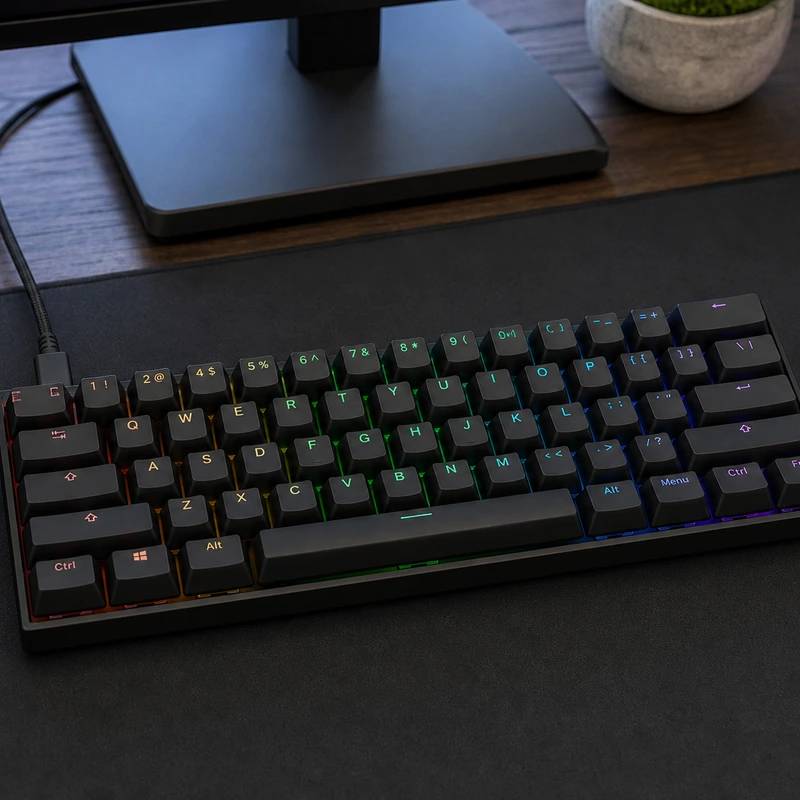
Keys that sense exactly how far you press, the FPS pros' pick
Wooting 60HE+
Reviewed by
Eran Yorkovsky · Founder, PickGrade
What a huge share of FPS pros use. Hall-effect switches read how far each key is pressed, so Rapid Trigger re-fires the moment you change direction, tightening counter-strafing. Wired-only and the 60% drops arrows and numpad, but for ranked play nothing here matches it.
The keyboard built to win ranked games, not to write emails. The 60HE+ swaps normal switches for Lekker magnetic Hall-effect ones that report exactly how far every key is pressed, fully analog, and that unlocks the things competitive FPS players care about. Rapid Trigger, which Wooting pioneered, resets and re-fires a key the instant you reverse direction instead of waiting for it to spring back, so counter-strafing in CS2 or Valorant snaps tighter. You can set each key's actuation from 0.1mm to 4.0mm, add controller-like analog movement, and bind snappy last-key-priority inputs, all in the deep Wootility software. It's wired-only, the 60% layout drops arrows and the numpad, the case is plain plastic with a fixed angle, and it's genuine overkill for casual use. But for serious FPS play, nothing matches it at the price.
$174
PickGrade may earn a commission from purchases made through links on this page, at no extra cost to you. This never affects our grades. Full disclosure.
Last reviewed Jun 6, 2026
What we like
- ✓Excellent gaming responsiveness
- ✓Deep switch customization
- ✓Compact mouse-friendly size
Trade-offs
- −Wired-only - no wireless
- −60% layout drops arrows, numpad, and dedicated keys
- −Plastic case with no adjustable feet (fixed angle)
- −Wootility software takes time to master; overkill for casual use
Best for
Competitive gamers who want rapid analog switches, deep actuation tuning, and a compact layout built for fast play.
Avoid if
You mainly type long documents, need a full-size layout, or want a simple plug-and-play office keyboard.
The three lenses
How we grade →- 8.4/10
Value & Longevity · Eran Yorkovsky
Score breakdown
- fit9.2/10
- quality9.2/10
- value8.4/10
- ease8.3/10
Specs
- build
- Plastic case; fixed typing angle
- price
- ~$174
- layout
- 60% compact (no arrows/numpad)
- polling
- 1000Hz; N-key rollover
- switches
- Lekker magnetic Hall-effect, analog; hot-swappable
- connection
- USB-C wired only
- key features
- Rapid Trigger; 0.1-4.0mm per-key actuation; analog input
- keycaps software
- PBT keycaps; Wootility (deep customization)
How we know
High confidenceLast checkedThe Wooting 60HE+ is the competitive-gaming pick and the keyboard a huge share of FPS pros actually use. Its edge comes from Lekker magnetic Hall-effect switches: instead of a simple on/off contact, every key reports exactly how far it's pressed (fully analog), which unlocks the features that matter for ranked play. Rapid Trigger — which Wooting pioneered — resets and re-fires a key the instant you change direction rather than waiting for it to spring back, so counter-strafing in CS2 or Valorant feels noticeably tighter. You can set each key's actuation point anywhere from 0.1mm to 4.0mm, add analog movement (variable WASD that works like a controller stick in racing or platformers), and use SOCD-style 'snappy' last-key-priority bindings. The Wootility software is deep and frequently updated, polling is 1000Hz, and it's hot-swappable with PBT keycaps — and it types well, too. The honest caveats: it's wired-only with no wireless; the 60% layout drops arrows, the number pad, and dedicated keys, so you'll lean on an Fn layer; the case is plastic with no adjustable feet (fixed typing angle); Wootility takes time to master; and for anyone who isn't chasing a competitive edge, it's overkill. For serious FPS play, nothing matches it at the price.
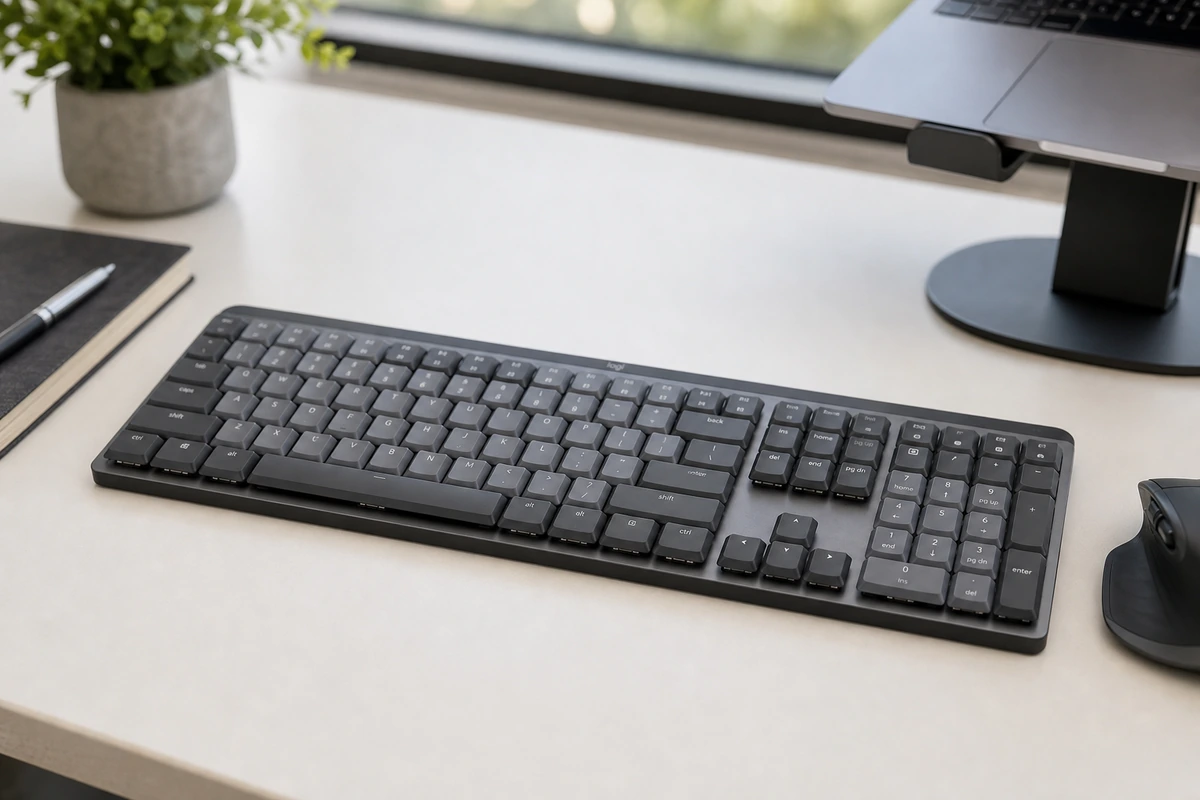
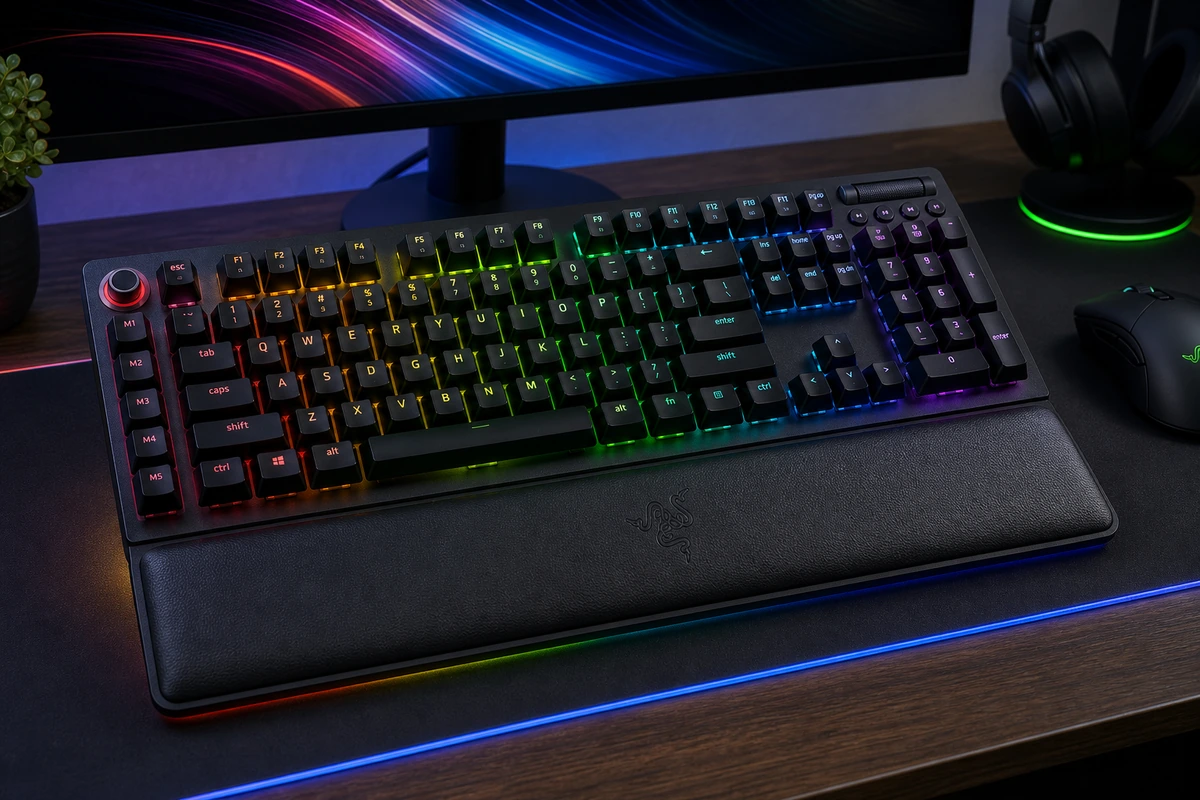
Compare Wooting 60HE+ with the top alternates side-by-side.
Compare picks →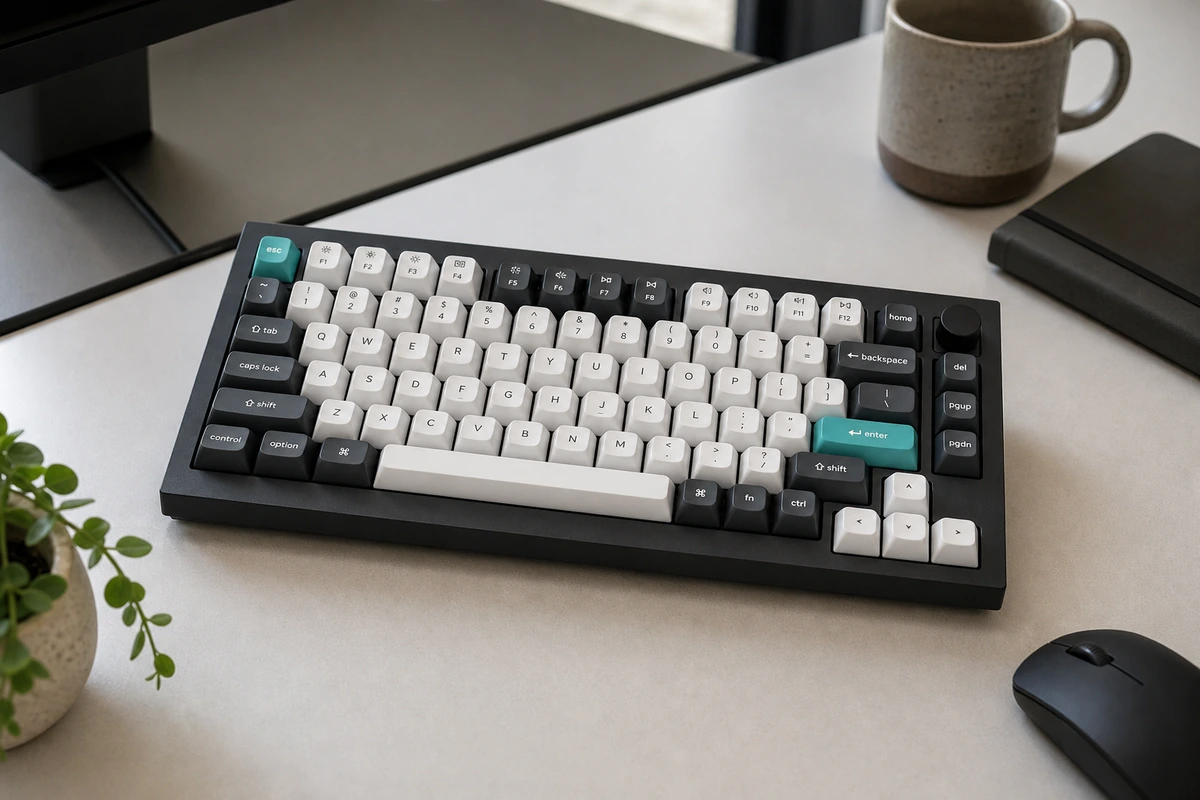
Other expert reviews
Video reviews
YouTube — Wooting 60HE Keyboard - An Honest Review
From real owners
Human reviews that sharpen our AI grade
No owner reviews yet. Be the first to share what you think.
Own this? Write a review
Related guides
All mechanical keyboard guides →Was this review useful?