The buyer's guide
Mechanical Keyboards
Reviewed by
Eran Yorkovsky · Founder, PickGrade
The switch is the decision everyone obsesses over and the one that matters least — it's the easiest thing to change later.
Most people shop for a mechanical keyboard by agonizing over switch type, which is backwards — on a hot-swap board the switch is the one thing you can change in an afternoon. What actually shapes a keyboard you'll love is the order the enthusiasts use: the job first (typing, competitive gaming, or a quiet office), then the layout and size, then the feel, and only then the switch. We walk through that order in how to choose a mechanical keyboard.
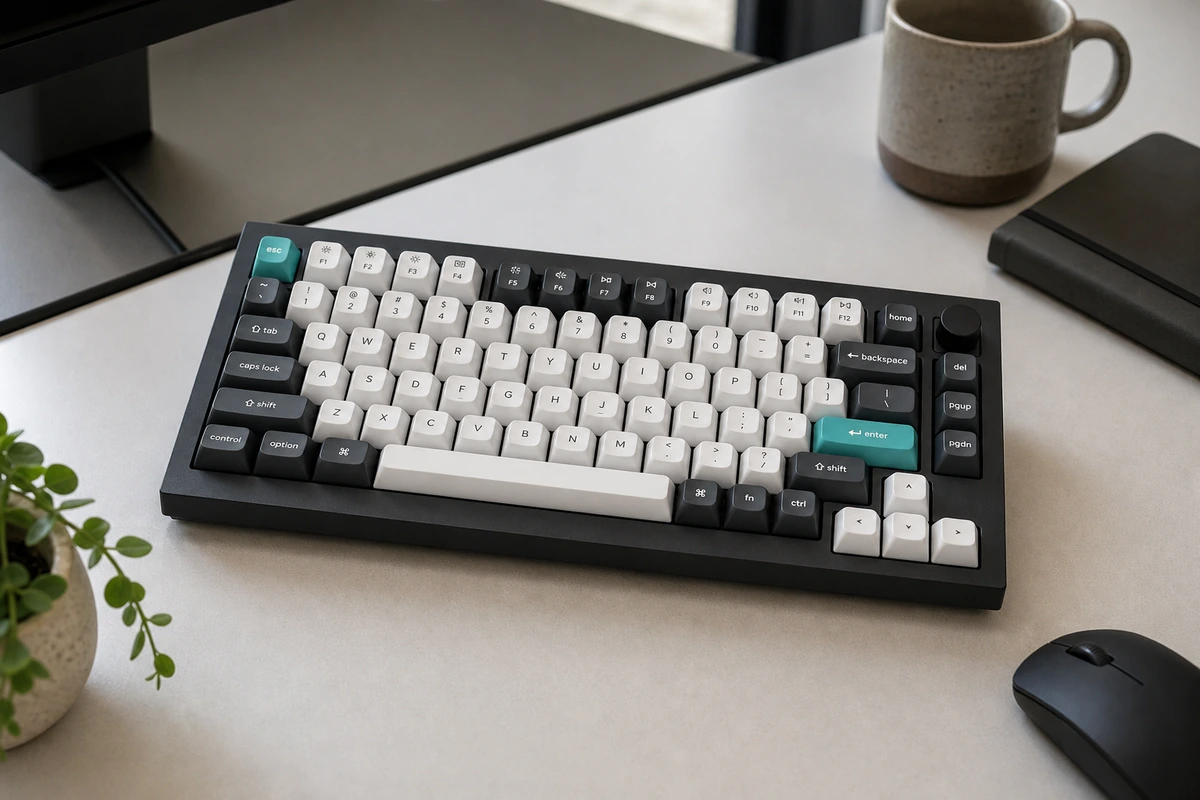
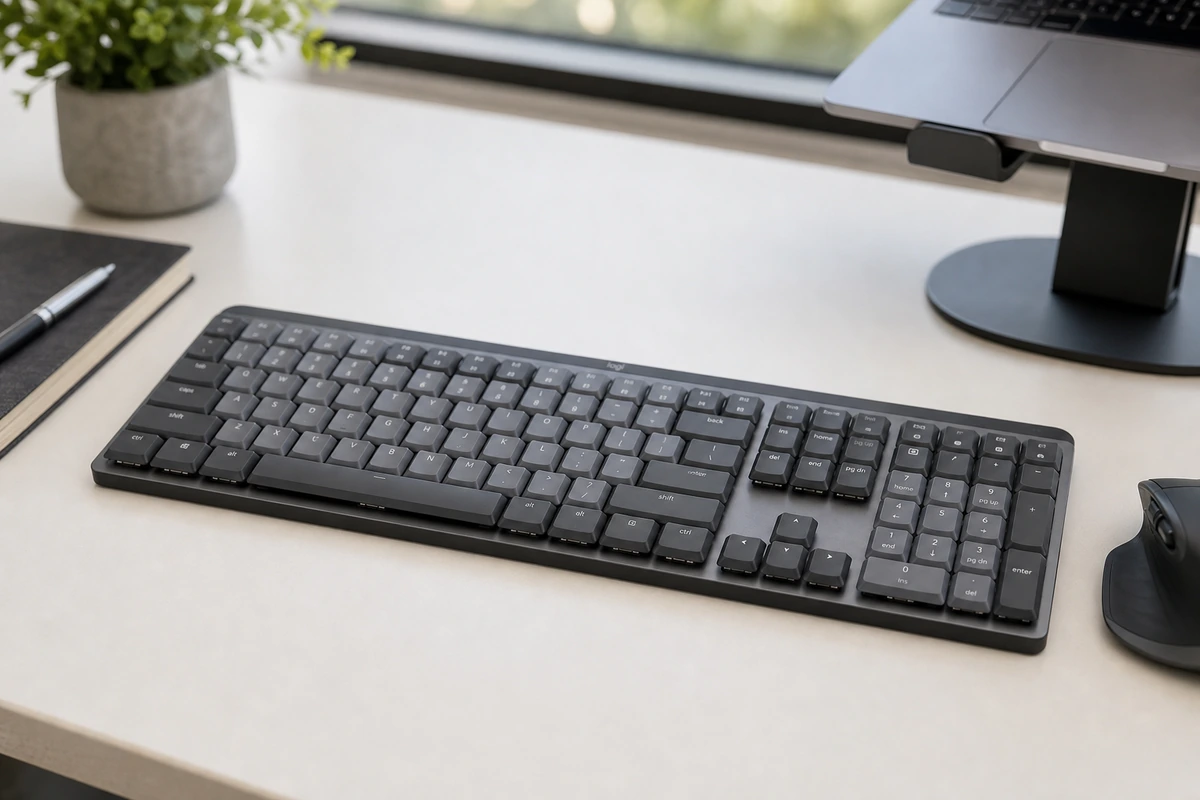
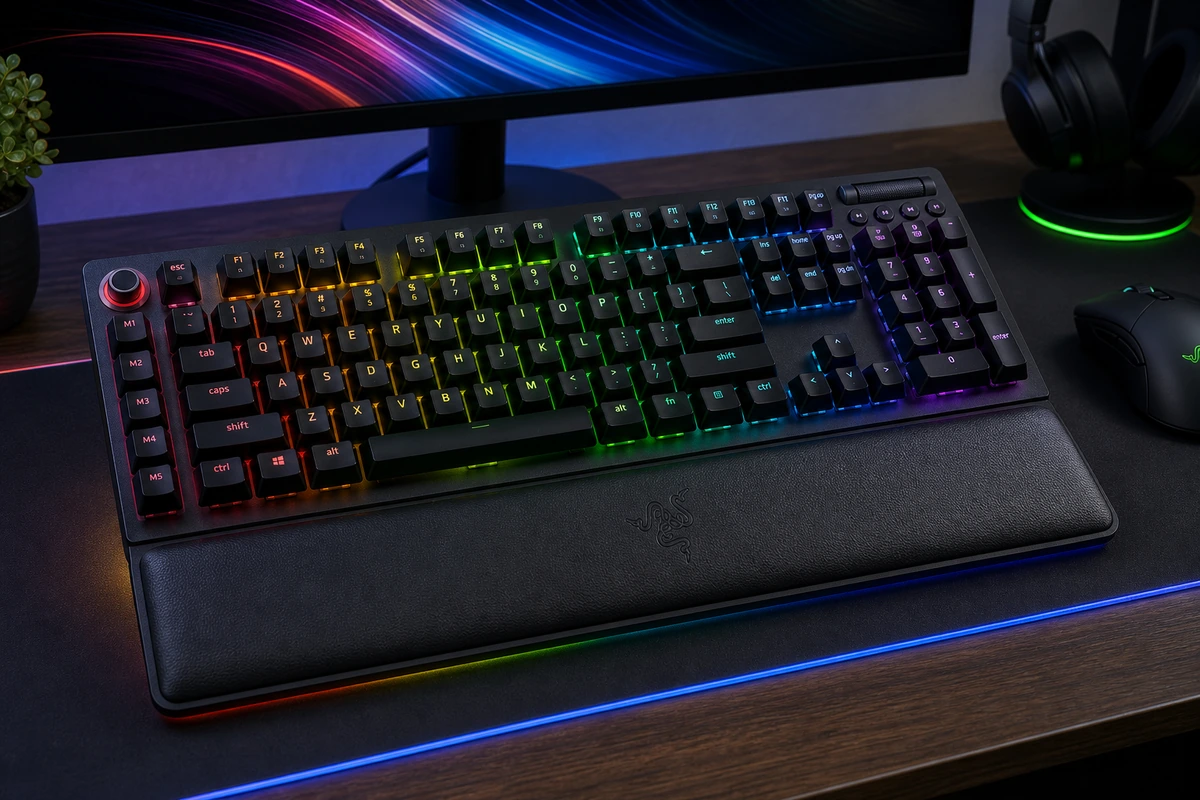
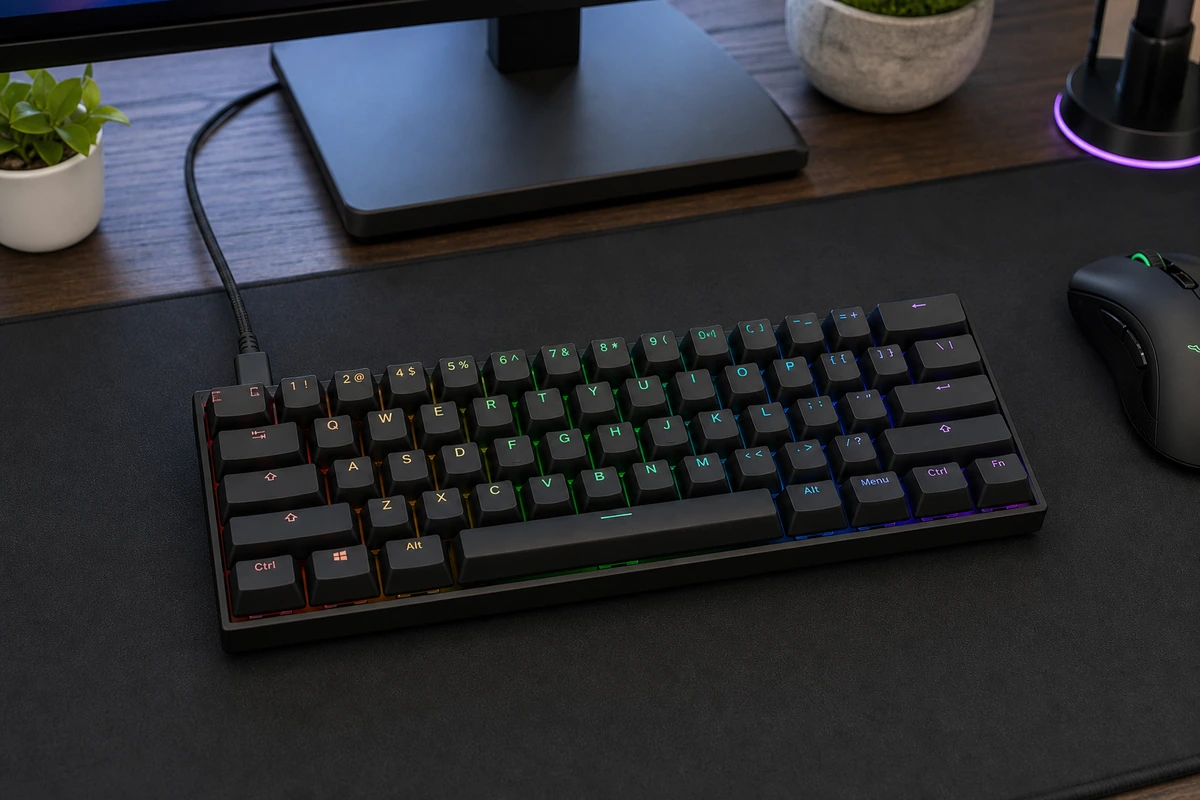
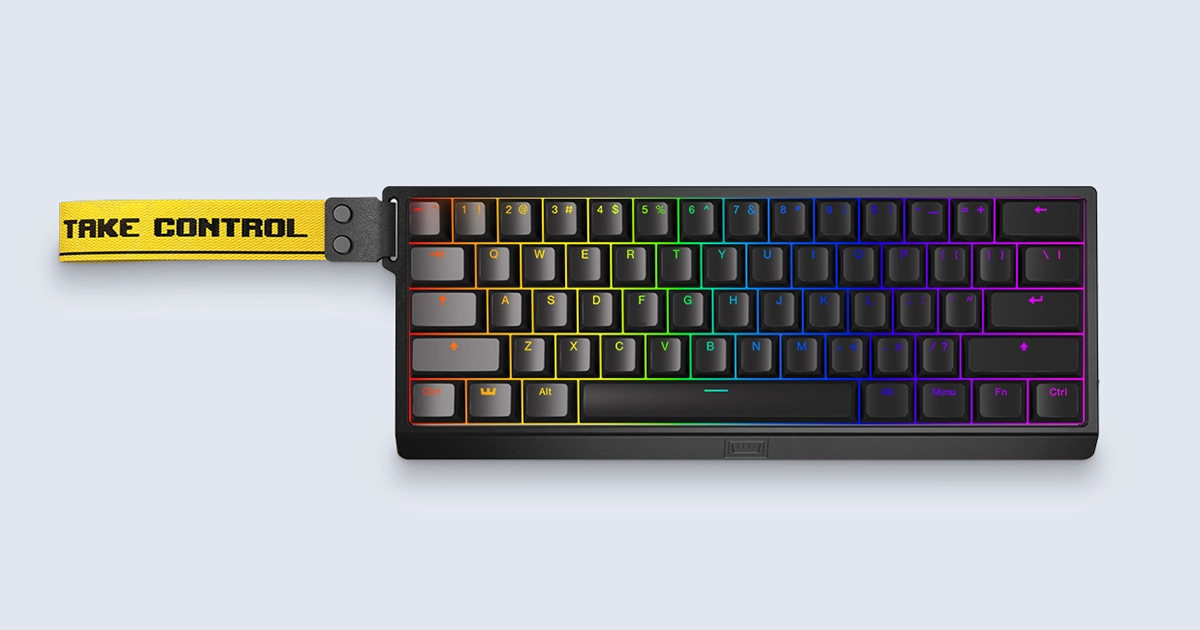
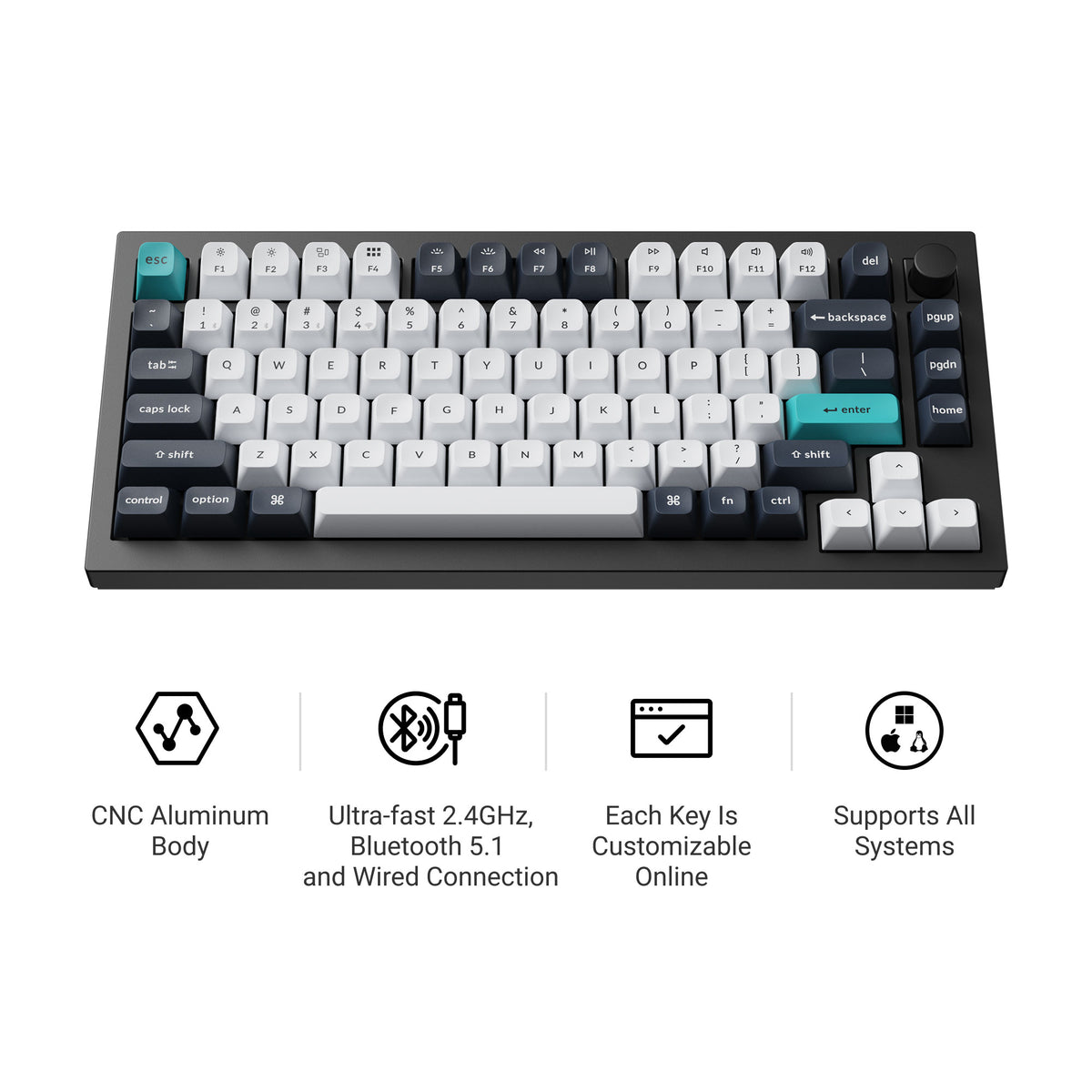
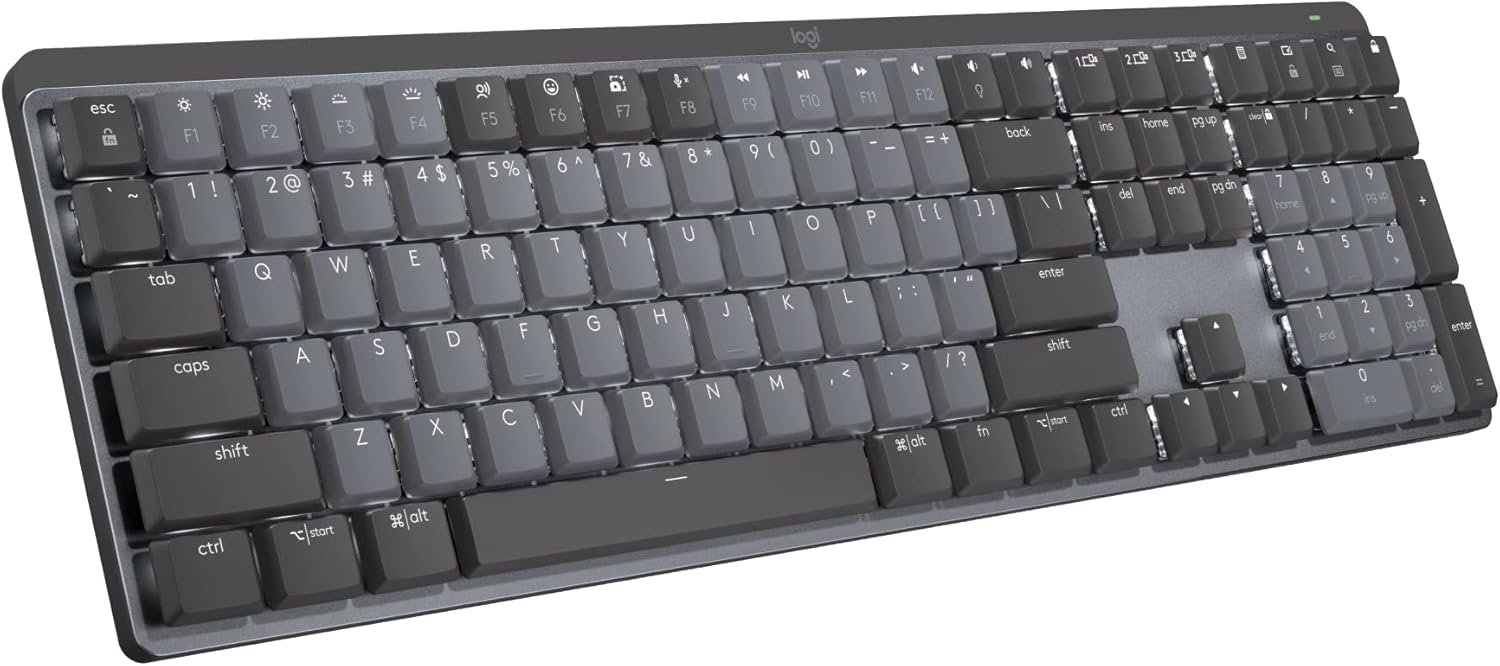
For typing and everyday desk work, the Keychron Q1 Max is the standout: a tank-solid aluminum board you can tune without a soldering iron, wireless, Mac or Windows, for $199. Want something office-quiet and laptop-low that pairs with three machines at once? The Logitech MX Mechanical is the productivity pick — we compare the two directly in Q1 Max vs MX Mechanical. Competitive gamers want the Wooting 60HE+, whose analog switches sense exactly how far you press — the FPS pros' board — while the Razer BlackWidow V4 Pro brings eight macro keys, a control dial, and full-size RGB for players who want the bigger layout.
Not sure where to start? Take the 60-second quiz.
5 questions · about a minute