The buyer's guide
3D Printers
Reviewed by
Eran Yorkovsky · Founder, PickGrade
From $200 to nearly $2,000 — and here the step up genuinely earns it, buying an enclosed chamber and multi-material printing a beginner machine simply can't do.
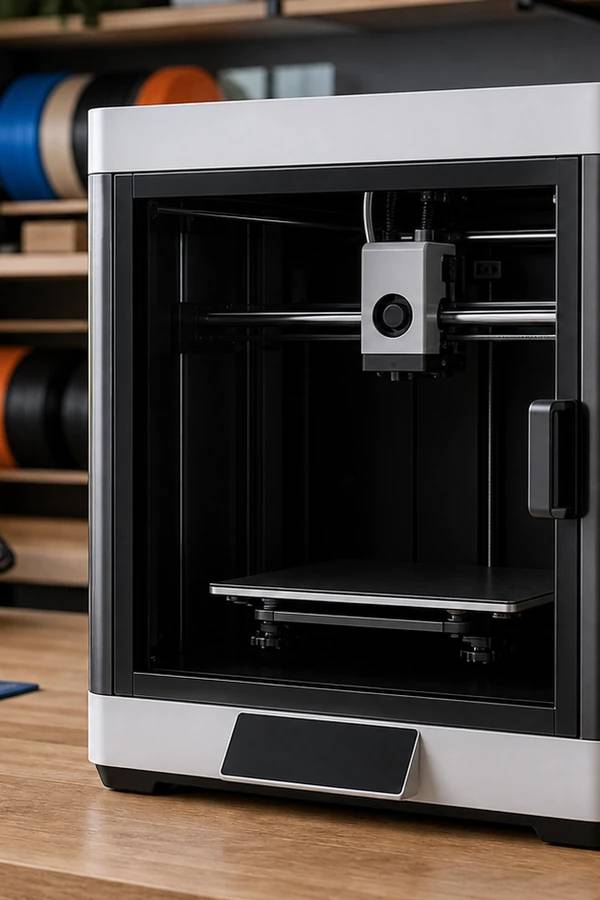
Choosing a 3D printer in 2026 is less about chasing the highest speed number and more about matching the machine to what you actually want to make. The last two years transformed this market: enclosed CoreXY printers that once cost over $1,000 now start under $300, auto-calibration has made the technology genuinely beginner-friendly, and multicolor printing has gone mainstream.
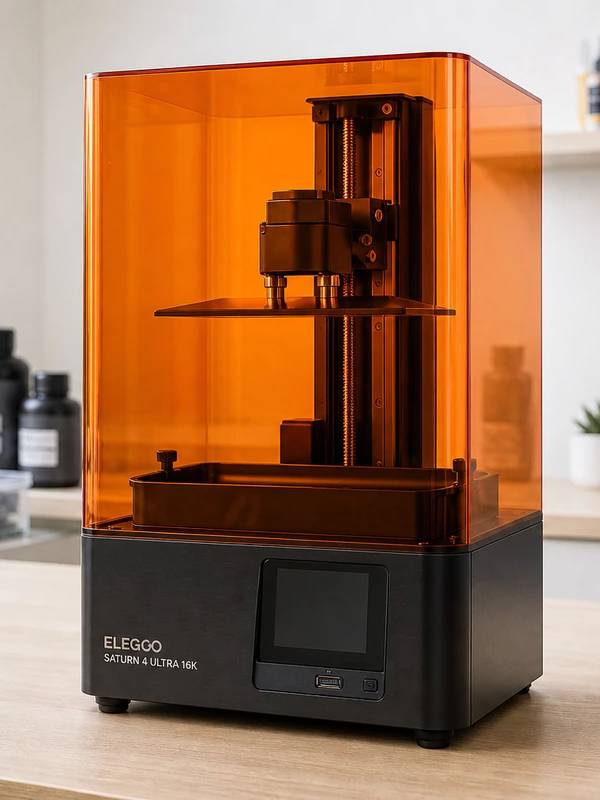
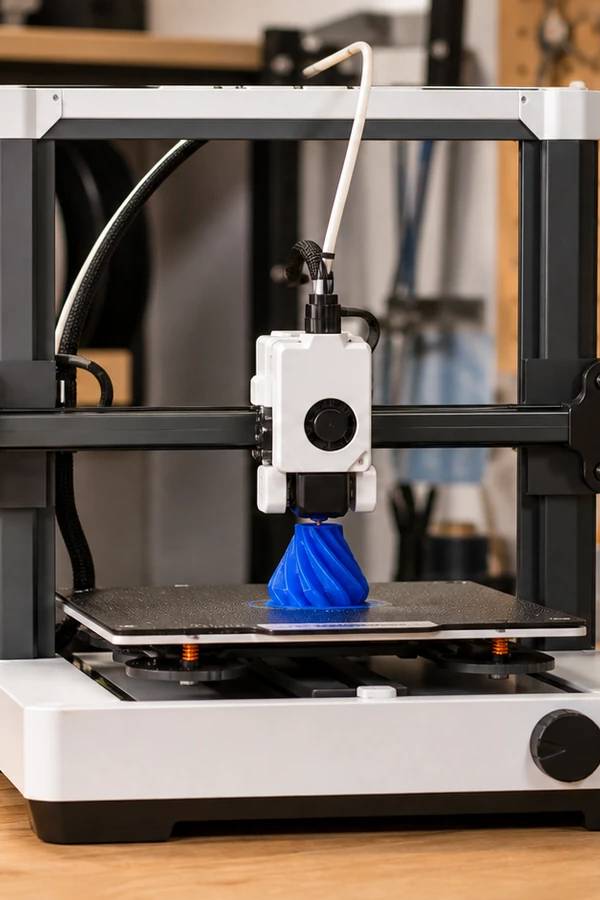
The first big fork is FDM versus resin. FDM (fused filament) machines are versatile, clean, and ideal for functional parts, toys, and larger models — they're what most people should buy. Resin printers cure liquid one ultra-fine layer at a time and win decisively on detail, making them the choice for miniatures, jewelry, and display models. Plenty of makers eventually own one of each.
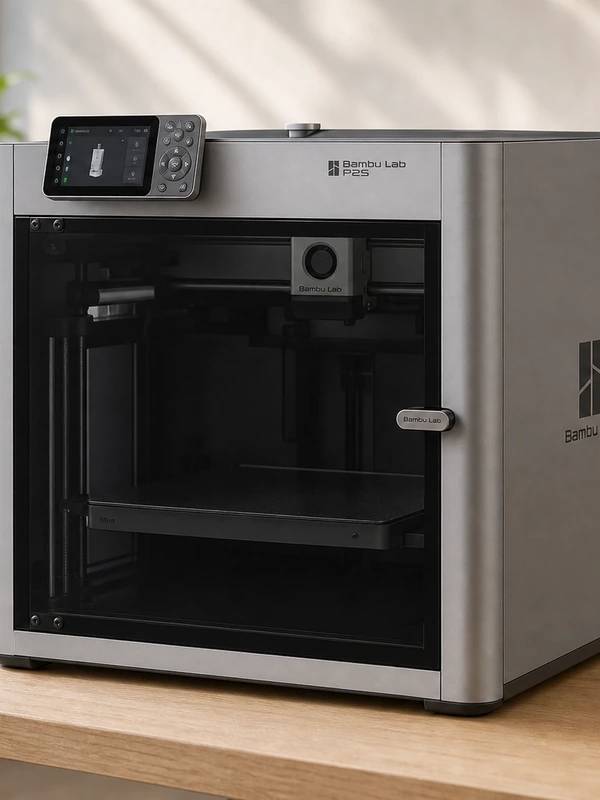
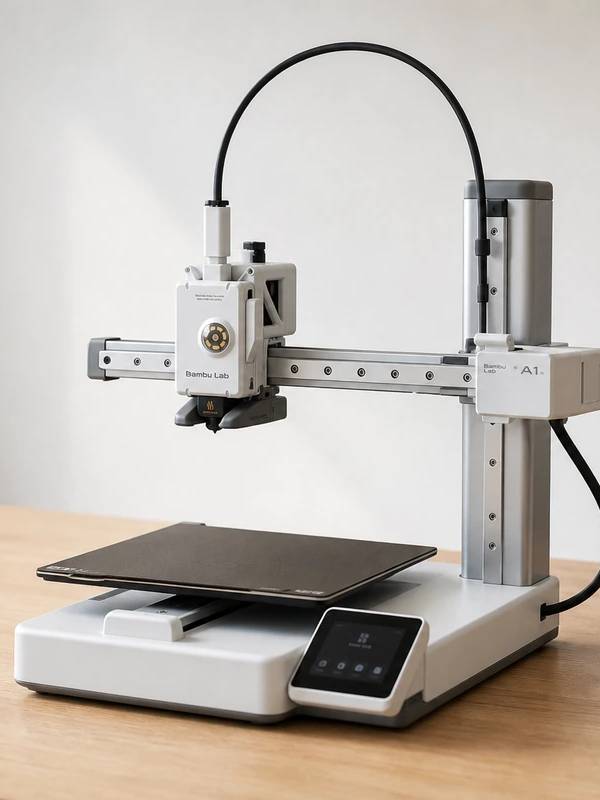
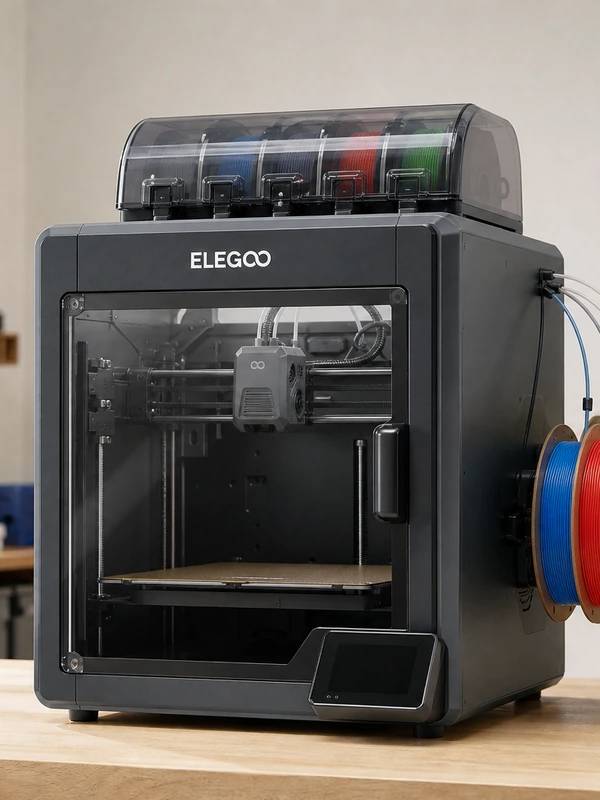
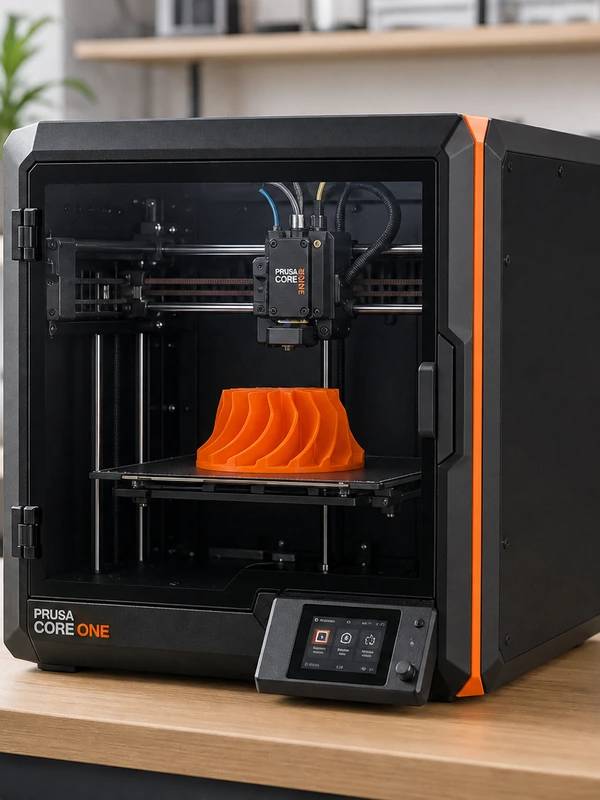
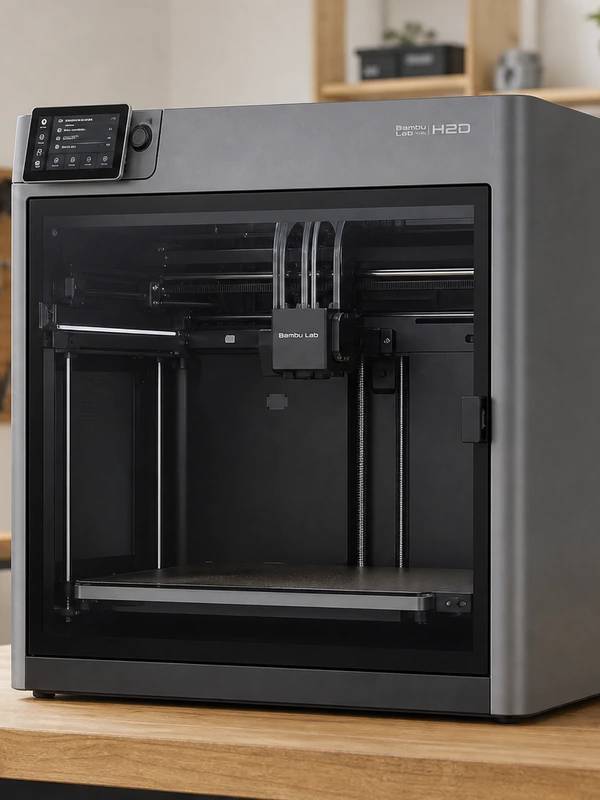
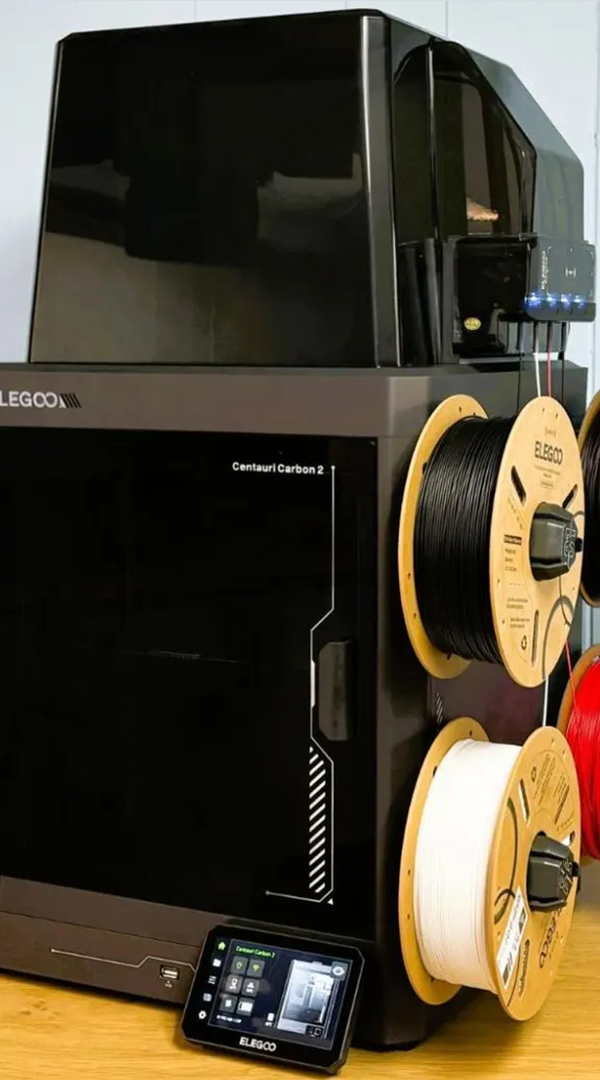
After that, it comes down to budget and materials. Around $200–$300 buys an excellent beginner FDM printer. Roughly $400–$600 adds an enclosed chamber for ABS and ASA, four-color printing, and faster speeds. Above $1,200 you're paying for prosumer features — dual nozzles, large heated chambers, and bigger build volumes — that most hobbyists don't need.
We compared today's leading FDM and resin printers on print quality, ease of setup, material range, build volume, software, and long-term repairability. Below are our picks by use case, the criteria we weighed, and a short quiz to point you to the right one.
5 questions · about a minute