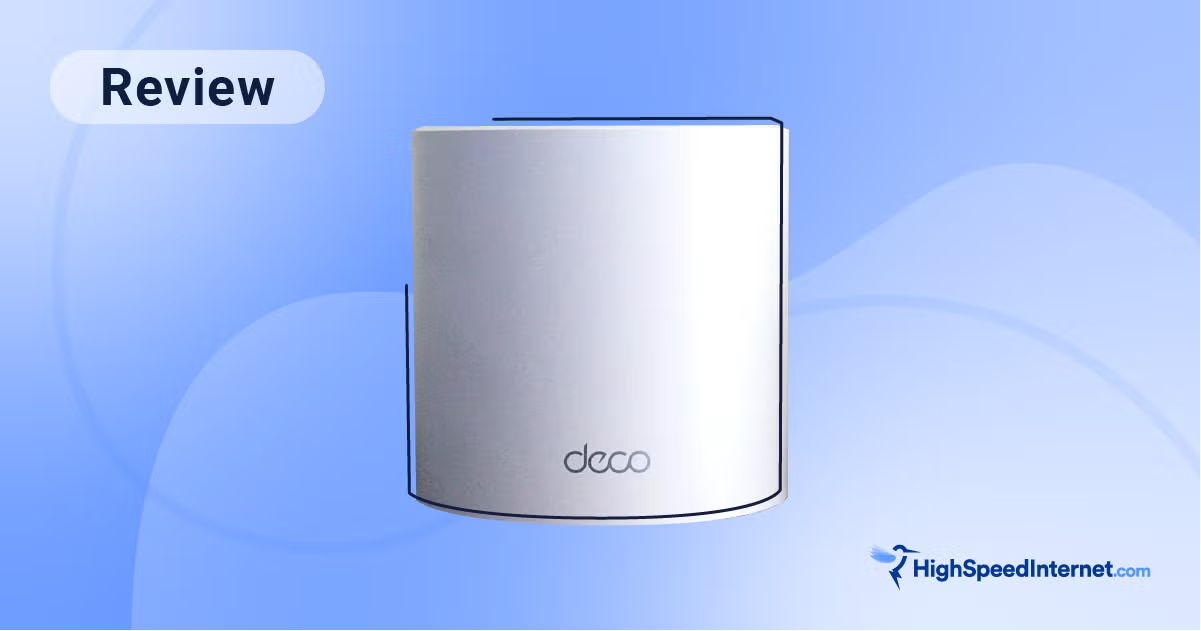
Three nodes, whole-home Wi-Fi 6, and free basic parental controls for about the price of one flagship satellite — the no-drama way to erase dead zones cheaply.
TP-Link Deco X55
TP-Link
Still the value yardstick every budget mesh is measured against. Gigabit ports and Wi-Fi 6 cap its speed, but for covering a normal home it's almost impossible to beat per dollar.
The Deco X55 is the system that made decent whole-home mesh cheap, and years on it's still the reference point for value. A three-pack covers a normal house — TP-Link rates it up to 6,500 square feet — for roughly what a single satellite of a flagship system costs. It's plain Wi-Fi 6 (AX3000, dual-band), with three gigabit ports per node, a simple Deco-app setup, and the modern table-stakes features: WPA3, OFDMA, MU-MIMO, and a free basic tier of HomeShield that covers parental controls and security without forcing a subscription. What you're giving up is speed and headroom, not coverage. There's no 6 GHz band and no multi-gig port anywhere, so the X55 can't keep up with Wi-Fi 7 kits or internet plans faster than a gigabit, and its AX3000 speeds are ordinary by current standards. But that's the wrong lens for most buyers: if the goal is simply to blanket an apartment or a typical home and make dead zones disappear without overspending, almost nothing beats it per dollar. Treat it as a coverage tool, not a future-proofing one, and it's an easy pick. Want Wi-Fi 7 on a budget instead? Step up to the Eero 7.
$149.99
$199.99
Save 25%PickGrade may earn a commission from purchases made through links on this page, at no extra cost to you. This never affects our grades. Full disclosure.
Last reviewed Jun 25, 2026
What we like
- ✓Covers a typical home with three nodes for roughly the price of one premium satellite
- ✓Basic HomeShield parental controls and security are free
- ✓Simple Deco-app setup, with WPA3, OFDMA and MU-MIMO
- ✓Wired or wireless backhaul, with three gigabit ports per node
Trade-offs
- −Wi-Fi 6 and gigabit-only ports — no 6 GHz, no multi-gig
- −AX3000 dual-band speeds are modest by today's standards
- −Advanced HomeShield Pro features cost a subscription
- −A 2021 design; fine for coverage, not for future-proofing
Best for
Apartments and normal-size homes that just need reliable, affordable whole-home coverage and don't care about top speed.
Avoid if
You have multi-gig internet, lots of Wi-Fi 7 devices, or you want to future-proof rather than just cover the house.
Score breakdown
- value9.5/10
- ease8.0/10
- coverage7.5/10
- features7.5/10
- speed6.5/10
- backhaul6.0/10
Specs
- backhaul
- Wired (gigabit) or wireless
- coverage
- Up to 6,500 sq ft (3-pack); ~2,500 (1-pack) / ~4,500 (2-pack)
- released
- 2021
- security
- HomeShield — free basic; Pro subscription for advanced; WPA3, OFDMA, MU-MIMO
- max speed
- AX3000 (574 Mbps @ 2.4 GHz + 2,402 Mbps @ 5 GHz)
- processor
- Qualcomm IPQ0518, 1 GHz dual-core
- max devices
- 150
- configuration
- 3-pack (priced here); single unit and 2-pack also sold
- wifi standard
- Wi-Fi 6, dual-band (2.4 / 5 GHz), AX3000, 2x2
- ports per node
- 3x Gigabit Ethernet (no multi-gig)
How we know
Medium confidenceLast checkedBudget-focused reviewers treat the Deco X55 as the yardstick every cheap mesh is measured against. HighSpeedInternet and similar value roundups repeatedly cite it for covering a whole home with three nodes at a price that undercuts almost everything, while being honest that it's Wi-Fi 6, dual-band, and gigabit-only — so speeds are modest and there's no multi-gig headroom. The practical wins reviewers highlight are the free basic tier of HomeShield (parental controls and security without a mandatory fee), straightforward Deco-app setup, and support for WPA3, OFDMA, and MU-MIMO. The consistent caveat is longevity: it's a 2021 design that's excellent at erasing dead zones cheaply but isn't the system to buy if you're trying to future-proof for Wi-Fi 7 clients or fast internet.
Compare TP-Link Deco X55 with the top alternates side-by-side.
Compare picks →Related picks
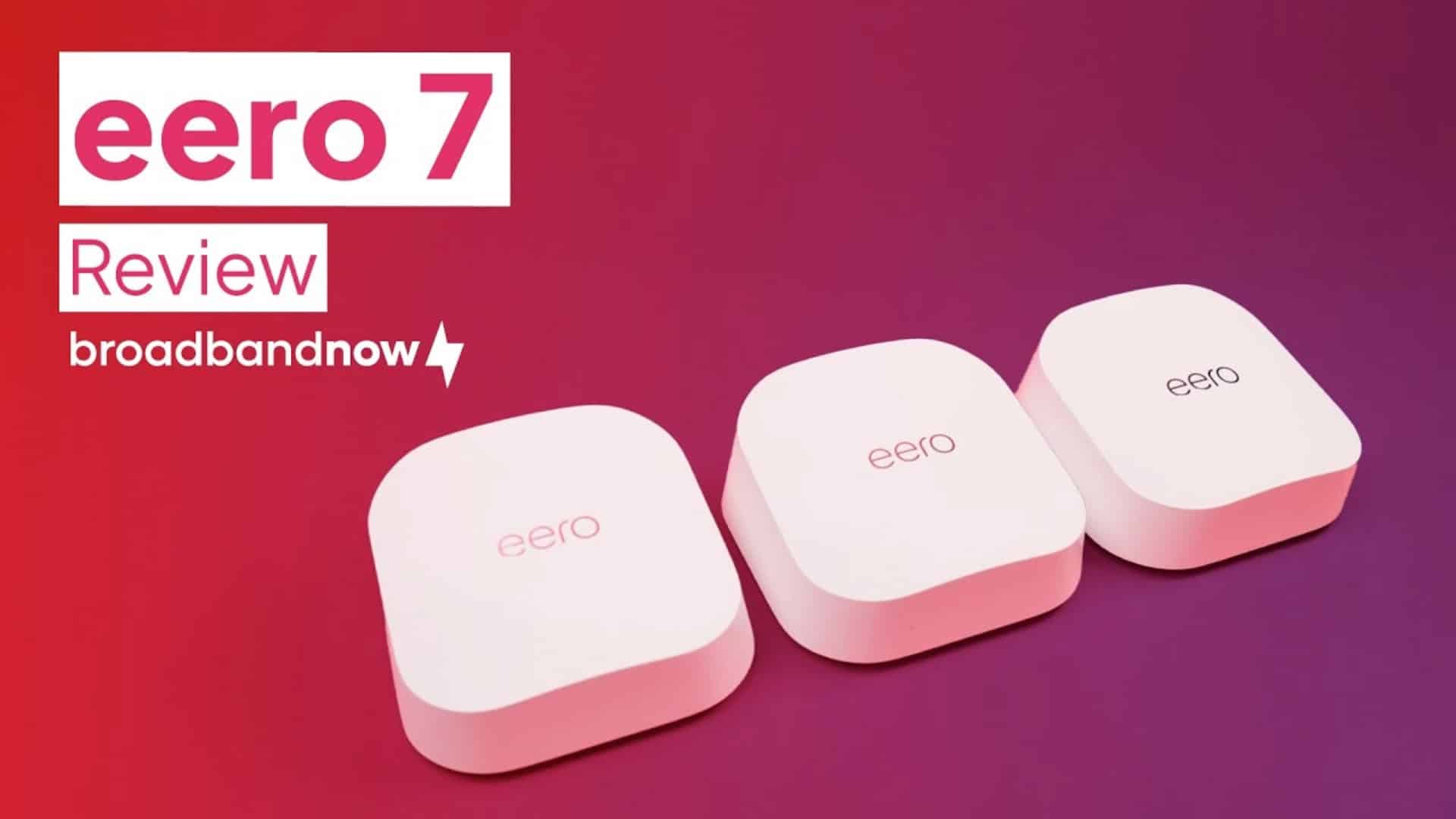
The simplest way onto Wi-Fi 7: a tidy three-pack with 2.5-gig ports and the famously painless eero app — minus the 6 GHz band that makes Wi-Fi 7 sing.
Amazon Eero 7
$349.99
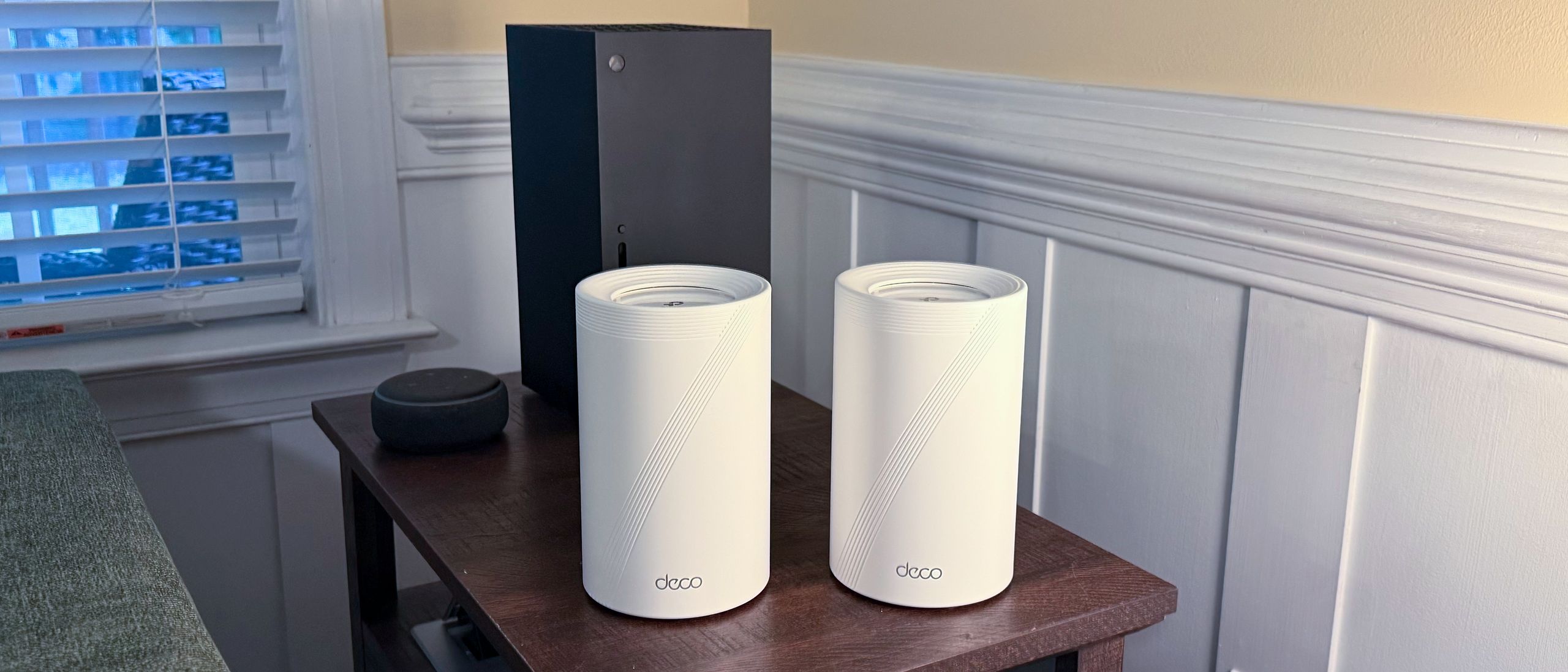
Tri-band Wi-Fi 7, four 2.5-gig ports per node, and no mandatory subscription — the kit that hands most homes 90% of a flagship for half the outlay.
TP-Link Deco BE63
$449.99
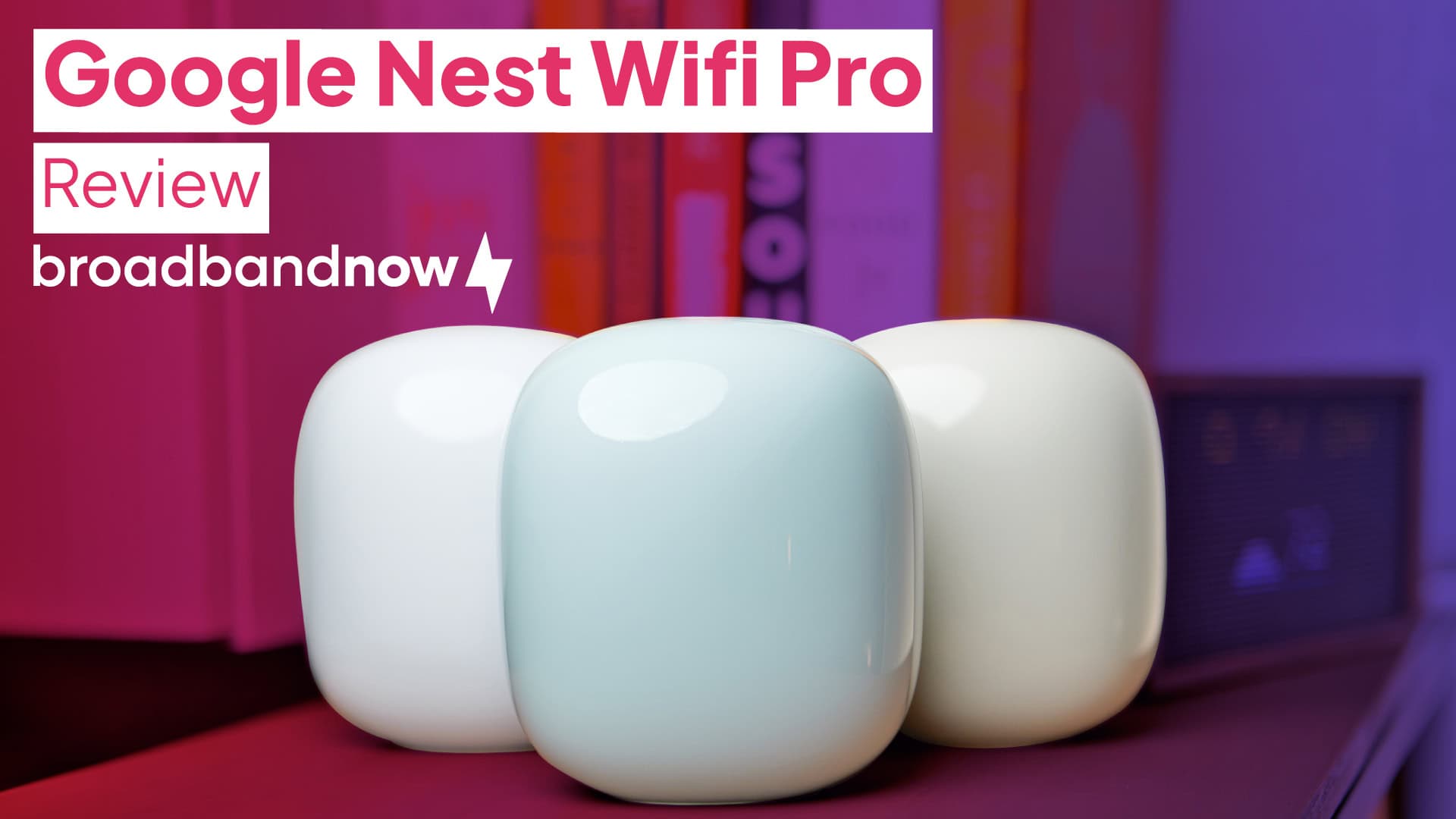
Wi-Fi 6E and a Thread border router in a friendly three-pack that's the cheapest sane on-ramp to a Matter smart home — provided gigabit ports don't bother you.
Google Nest Wifi Pro
$399.99
Other expert reviews
Video reviews
YouTube — TP-Link Deco X55 Review: AX3000 WiFi 6 Mesh System for 6500 Sq.Ft
Owner reviews
No owner reviews yet. Be the first to share what you think.
Write a review
Related guides
All mesh wi-fi systems reads →Jun 25, 2026
How many mesh nodes do you actually need?
More nodes isn't simply better \u2014 past a point they add cost and slow a wireless mesh down. How to size and place a mesh system for your actual home, room by room.
Jun 25, 2026
Wired vs wireless backhaul: the single biggest mesh speed factor
The node-to-router link decides how fast your mesh really feels — more than any spec on the box. Here's wired vs wireless backhaul, and the upgrade most owners should make.
Jun 25, 2026
Do you actually need Wi-Fi 7?
"Wi-Fi 7" spans $349 to $2,300, and the badge hides big differences. Here's what the new standard actually adds, who genuinely benefits, and the dual-band trap to avoid.
Was this review useful?