Dell U2723QE vs LG 34WN80C-B
Compare Dell's 27-inch 4K USB-C monitor with LG's 34-inch ultrawide for sharp text, multitasking, coding, MacBooks, and desk space.
By Pickgrade
June 6, 2026 · Openly AI-powered
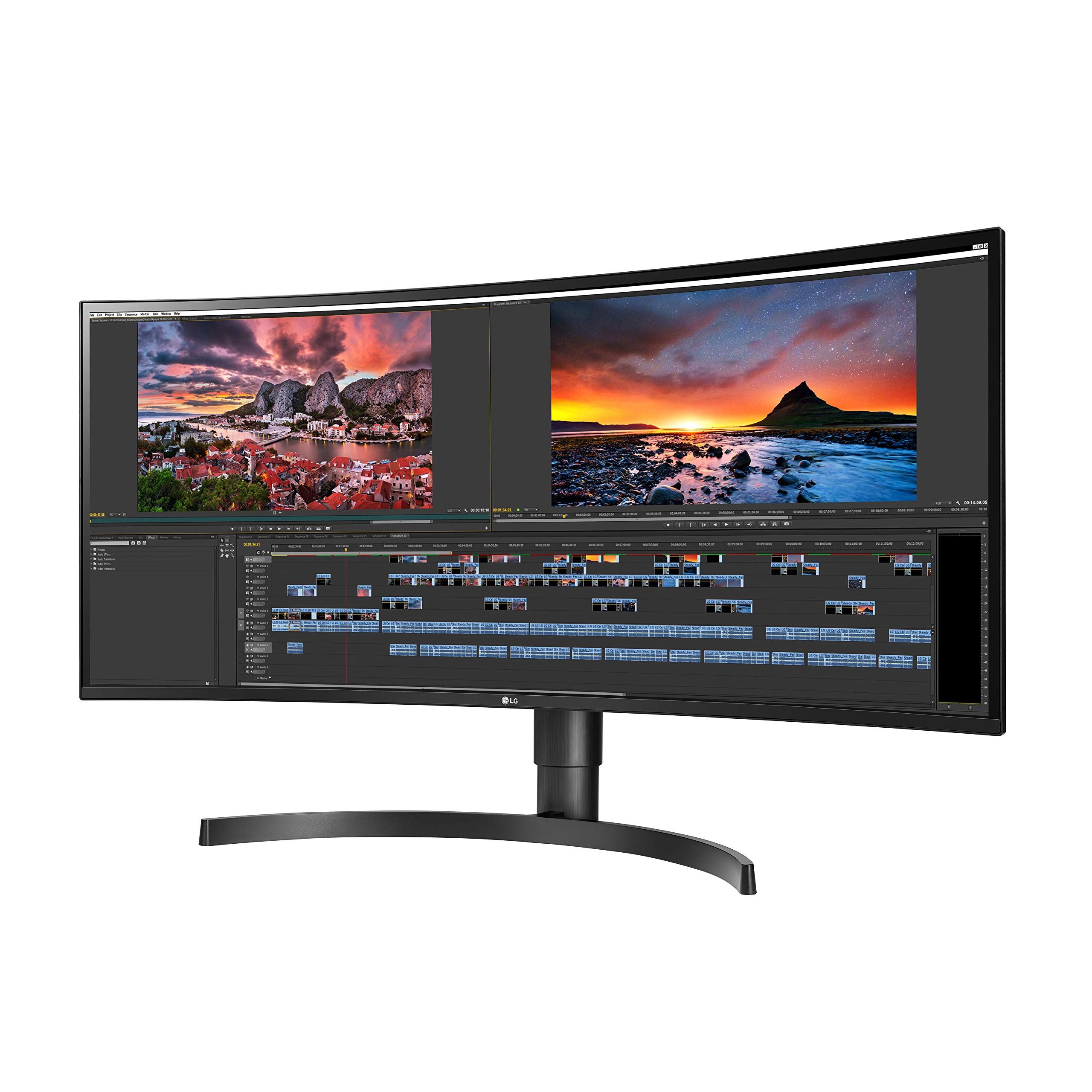
The Dell U2723QE and LG 34WN80C-B are productivity monitors with USB-C, but they improve a desk in different ways. Dell prioritizes sharp 4K detail and hub-style connectivity. LG prioritizes horizontal workspace on one wide screen.
Quick answer
Choose the Dell U2723QE 27-inch 4K if you want sharper text, a conventional 16:9 layout, strong connectivity, and a compact professional setup.
Choose the LG 34WN80C-B 34-inch UltraWide if you want more room for side-by-side windows, timelines, spreadsheets, or code without using two monitors.
Screen shape and workspace
Dell's 27-inch 4K panel is a strong fit for writing, coding, design review, and office work where text clarity matters. LG's 34-inch 21:9 panel gives you a wider canvas and can feel more natural than a dual-monitor setup.
Sharpness versus width
The Dell's 3840 by 2160 resolution packs more pixels into a smaller screen. The LG uses a 3440 by 1440 resolution, giving up some pixel density in exchange for width.
Laptop connectivity
Both monitors support USB-C. Dell goes further as a desk hub, with 90-watt USB-C power delivery and a broader collection of ports.
Desk fit
Dell is easier to place on a smaller desk. LG needs more horizontal space, but it can replace two smaller monitors.
Videos and outside reviews
- See Dell's U2723QE product overview.
- Watch LG's 34WN80C-B product media.
- TechRadar rated Dell U2723QE 4.5/5.
- RTINGS' LG 34WN80C-B review provides lab-based picture and office-use testing.
Scores and tests use each publisher's own methodology and should not be treated as directly equivalent.
Which one should you buy?
Buy the Dell U2723QE if crisp 4K text, flexible ports, and a conventional professional display matter most. Buy the LG 34WN80C-B if your main frustration is constantly rearranging windows and you want one uninterrupted ultrawide workspace.
See the monitor recommendations, read the MacBook monitor guide, or use the monitor quiz.